
K
I’m a total beginner to all this having just had our GivEnergy solar system installed. I have no problems (so far) with the app but the options for editing the cloud portal dashboard seem very limited. All the screenshots on GivEnergys promotional literature show the blue toolbar on the left of the screen whereas mine is on the bottom and there seems to be no way of getting multiple windows on the one screen in the way they appear in the brochures What am I missing or is mine a ‘new’ version that the GivEnergy marketing dept haven’t caught up with yet?
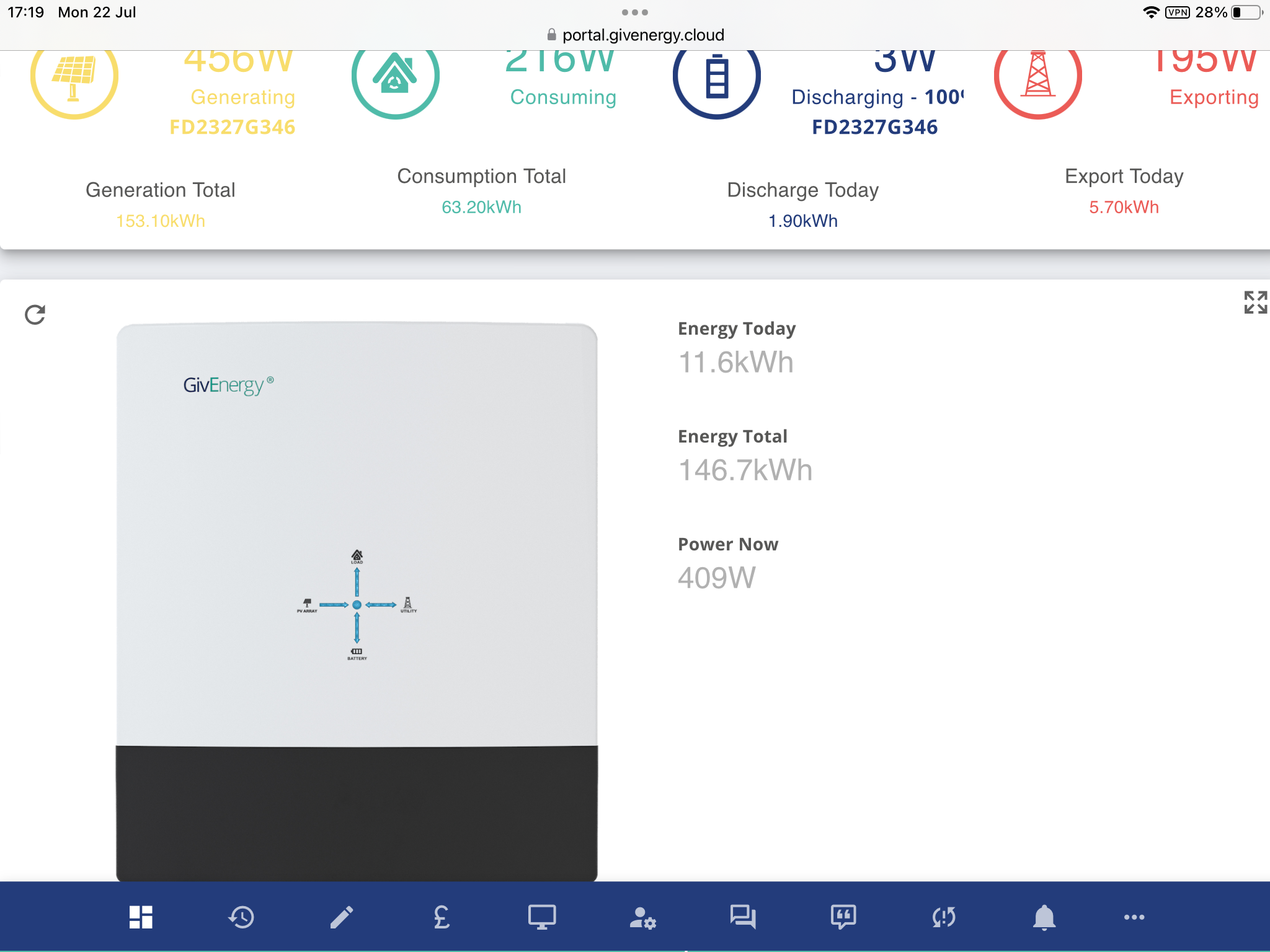
 but if I recall correctly editing the dashboard is a frustrating experience.