
Force charge on App not working

3 comments started 2025-01-26 last 2025-01-26
Mobile App
T
#1 tumblefatboy

My battery was working fine up until Wednesday Charging over night through the app settings for timed charge 1AM to 5AM.
I've now noticed it has not been charging overnight since Wednesday - in app the battery setting are all visible so its still online and is currently discharging. Battery is at 2%.
If I try and use the app to force charge it activates for a few seconds then goes back to discharging.
I've tried setting the timed charge and resetting the inverter in the app but it seems locked.
Reading through the forum people are suggesting a reset of the inverted but I've tried and this is not working.
Any help would be appreciated.
S
#2 SteveCook

What tariff are you on?
Is it a smart tariff that may be controlling it?
Are you using the phone app or the PC portal page?
Is the inverter online on the portal page?
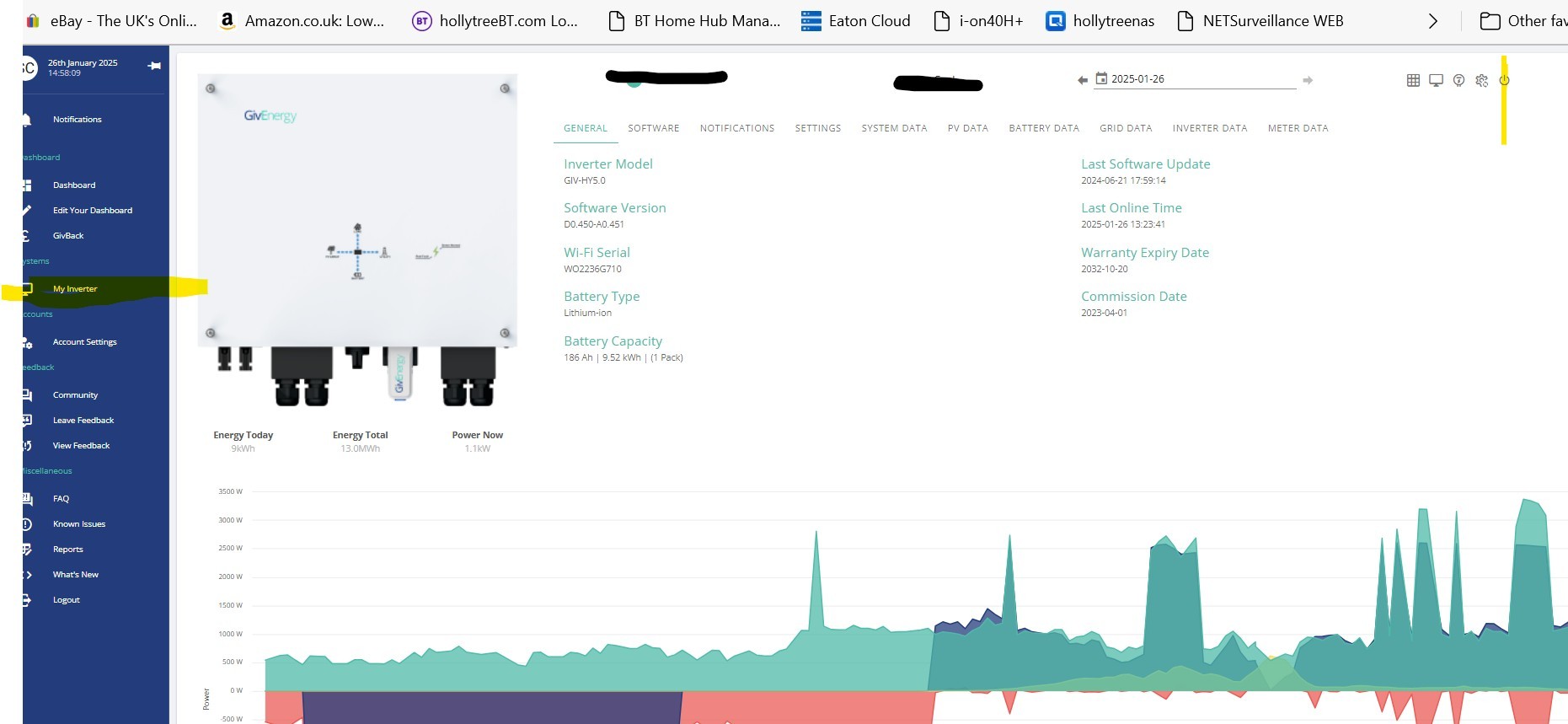
Have you reset the inverter in the portal page? My inverter - top right - restart inverter

S
#3 SteveCook

If none of the above work, you may need to power eveything off and turn back on again
Open breakers to PV strings
Turn off battery - on 9.5 it is a black button high up on RHS
Open breaker between battery and inverter
Open breaker in consumer unit feeding the inverter

Wait 30seconds or so until all power has discharged from circuits and turn it all back on again. This should reboot everything

NOTE there may be a documented sequence to do this, but I do not know it. Please search