Well done on getting your inverter connected again after changing the router, it can be a painful process.
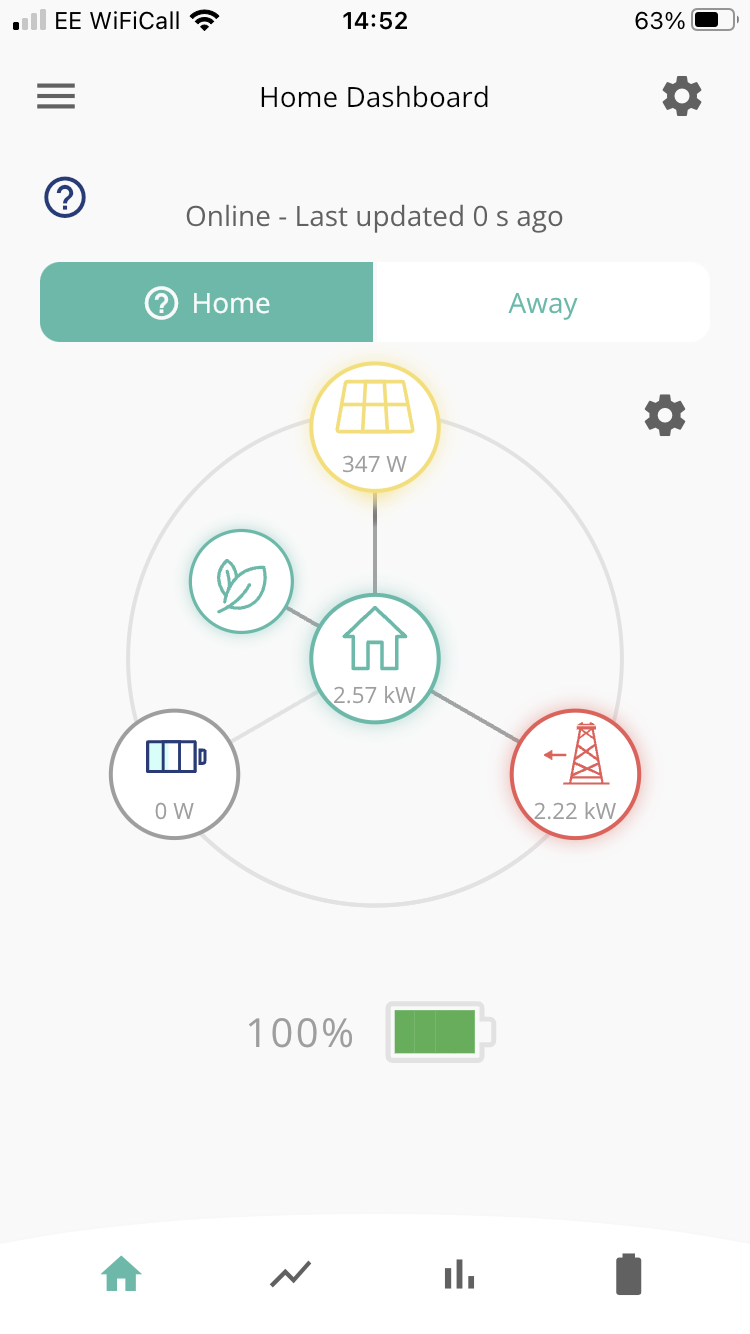
The screenshot does not show your battery discharging to the grid as you say it is, rather it shows the battery being full and most of the house load being met by importing from the grid (minus the bit of solar you are generating).
Check what charge and discharge settings you have in the app. Check the times of the charging don’t cover ‘now’ as this will prevent discharging, and check that Eco mode is turned on. Sometimes the portal/app have the wrong information so try changing the setting and then changing it back to what it should be.
If this fails, go into the portal and do a ‘reset to defaults’