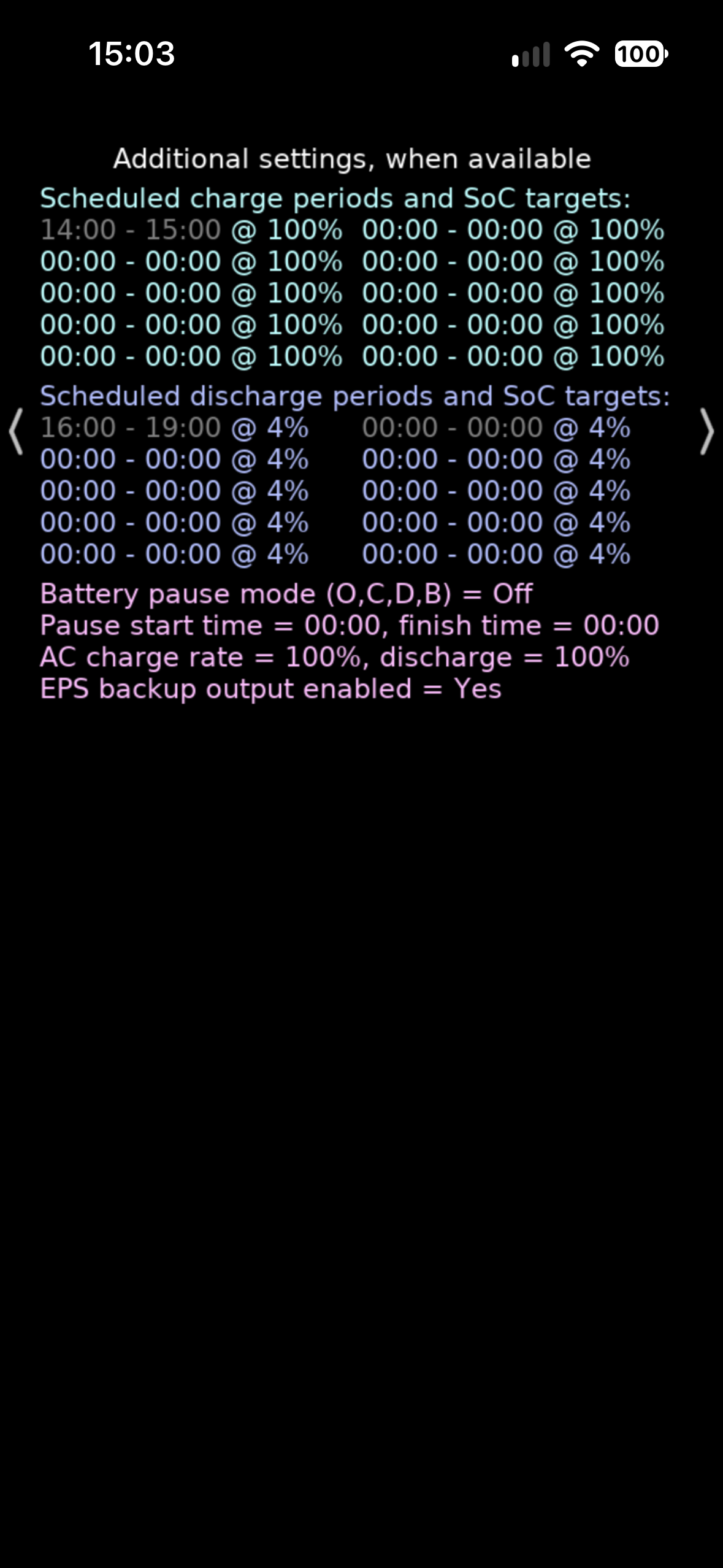
With the good solar charging days gone, I've decided to take advantage of my Octopus account's cheap period and charge the battery from the mains each night.
So, I logged in on my PC and followed the trail My Inverter - Settings - Timed Charge.
There is a problem there that I cannot find a way to get past.
My Octopus cheap period runs from 23:30 to 05:30 and this means I need to set up 2 charging slots 23:30 to 23:59 and 00:00 to 05:30 but there is only 1 slot available and I cannot see a way to generate a seccond slot.
I thought that filling in the details for Slot 1 and clicking the Submit button would move the settings into a table and present me with a new, blank slot, but that did not happen. The submit button simply blanked out and the details I entered remained visible.
Can anyone point me to a solution? In the meantime, I have entered the lonmger period, 00:00 to 05:30 into slot 1 to make the most of what is apparently setable.
OR...
Should I be using Smart Scheduler in the App?
E