
Always On Display for GE installation

28 comments started 2022-10-04 last 2023-07-18
Cloud PortalHome Automation
R
#1 rio911

Hi guys,

I'm looking for a cheap and easy way to produce a small always on display for my GE system. I'm looking for suggestions to get something like IHD that comes with smart meters?

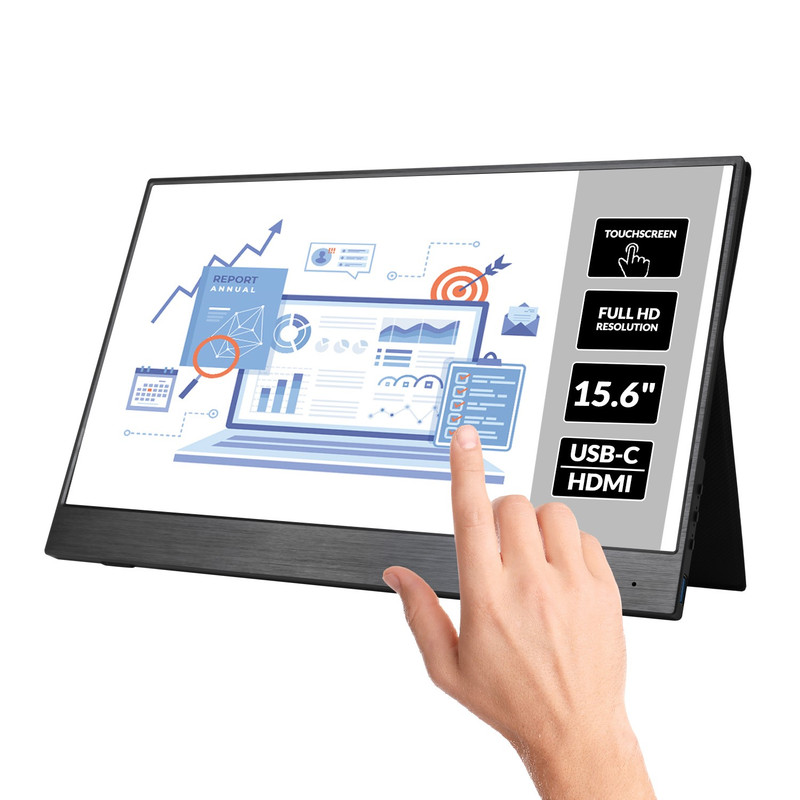
I'm thinking about cheap tablet, that can run something like givtcp and produce a full screen of information like the portal. Or maybe as simple as the android app running on the tablet, although that is not the best layout/info.

I would like to hear if someone has done anything similar or any experiences. Or suggestions? Is it even possible?

Thanks!
C
#5 chris_p

If you aren't looking for anything more than what the GE mobile app shows, I have an Amazon Fire 7 with the screen set to stay on all the time. Works fine for displaying the basic info that comes with the app.

R
#6 rio911

That is a very good idea, I have an unused Echo 5 from amazon, would something like that work? Or do I need Android?

#7 Cdent

I'm looking at something similar but to display all my sensors and smart devices in Home Assistant.

An Echo 5 would show you a webpage (if you have home assistant running) but only temporarily until it cycles to a new page. It wouldn't be able to show an app.

As @chris_p says a cheap(ish) Android tablet would work if you have HA set up and want to display it somewhere. I'm leaning towards this if I can get my hands on a cheap Fire HD10.

R
#8 rio911

Cdent what do I need to run Home Assistant? Because, if tablet (android) is the best option (without anything additional), I can just run the app. I have an 8in tablet, which is soon to be either scrapped or gifted.

#9 Cdent

rio911 you can't run Home Assistant on a tablet, it has to either be a standalone device (like a thin client/NUC/RPi) or added as a docker in an OS. The tablet you have can then be used to display the output you build from HA.

Check out their site for details: https://www.home-assistant.io/installation/

I have mine running on a thin client that I got off ebay for £20 that only runs Home Assistant. I can then use their app or Chrome to display dashboards I've created

R
#10 rio911

What are the requirements for HA? Will something like this be sufficient:
Dell Wyse 5020
16GB RAM
Quad core AMD GX-415GA (1.5GHz)
16GB SSD
1 x Gigabit NIC
2 x USB 3.0
4 x USB 2.0
1 x DisplayPort
1 x DVI-I

M
#11 mrand31

Seems to run alright on a Raspberry Pi with 2 gig of ram and 12 gig of storage for the whole operating system and software, so it should romp away with that.

A
#12 anglefire

rio911 I'm running an Intel NUC, NUC5i3MYHE, (i3-5010U @ 2.1Ghz) 8GB RAM, 250GB SSD - it does have wifi and bluetooth built in, but I'm using an USB bluetooth dongle for better range (Actually the truth is I forgot it had it built in!)
It has Proxmox as a hypervisor and has three containers, one is my unifi network controller, one GovTCP and one HA.
CPU runs at around 13%. 87% of memory and 59% of HD space.
HA itself is using 6% of its CPU, 82% of its allocated 5GB ram
So your Dell is more than enough!

#13 Cdent

rio911 that'll be plenty enough to run home assistant and some others on there if you wanted.

I'm running a HP T520 with 4GB RAM, 16GB storage and dual core AMD GX-212JC @ 1.2GHz. No WiFi/Bluetooth/Zigbee yet, but that'll be coming later

D
#14 deepanshus

chris_p does the always on option not damage the screen? and also, did you manage to get the dashboard on full screen?

C
#15 chris_p

deepanshus I suspect eventually it will get screen burn but it is cheap to replace, nothing at the moment. I have the app running in landscape so see everything I need to see.

C
#17 chris_p

deepanshus I'm not using HA, I went back to just displaying the GE mobile app.

J
#18 justpassing

deepanshus There was one of the Kiosk Apps for Android that offered "wake on proximity" which looked cool. It used the tablet/phone camera to wake the screen. , but I cant remember where I saw it. I assume it was paid for, as I didn't download it :-)

Edit: Ok found it its called "fully Kiosk" but the good features cost £6. Might invest if Octopus ever sort out my Export tariff :-) https://www.youtube.com/watch?v=Md8ToWPt4Dw

T
#19 TrignFlo

justpassing I’ve done just that using Amazon Fire HD8 and fully kiosk browser. Home assistant using GivTcp is far more reliable than GivEnergy iOS App.

Many YouTube videos out there showing how to get the screen to wake when motion is detected.

Set mine up to switch on the charger when the battery on the tablet <15% and off when it reaches 80%.

#20 THALL

The idea of this in general would make a great additional product for GE to make/release. Or someone else. An out of the box solution with minimal setup to be used by those who do not want to setup HA or GivTCP themselves but like the idea of a monitor/move a slider option to adjust charge percentage and times.

J
#21 justpassing

TrignFlo "Set mine up to switch on the charger when the battery on the tablet <15% and off when it reaches 80%."

Interesting, was that HA + a smartswitch ?

M
#22 Mike-H

justpassing What's the issue with your Octopus export tariff and how long have you been waiting? Reading that worries me as I'm waiting for mine, it's been weeks and weeks now.

As everything is computerised I fail to see why it takes at least 6 weeks to get one of those MPAN thingies. The whole process should be done in a few seconds. Seems to me it's just free electricity for the power companies.

J
#23 justpassing

Mike-H probably a different thread, I got the MPAN directly from dno, smart meter installed and working to the DCC, but octopus can't connect to meter.

S
#24 SteveCook

justpassing
Welcome to my world of Octopus (though it is not really the fault of Octo), it is the DCC.
Over 3 years, at least 5 different gas and elec meters and still no consistent data or bills!!
In the North of UK, Arqiva too the franchise and went down the RF data transmission route rather than GSM in the South of UK.
RF signals dont work too well in hilly areas like the Pennines and N York moors etc. Doh!
And dont forget the signals interfere with the radar around RAF Fylingdales, so dont work.

J
#25 justpassing

Still nothing to do with always on displays :-), but Its a typical regulatory setup where the retail supplier (octopus) is responsible as the customer facing organisation. Sometimes its their systems, sometimes it physical ( they cant fix) or DNO (they cant fix). They can only ask the other industry parties to do their job, and then they all point at each other. Result is a lot of unhappy customers.

M
#26 Mike-H

justpassing I think that sums the electricity industry up nicely! Total sh*t show.

#27 positor1

SteveCook
copied from my reply on another thread.
would an octopus mini solve your problem? it reports via wifi your smart meter data but I know not if they incorporate that into their systems.

T
#28 TrignFlo

justpassing yes. Got 2 Tapo energy monitor plugs for under £20. Works well in showing how much power certain devices use.


