D
Just had update on app and not happy.
Away all the time won’t go home. Network is fine and both on same network. Also Power Graph not working says oops something wrong.
Cmon sort it out.

Just had update on app and not happy.
Away all the time won’t go home. Network is fine and both on same network. Also Power Graph not working says oops something wrong.
Cmon sort it out.
Home now okay. Power Graph still not working.
Power Graph now sorted.

Glad its now working. Dont forget the quick settings enabled, if you needed those
Having issues myself – it shows as being directly locally connected but the values are only updating using the server values every 12 min or so.
CLick away, then click home, do they now update.
ALso, if away saying 12 mins, maybe the inverter has dropped off your wifi and is flashing
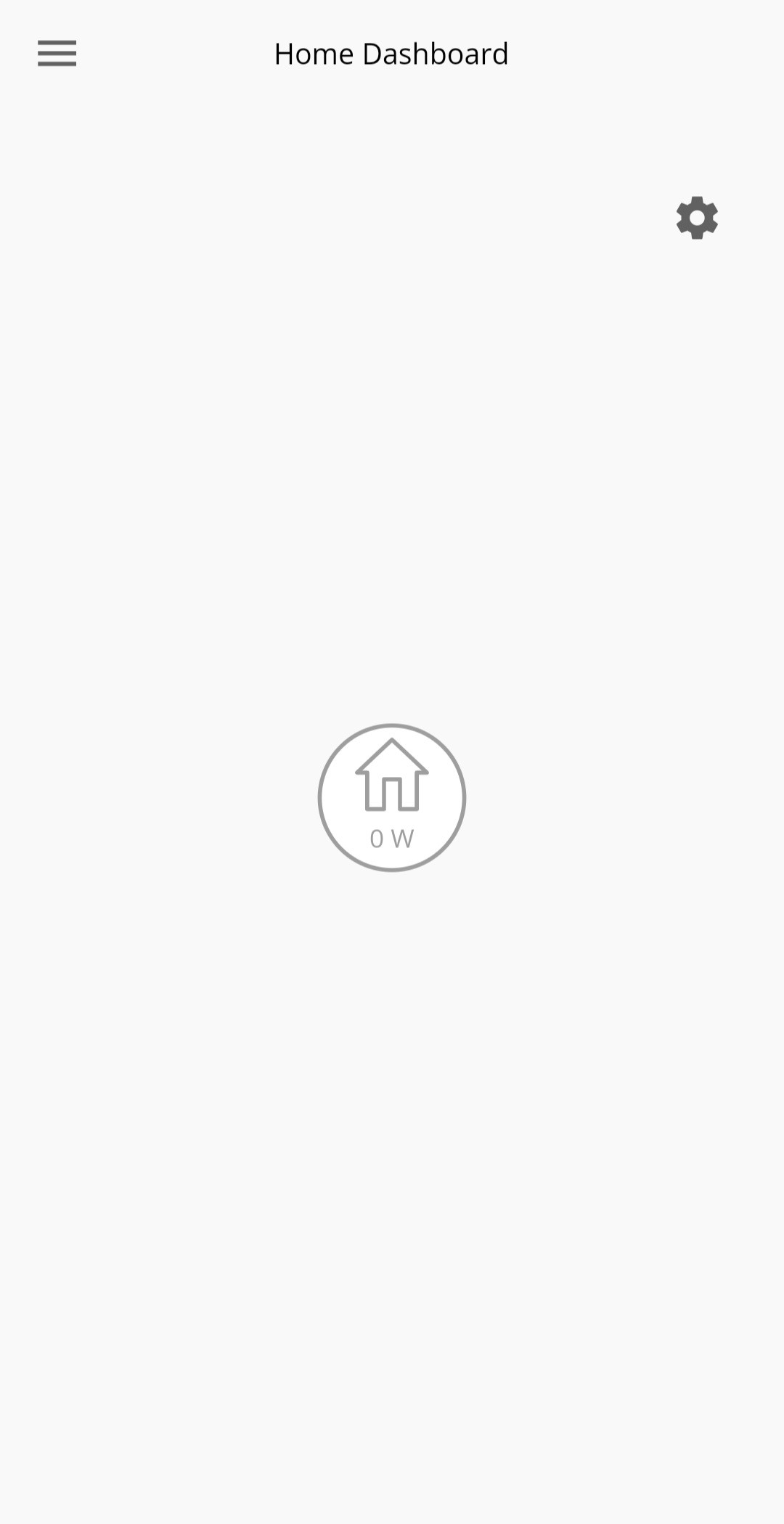
Post app update when in landscape orientation on the Home Dashboard page the flow diagram is over displayed and obscured by the battery graphic.
(Seen on two different android devices)
Mine isn't refreshing every 10 seconds, apparently never, Local or Remote :-(
Did the forced update on Android. Now cannot see any see the options for scheduling charge & discharge times.
Updated the Android app to the new version and now the yellow graphic showing storage and % usage is squashed up to the left blocking the power flow symbols. Its the same with the ipad version after upgrading to the latest version. To make it useable the screen has to be portrait which removes the storage %.
.
I cannot get the app to connect to locally to my inverter since the update - used to work fine. Inverter is on a reserved address, configuring makes no difference either. Always says "local search failed" now.
This update was a little bit of a pain on iOS and Android; for the iPad there will be a new update fairly soon when someone looks at the landscape view of inverter home dashboard.
As mentioned earlier in this thread the best way to get back into shape is to delete all data. My instinct is that the Android app has some persistence of storage which is not deleted by removing the app: App Info, Storage, Clear cache, Clear storage; remove app, re-install. If the new app already knows your username the data didn't clear properly.
For iOS the platform is much better at removing data - deleting the app should remove it.
Don't be surprised if the "What's new" pages come up on second use of the app. Also don't be surprised if a newly installed app has a screen complaining about no connection, just go 'back' and you'll get a login screen.
Usual problems with the app are still present: you need to navigate away and back to a page, don't expect it to refresh by itself.
'Local Monitoring' is present in the Settings menu. Navigate to this page and put in your (hopefully fixed) inverter IP, you should get a check mark (tick) next to the bin if the inverter is located. Go back to this page if local doesn't work on the Home Dashboard, sometimes just navigating here helps the app remember how to find the inverter.
Local search is much flakier on iOS and Android since the update. This app is really a large user beta trial at the moment! 😆

Same here, can't get it stay on local 10 second monitoring.
Have cleared cache, uninstalled and re-installed, set up Manual Search and it produces the tick (next to the bin) but still won't give local monitoring.
Keeps saying "Local Search Failed"
Annoying, as previous version worked OK.
Had the same LOCAL issues where it refused to update. Had this issue last time as well.
What has worked for me is to clear the data and then turn the phone off completely and restart it.
Now locks onto local within a couple of seconds and does the 10s refresh.
@DIG Thanks, turning the phone off & restarting appears to have cured the problem. Now, after a few attempts the "Local Search" works & it updates every 10 secs.
@wrefordj Yes, it does have the "Search Inverter Manually" feature under the "Local Monitoring" option of "Settings" to enter the IP address..
Using an Android Phone
TonyHayden try rebooting router. Worked for me
Hi all I’ve just had my battery and inverter installed. On the app I cannot find the setting that lets me say charge battery from grid/panels and the time the charging happens. The settings cog has disappeared
There used to be two settings cogs now only one
Can anyone help please
Thanks
If you go into settings/preferences there are a couple of options to toggle these extra functions.
Latest version is still not connecting 'Home'. Does anyone know how to identify the IP address that the inverter is on?
toneman
Access the DHCP configuration on your broadband router. It should be listed in there. If you can't identify it, then you can always run the MAC address through a MAC vendor identifier:
https://macvendors.com/
Mine shows as Shanghai High-Flying Electronics Ltd 😆

you can find that by logging in to your router.
toneman I've just input each of the devices currently attached to my router and eventually found one that made a green tick next to the bin icon. I don't know if it'll be the same for everyone but the device name of the router dongle according to my router is "HF-A21". Maybe that will help others find their IP address a little quicker.
Just put Wireshark on my PC and, even though I've manually configured the app with the IP address of my dongle, I still get connection probes to my PC from my phone on port 8899. The app has been intermittently working today. I would guess the connection timeout is too short for my mesh WiFi. As the when dongle is three mesh nodes from my phone the app fails but it seems OK when the dongle roams over to being one or two nodes away. Difficult to work out as the mesh reconfigures itself as and when it sees fit.
I’ve had the local data working intermittently (away ok), but now it doesn’t seem to work at all (iPhone & iPad). I’ve tried reloading the app, no success.
I tried to see if looking at the router could point me somewhere as suggested above, however I can’t access that using the usual 192etc. I rebooted the router but still no access (even tried Ethernet). Could the dongle be blocking this access? Can the dongle be reset?
Thanks for any pointers.
EDIT: router access was me using wrong code, doh! Still nothing obvious in there.
I've found a smoking gun to what the possible local connection issue is with the latest app. I've run a couple of network packet captures and found two things:
Reserving my dongle the first address in my DCHP range seems to have added a little reliability. The probe tries addresses in ascending numbers so, hopefully, it'll connect to the dongle before getting to the other device.
since the most recent update it looks like I've lost the ability to set battery settings from the app and now have to go onto the website portal to adjust. is anyone else having the same issue?
TonyHayden I still think that the connection timeout is too short as still getting intermittent local failures
I find with mine that sometimes I get green ticks, other times it just gives red exclamations.
Since recent update, I cannot get the app to connect to locally to my inverter. Previously worked fine. Now says "local search failed". Really annoying. GE - please fix!
They've "improved" it by making it worse. Well done GE.
Before the latest update it connected generally no problem to local data. Now it struggles to connect and when it does it displays data that can be up to an hour old. Constantly refreshing it seems to make no difference.
On the flip side I now have an animated battery icon.
Works perfectly well for me on an iPhone/iPad?
Virtually instant connection to the home network.
cluelesscris hero, thanks!
I had my system installed yesterday. I’ve put the app onto both my iPad and my iPhone
On the ipad the app launches fine and shows Home with all the icons and flows operating. But the app on the iPhone once launched refuses to show as Home and will only show as Away with an error message “ local search failed - please ensure you are connected to the same Wi-Fi network as your system “
Both iPhone and iPad are sitting next to one another and are for sure connected to the same BT Wi-Fi router as is the battery system (in the garage). I’ve rebooted the phone, I’ve tried it with mobile data off just in case that conflicted. But nothing seems to work to allow the iPhone to connect locally and show as home.
Any ideas? Thanks
I’ve had trouble with both Android and iOS when it comes to this latest update. Actually iOS is better behaved than Android. The best I can offer is as follows:
1) Clear app data in view advanced options and try again.
2) Remove the application from your device, reinstall, check that you have to enter your site name/username at login. If the app already presents your username then it didn’t uninstall correctly. I’ve seen this on Android but it should not be possible on iOS as that platform is more rigorous at cleaning up after apps. If the username is already present uncheck the ‘remember’ button and repeat uninstall/reinstall.
3) With a fresh app go straight to settings and enter the - hopefully fixed - IP address of the inverter. Make sure you get the check box after hitting enter on that address.
4) Check that every one of the four views loads data. Then go back to Home and wait a minute. If the app doesn’t get into the 10 second refresh cycle, navigate to the inverter IP in Settings and see if it searches for a moment before revealing the check box. Then go back to Home.
All of the above is a total pain in you know where - but you’ve likely established this already! The seeking of the inverter is incredibly flaky with this app.
The good news is that you have iOS - there is an app in the store that the commissioning electricians told me about, the one they use (that says something!). It’s called ‘Inverter’, it has graphics from the 1980s but never fails to find my set up when the Givenergy app isn’t playing ball.
Yep, did all of that. Here is GE's latest, greatest update in action on Android (Pixel 6 Pro, Android 13).
It won't connect. Selected Away makes it connect to Server data, but the data is an hour old. Clicking on Local and it suddenly is Online, again with hour old data. Changing from Manual to Automatic doesn't change anything.
I've cleared data, reset to defaults, removed it, reinstalled it. Still no luck.
It was fine until they "improved" it this week.
Still, on the upside, I now have an animated battery icon.... 🤣
At this stage I'm not sure that I'd trust GivEnergy to find the hole in their bums even if I gave them a map, a flashlight and a Thermos flask of hot coffee.
Every time there is an app update, several things break and a few more quick app updates need to be rolled out. It's frustrating as hell. Can GE please just properly test their app before rolling out an update.
Zakalwe
We’re in the same boat on Android - my app isn’t succeeding with local search tonight. Version is v3.1.23.3148 as reported in app.
To make iOS work I had to delete all data in app and log in again. It’s OK at this time.
The Android app isn’t clearing down data on delete/reinstall, I just tried. That will be part of the problem; I’ll look at the file system on device if I get a chance this weekend.
Painful stuff.

I'm pretty sure the app only ever works for half of the users. With each update the half that it works for just swaps over!
Anyone else getting this?

THALL last update 7 Feb.
Tried to clear all data from the app but it said it couldn't log me out.
Tried similar from android app settings area. Seems sorted now after logging back in.
Either a little blip that was fixed whilst I was trying to fix it myself, or something weird was happening!
I’ve been having the iOS app telling me the inverter is offline a lot this morning when connected locally. It’s clearly got internet access as the server data has been refreshing every 5 minutes as expected. Installed onto an iPad and same problem.
Router rebooted last night as I reduced the DHCP range (nowhere near this IP assuming it was left to be dynamically allocated by the installer), as I was trying to allocate a static address for my new home assistant box. This is the only thing I’ve changed.
Has this upset it and is there a way I can sort it?
aniseedvan static address for my new home assistant box
Not a bad shout, but if you wanted to leave it up to your DHCP server to manage all the allocations, you can still access your HA on homeassistant.local:8123 (assuming your server's host name is homeassistant).
Annoyingly, if you want to allow your inverter to also have a dynamic address, when you install GivTCP as an Add-On, you can specify Inverter.home as the IP address in the ENV configuration (assuming your inverter's host name is Inverter).
Tim thanks, I may well change to these as I found out last night netgear’s implementation of assigning static IPs hasn’t worked for some time…
Looking at the givtcp webpage and the gauges I set up in ha, these are all showing data in near real time, so I’m wondering why the app is just not working very well today. I don’t have an android phone handy to see if this is an iOS OS thing…