File uploads now available!

13 comments started 2023-02-14 last 2023-02-16
Forums/Meta
#1 Sam D (GivEnergy)

Hi all,

We've added the ability to upload files to the forums - simply click the upload button found at the bottom of the text editor and pick a file - simple!

Currently we support most file types with a maximum file size of 8MB. If you are unable to upload any files or experience any other issues, please let us know!

Images will generate a preview and other files will show a small download box.

Files you upload can be found on your user profile or the 'My Media' section of the text editor. Only yourself and GivEnergy staff can see these files.

txt.txt
18B

#2 Sam D (GivEnergy)
#3 Sam D (GivEnergy)
#4 Cdent

Great stuff, that'll make things a lot easier.

Signatures next? Pretty please

#5 TheDragon (GivEnergy)

Thanks Sam. I guess, we can now direct upload.

ME LIKE

T
#6 Tim

Sam D (GivEnergy) Only yourself and GivEnergy staff can see these files.

Does that mean that @TheDragon (GivEnergy) is Givenergy staff or the information is incorrect (or my interpretation of yourself)?

#7 TheDragon (GivEnergy)

Tim

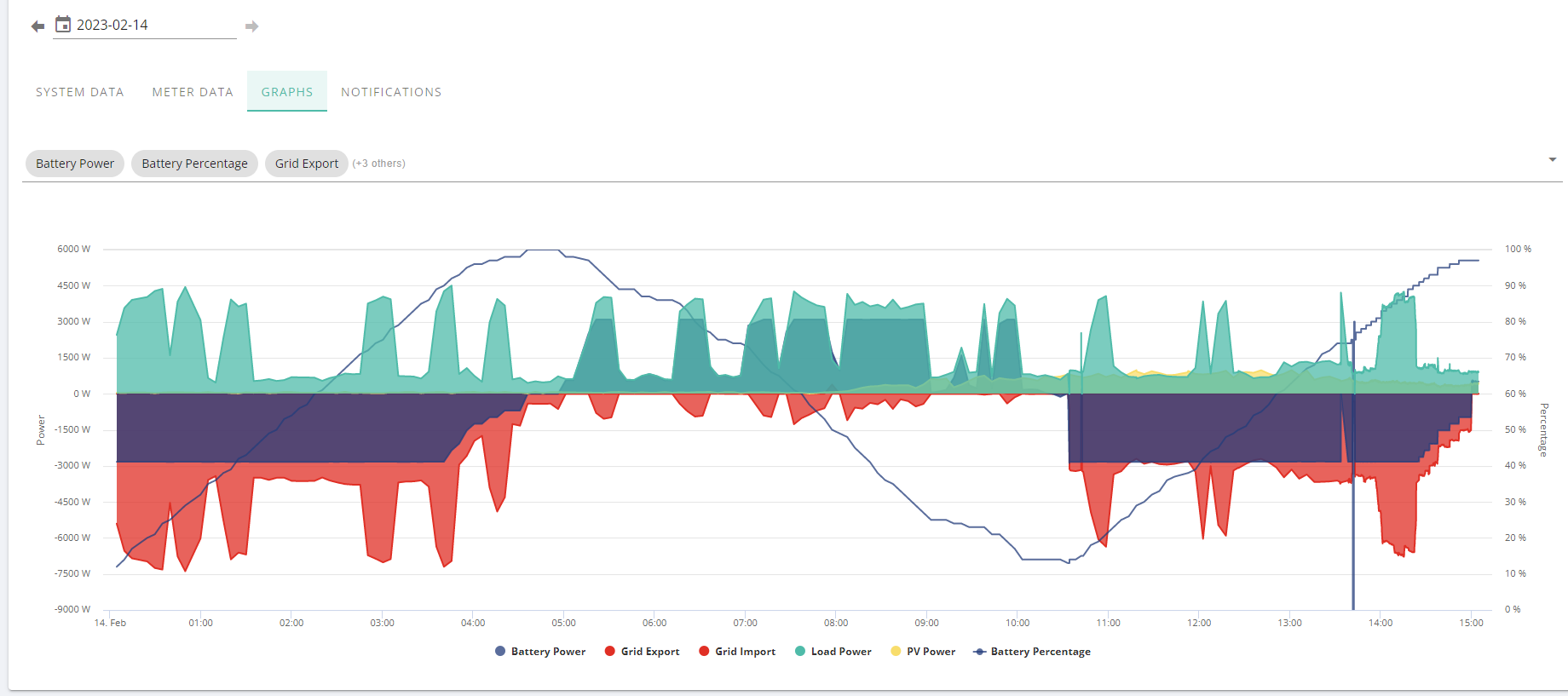
Can you see a picture above I posted as a test? No I am not, as much as they'd like me to be.

Sam means those in the media library, you choose to post from. You can upload as much as you like, only you can see it.
You then select one to add to your post, as above

M
#8 MattWhitfield

Sam D (GivEnergy) This is great - thanks! 👍

One thing - when you post into a GitHub issue, if you have an image in the clipboard and paste, then it uploads and sorts it out for you. Might be a nice addition 🙂

T
#9 Tim

TheDragon (GivEnergy) Yes I can and I can copy it and paste it back
TBH it doesn't make sense for your posted media not to be visible in the posting. However, if the original comment related to the "My Media" area, then that might make sense.

M
#10 mprowe

Good move. Very welcome. But....

Have we lost the Preview Button to make way for the Upload Button. As always, I want both <Grin>.

Regards, Martin
PS - I can see the preview button in this (top level?) edit box! But it is not in the edit box for Home Automation?

#11 Sam D (GivEnergy)

mprowe You might need to refresh your page to see the same editor across the forums as some of the data is cached - the preview button should be there regardless of the thread you're viewing.

M
#12 mprowe

Hi Sam,
Thanks for the suggestion. However, I'm not sure that that is the whole solution?
Using several browsers (Firefox, Chromium, Falcon) with cache cleared (Ctrl+Shift+Del | Everything), then opening "Start a Discussion" in various topics (Gray, Blue, Magenta Green etc) I only see the Preview Icon in some topics.

This is not a "big deal" for me. I'm only bringing it to your attention in the hope that it is helpful?

Regards, M

#13 hoggy

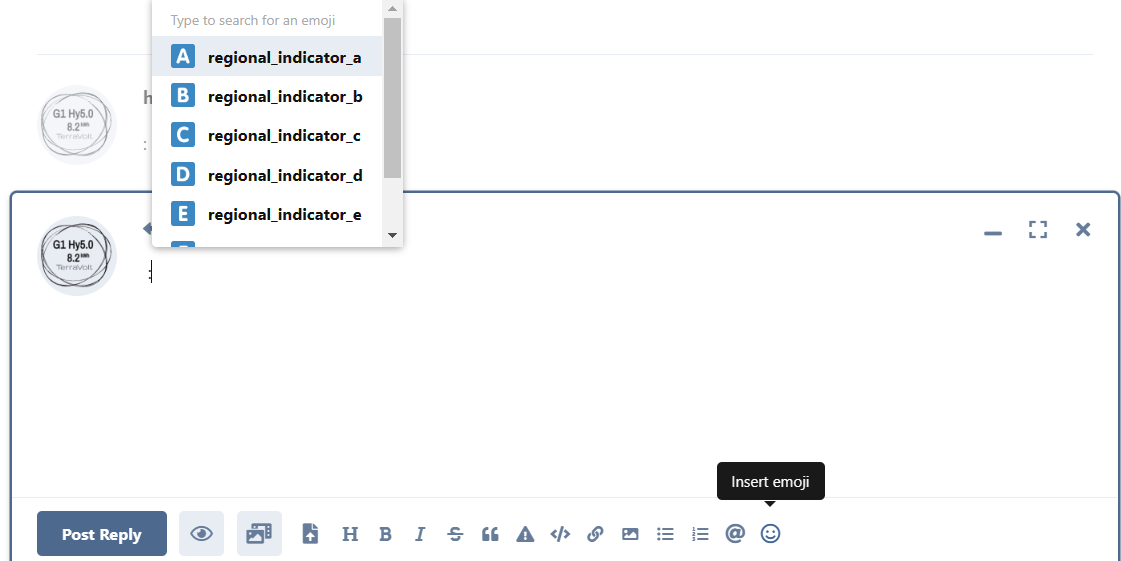
has this update broken Emoji's for everyone or just me?

T
#14 Tim

hoggy No if you start typing you’ll see even more emojis than before

#15 hoggy

Tim so it does (now?) - going to put that down as lack of sleep rather than being an idiot obviously