Don't let the App panic you...

8 comments started 2023-03-08 last 2023-03-09
Mobile App
W
#1 wrefordj

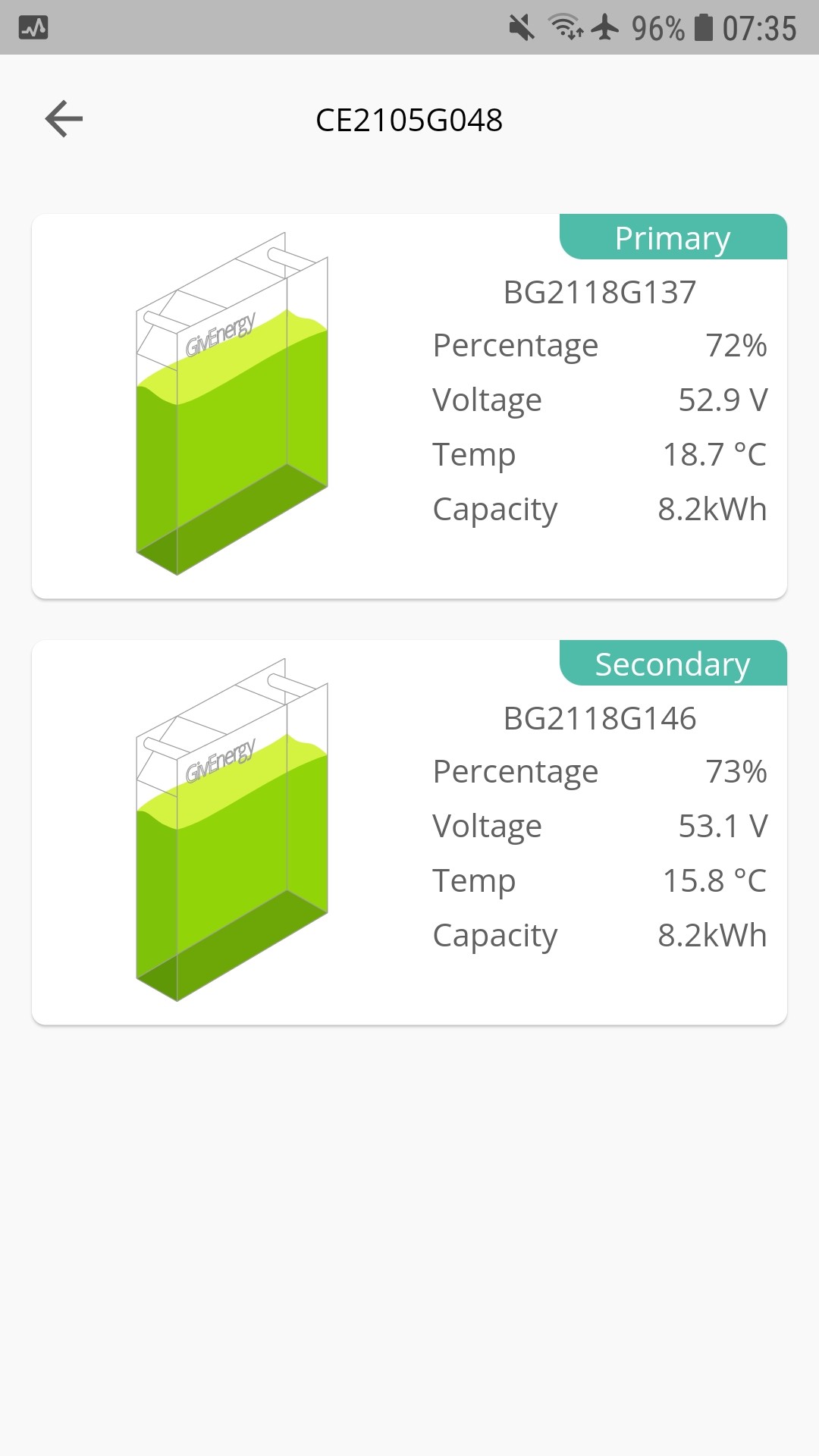
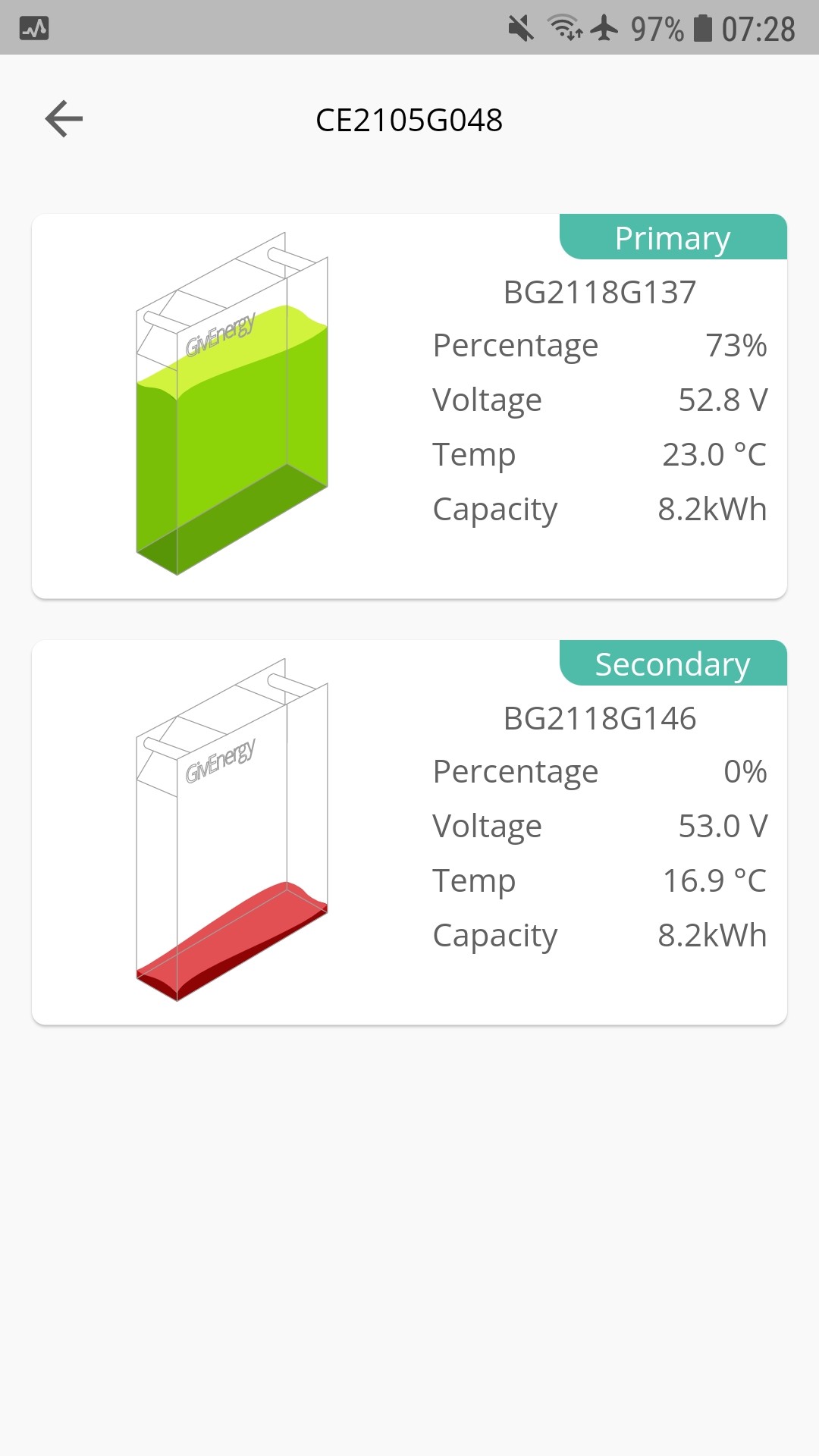
I have had my AC3.0 plus 2x8.2Kwh plus 5Kw PV since July 2021 and have so far avoided the SOC jumps so imagine my consternation this am when the App showed:

Since I was still having my morning cuppa, I didn't race down to the garage but, instead, tried again, a few minutes later. This time I got:

So don't panic immediately!

W
#2 WaringBN3

I also get bamboozled by this...

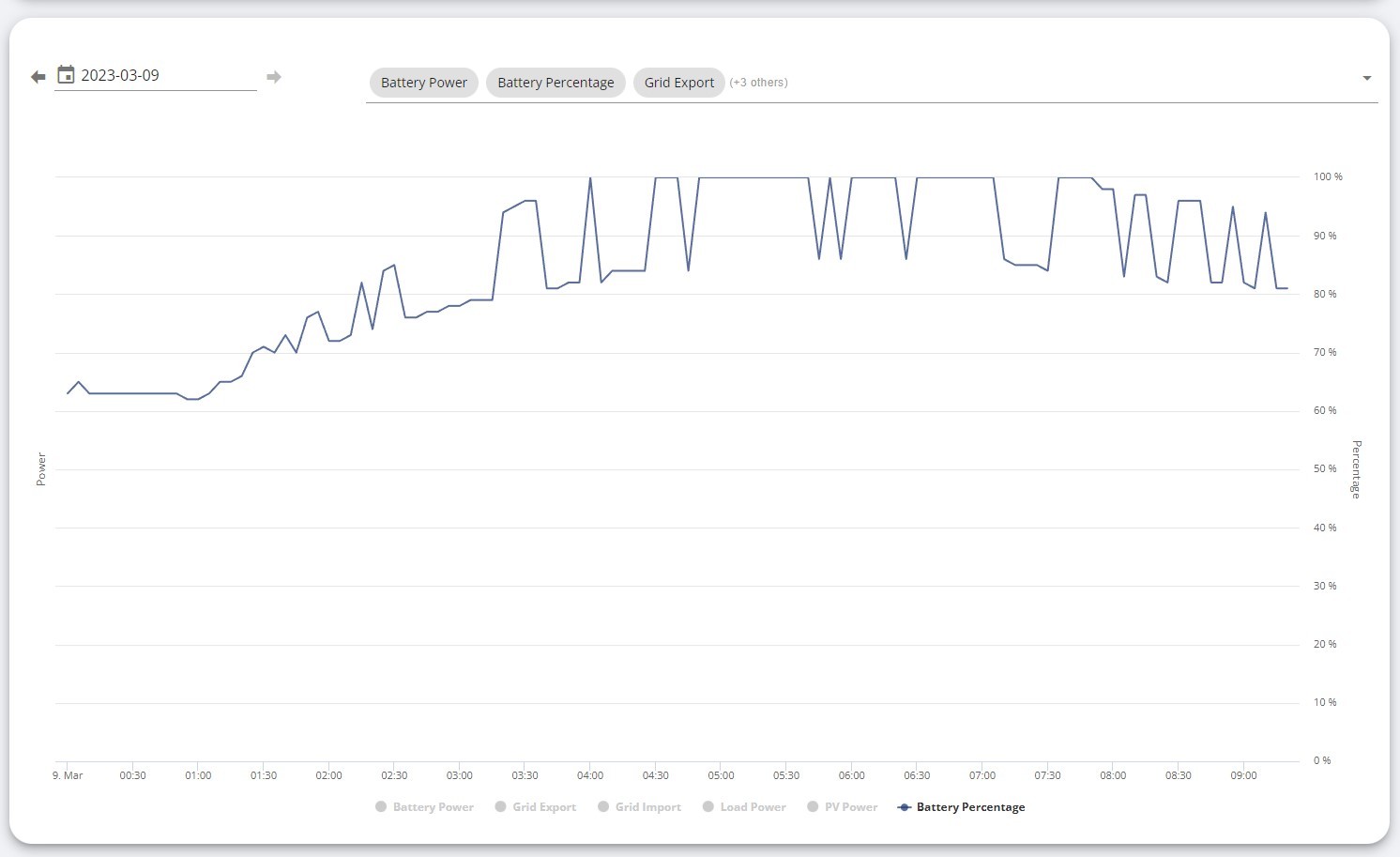
My battery charge % confuses me over night... i don't understand why the graph looks like this...

Does anyone have any ideas?

#3 Hook

It looks like it's discharging somewhere. Is there any Grid Export going on?

T
#4 ToothyChris

Do you have two inverters?

T
#5 Tim

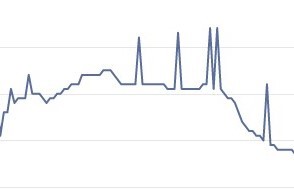
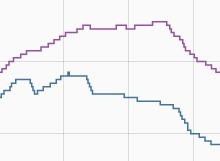
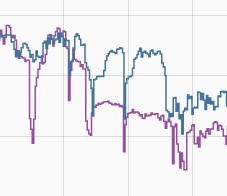
WaringBN3 My Power Graph looks similar (Top screenshot). By the way, these charts are all for the exactly the same time period but the top screenshot has a slightly different horizontal scaling, hence the charts are slightly different sizes. When I checked the SoC history on Home Assistant (middle chart), the SoC of the two batteries (separate inverters) is different but goes in the same direction at roughly the same time.


The bottom chart shows the battery voltage as reported by GivTCP and you can see it bouncing all over the place as load varies. What I take from this is that the BMS is pretty good (even on 3007) at catering for load swings affecting voltage and matching SoC to voltage, but when adding the two values together (top chart), the snapshots can make the graph appear spikey.

T
#6 ToothyChris

Tim Hi Tim, I also have twin inverters and I get the same spikes on the SOC graph. But I believe mine are caused by one of the two inverters/dongles briefly losing contact with the GE cloud, hence the average of the two batteries (which is what the line represents) just becomes the value of the remaining battery.

The graph from WaringBN3 looks similar in some ways, but also quite different. I suspect it may be something different - perhaps a high resistance somewhere, which causes a voltage drop under load??? Perhaps the first port of call would be to look at the battery voltages themselves (in the inverter data), to see if the 'jumping' effect is actually due to the voltage, or if it is some later processing glitch.

Or perhaps (assuming WaringBN3 does have twin inverters), one of them has a borderline WiFi signal, hence the more frequent jumps, as it connects and disconnects? Just thinking aloud....

W
#7 WaringBN3

Thank you all for the feedback 💓

I have 1x inverter (GIV-HY3.6)
I have 2x batteries (GivEnergy 2.6 + GivEnergy 9.5)

It doesn't say it's exporting or discharging over night.
Battery voltages are steady throughout the night too.

It feels like it's just not proficient at adding the 2x percentages together smoothly...
Much like wrefordj - often the numbers on the app don't make sense.

Perhaps restarting the inverter might help?

T
#8 ToothyChris

WaringBN3 There is no harm in re-starting the inverter software (can be done in the Portal), especially if you have not seen this behaviour in the past. But personally, I don't physically turn the system off and on again, due to occasional reports of inverters frying themselves when the power up again.

I have a twin AC3 setup (one battery on each), rather than a hybrid with multiple batteries, but I can't help thinking that your two batteries are at the heart of that odd SOC graph. I think I would be digging into the historic inverter data, to see if I can see anything happening at the time of one of those jumps. Look at all of the parameters, and the event log.