Resetting the password on a Gen2 GiveEnergy Inverter

12 comments started 2023-03-21 last 2023-05-02
GivEnergy Products
M
#1 mccancew

Hi, I was a very early adopter of the Gen 2 Inverter and batteries. As some of you will know, the Gen2 Inverter has the wifi built in so there is no dongle on show.

With this in mind, what happens if you change broadband provider and/or want to reset your wifi password ?

Well, here is e is a document to explain how to do it. I hope it helps someone !

giveenergy-pw-reset.pdf
460kB

#2 Cdent

mccancew the general guidance is to change the SSID (wireless network name) to the same as the previous one, using the same password. Then all wireless devices will just reconnect

T
#3 TX200

Or, as someone pointed out on another thread...

If your new router allows more than one SSID and password - e.g. you can split it between 2Ghz and 5Ghz,

Enter the old routers name/SSID and password against the 2Ghz one.

Then do whatever you want with the other one (use the password out of the box, change it, etc).

That way you can ensure the dongle continues to connect okay and anything else too - until such time you get around to changing every device that works on 5Ghz to the new ID and password.

L
#4 L174559

mccancew
Hi I tried to use the link to download and it doesn't work any more?
Any help would be sppreciated

K
#5 Karen

L174559 I could open it. Are you using the app or a computer (I was on computer). Have you signed up to the GivEnergy Knowledge base. You could try signing up and searching on there?

B
#6 billG

Just installed a new broadband router and did the trick of spoofing the new router by changing its ssid and password to the previous router settings!!! It worked and all the household devices connections inc inverter maintained. However I’ve forgotten my GE login password! And the
Reset Password page does not have a button that enables you to set a new password, if you’ve forgotten the original!!!

Am I missing something?

Bill G

T
#7 Tim

billG On the login page

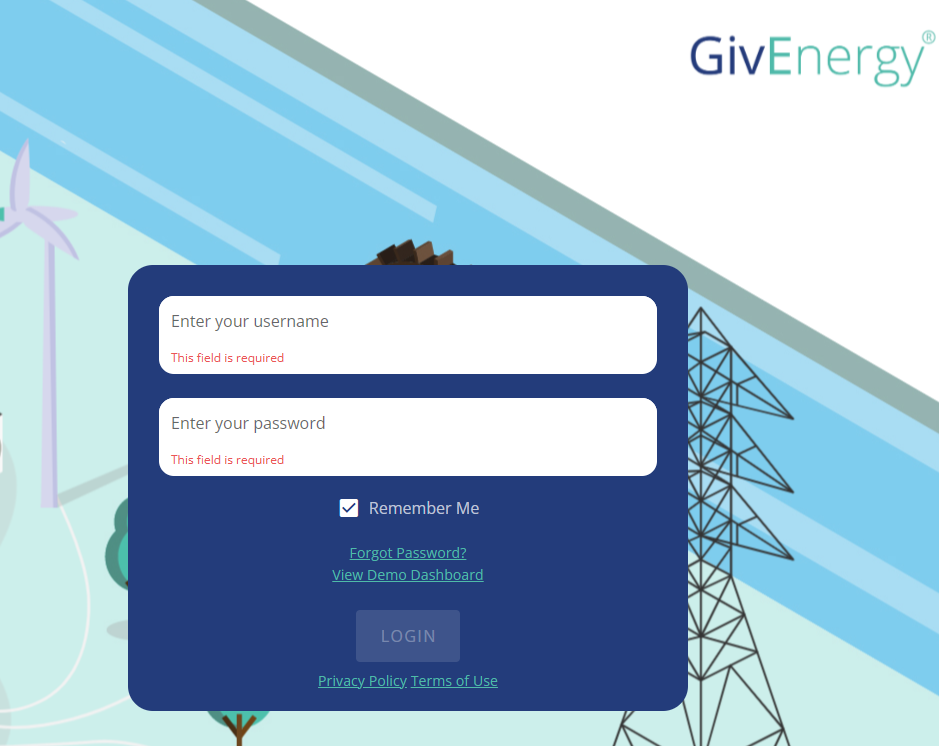
There's a forgot password option. Should be the email address you used for initial account setup.

B
#8 billG

Tim I’m presently logged in , so didn’t see that page. Can I simply ignore the “present password” box and simply put in the new passord(s)?
Thanks for getting back

Bill g

T
#9 Tim

billG if you’re logged in but can’t remember your current password, I think you’d have to log out and click the “forgotten password” link to get an email from which you can set a new password. Failing that it’s a call or web chat with Givenergy.

D
#10 DD

Rather than logging out, one thing that often works is to visit the page from a private window (or a different browser) - the logged in state may be stored as a cookie, and a private window won't offer the session cookie.

(I don't know if it works here.)

#11 TheDragon (GivEnergy)

billG

billG If you need the account resetting, the Service desk can issue you a password reset email

A
#12 athresuk

Or contact the installer as they can also send out a new password link.