I’ve recently signed up with an octopus flux account and the export rates vary throughout the day. The max rate is between 4-7 pm and I think it looks as though I can discharge my battery using a time schedule and then set the reserve to a level whereby I have enough to last until cheap rate charging times at 2am. Am I understanding this correctly? Not sure where to find the instructions so using logic- I think! Thanks
Possible to force discharge to grid to get higher export rates
Yes, it is possible but there are a few things to be aware of.
I use the portal not the app, so all comments relate to the terminology used there (it can be a bit different on the app).
Go to the inverter card (looks like a computer screed) on the left hand side. When open, select settings from the tabs along the top. This gives 4 options. Select the one marked "Timed Export" DO NOT use timed discharge (this will dump the entire contents of you battery to the grid at max power). Input the times you want to export and click the button to "Enable" your settings - then press submit. Do this just before you want to export as if you do it too early you will use grid rather than battery power in the house until you reach your export time - not so much of a problem on a sunny day when there is enough solar to run the house, but can be an issue if you export on cloudy days.
If you know how much reserve power you need to run your house to 2.00am go to the "Battery Options" and use the slider to set your reserve to ensure you have enough power in the battery for the evening and press submit.
At the end of your discharge period ALWAYS go back into settings - disable the timed export option and re-engage the ECO setting (otherwise you will continue to use grid power). I find setting an alarm on my phone reminds me to do this
This is how to do it manually - if you are an Octopus customer there are ways to set this up via their R&D scheduler, or if you are a bit techie, so use GivTcp or Home Assistant. If you search the community you will find help on these topics
N.B. Just set your timed charge once for the cheap period, enable, submit and leave well alone. This runs automatically and doesn't need manual intervention like the timed export

Karen that means it doesn't work! It is very easy on the app if you do it manually, just hit the battery- and set your timer. What I'm waiting for is the app/portal to work as it should! The title of this post got me hopeful.
BarleyRiser What I'm waiting for is the app/portal to work as it should!
With respect, I think you're expecting too much! Givenergy can't be expected to customise its portal for any and every tariff that energy suppliers choose to offer. Their portal and app (IMO) are very good at doing the bread and butter basics. If you want to customise how the portal interacts with your inverter, I guess you either need to find an energy supplier who can do that for you, or DIY with Home Assistant or the like? @Karen's workaround isn't many steps, nor is it to use the app as you currently do, but you do need to set yourself a reminder.
Anyway, make the most of it because after reading on-line articles about how Octopus' aspirations to minimise the cost of energy for the end user is being spiked by people who who are playing the market to profit for themselves, I'd expect Octopus (and others) to plug the hole.
Using Home Assistant with GivTCP is the way to go if you can. It will enable you to time such an event with any additional conditions such as state of battery before starting eg. current PV value > Xw, etc. It will also allow you to return the normal settings after, of if another condition is met.
Hi 4monks. This is what I'm trying to do but for some reason I can get the HA to control the Inverter despite me being able to read values eg SoC
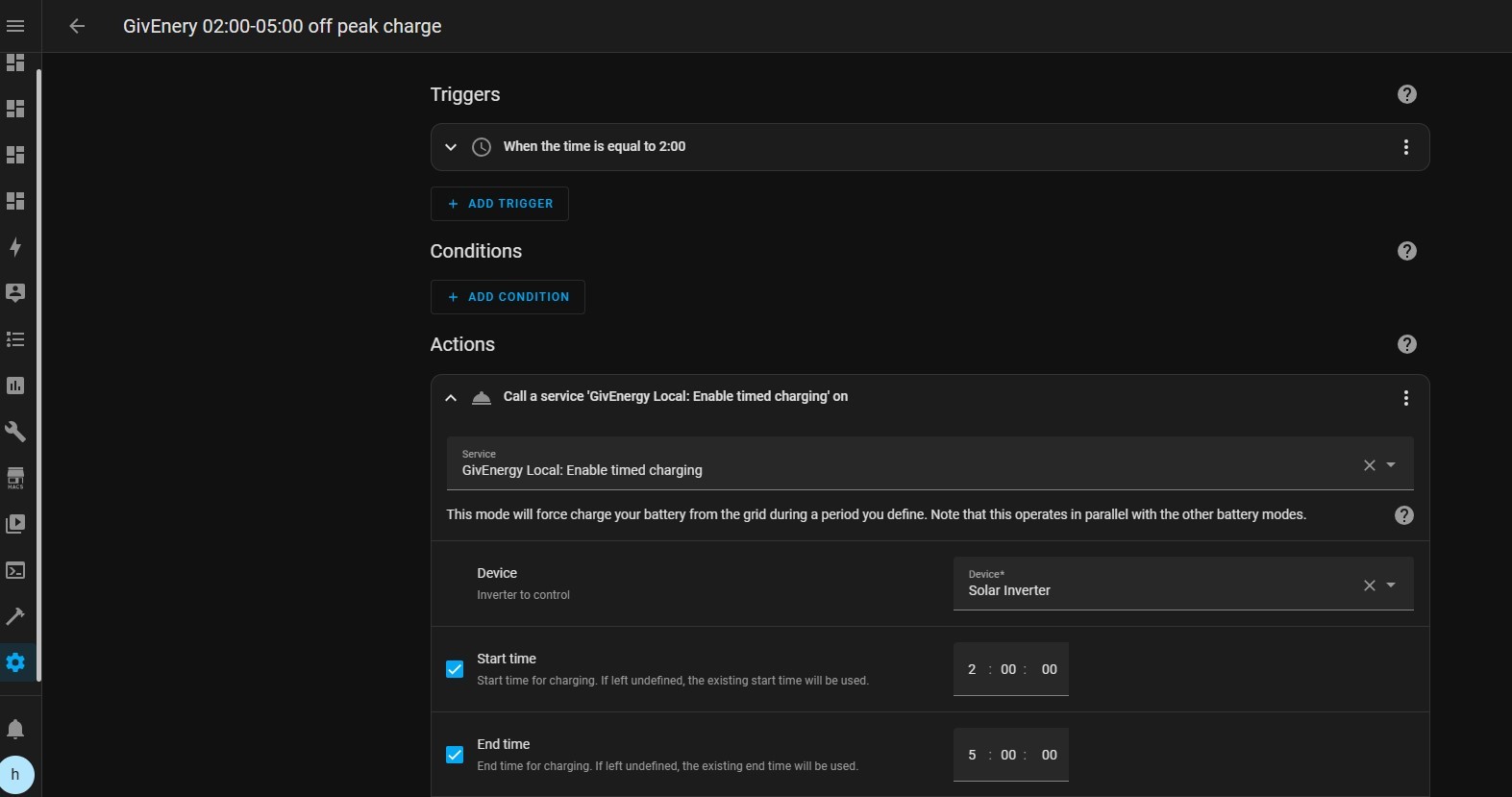
Would you be able to share a screen shot of how you control the modes of your battery to switch between Eco to Timed Discharge then back to Eco again please?
Thanks in advance. Liam
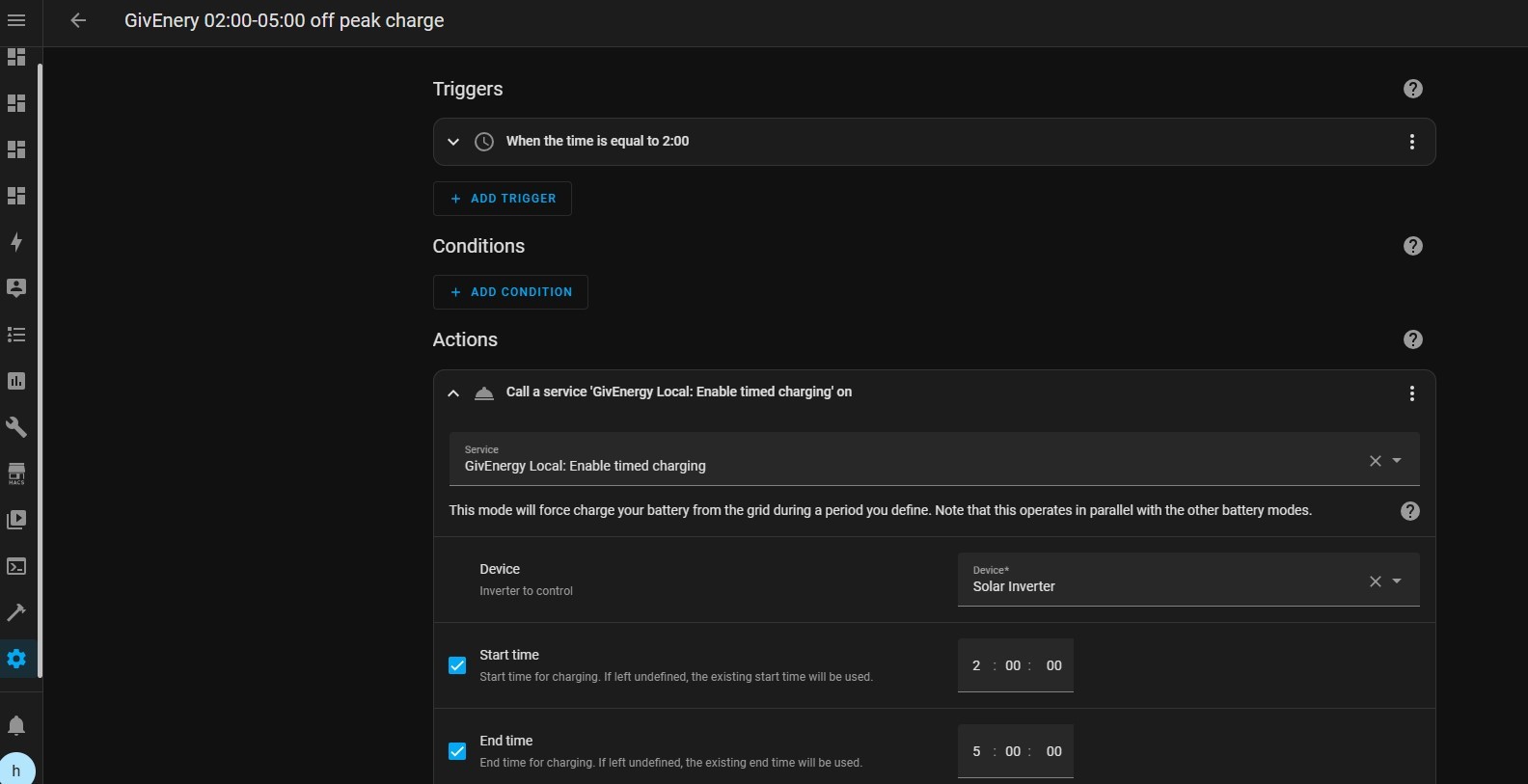
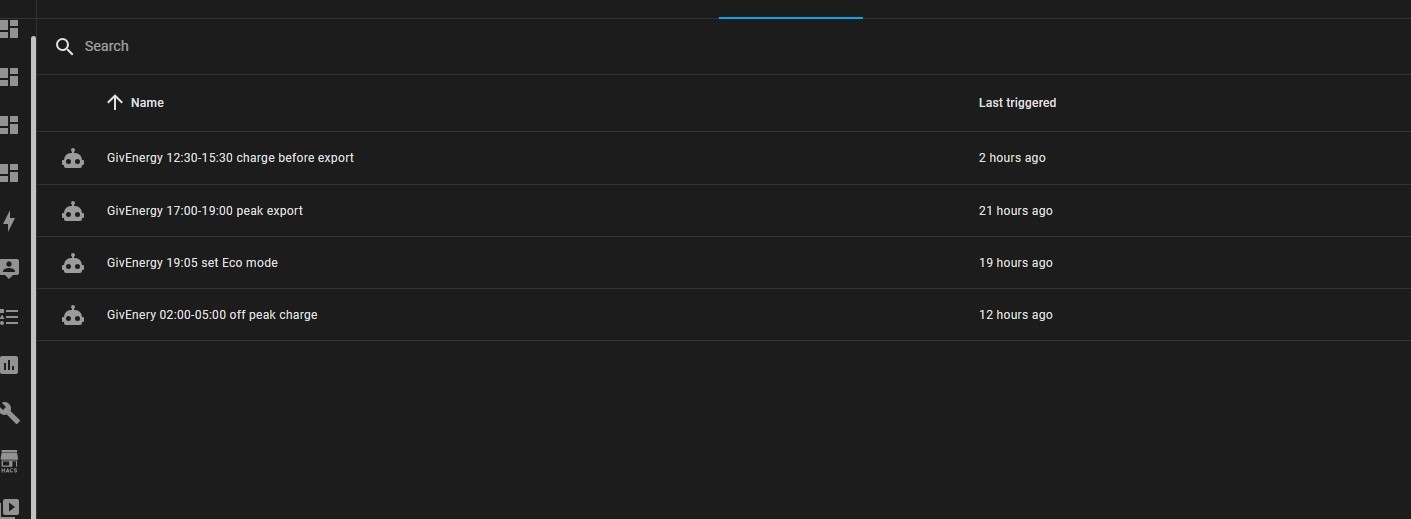
Lmcde3 I use GivEnergy local and their automations


SteveCook GivEnergy local
Awesome. Thanks Steve.
Our automations are basically the same but I was using GivTCP and it wasn't working. I hadn't heard of GivEnergyLocal until your post but I've just moved over to it and it's all working perfectly in a matter of minutes.
Thanks a million 🙏
Ah, did I speak too soon...I don't see disable Eco mode? So when I enabled discharge, nothing happens because Eco is still enabled?
Using timed export instead of timed discharge works.
Subtle but effective.
More coffee for me in the morning.
Thanks again
Lmcde3 Great that you have got GivEnergyLocal working.
If you want to persevere with GivTCP, here’s my HA script for managing my battery during the Octopus Flux peak discharge. It triggers a force discharge and checks SoC every 10 minutes against a ‘floor level’ (utility helper flux_peak_export_minimum_soc’, once the SoC reaches that level or the end of the peak export at 7pm, it turns the discharge off and Eco mode back on.
The export is done by setting a discharge end time to 23:59:00 and Mode is swapped to Timed Export. At the end it just turns mode back to Eco (and as a belt and braces the discharge end time is zero’d out but this isn’t really necessary).
`alias: G182 Inv1 Start & stop flux peak discharge
description: ""
trigger:
- platform: time_pattern
hours: "17"
minutes: /5 - platform: time_pattern
hours: "18"
minutes: /5 - platform: time
at:- "19:00"
- "19:15"
- "19:30"
action:
- "19:00"
- if:
- condition: or
conditions:- condition: time
after: "18:59"- condition: numeric_state
entity_id: sensor.g_XXXXXX_soc
below: input_number.flux_peak_export_minimum_soc
then:
- condition: numeric_state
- service: select.select_option
target:
entity_id: select.g_XXXXXX_discharge_end_time_slot_1
data:
option: "00:00:00" - service: select.select_option
target:
entity_id: select.g_XXXXXX_mode
data:
option: Eco
else: - if:
- condition: and
conditions:- condition: numeric_state
entity_id: sensor.g_XXXXXX_soc
above: input_number.flux_peak_export_minimum_soc - condition: not
conditions:- condition: state
entity_id: select.g_XXXXXX_mode
state: Timed Export
then:
- condition: state
- condition: numeric_state
- service: select.select_option
target:
entity_id: select.g_XXXXXXX_discharge_end_time_slot_1
data:
option: "23:59:00" - service: select.select_option
target:
entity_id: select.g_XXXXXXX_mode
data:
option: Timed Export
mode: single
`
- condition: and
- condition: time
- condition: or