D
My battery has stopped charging from the solar panels. The solar generated power is going to the grid, although the battery is at 44% charge. This has only started happening recently. Before all seemed normal

My battery has stopped charging from the solar panels. The solar generated power is going to the grid, although the battery is at 44% charge. This has only started happening recently. Before all seemed normal
david_duffin check that the battery DC MCB hasn’t tripped. The green lever should be in the up position like the isolator in your consumer unit.
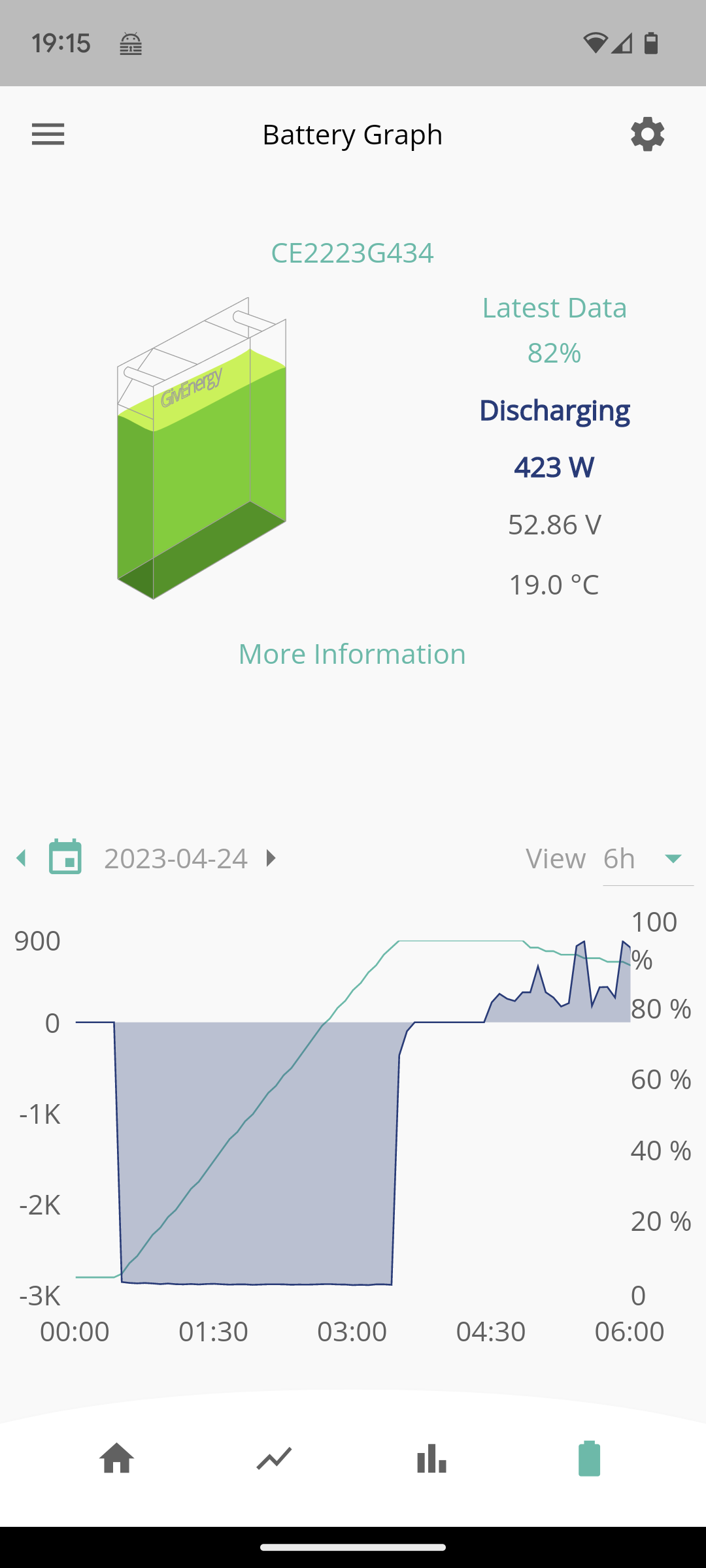
Also this conversation has the wrong heading, my fault as I started off the back of a similar problem. To clarify, my battery is charging to full, even though the limit ('up to' setting) is a lower percentage.
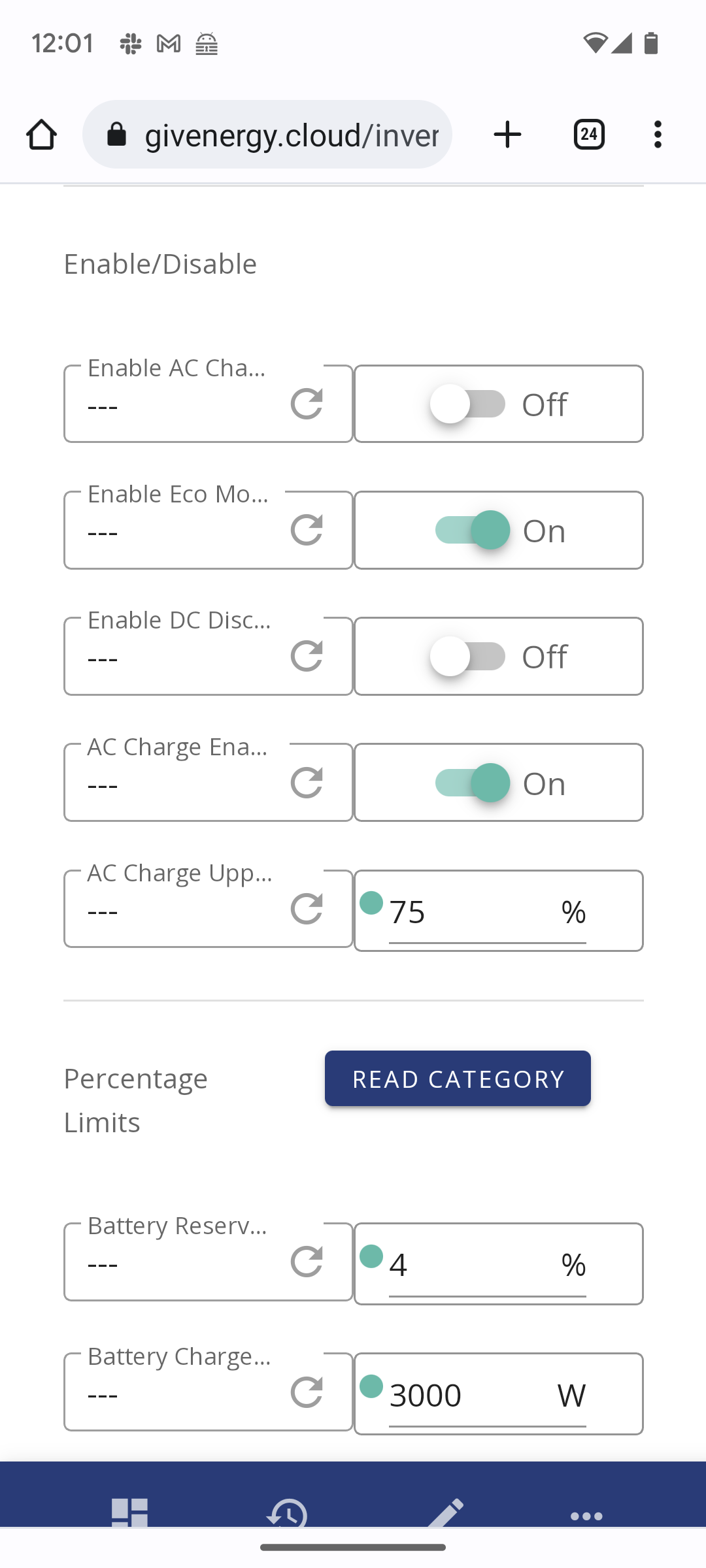
Paulsimmons disable octopus automations if set. Check on remote control page of portal that “ Enable AC Charge Upper % Limit” is on.
What does the charge graph look like? Does it suddenly get very steep, like almost vertical?
If so it may be the soc bug, see the SOC thread and the beta thread.
Issue now seems resolved. I had disabled "time charge" in inverter settings. When I re-enabled it things went back to normal
Paulsimmons so doesn't look like the SOC bug.
How about tariff cards on the homepage of the portal? Have you set one up? If so, is the automation part turned on - that could be it?
Or, have you setup GivTCP for monitoring and automation via Home Assistant or similar tools? If so, have you turned off smart target in the GivTCP startup variables?
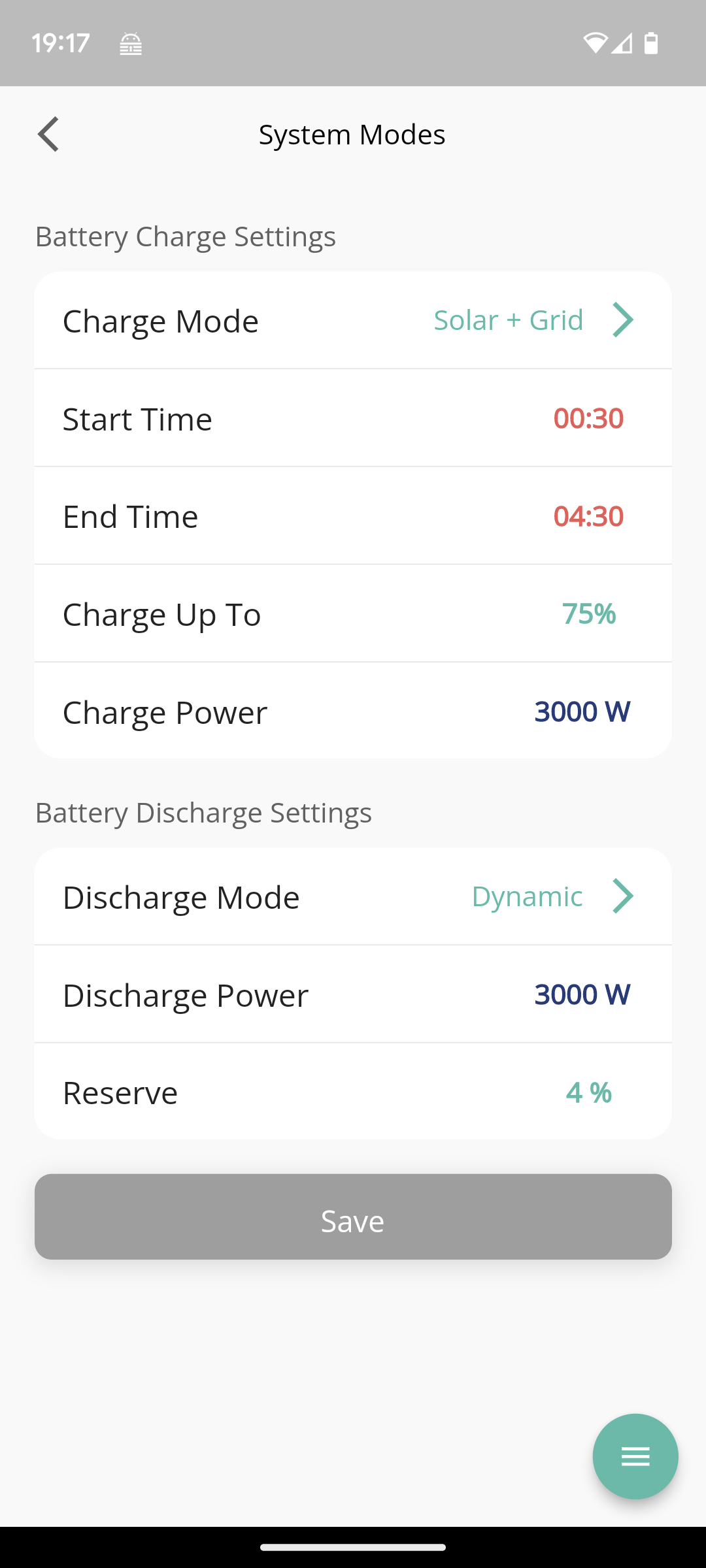
Thanks, neither of these are set. However I had some success last night by setting the charge percentage direct from the mobile app ( 'system modes' screenshot above), rather than via the web portal. Strange because the value is correctly set in both places. I'll try over the next few nights with different values and see if the problem is solved now.