B
I managed to set up myself to get Daily / Weekly energy reports.
I can't remember how I did this need to set up my wife's email can anyone remind how it's done.

I managed to set up myself to get Daily / Weekly energy reports.
I can't remember how I did this need to set up my wife's email can anyone remind how it's done.
Portal main menu 'Reports':
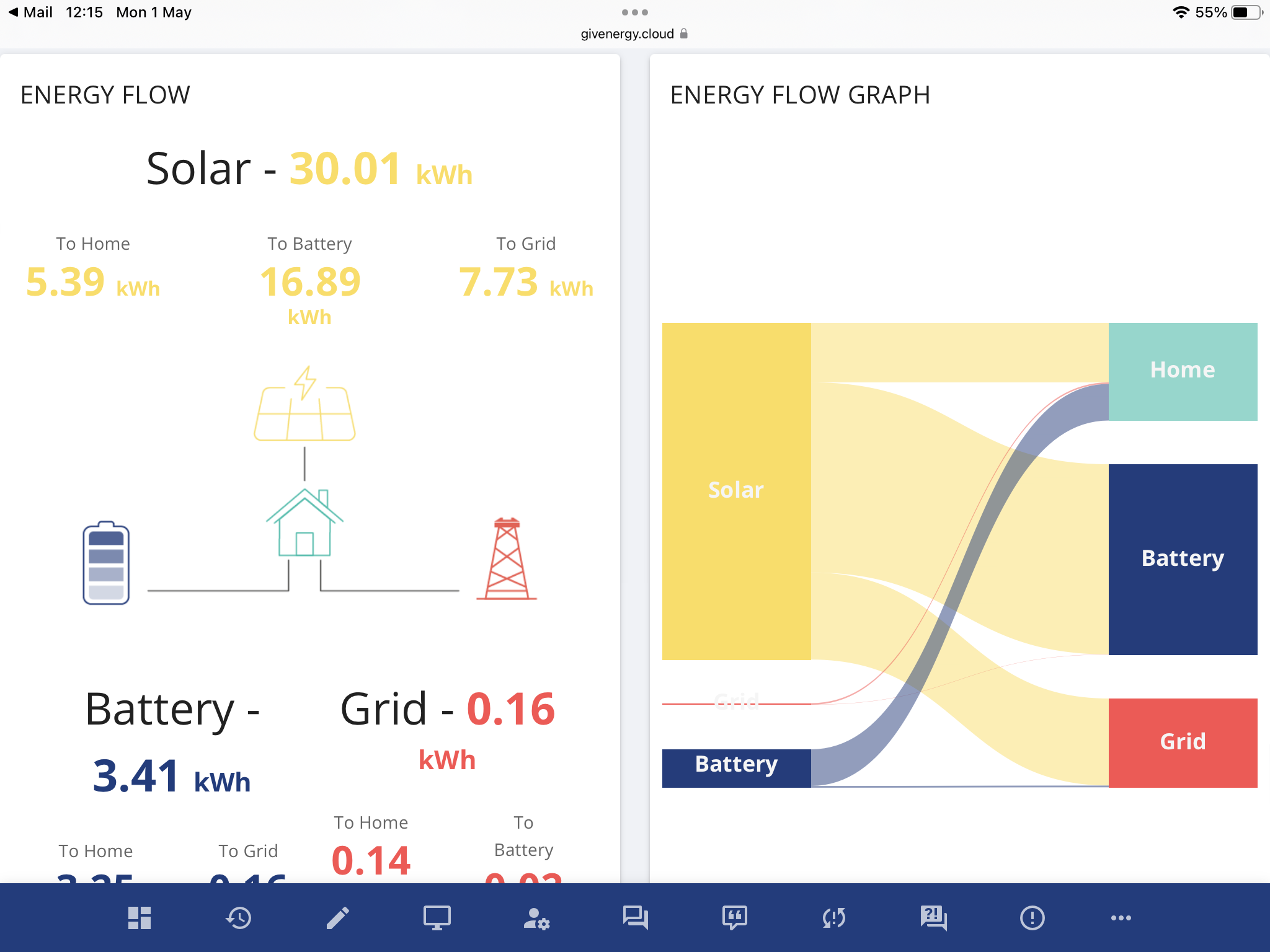
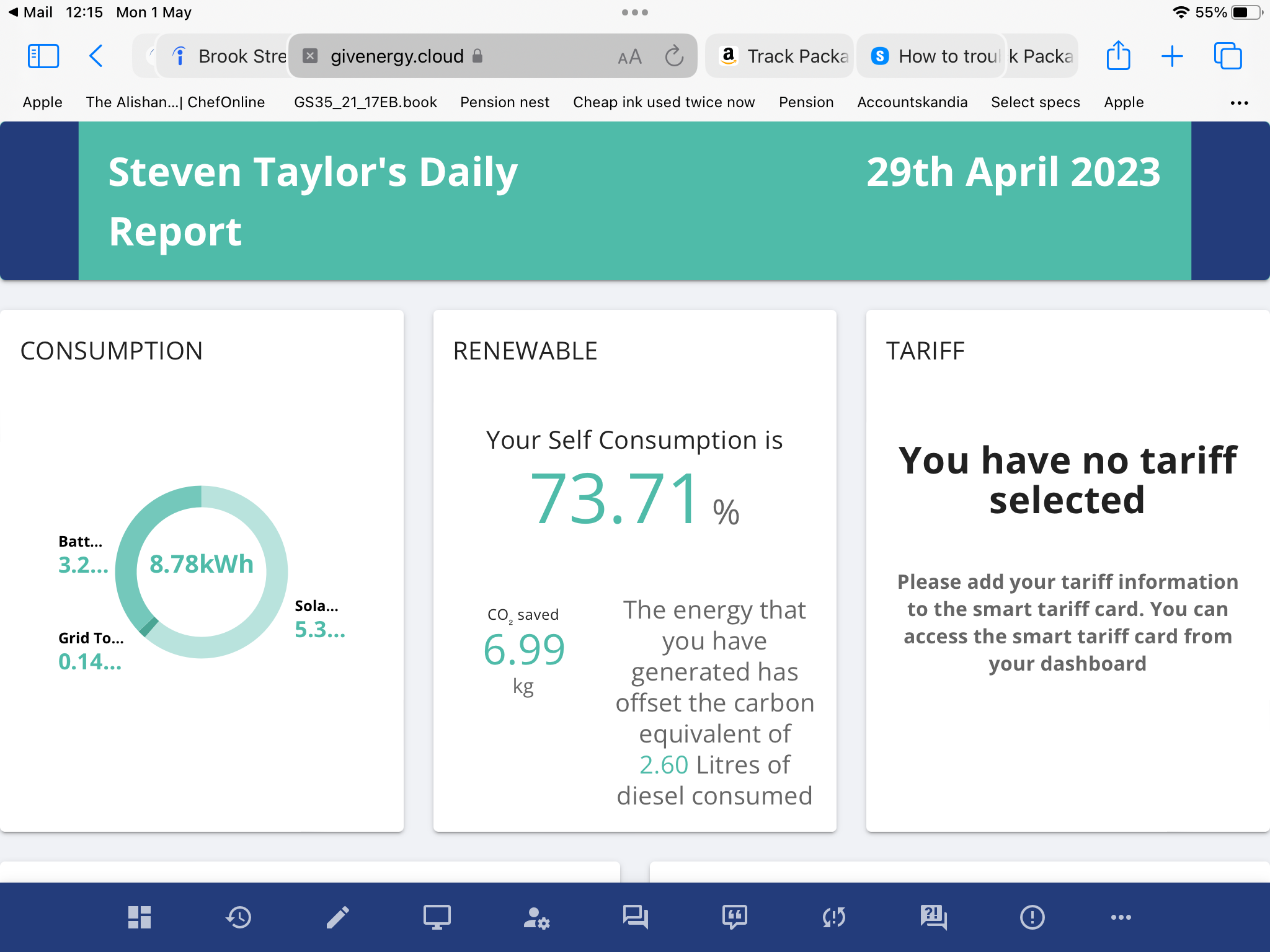
Hi this is what I mean it is sent via email daily or weekly depending on your choice.
I just can’t remember how I done it
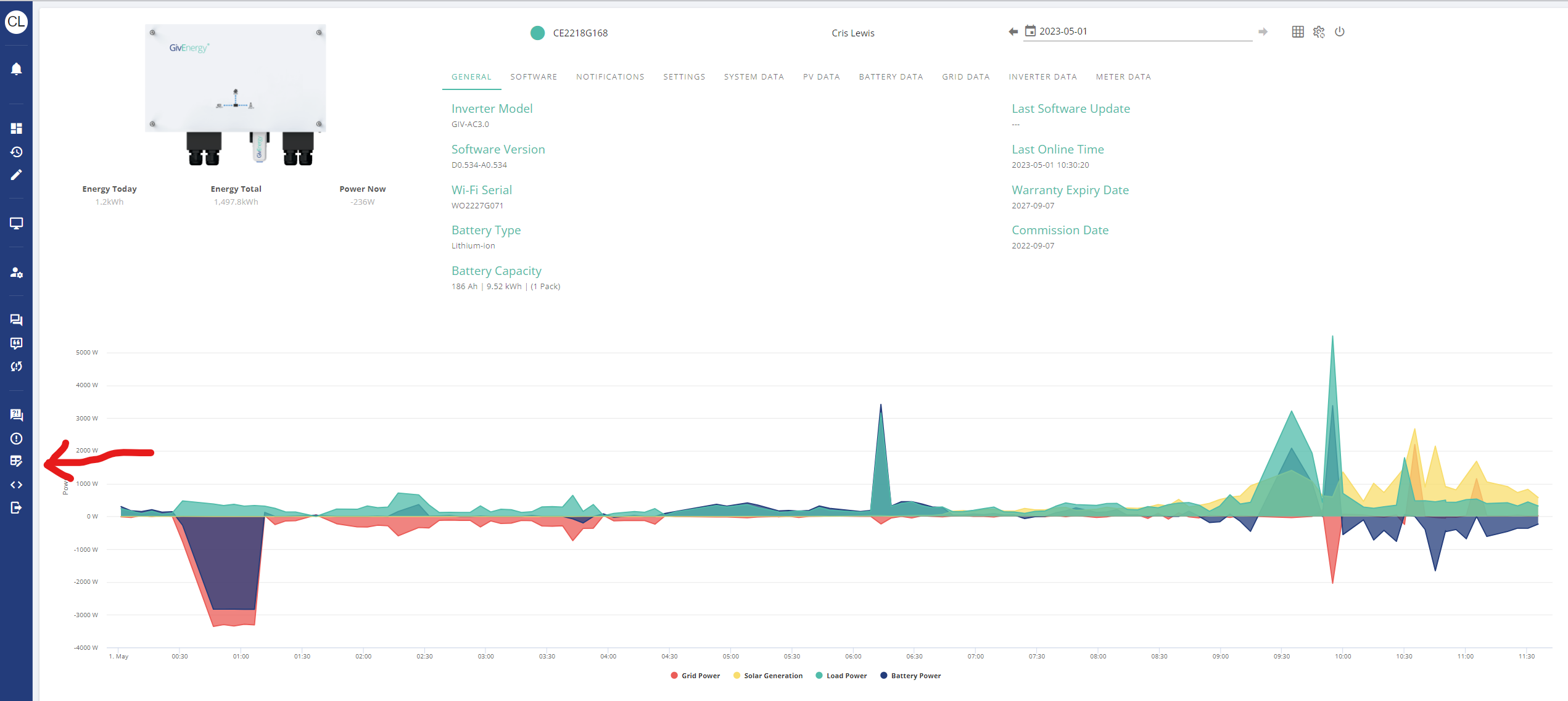
On the LHS of the portal "home page" - third icon up from the bottom is "reports".
I have set up regular monthly reports and I get the "report has been generated" email but I have never been able to find the genereated report. If I do a manual report, I can see that but the automatic ones are nowhere to been found. Strange.

On the web portal, go to Account Settings. Your email address is there. I don't know if you can have more than one email address listed - @TheDragon (GivEnergy) would need to advise on the formatting.
Also on the web portal, go Reports on the bottom-left. Can generate whatever reports you want there. Or just edit the url dates of an existing report - that's what I do.
Bolts Yes. Click on the link I arrowed in the image. That's where you can set up the reports. Not sure if you can set up reports to multiple emails, though. The alternative would be for you to set up an auto forward of the report emails on your email account so that they all get copied to your wife's email.
Actually, the emails don't contain the report (nor does the portal actually generate and save any reports) but a link to the report page on the portal with the period set. You can do this yourself simply go to the reports page and set the period to whatever you want.
Thanks everyone I found it 😀