C
Any help would be greatly appreciated as the app can not connect to our system to monitor solar pane charge etc
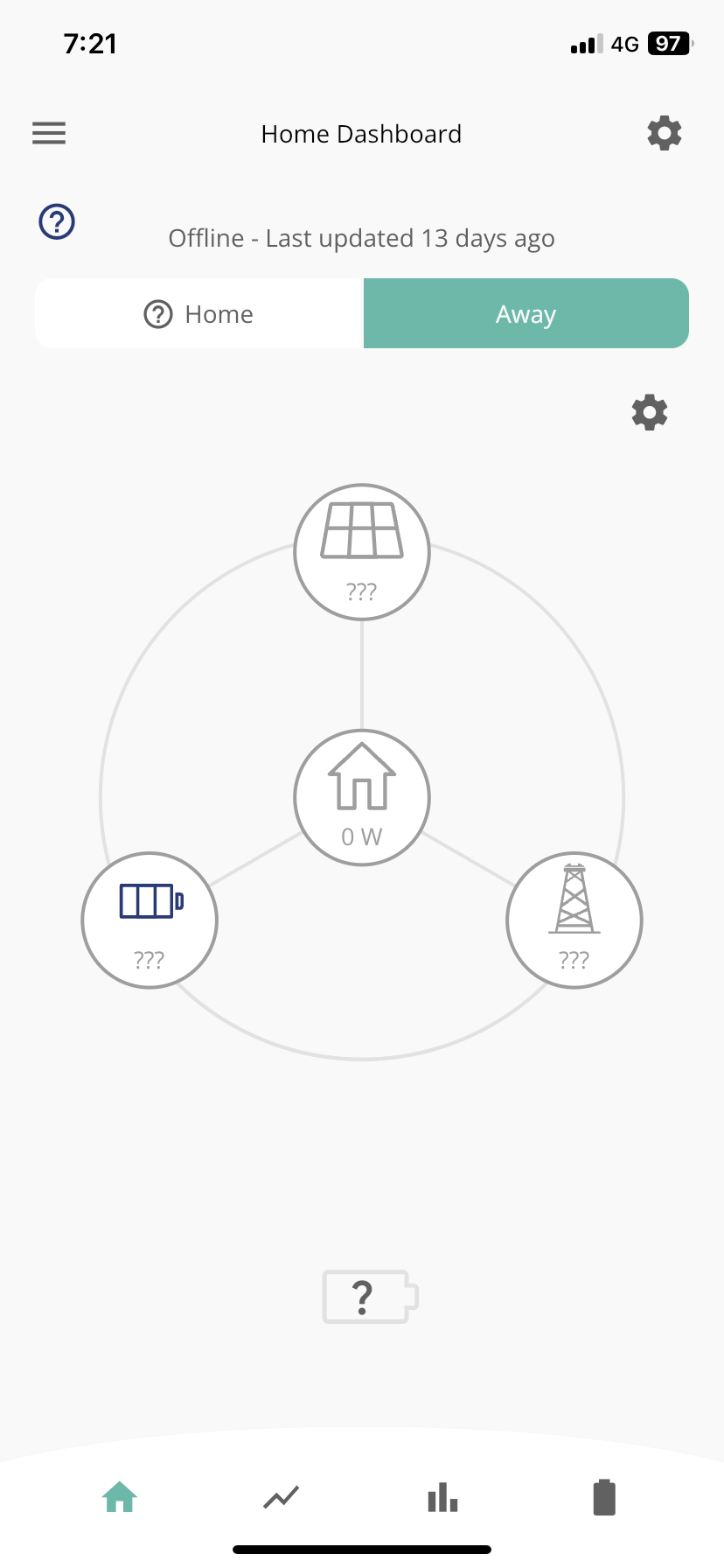

Any help would be greatly appreciated as the app can not connect to our system to monitor solar pane charge etc
Doesn’t seem to be any wifi showing?

Is your inverter connected to the WiFi? It looks like it hasn't updated the GE cloud for a while, is it working ok otherwise?
chrisstone68 As @SimonClarke says, your phone doesn't look to be connected to your wifi. Do that first, then see if the Home button can find your inverter. For access from your 4G signal, make sure that you've allowed the Givenergy app to use mobile data on your phone.
chrisstone68 i would check the dongle to see if the LED flashing or solid. Solid means connected, flashing means not connected.
If it's not connected, see if you can connect to the dongle's own network (will be the serial number of the dongle something like WO1234G123). The you can go to 10.10.100.254 in a browser and go to the login page (possibly admin & admin for username and password). There are some pages here that can get you sorted with seeing what networks are available, your should have a signal strength of 50% or greater - anything less and it could lose connection.
See here for the steps to connect to a network:
https://kb.givenergy.cloud/article.php?id=1
chrisstone68 If you haven’t done so I advise changing the password to access the WiFi dongle as shown in the document in the link above. The default password is not secure - the installer should have changed it.