
Cannot set operation back from PAUSE to PLAY

10 comments started 2023-06-20 last 2023-06-20
Mobile App
J
#1 JBelford

Setup: Hybrid inverter and 8.3kW battery.
I set my app setting to PAUSE using the quick settings PAUSE button to prioritize car charging. After an hour I set it back to normal using the PLAY button.
Since then the battery has not stepped in and supplied power for any house load, which it should do automatically. The battery remains at 100% but all consumption comes from solar plus grid... this is definitely not right!
I have checked in the cloud and updated the firmware to the latest.
I have tried setting batter settings back to default.
I have tried pressing PAUSE and then PLAY again on the app.
Nothing works.
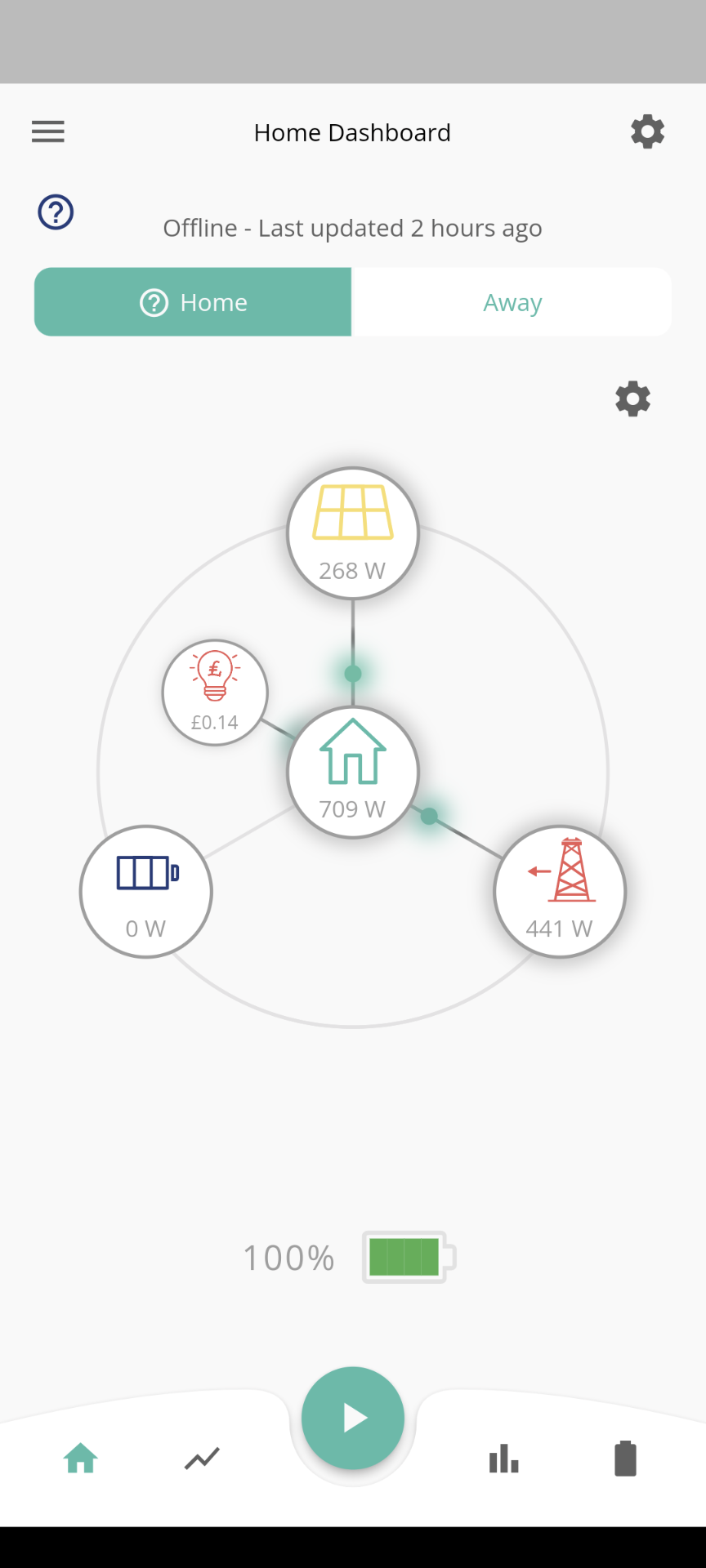
![
](https://)
Any ideas would be appreciated.

S
#2 SteveCook

I would use the GE portal on a PC/laptop.
Set all modes individually to off and submit. Eco, time charged, timed discharge, timed export.
The set Eco to enabled.
If all else fails use "reset to factory defaults" and maker sure Eco is enabled

D
#3 Dom66

JBelford what is your inverter firmware version? If you have 909 then I don’t know what’s up.

J
#4 JBelford

Hi all and thanks for your input.

I had also the question with support and this was their response and diagnosis...

"I believe this had gone into idle prior to the firmware update, there may have been a connection issue which caused it to stick in idle.
Once I reset this our end, everything came back online. "

FYI I had tried setting back to defaults and that did not resolve it for me.
The Inverter Firmware Version is : D0.450-A0.451

S
#5 SteveCook

what about battery firmware version. Is that up to date

J
#6 JBelford

Hi Steve.

It's Battery Firmware Version: 3012

Thanks to all for assistance..also thanks to GE support who diagnosed and resolved the issue within 4 hours of reporting it

D
#7 Dom66

JBelford I’m no expert but your firmware version seems old as I have seen threads dated last year who say they have your version. I have a Gen 2 5kW inverter and upgrading firmware to 909 about 1 month ago has eliminated all the issues I was having. I hope if you get the equivalent for your inverter it should fix your problem. I was told by @TheDragon (GivEnergy) to contact support for the firmware to be applied as it was available on the portal. They were rolling out BMS 3012 at the time which incidentally I have not applied as yet as it seems to fix issues I do not have.

W
#8 wilfleek

I pasued my battery on teh app then resumed it, but it sat there doing nothing. When onto the portal and found the charge/discharge rates still at zero. reset those, all was fine.

S
#9 SteveCook

I found when trying to mix/match stuff on app and portal I invariably messed things up.
I stopped using the app (disabled the control functions) and only use it to monitor when away.
For simplicity of automation, I would suggest trying things in the following order.
GE portal
Octopus R&D portal
Home Assistant.

I have ended up on HA with Octopus Flux and it is very stable and because it sits on home network is not subject to vagaries of the internet, GE servers and/or Octo servers.
I am currently working on HA automation of charging based on battery state and solar predictions, but note that I am cribbing the activities of others who have already done this.

#10 TheDragon (GivEnergy)

wilfleek If the comms link between inverter portal and App is flakey, one or more of the commands can get missed, the App team are working on improving the fault tolerance of these quick settings