Battery idle in eco mode

18 comments started 2023-06-24 last 2023-06-26
GivEnergy ProductsHybridBattery
J
#1 J1m

I'm on Octopus Flux, and have (for the last week or so since I went on the tariff) been manually switching the inverter to discharge my dc coupled battery during the 4pm -7pm slot, while I sort out an automation to do it automatically. This had been working fine, switching back to ECO once I set the GivEnergy app to 'resume' in the app. Yesterday I had a problem where the battery sat idle at 50% charge, while the grid was in heavy use while we cooked the evening meal. I eventually managed to kick it back into life by restarting the inverter, however this evening its doing it again, and no amount of inverter reboots, switching the app to discharge/pause/resume would kick the battery back to life! Anyone any ideas please πŸ™

T
#2 TX200

I've seen this before - the web portal thinks eco is on, but the logs in remote control history say it's off.

Think I had to toggle eco to off, save, toggle to on and save again from the web portal.

Might have to toggle timed discharge to off first too.

Timed discharge seems a bit troublesome in that it doesn't go back into ECO mode after.

Seems that automation is probably the best way to use timed discharge mode, rather than using the portal to schedule it.

J
#3 J1m

TX200

thanks for the quick reply! I can try your suggestion if/when it happens again. In the meantime I physically switched the inverter isolator off and on and that kicked it back into normal operation! It's a bit worrying if that can regularly happen, as you say hopefully an automation can sort it. That's another issue though, as I've been having automation problems but that's another story!

K
#4 Krilimaca

Something similar is happening to us at the moment. Has never happened before.
Battery not discharging on eco so just charges up and stays charged! Even more annoying is that yesterday when we tried to fix it it was also charging itself from the grid when it should have been discharging on demand.
Can’t figure out why it’s suddenly started malfunctioning

J
#5 J1m

Krilimaca

It's all a bit worrying! As mentioned above I physically switched the inverter off and on and that seemed to kick the battery back into dynamic operation okay, but it is a concern. I've emailed GE Support to see if they can suggest anything. Will post if I get a response...

S
#6 SteveCook

I had exactly the same problems.
I went to Home Assistant.
It sits on home network so does not suffer the vagaries of GE servers (Octo servers if using R&D scheduler) and/or the internet.
Works really well both if just left automated, or if you change the settings manually (it does what it says)

J
#7 J1m

SteveCook
Thanks for this Steve! I've just installed GivTCP but have no idea yet how to use it! Could you please point me to the steps to implement this option - I'd be really grateful?

J
#8 justpassing

J1m

SteveCook I would guess that both the phone app and the web portal settings don't actively pole the inverter, whereas givtcp or givenergy-local in homeassistant do. I find that if you make a change on either the app or the web, the changed do not reflect in the other.
Homeassistant does reflect current state, however it was reached.

J
#9 J1m

justpassing
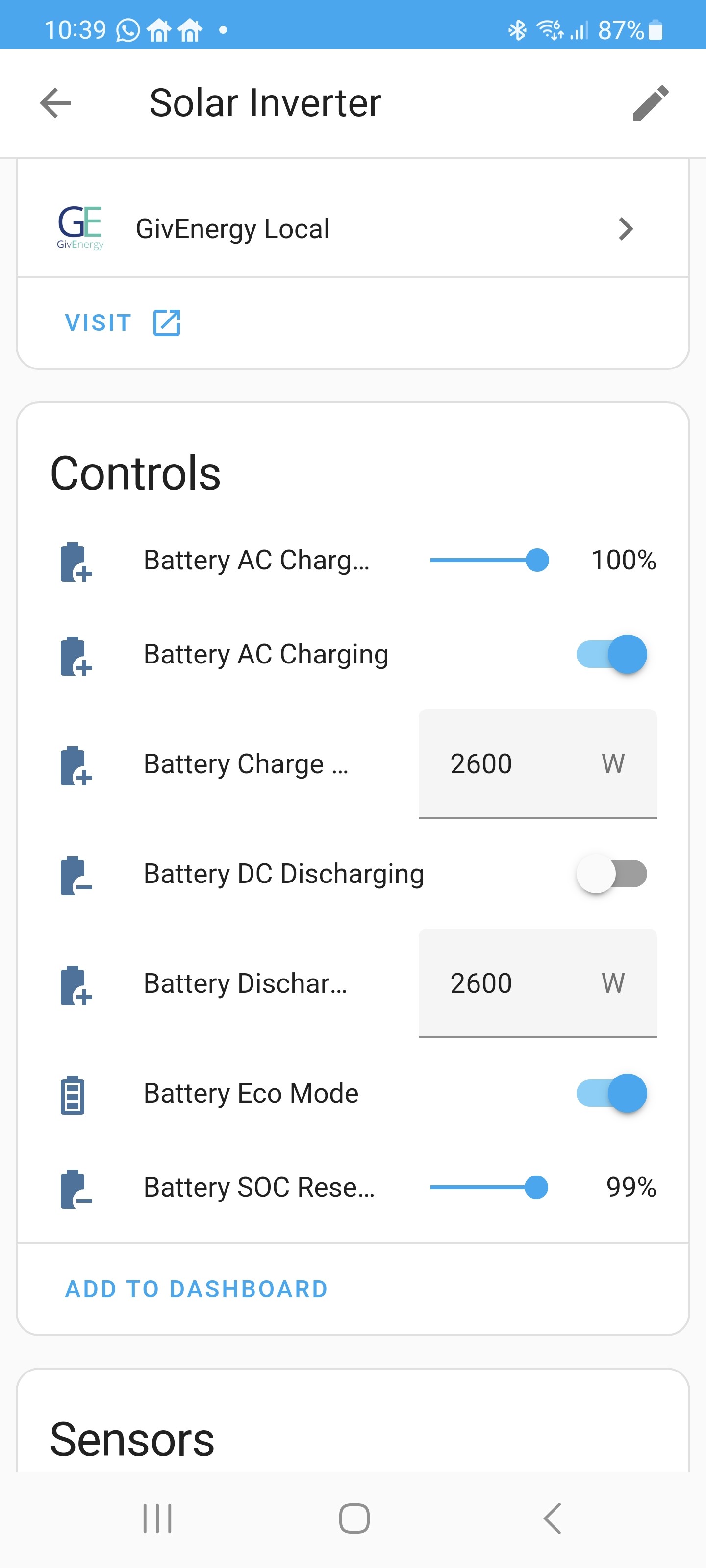
Thanks for that, I've just had a look at GivEnergy.local in HA and ECO is set on there. Are you saying I should try toggling that setting off/on if I have this issue again?

S
#10 SteveCook

J1m
Jim
TBH I am not sure I could give you clear instructions as I kind of blundered my way around.
I do know I installed MQTT as well as GivEnergy local. I think MQTT can get more stuff.
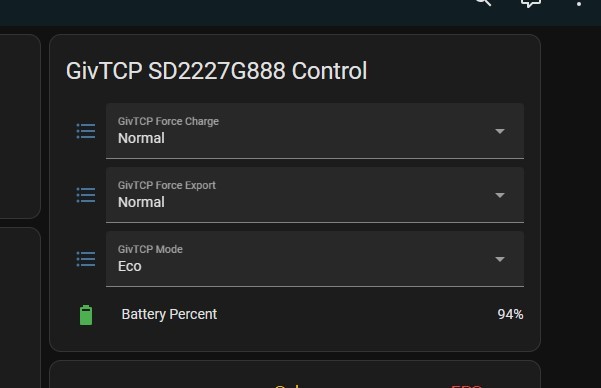
I think the pane GivTCP Control automatically appears when you setup your dashboard.

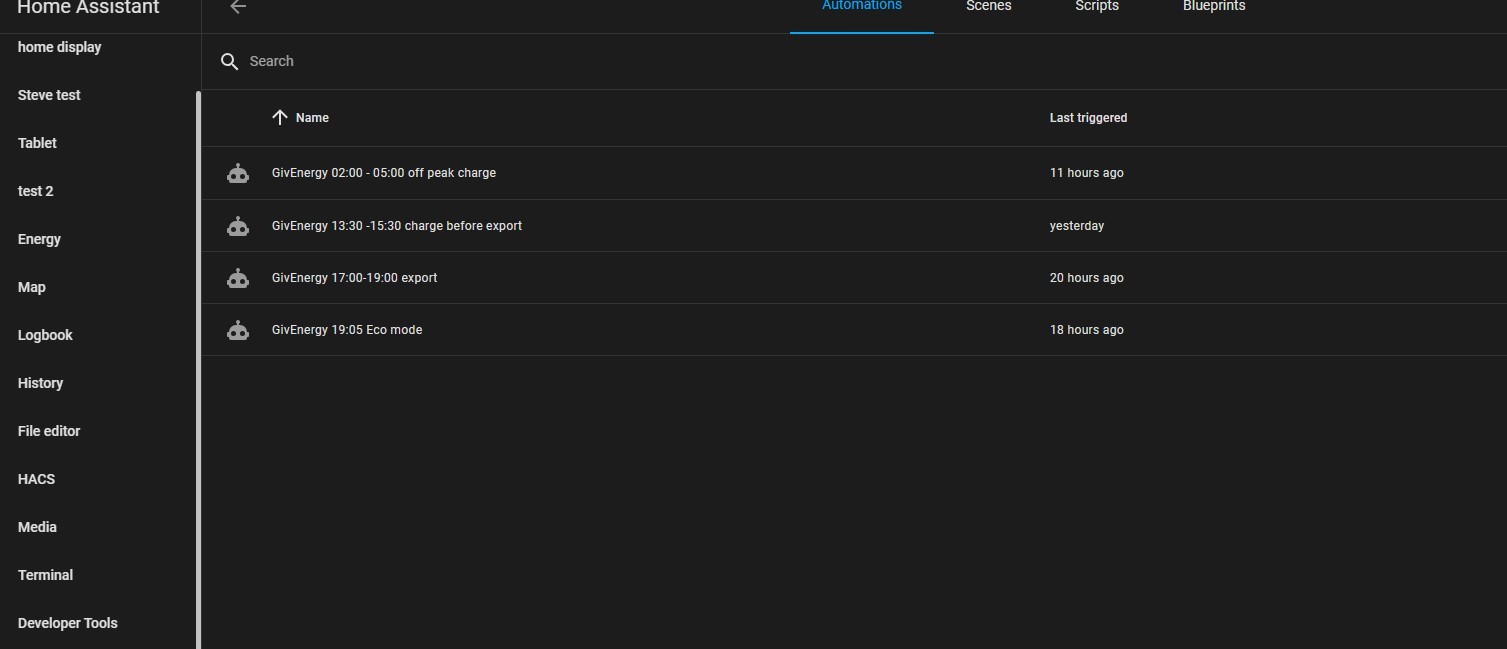
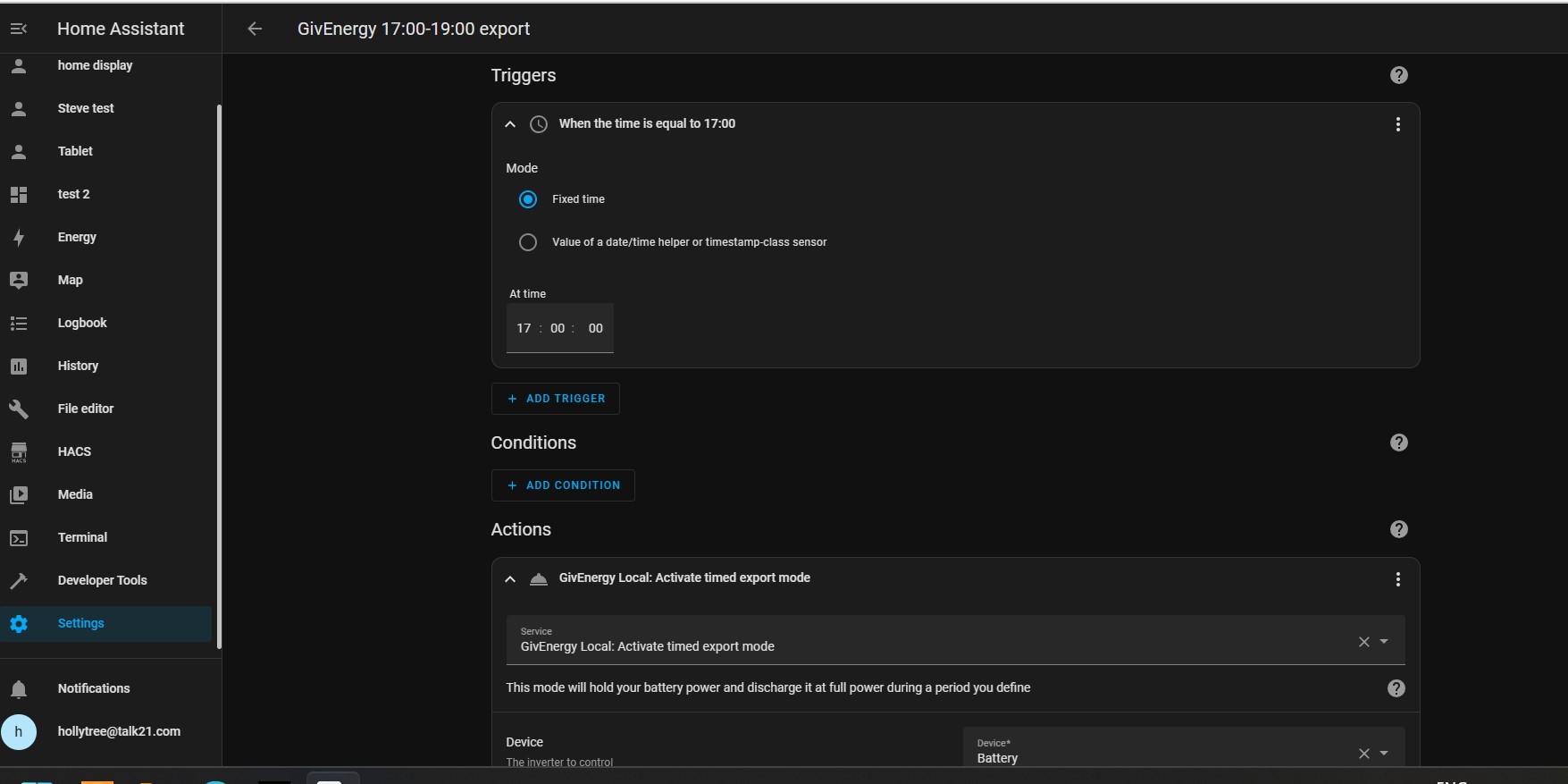
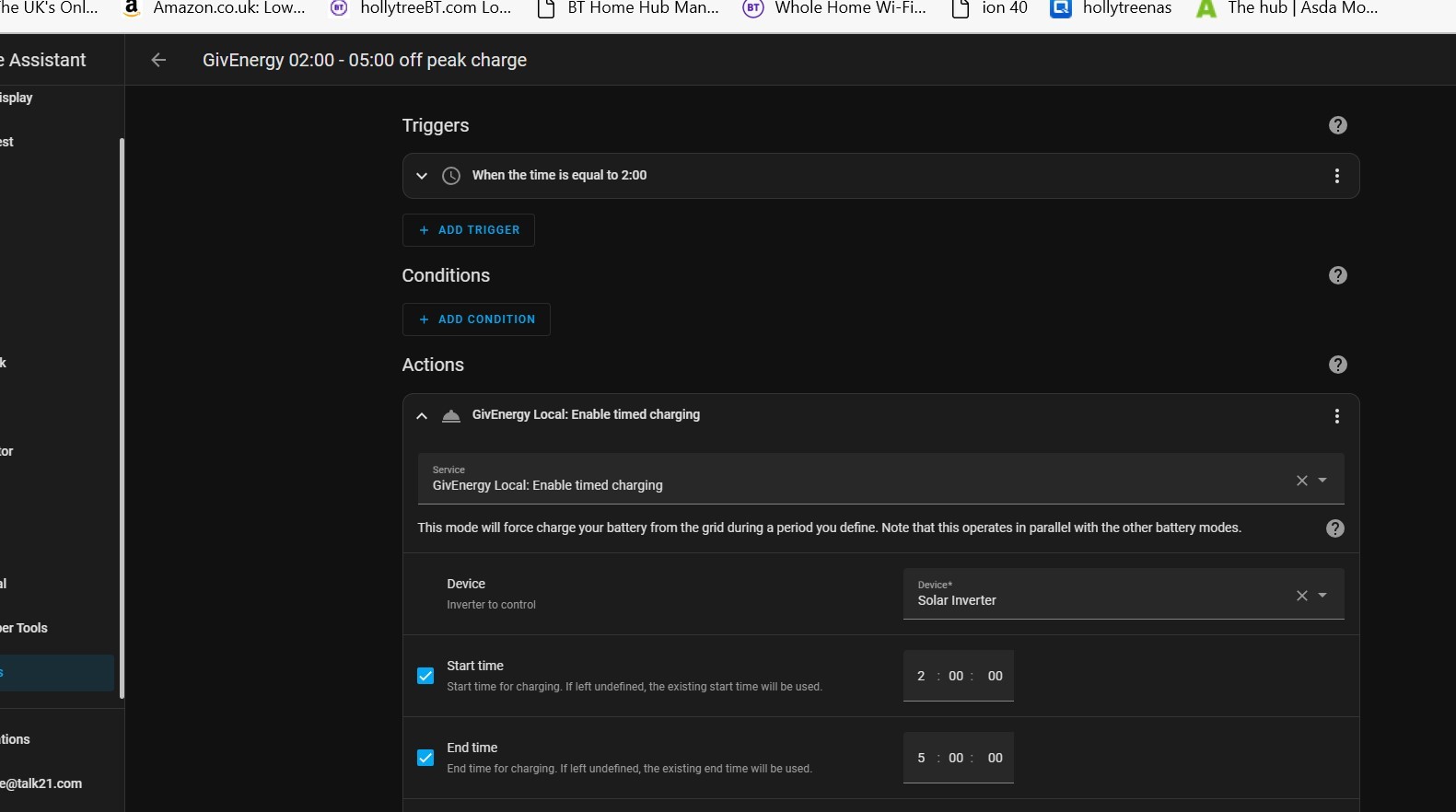
I then went into Automations and scenes and setup 2 timed imports, a timed export and a reset to Eco


J
#11 justpassing

J1m hi, yes a toggle is always worth trying. My point was more that I would trust the state that givenergy-local shows you, rather than the app or portal. Givenergy local sends the command up to 5 times checking each time by reading back the register. So what givenergy local shows you should be the registers actual value. If you try for yourself looking at the state that the app, the web portal or givenergy local says you are in, they may all be different ! The one I would trust is givenergy local

J
#12 J1m

SteveCook

Thanks for this Steve! I think my problem is that I don't have the GivTCP dashboard, and can't see how to get it!

If I go to 'add dashboard' I'm asked for the url. If I go to GivTCP in devices and try to add to dashboard it says I'm not in control (which is very true!!) and to take control first, and I can't find where the option is to take control! Can you advise please πŸ™

T
#13 Tim

J1m add to dashboard it says I'm not in control (which is very true!!)

I think you have to go to your HA user account (Bottom left icon in the sidebar) and enable Advanced Mode. You can then add things to the dashboard and you'll be good to go. This is one of those things you do when following the tutorial, but then forget you ever did.

J
#14 J1m

Tim
Thanks Tim, unfortunately I have already got advanced mode enabled. I had to enable it when I installed mqtt and GivTCP..

J
#15 justpassing

J1m if you add a new dashboard, you should only need to give it a name, nott sure where you see URL ?.
I have just created a new test dashboard here.
Settings -dashboards.
...add new dashboard..
called it test. By default your new dashboard will get all the devices on your overview dashboard.

Then gone to
Settings -devices
Choose your devices to add, click on add to dashboard
Choose your dashboard (test)
Click ok, and you should be good to go.

J
#16 J1m

justpassing

Thanks... you are right, I am able to create a dashboard that way. There is a url section but you don't have to enter any url.

However even after creating a test dashboard I can't add anything, as I still get the same message...You don't seem to be in control of any dashboard, please take control first

J
#17 justpassing

J1m 3 dots on top right corner, edit dashboard, should give you take control option, and do you want to start with an empty dashboard 😁

J
#18 J1m

justpassing

I did try that option before - the only thing that pops up when I click on the three dots is 'resources' !