Having problems with GivTCP 2.2 update on HA

9 comments started 2023-06-29 last 2023-06-30
Home AutomationHome Assistant
#1 Lofthouse

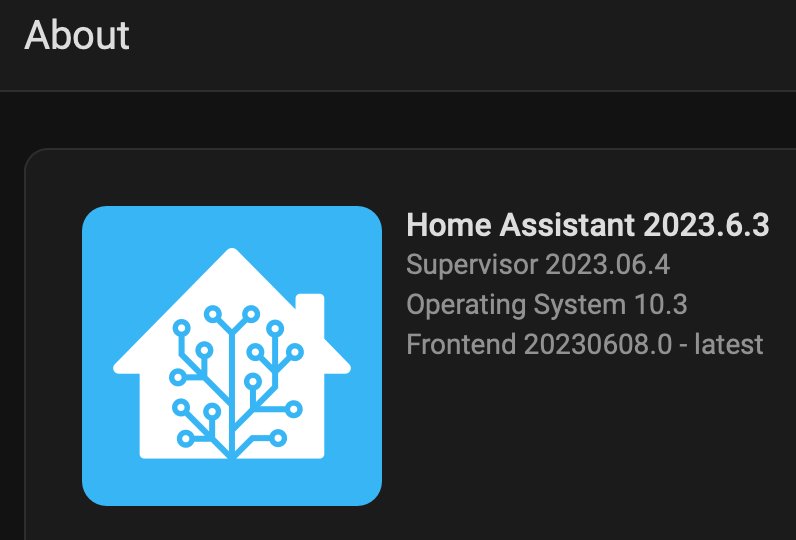
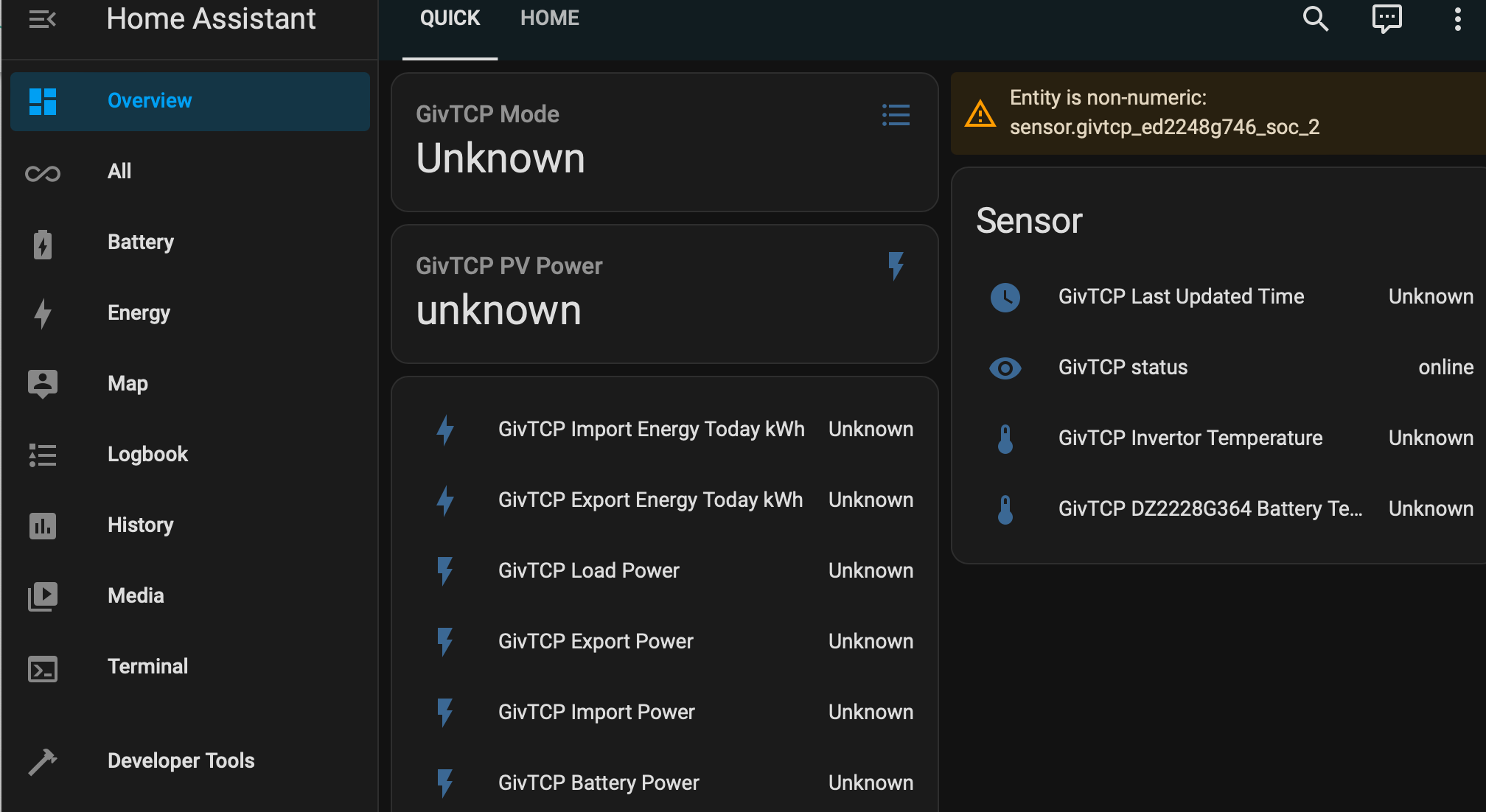
My HA installation runs HASS in a VirtualBox VM on a Mac Mini. It has been running fine, but this morning I installed the GivTCP 2.2 update, and now all entity values are shown as "Unknown".
Things I have tried:
1) Checked that I can access my inverter at the its normal IP address - I can
2) Checked that the GivEnergy app can see the inverter in local mode - it can
3) Powering down the VirtualBox VM and restarting
4) Powering down the Mac Mini and restarting everything
5) Rebooting the inverter and restarting everything

@Britkat - Has anyone installed GivTCP in a similar HW environment successfully ?
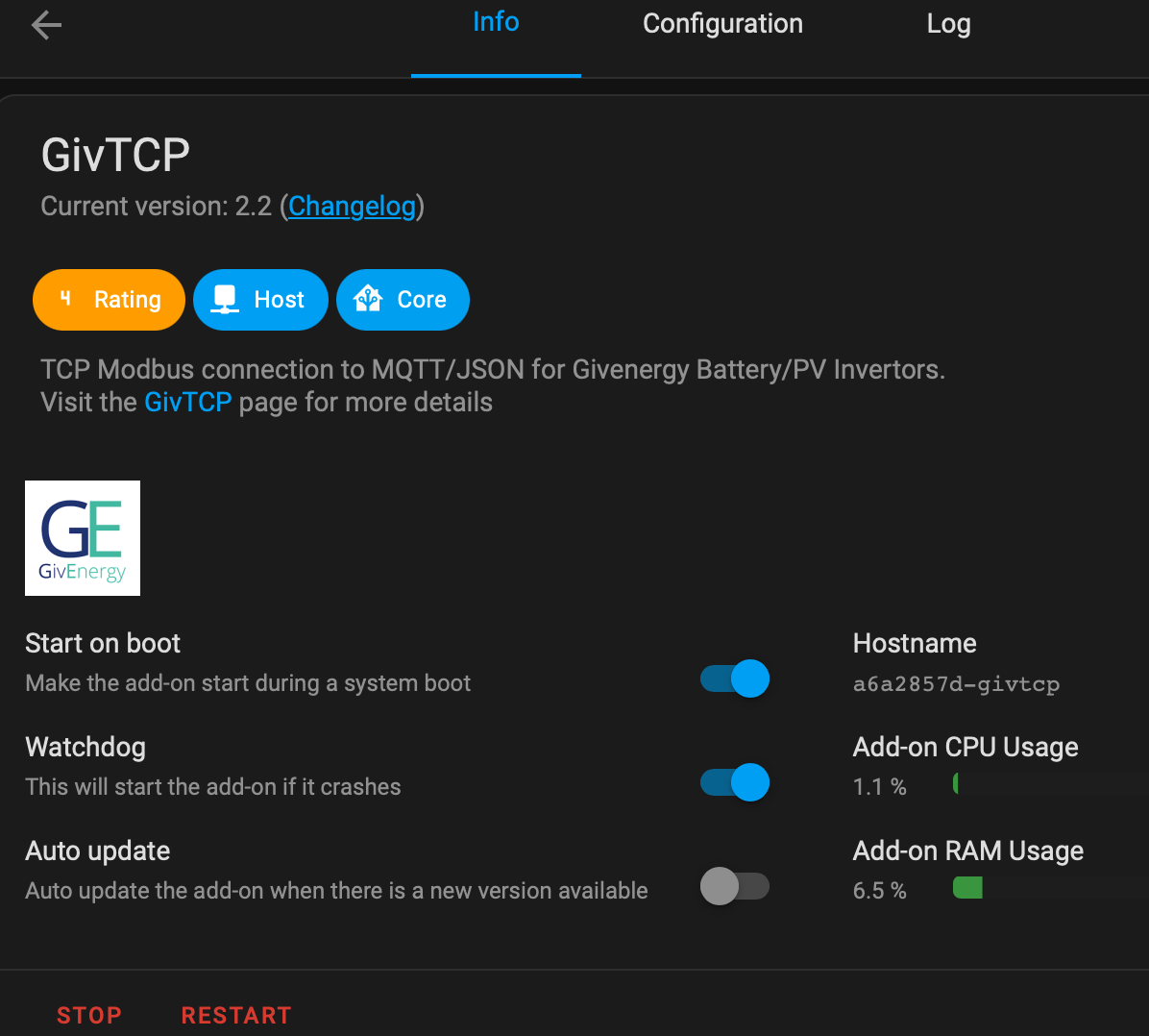
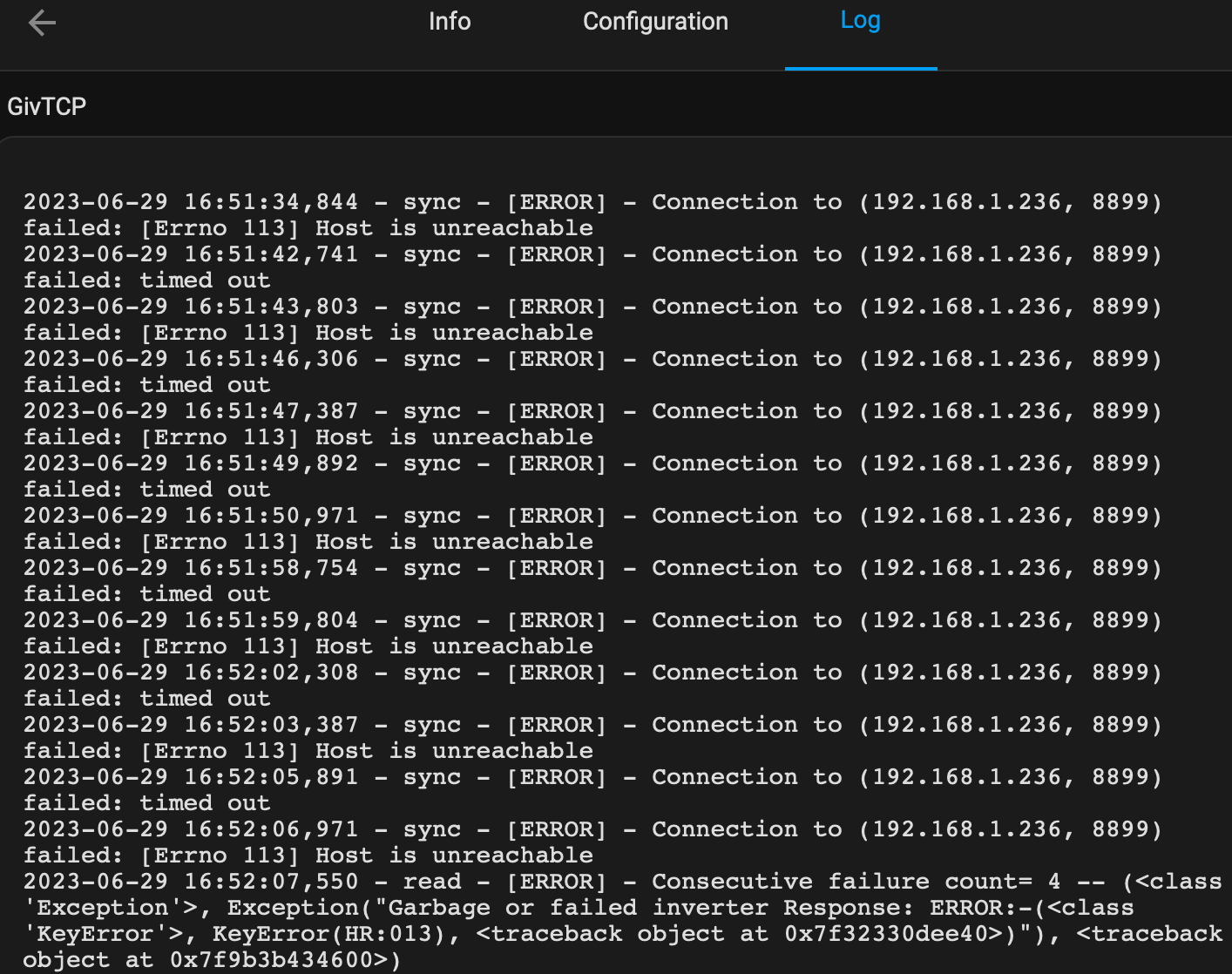
Log from GivTCP suggests it can't get a connection to the inverter:
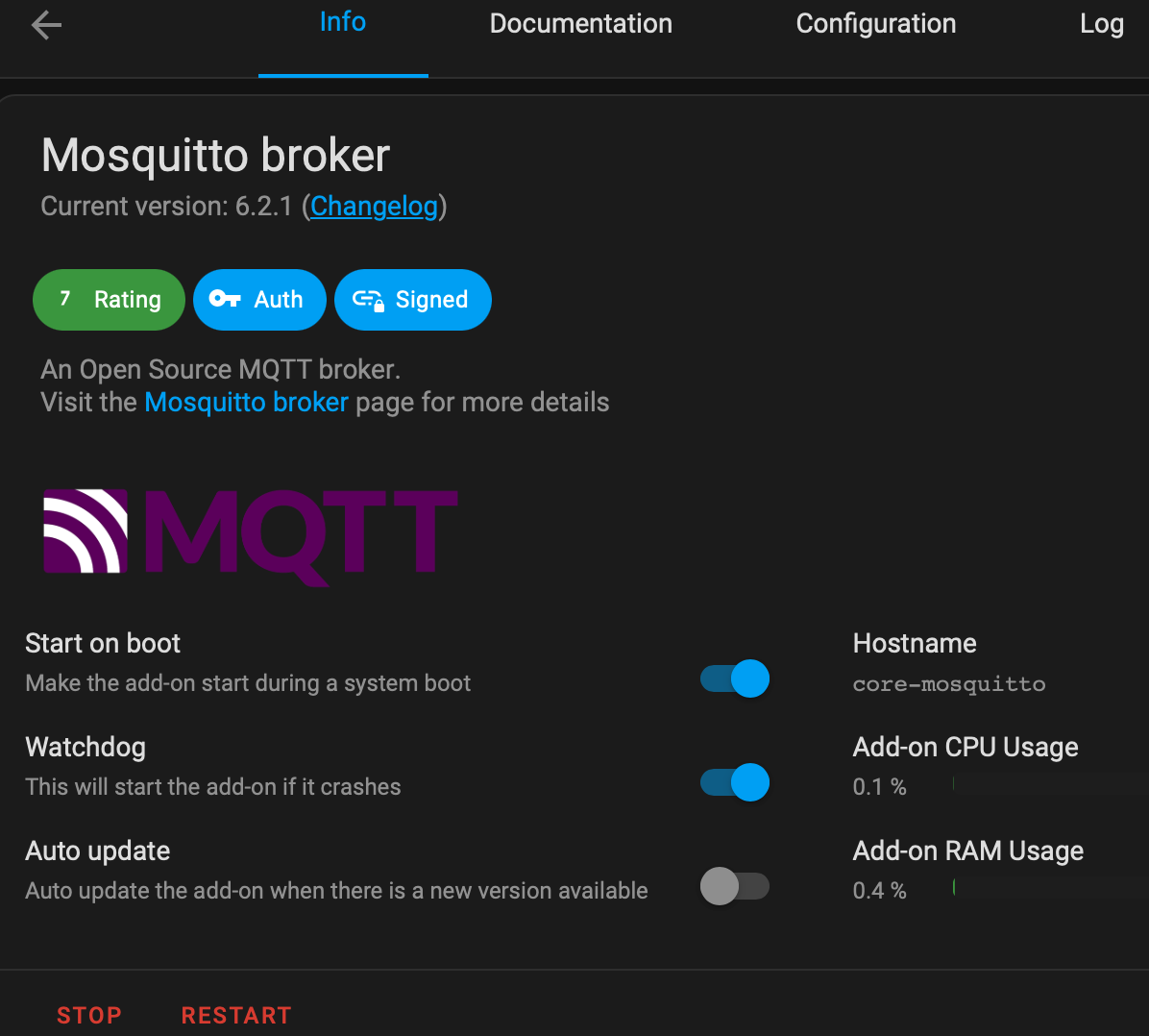
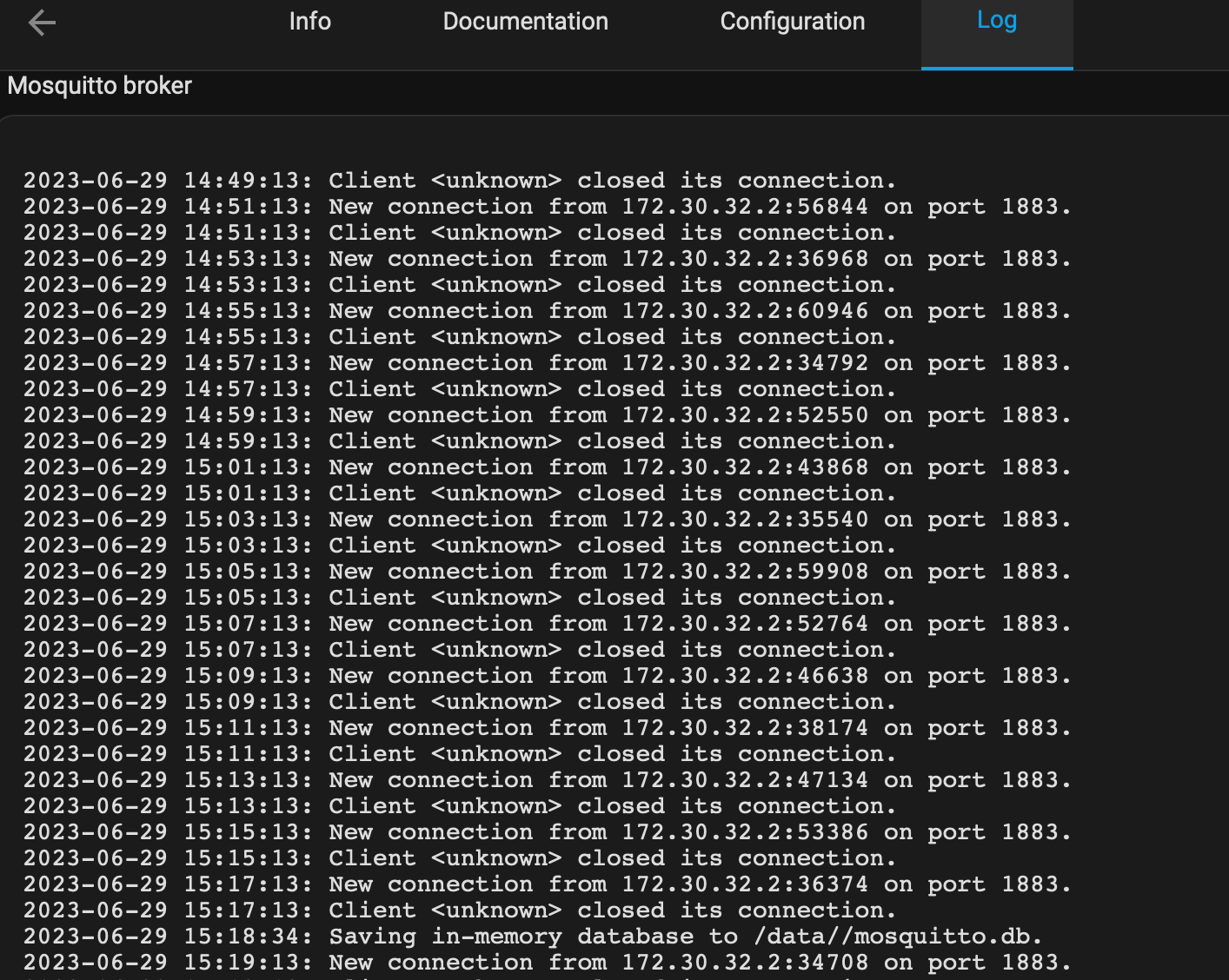
Log from Mosquitto broker doesn't give much info:
#2 Lofthouse

Forgot to include a screenshot of the symptoms ...

A
#3 anglefire

Have you got MQTT Explorer? If so you could use that to see if the MQTT messages are being sent out.

I don't use the ADDON so can't help much more than that as I run it in a separate docker container and updated it yesterday and has been fine. I did have an issue with an earlier version that meant all the MQTT entities had renamed themselves.

#4 judgepd

Mine running on a raspberry pi hasn't worked since I installed 2.20 earlier today. The add-on just keeps stopping but I can't see any error message indicating why.

#5 Lofthouse

anglefire

Thanks, I’ll look into MQTT Explorer, to try to get more diagnostic info

#6 Lofthouse

anglefire

I also had the previous issue involving entities being duplicated, appending _2 to the original entities, and messing up the dashboards.

This case seems different, as when I look at the entities, they are all still there, NOT marked “Unavailable”, but all values are “Unknown” …

#7 Lofthouse

Big apologies (especially to @Britkat) and thanks to the people that replied.

After looking at my BT SmartHub router page, I saw that BT did a firmware “upgrade” last night. Everything appeared to be working this morning, but clearly something was upset, because as soon as I rebooted the router, everything sprang back to life.

My lesson today - ALWAYS reboot the router, even if it all appears to be working.

#8 judgepd

Mine is still stuck showing this:

2023-06-30 04:35:32,245 - startup - [CRITICAL] - HA MQTT Service has been found at core-mosquitto
2023-06-30 04:35:33,501 - startup - [CRITICAL] - We have found the following invertors: {1: '192.168.1.160'}
2023-06-30 04:35:33,502 - startup - [ERROR] - Error scanning for Inverters
2023-06-30 04:35:33,504 - startup - [CRITICAL] - GivTCP isAddon: True
2023-06-30 04:35:33,505 - startup - [CRITICAL] - Config directory already exists
2023-06-30 04:35:33,528 - startup - [CRITICAL] - Running Redis
2023-06-30 04:35:33,551 - startup - [CRITICAL] - Running RQ Dashboard on port 9181
2023-06-30 04:35:33,554 - startup - [CRITICAL] - Setting up invertor: 1 of 1
2023-06-30 04:35:34,010 - startup - [CRITICAL] - Recreating settings.py for invertor 1
2023-06-30 04:35:34,033 - startup - [CRITICAL] - Running RQ worker to queue and process givernergy-modbus calls
2023-06-30 04:35:34,035 - startup - [CRITICAL] - Running Invertor read loop every 15s
2023-06-30 04:35:34,058 - startup - [CRITICAL] - Subscribing MQTT Broker for control
2023-06-30 04:35:34,088 - startup - [CRITICAL] - Starting Gunicorn on port 6345
{1: '192.168.1.160'}
Traceback (most recent call last):
File "/app/startup.py", line 263, in <module>
if os.getenv('MQTT_ADDRESS')=="127.0.0.1" and not mqttBroker.poll()==None:
NameError: name 'mqttBroker' is not defined

#9 judgepd

judgepd Not sure what had happened, but I reset the config to defaults and it's working again now.