
Tariff tile data on the dashboard?

4 comments started 2023-07-01 last 2023-07-01
Cards - Smart Tariffs (Octopus)Cloud Portal
G
#1 Gadget

Sorry if this may have been asked before or is a stupid question but I did try to search for an answer and couldn't find what I was looking for.

My export tariff with "Flux" has only just kicked in and as of this morning I am now seeing the lightbulb icon on the phone app has a figure under it for export income but I am still not seeing that information on the tariff page of the desktop app which lists my tariff as "Flux Import".

Should I have entered my export MPAN number onto the tariff tile rather than the import one? I somehow expected that it would have just shown me both import and export figures at the same time?

Still very new to the system and getting used to all the different settings.

Thank you to the forum members who drew attention to "Wonder Watt" by the way as I wasn't aware of them and I think this will make it easier to minimise the payback period for the installation.
S
#2 SteveCook

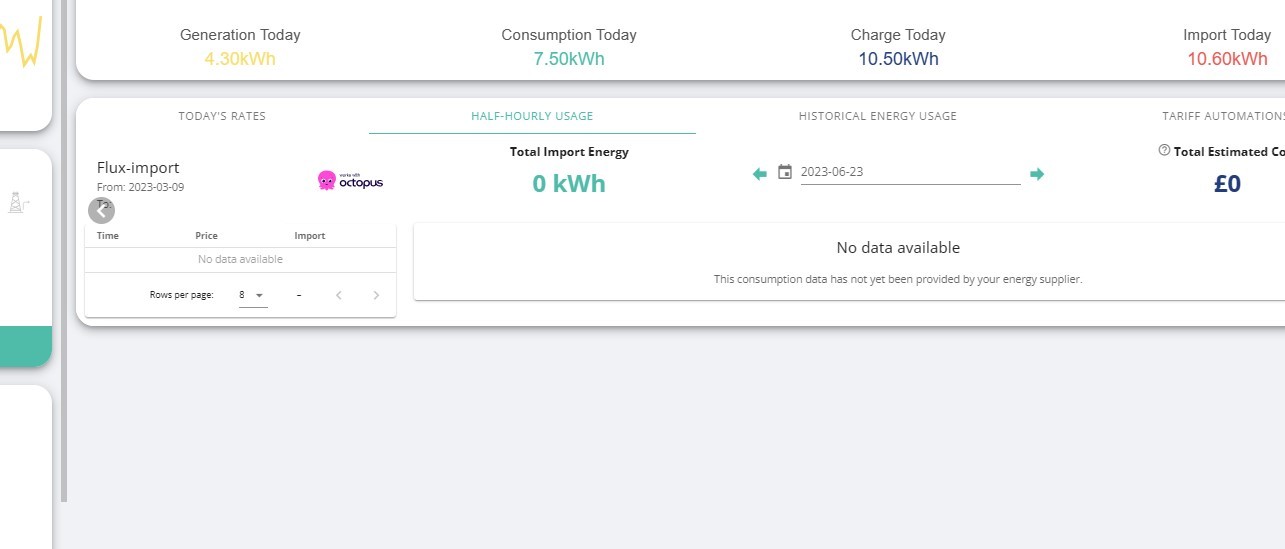
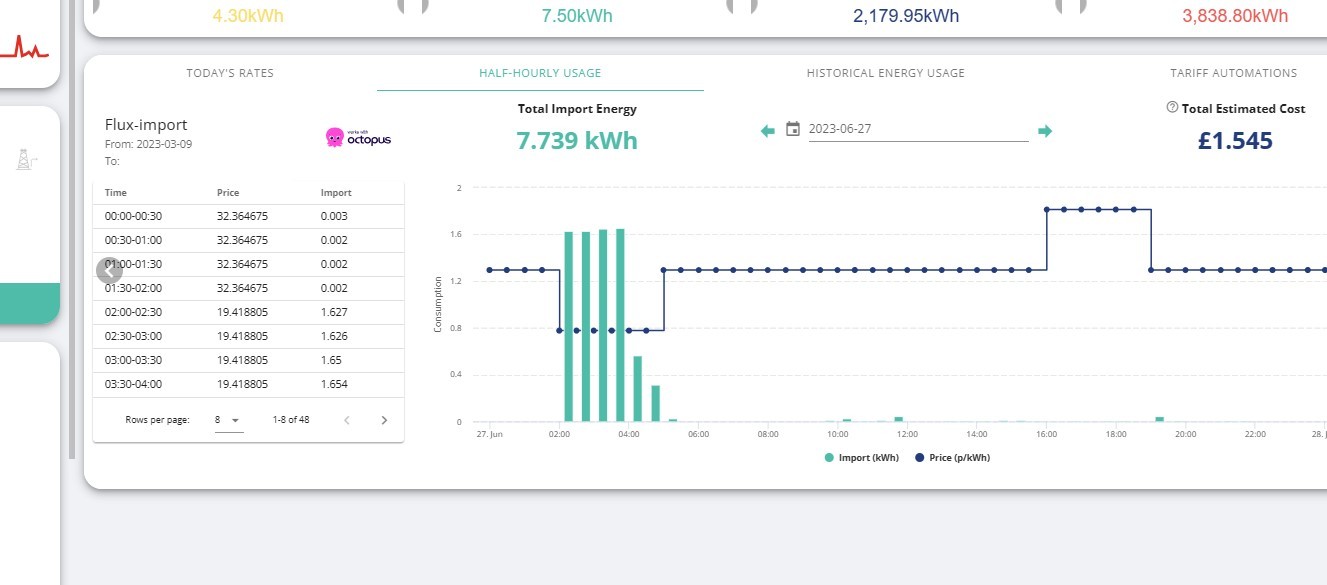
Some days I get info and some days not. Depends if the DCC has the data.
Look at the dates on these., yet I have been on Flux for 3 months.
Octo still struggling with getting bills correct.

S
#3 SteveCook

I think it takes a few days for all of it to link up

G
#4 Gadget

OK... I'll hang on and see what happens.

I don't have a lot of confidence in Octopus at the moment as I haven't been billed for electricity for a year! I've been paying the direct debit but they haven't been billing me apparently so I now have a substantial credit on my account which they don't know how to handle as my meter wasn't sending them readings so they don't know what to charge me as I was on the "Go" time of day tariff with multiple rates.

Just want to make sure I'm all set up correctly now that they should be paying me to export.

Thanks SteveCook for the swift reply