D
My iPhone just updated the GE App automatically and I now get this.
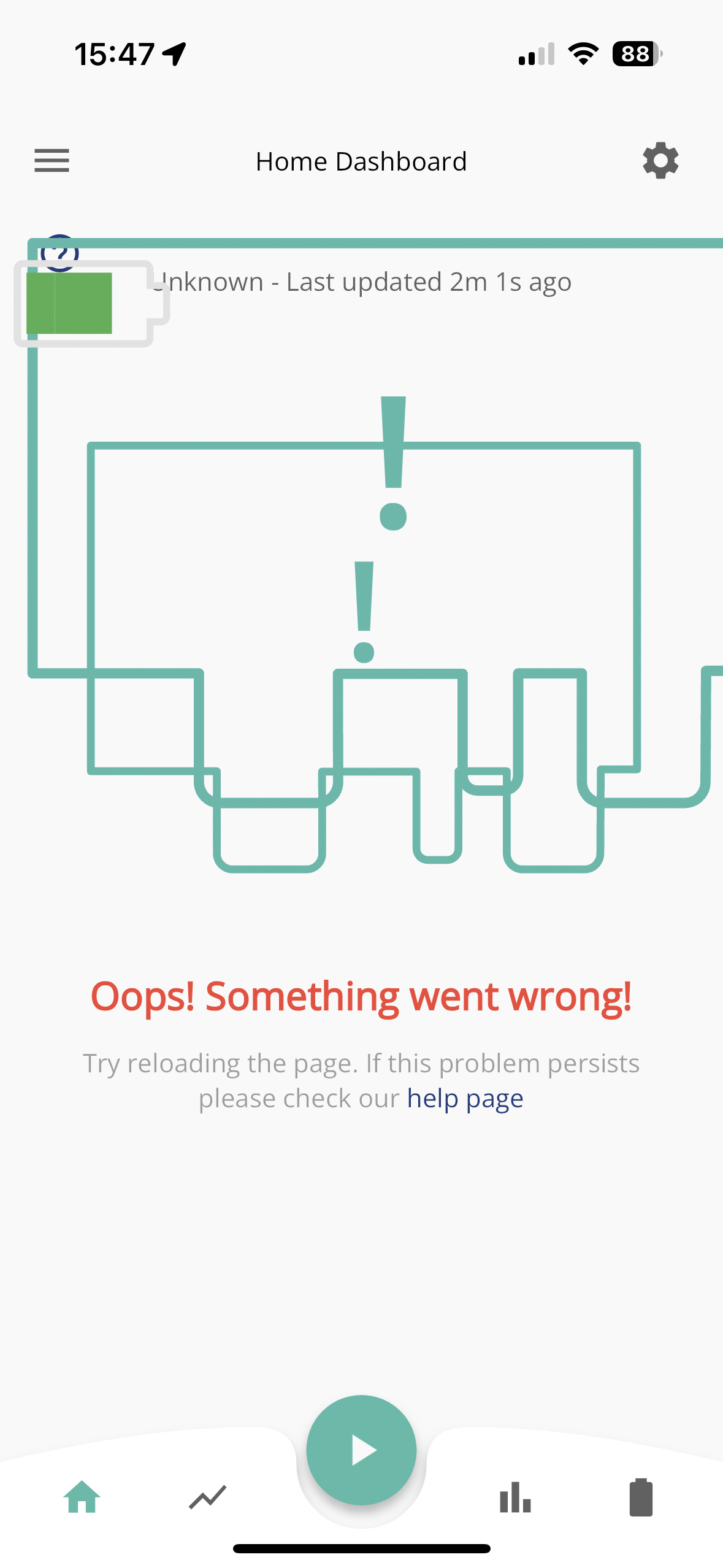

My iPhone just updated the GE App automatically and I now get this.
Wasn’t aware there was an update out?
Looks more like you need to 'clear caches' and reload it - try deleting and re-installing it then?

iOS local is broken too
So I fixed it
Logged out and back in again - did not fix
Deleted the app
Reinstalled
Logged back in - this worked
hehe saw the don't and did 🙂
One thing its only the homepage broken in IOS - graph/bar/battery screen work fine
I think the update may have broken a few things. The app now can't find an inverter, even through the app sees the IP address ok. I can monitor remotely but not locally.
Do these guys actually test anything!? I’ve got the same thing. How can you put out an ios app update and not check the homepage loads accurately 🙁
Local monitoring doesn't work on the android app if I uninstall and reinstall. So annoying
After the reinstall suggested, it works although says unknown at the top?
Oh dear warned too late! My App is running on Android and I cannot get the "home" view just the "Away" readings. I have tried stopping the App and restarting then tried uninstalling and reinstalling but got the same result.
Hopefully, it will be fixed shortly. I'll survive.
killythebid yep, same issue for me. Hopefully they will fix it soon.
killythebid Try signing out, going to app info then clearing cache/data then uninstalling/reinstalling.
I have not updated myself but maybe its trying to get incompatible info or app was released before the firmware update for it?
Anyones guess currently.
This is why I don't update anything unless im forced to lol
Same issue here on Android 12 phone. Showed GE app needed to be updated, but v sluggish in doing so. Wish I hadn't bothered having now seen this thread! Tried clearing cache, same problem. Tried uninstalling app, then reinstall and relog in - same problem on home screen, though battery, PV, grid power flows seem to show sensible graphs. Very frustrating.

My wife's phone updated itself and the home screen is broken as above.
WilkinsonHP27 Curiously though, it seems to work correctly on iPad iOs16, GE app 3.3.3??
I did all the above for my Iphone but nothing worked until I cleared the cache in the app. All back up now.

New update out this morning - v 3.3.5
Still not working for me on local mode - get a spinning wheel on “Home”
Just updated Android version works fine
Android user.
Yesterdays update produced this.
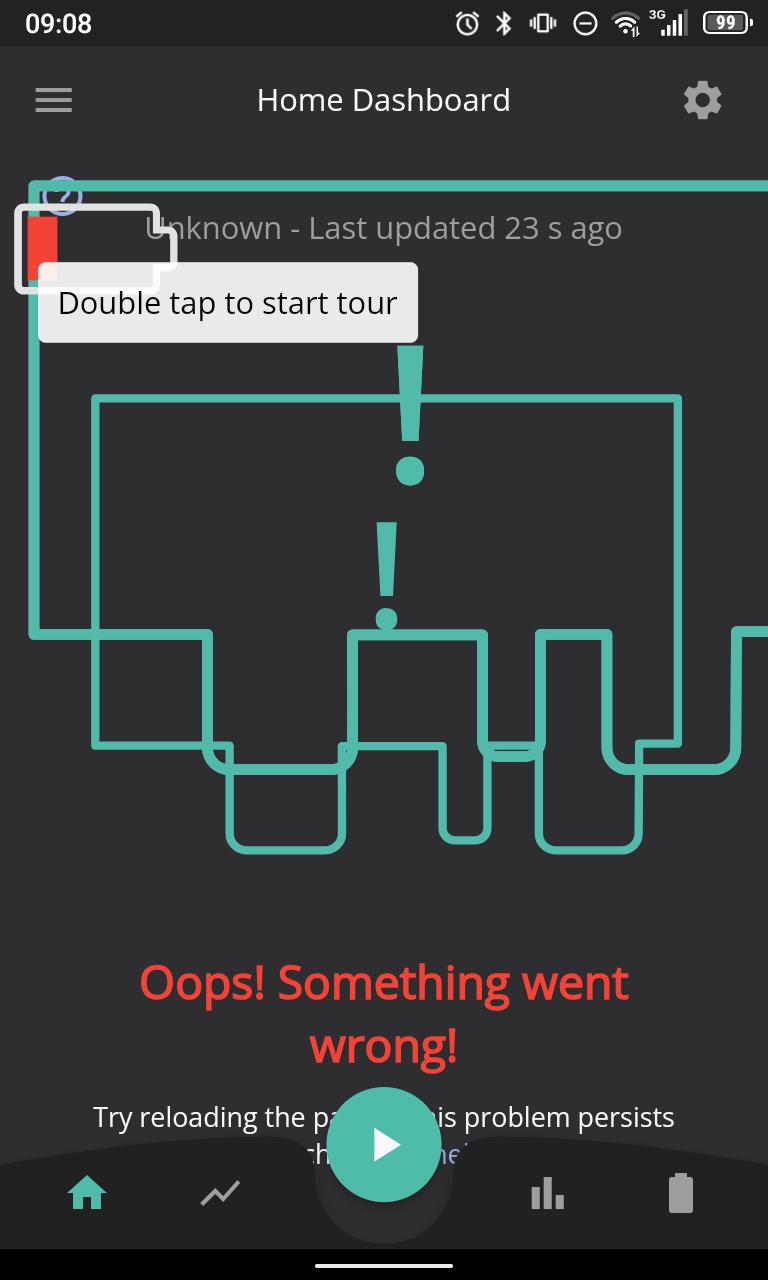
This mornings update. Same result
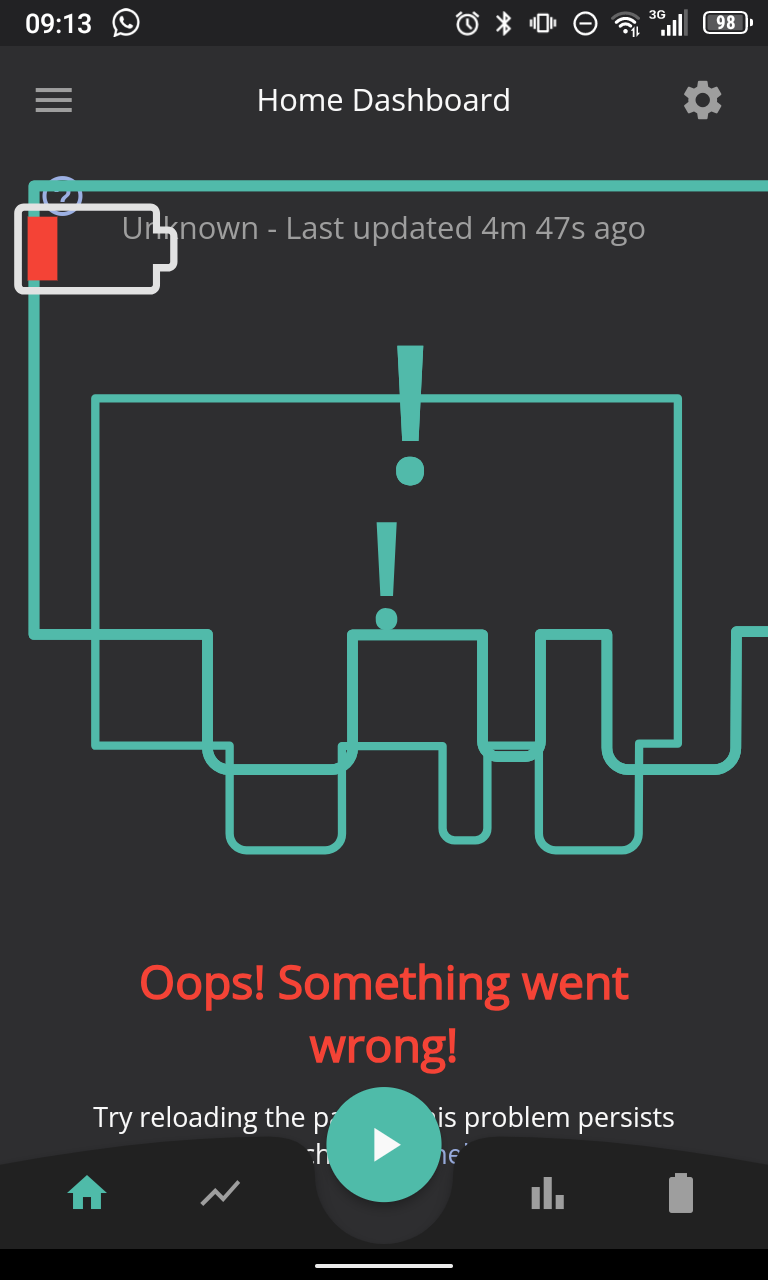
Force Stop. No diffference
Clear Cache. No difference
Clear Storage. Now get login screen
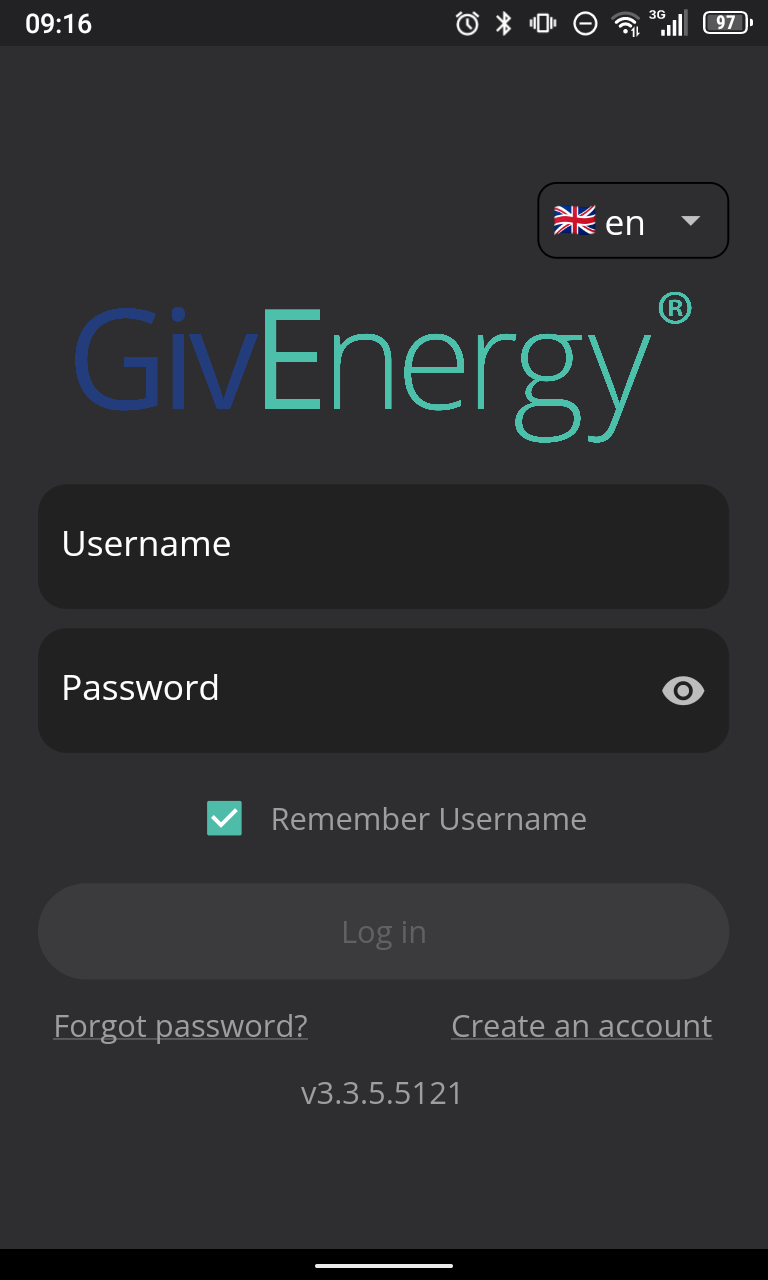
Once logged in appears to work fine.

I had this on Android, as as StevenFitch said clearing cache/data and logging in again fixed it.
Mine displays OK, but now I can't use the home button (local view) as it stays perpetually in scanning mode.
Settings finds the inverter fine tho.
Typical givenergy, if it isn't broke, they'll be sure to break it soon enough.
Check out "Known Issues" on the main webpage for your solar. G.E. are aware of this and are investigating. It happened here after the hefty spate to the mobile monitoring app this morning!!
As they say, "If it ain't broke, don't fix it"!!!
Updated the app on my iPhone 14, and it duly reported "sorry, something's broken" as above. Deleted and reinstalled and all is well.
Just done the same. Now working!! Thank you for the tip wilfleek!!!
GE app again updated recently on Android 12. Still didn't work. Cleared cache, didn't work. Cleared cache & data, sti didn't work. Uninstalled a reloged in, now seems to work, 🤞
Note:- On iOS if you add an IP address in manually using the Local Monitoring menu, the app will no longer connect locally using the Home tab.
You will need to reinstall to get it working again!
Even after uninstall on iOS iPadOS local connectivity is broken
same issue here on android - pixel 7, deleted app and resintalled.. didnt fix.. logged out and back in - no joy
Logging out, then clearing storage/cache and logging back in fixed the issue
On a plus note I seem to have had 3 updates I think to the GE app on my android pixel phone in the last few days and they have all worked.
Love the vagaries of app behaviour on various device and OS version combos
I updated to v 3.3.6 on iOS this morning. I then re-entered the static address of my AIO.
All now working ok.
I noticed it was behaving eratically: battery capacity jumped from 80% to 92% in an unreallistically short time. It seems to have stopped talking to the inverter locally. Again. Ho hum.
While I wasn't aware that I'd updated, I was getting the same symptoms. Clearing both cache and data didn't seem to help. But then I did update the app, cleared everything again, and now it seems to be working fine.
For those still without local access, there is an Android free third-party app which gives a local, read-only view. That appears to continue to work fine.
Have now updated android and iOS both working fine
I've just updated my iOS app. Didn't do anything else, just went to the App Store, searched for the GE app and installed the update. Once installed I re-entered my inverter IP under settings (it's on a different IP range to my phone. You might not need to do this bit).
Worked perfectly and I have the Home screen back.
Just updated the app again (not reinstalled and it is working fine). So all good phew. Thank you GE.
A lesson to be learned GE, test an update as well not just a new install 👍😀
All versions for me (Except the one before the current one, but only because I didn't have time to clear the cache) have worked eventually. But the latest one has just worked. Long may that position (regarding updates) continue!
If even finds my dongle, which it has never done before.
lawton
I'm not convinced the Android app has settled down. After resetting cache etc it appeared to restore normality but, this morning, I noticed my overnight charge routine, set to 80% battery capacity, took off and charged to 100%.
Clearly I'm still learning because the web portal had somehow reverted the inverter settings: the timed charge parameter was reset to 100%, whereas the app setting remained at 80%. Somehow they're allowed to become unsynchronised? Anyway, changing back to 80% via the portal I'll see what happens after tonight
I have a GivEnergy solar and battery storage system installed a month ago. The Mobile App worked on my iPhone 12 just fine. I then updated to the latest App Version 3.3.6.4 and suddenly I can no longer access my Power Graph Data, Energy Graph Data or Battery Graph Data. I am not technical and don't want to have to start faffing with IP addresses caches or other such bits of wizardry. It is just supposed to just work when you download it to your mobile. If it doesn't work first time without faffing then it should never have been released. This is a failing in my opinion by GivEnergy or its App supplier company and is spoiling my enjoyment and no doubt others of my/their installation. I note someone indicated GivEnergy updates the App weekly. Why? Other than for necessary security purposes or new facilities on the system leave things that work alone. I guess I have to wait now for the next update to see if it is gonna work. And if it doesn't? What then? So disappointing!
Having the same issue with my android phone. I have uninstalled and uploaded the latest app 3.3.6.5125. No change. I can access the away but not home. WiFi is on and works with other apps. My Gen3 inverter is hard wired to my router and has worked perfectly until the last few days. The phone searches for local inverters and after while Local search failed, no home connections were found comes up. Trying again gives the same result. Going into settings, local monitoring, I have rescanned for inverter and I get scan complete. Not sure what else I can do. Any ideas?
Thanks
Check the IP address of the inverter from your router admin page - might be called HF-21 or similar?
Then enter that IP into the app manually in the local monitoring section.
Will do. Thanks
All done. Now working again. Thank you
I think I’ve received a new version of the GE app on my iPhone and iPad as they both showed the “what’s new” page but nothing new. No issues with either, just worked fine
I can't get the app to work at all. I've wiped data, wiped the app, etc. – nothing gets it working again. Anyone else still having issues?
TX200
Thanks for this,
I had logged out and checked the version number and cleared the cache (all on Android) to no avail. Just discovered that the App had changed the IP address to 192.168.1.1 instead of the correct IP. Changed it in Settings/Local Monitoring and all OK again. Thanks for the valuable advice.
PeterB
Thanks for the help. Home now working after following your instructions.
When looking for the inverter the name is HFA21.
I saw thread title and thought "Oh god not AGAIN"
hi .. just downloaded latest firmware fr batteries and updated overnight, and now the app isnt working locally .. again! ..
its version 3.3.7.23
have manually updated the IP address in settings and a tick next to it ..
but return to home page and still not working.. anyone else faced this problem, and if so how did u solve please ?
many thanks
killythebid
thanks .. will give that a try .. in fact, will delete the app and reinstall ..
might help
rgds