Q
So I gave Octopus permission to operate my inverter for a smart flux tariff. How do I cancel it to operate it myself? I do not feel that they are operating my system for my benefit.

So I gave Octopus permission to operate my inverter for a smart flux tariff. How do I cancel it to operate it myself? I do not feel that they are operating my system for my benefit.

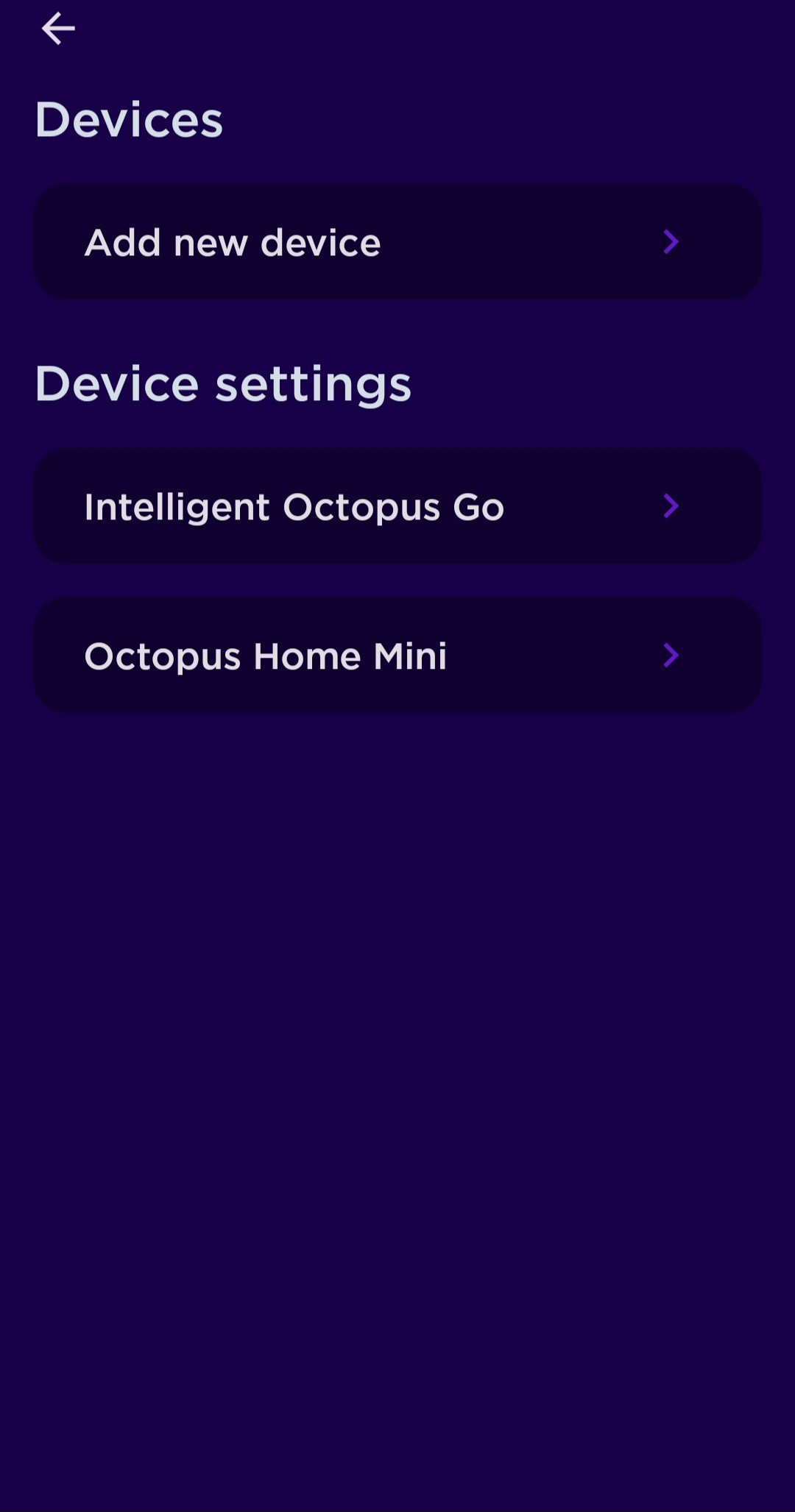
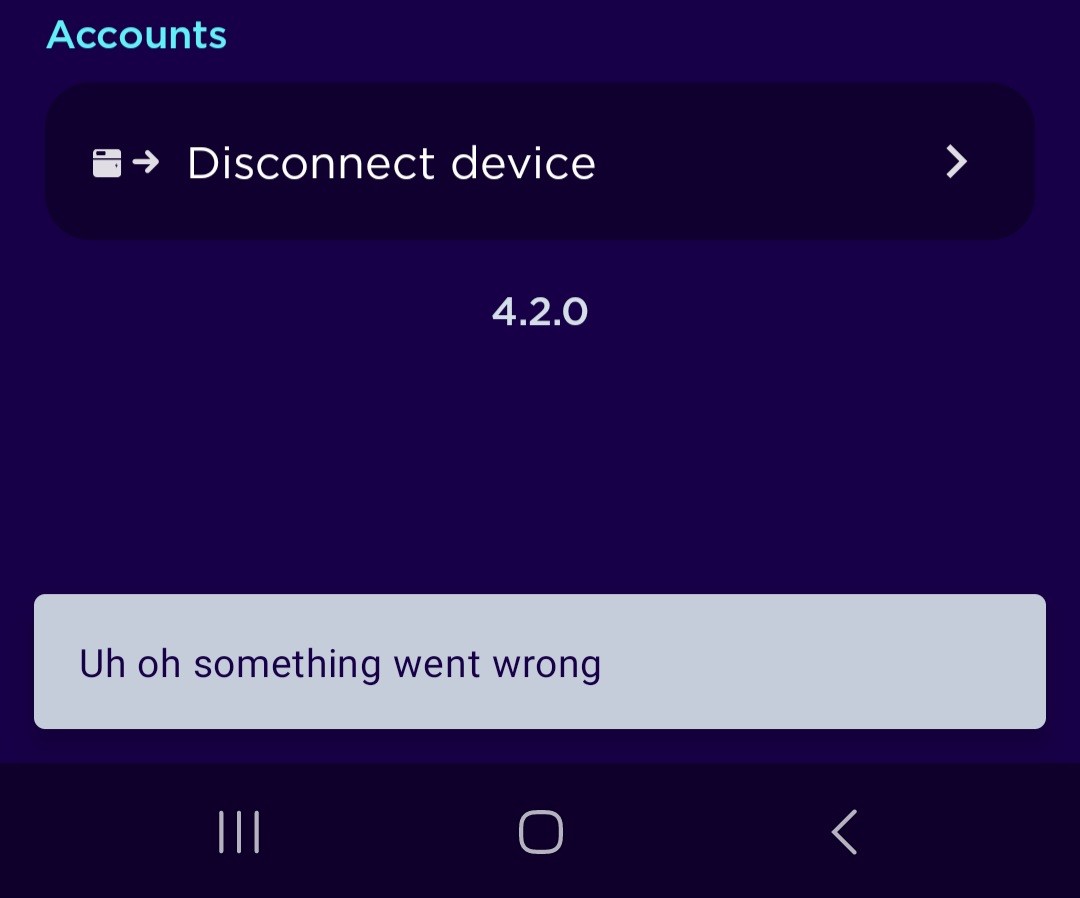
Quiz Octopus App > Settings > Devices > disconnect device.
This will also end your tariff.
Don't bother trying to reset / clear your Givenergy API keys, it doesn't work like that.
You may find you need to prod Octopus after switching to another tariff. It can get hung up/stuck on the flux tariff for billing. They will backdate it no problem.
hoggy don't suppose you've got any idea how to disconnect one inverter and reconnect a new one have you? 😀
I've emailed Octopus, a couple of days ago, no response yet.
I did try the original link they sent but it said link expires.
They've not autodected the new inverter not are they trying to control it (I'm using Home Assistant to replicate their usual actions in the meantime).
TX200 if you onboard throught the app you should be OK(as if you were connecting to an EV tariff), but if you've lost the ability to disconnect the first one then it probably won't show as an option in the app at all. It will be an Octopus manual intervention.
I've asked Givenergy for a user based method for severing these links (as they don't use API keys) but currently you have to contact support (something that they will hopefully get bored of doing an implement something less arduous)
Think I've got nearly a dozen of this mystery keys that enable anyone to control it which I'd rather like having control over!
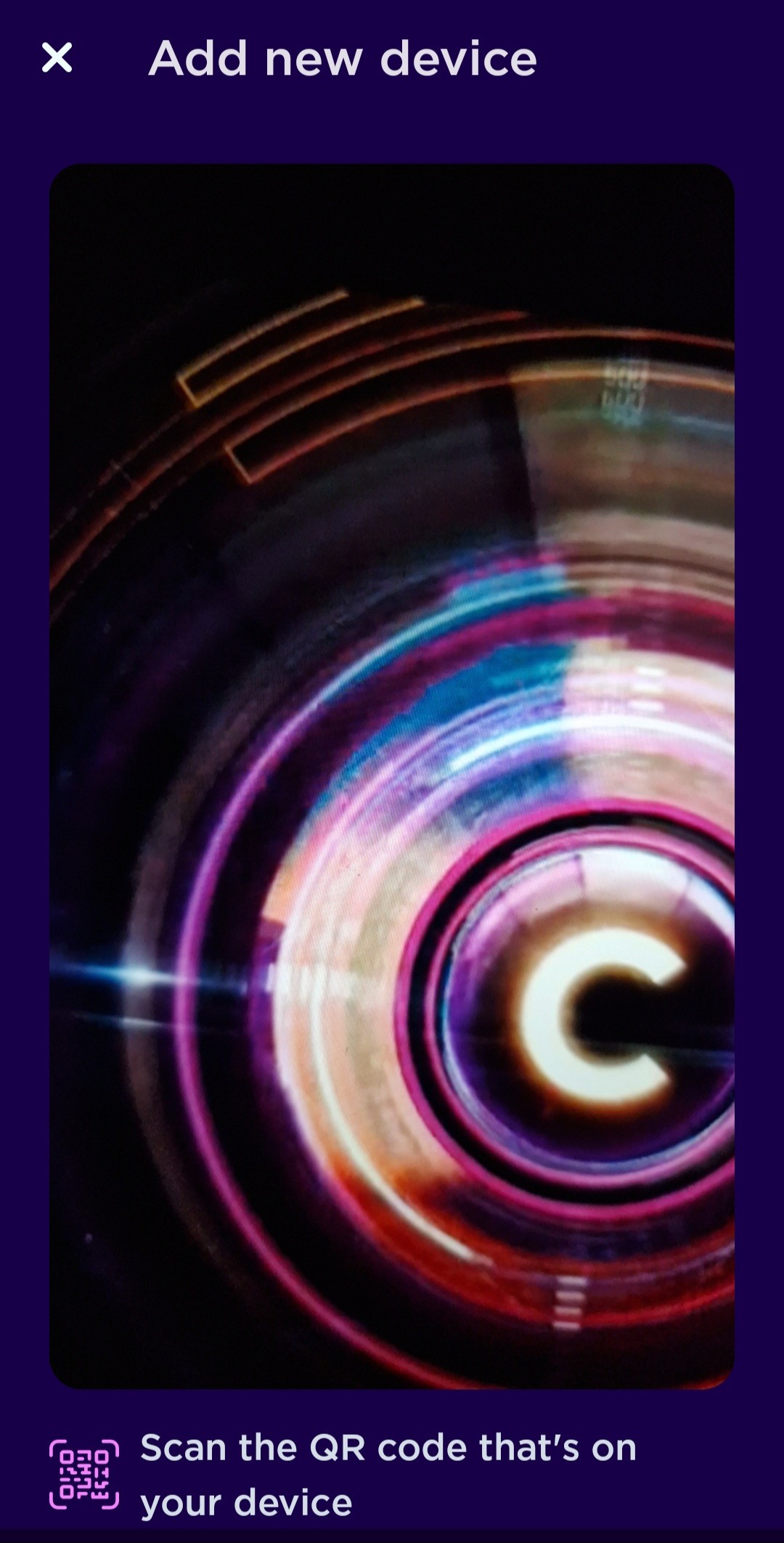
TX200 a barcode? No idea what thats for. Don't think there's any on the inverter.
Are you sure your not trying to set up the new EV charger or something?
I'm talking about onboarding to intelligent flux via the Octopus app not the GE one. You don't use the GE app to join or manage it at all. Sorry, Probably me not being clear on which app I'm on about!
Ah hang on, they are trialling an Octopus Mini Pro right now so that's for those I think.
Where it currently says Octopus Intelligent GO - that will be your Givenergy inverter (unless you already have intelligent on a car or charger). It's just not named right (it never was) so doesn't actually say intelligent Flux.
Disconnecting that one will then enable you do add another from the main home screen of the Octopus app (it's something like try Octopus labs or similar)
hoggy yeah was looking for the octopus labs button earlier but couldn't see it. Not sure if it's hidden until I disconnect the inverter.
I remember when I first signed up I had to make sure I had a certain version of the octopus app and click a link they sent me to see the octopus labs button.

With a different dongle number I assume you have lost all historic data on the portal too?
Most of it yeah. The only thing that remains is total consumption etc on the portal home page top banner. The individual data points have gone.
I have monthly overview pdfs saved should I ever need to review something and the data is probably somewhere in home assistant too. I tend to use HA data live, but occasionally dip into how much have I used/spent this month/week type queries.