Timed Charging

12 comments started 2023-11-05 last 2023-11-07
GivEnergy Products
H
#1 HoldingN

I can see how to set 2 different timed discharges, but there only seems to be one timed charge period I can set each day.

As I'm on Octopus Flux obviously I want to charge 0200 to 0500 every day.

However now autumn has set in I also want to charge for a time before their peak rate kicks in at 1600 to have plenty of battery power to take me through to 1900.

Currently I have to remember to change the charge time twice a day to achieve what I want which is not ideal.

S
#2 SteveCook

Search the forum.
Octo R&D scheduler, WonderWatt or Home Assistant in order of increasing functionality

H
#3 HoldingN

SteveCook
Do they owrk with my inverter?

S
#4 SteveCook

HoldingN
Sorry I dont know what inverter you have, but it works with my Hy5.0 Gen 1, and I am pretty sure from all the thread posts that everything else GivEnergy works.
What inverter do you have?

H
#5 HoldingN

SteveCook
According to mt Dashboard it's a GIV-HY3.6

S
#6 SteveCook

Look at Octo R&D scheduler.
You will have to register and it takes about 24 hrs for all menu options to appear.
Add in your Octo API and GivEnergy API and it will do whatever you want
https://smart-energy.octopushome.net/sign-in

H
#7 HoldingN

SteveCook

Sadly the Octoopus R&D site only lets me set one charging time.

S
#8 SteveCook

HoldingN
That's odd, because I had an 00:30 - 05:30 off peak charge and a 13:30 15:30 regular charge to make sure I was full before peak.
I think it can do as many slots as you want

H
#9 HoldingN

SteveCook

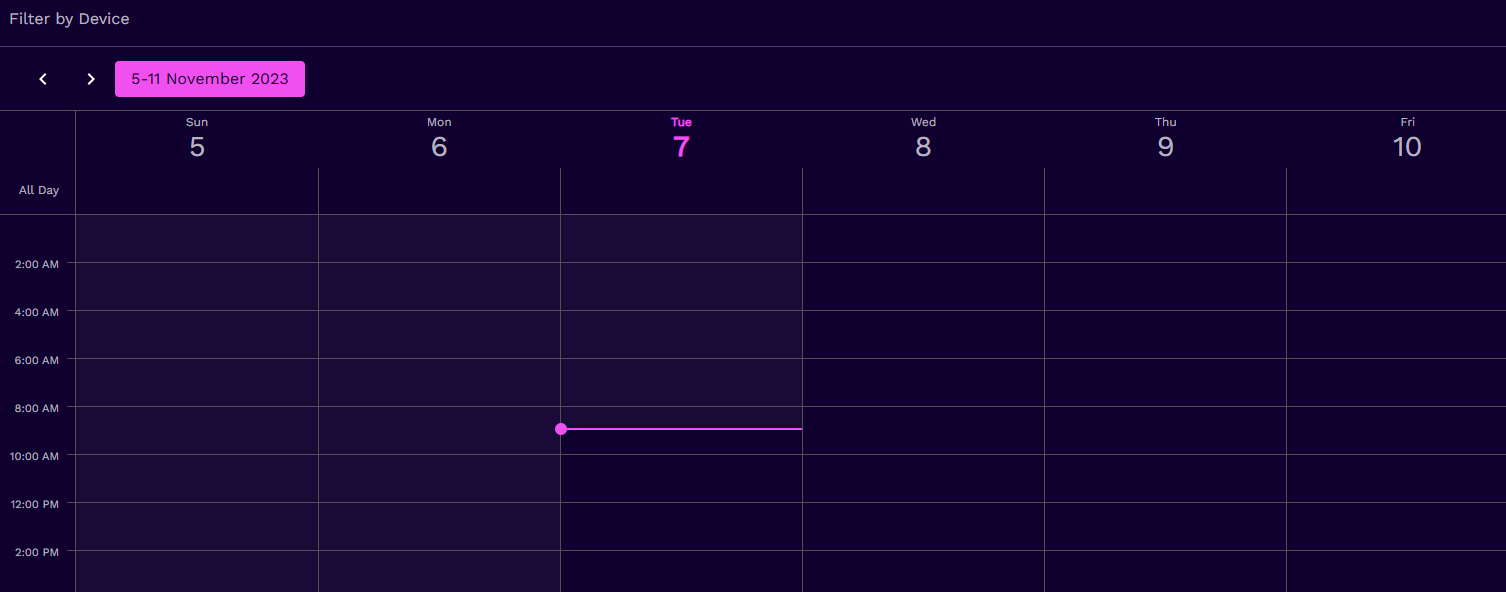
Can only see 1 slot to set
https://fullbore.co.uk/Screenshot%202023-11-07%20at%2007-33-42%20Octopus%20Energy%20R&D%20labs.png

S
#10 SteveCook

HoldingN
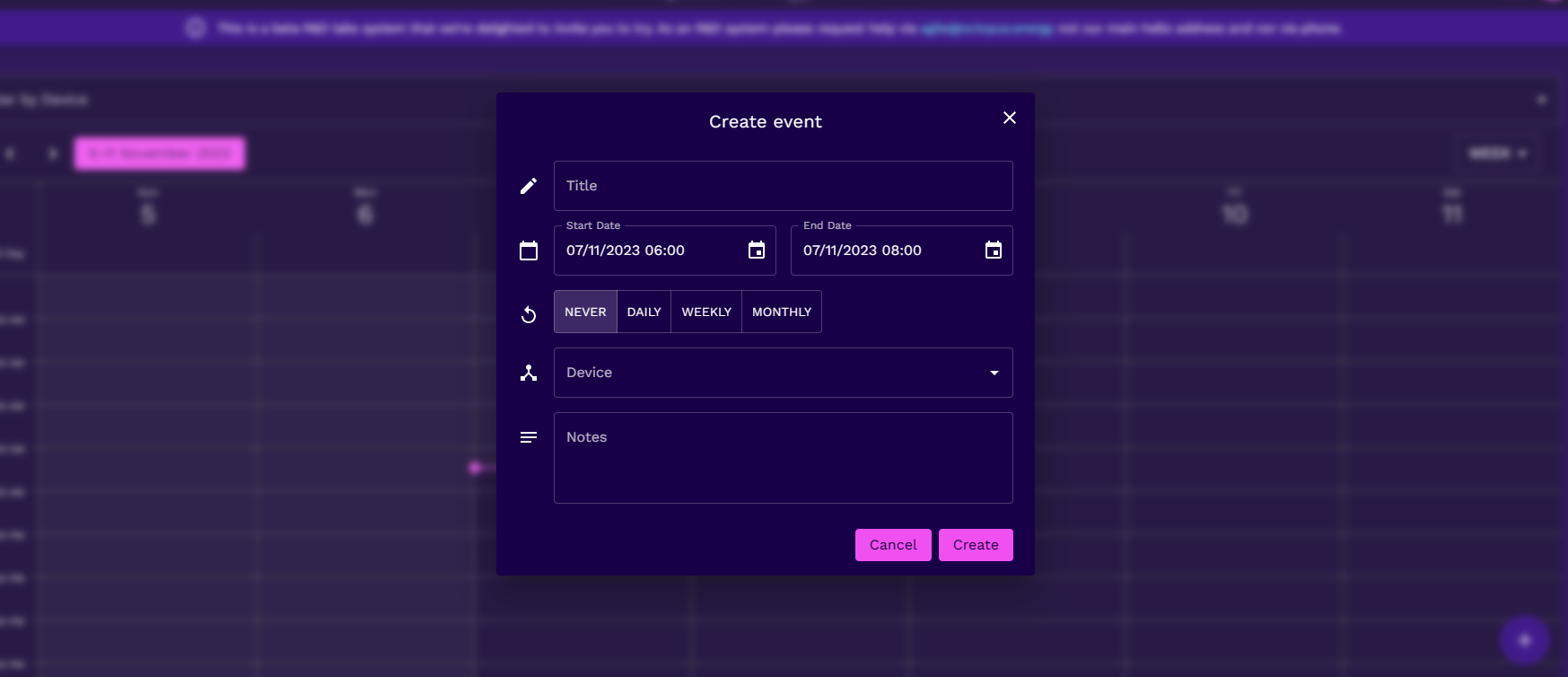
Just double click anywhere on the calendar and a popup widow will appear and set the parameters you want.
Pick which device if you have more than one.
Charge times.
You can be clever as it should know your tariff and do things subject to any prices you wan to put in.

H
#11 HoldingN

Thanks

Do I set both charging times there or leave the overnight one in settings?

S
#12 SteveCook

What i did was disable everything in the GivEnergy portal and let the Octopus scheduler take care of things.
You should be able to see the command history in the Octo portal and received history in the GivEnergy Remote Control page
When I wanted to to forced discharge I ran into the same problems that the GivEnergy portal has in that Eco does not reset.
There were also times when the Octo server did not send the message to the GivEnergy server, and/or that did not get sent to my inverter.
So I went to Home Assistant with GivEnergy local. My server on my network and no worry about internet vagaries.