Inverter Tab Notifications-How to clear them out

10 comments started 2023-11-17 last 2023-11-19
Cloud PortalCards - Inverter
D
#1 dorosde

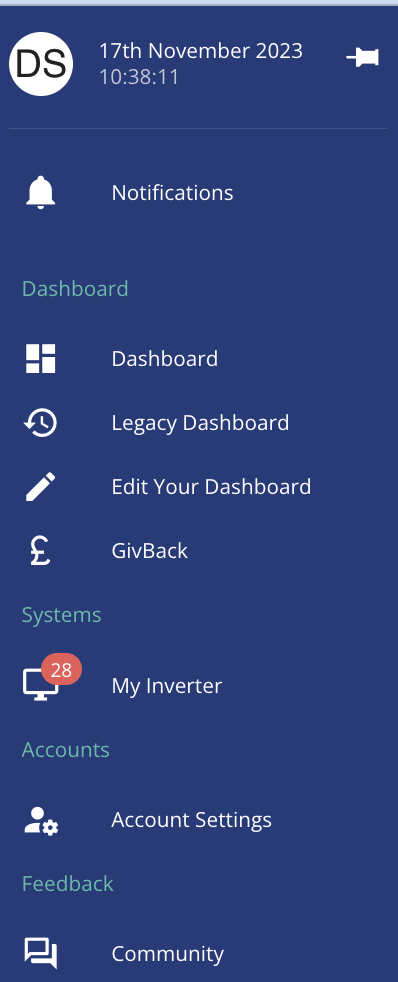
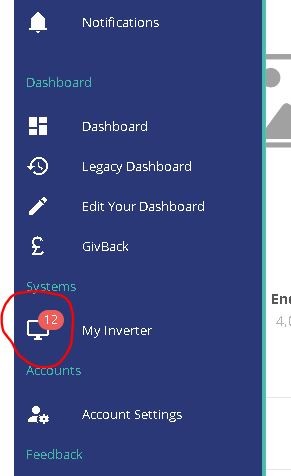
Had some strange errors yesterday during the saving session, battery MCB ended up tripping whilst exporting to the grid, etc. Notice that battery was exporting at 4000W just before it tripped...I thought that 3600W was the limit of it. Ended up stopping everything, power cycle everything and now all work ok, however I am left with these notifications on the portal which don't seem to clear, even though the notifications in the inverter page are all cleared. Anyone can share any tips on how to clear these?
#2 positor1

I am sure they used to clear after viewing them via the inverter tab but I also have one that I can not clear now.

D
#3 dorosde

positor1 That's what I remember as well. That they clear automatically once you see them in the notification tab...maybe a new portal bug?

D
#4 dorosde

@TheDragon (GivEnergy) Paul, is that something you are aware of being a bug in the portal?

D
#5 dragos.balaban

same here, I have 7 notifications that never clear

D
#6 deepanshus

if it helps, same here as well

S
#7 SteveCook

I turned my power off today to my EM115 and moved it to inside the consumer unit on the DIN rail.
I got a comms error notification at 10:15 and it then showed cleared at 10:45 when power back on.
The notification warning will not go away though, even after inverter restart.

#8 Woodstock

Same here. BMS over voltage notification that won't clear.

C
#9 ChrisRowe

Woodstock And here!

J
#10 Jellybaby

Mine showed up around the same time I started having charging problems with the system ignoring any times I set when midnight hits and just starts full charging, ive also had battery discharge go DOWN from one minute to the next last couple days as well.