
Manual discharge for octopus event tomorrow

9 comments started 2023-11-30 last 2023-12-01
GivEnergy ProductsBattery
H
#1 haydenmorris

Hi, I have batteries and want to discharge most of the power in them during tomorrow's octopus event between 4.30pm and 6pm. What is the easiest way to start that battery power going back to the grid so I can make some money from octopus please?

Thank you!
S
#2 SteveCook

Manually start and stop the discharge using the app on a mobile phone is probably the least complicated

H
#3 haydenmorris

@"SteveCook" thanks Steve I am on Android and can't see a manual button/option on mu giveenergy app? I have 3 batteries on a 3 phase supply each with an inverter. Maybe that's why?

S
#4 SteveCook

Click the 3 horizontal bars (hamburger) top left
Click on preferences
Swipe Quick settings Button and System Modes Button
That should add things to the main display to allow you to control the inverter

H
#5 haydenmorris

@"SteveCook"thank you I now see those charge, discharge buttons on the main screen. Really appreciate the help 👍👍👍

J
#6 Jellybaby

SteveCook That is what I did and what I will do again

P
#7 pacemaker

SteveCook

and more likely to work ... my timed discharge didn't fire last time so had to manually run 10 mins late.

S
#8 SteveCook

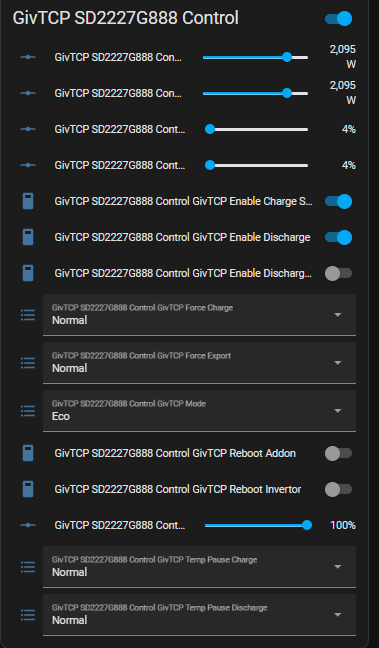
Get HomeAssistant on a Pi.
Your server on your network and dont have to worry about the internet

B
#9 BarleyRiser

SteveCook that was my plan. As it was it wouldn't work. It initially stopped any battery change. I eventually set it to discharge from 1637. Now got to sort out my settings again!
Next time I might program it and set up an alarm to set it back to ECO.
When will they ever get it sorted?