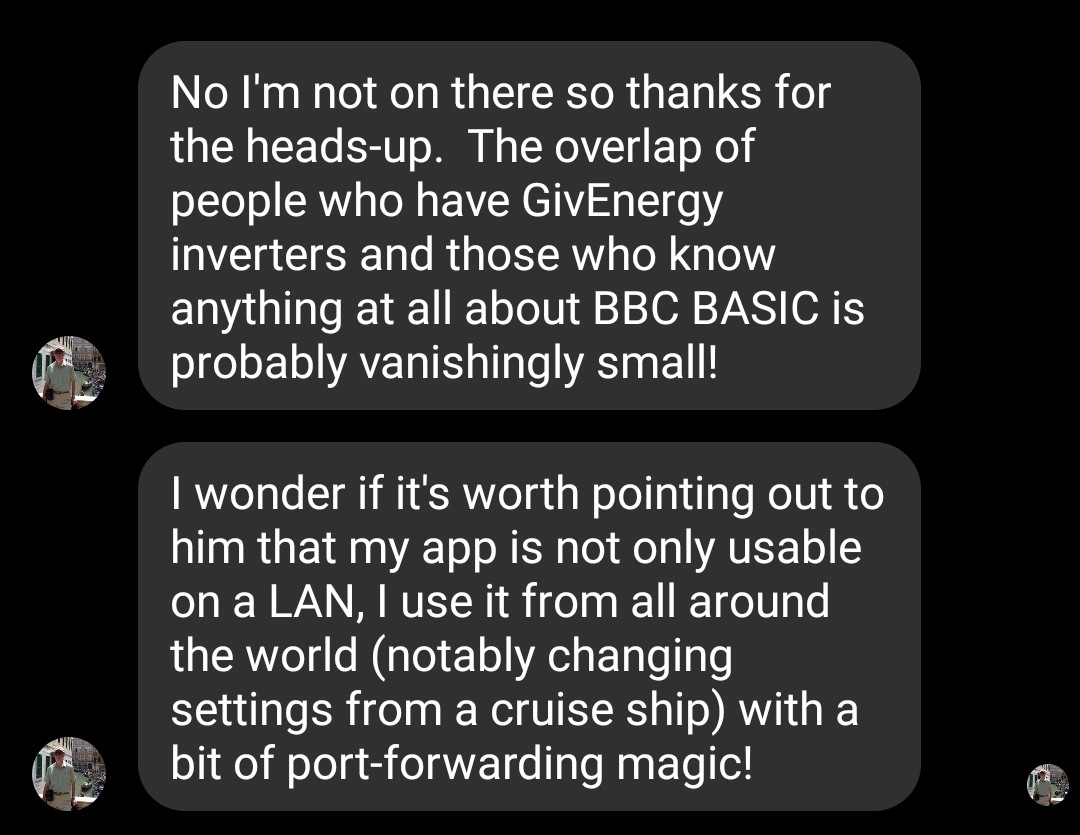
It’s probably the most effective app for me to control my equipment on my mobile phone on my LAN.
It was only on digging deeper that I found out that the legendary https://www.bbcbasic.co.uk/aboutus.html R.T Russell was behind it. The creator of BBC Basic. If you’re of a certain age you will recognise his contribution to computing.
I presume he has Giv equipment, but I’ve never seen him in this forum. Honestly he’d be a useful consultant for the official app.

#2PianSom
+1
Excellent app. My go-to way of finding what is going on.
Also a user of this fantastic App, and grew up with BBC Basic on an Acorn Electron at home and BBC Micro at school.
#4hoggy
I don't think he's on here but he is on a few of the Givenergy Facebook groups. I'm sure he wouldn't mind you saying hello.
P
#5pacemaker
is it purely running locally, including any charge/discharge controls? If so this would have been handy when my internet was out but I was home (and couldn't control my battery). Wish GE would sort their own app to allow for this, seems ridiculous you have to rely on 3rd parties to control locally.
#6hoggy
pacemaker it can be either if you want it to be, but yes it will still steer the inverter even when GE servers are down or your broadband is playing up.
I was going to rewrite this but given copy paste is easier here is the man himself whe i mentioned his name had come up on here:
Windy Miller I thought 3 instances was a good idea but they use a lot of CPU and prevent the Mac from going to sleep so sadly I've had to stop leaving them running.
#14nophead
Seems to associate the wrong SoC in the scheduled start periods. I use the first slot and it showed the SoC at 30% but I always charge to 100%. When I looked at the inverter settings for some reason slot 2 had 30% but isn't used. When I changed it to 100% it fixed slot 1 SoC on the inverter utility. So it seems the index is 1 out.
W
#15Wavy Davy
I'm running it on MacBook, but how do you change the inverter ip details, or get back to the start page.
#16PianSom
Wavy Davy
I believe it's stored in ~/Library/Application Support/BBCBasic/inverter.dat
W
#17Wavy Davy
PianSom Don't have that bbcBasic folder on my mac. Even though I did a full search nothing shows up.
I did try opening the app and then looking for changed files with the time I opened it, but did find a signature key that was changed at the time, but cant delete it. I get you don't have permission, even though I put my admin password in.
#18hoggy
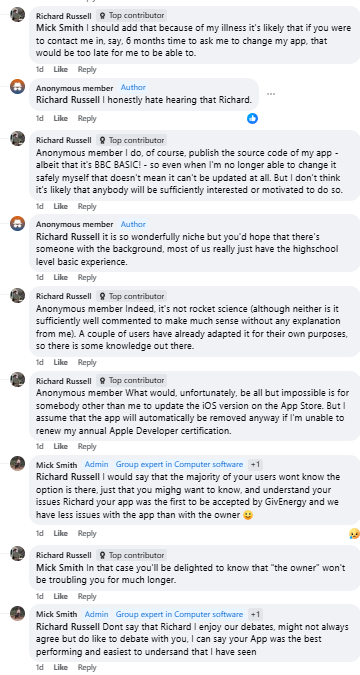
Just a bit of a (depressing) update but in the (hopefully distant) future somebody else may need to take the reigns.
#19PianSom
How terribly sad to read that. Thank you for letting us know.
First I've seen of this, used to program the BBC micro / Acorn Electron quite a bit back in the day, most of the knowledge lost now but used to enjoy it 🙂
Does this app also delve into the individual cell voltages within the battery?
D
#22DD
Ra Does this app also delve into the individual cell voltages within the battery?
No, I don't think so.
L
#23Luxo
Ra his main app doesn't, he created one just for his own use that does have cell voltages, could maybe ask and see if he would be willing to share.
I
#24ifgow
hoggy Oh that is so sad, so sorry to hear that about Richard. My first real computer was the Acorn Atom, precursor to the electron. It had what I think was an unique feature in that you could incorporate machine code directly into the Beginners All-purpose Symbolic Instruction Code programming, before some wag started calling it BASIC. Almost dropped my stack of FORTRAN cards.
I remember a colleague of mine used his BBC Micro and a lashed up 2 axis joystick to create the radar clutter maps that were part of the various training exercise data sets that were used in the ATC Simulator System our company supplied to an overseas government back in the day. I wish I still had the Apple IIe we used as part of another simulator we worked on. Might be worth a few quid today!
Oh my gosh - that's taking me back a bit - I remember the first thing you learned to do was to stack the cards together and draw a diagonal pencil line across the top of the pack so you had some hope of putting them back together in the correct sequence after you had dropped them 😂
#28PianSom
Just for the record, Richard posted this to Facebook a few months ago. The comments at the bottom could help someone out
I've made a minor change to my little Inverter app. Version 1.31a permits manual settings changes even when the inverter is detected to be in an 'abnormal' state.
For example if a Quick Settings change was aborted, e.g. by closing the app too soon, v1.30a might have prevented manual correction of the resulting inconsistent settings.
A useful side-effect of the change is that if the inverter has been paused by the GivEnergy app it won't be considered to be in a 'normal' state by my app.
As a reminder, in this version you can switch to (or from) 'maintenance' mode by long-pressing to the right of the Quick Settings buttons (in the left-most pane).
If you are running version 1.30a or earlier, please download and install the new version as follows:
iOS: https://apps.apple.com/gb/app/inverter/id6443976497
Android: https://bbcbasic.co.uk/inverter.apk
Windows: https://bbcbasic.co.uk/inverter.exe
MacOS: https://bbcbasic.co.uk/inverter.dmg
Linux: https://bbcbasic.co.uk/inverter.zip
Raspberry Pi (32-bit): https://bbcbasic.co.uk/inverter-rpi.zip
Raspberry Pi (64-bit): https://bbcbasic.co.uk/inverter-rpi64.zip
If you need to force my app to request the inverter's IP address(es) again you can do that as follows:
iOS: Files app... On my iPad/iPhone... Inverter... Delete the file inverter.dat
Android: Settings... Apps... App management... Inverter... Storage usage... Clear data
Windows: Delete the file %appdata%\bbcbasic\inverter.dat
MacOS: Delete the file ~/Library/Application Support/BBCBasic/inverter.dat
Others: Delete the file ~/.local/share/bbcbasic/inverter.dat
In the latest versions of iOS and MacOS you may need to enable LAN access in Settings... Privacy & Security... Local Network.
#30TheDragon (GivEnergy)
CW
I learned Basic in the 80s (BBC & C64), PASCAL later on for a robot project at school.
Nowt for years, then Delphi in the noughties.
Skipped a few, now Python and Yaml
Hah - you're showing your age now! I was learning that at Uni - cut my teeth on Pascal and Fortran there, then moved onto COBOL which was for the majority of my career. Did eventually move onto VBA which I really enjoyed - took me a while to get my head around OOD though!
I have an Original R.T.Russell BBC Basic (Z80) install and manual from when I took 'O' level computing science in 1983.
We had a initial run (almost pre prod) BBC Model A which we got before the price was fixed at £299, for £230, as father was in the RAF and worked with Doug Mounter, who was working with R.T.Russell on the BBC project.
Richard only like 20mins up the road from my old house and my parents house.
Dougie unfortunately passed away 2-3 years ago.
#33Windy Miller
I went the ZX Spectrum route. Bought an assembler/disassembler package by HiSoft to learn assembly coding, then a Pascal compiler by HiSoft then a C compiler by HiSoft (they got a lot of my business). Used Pascal in my uni. project in 1983 to code up the control loop to download software and other pages from the BBC Teletext service (which was quite new then) into a ZX Spectrum. I should've marketed this product (it did work) but I started working full time and moved on quickly.
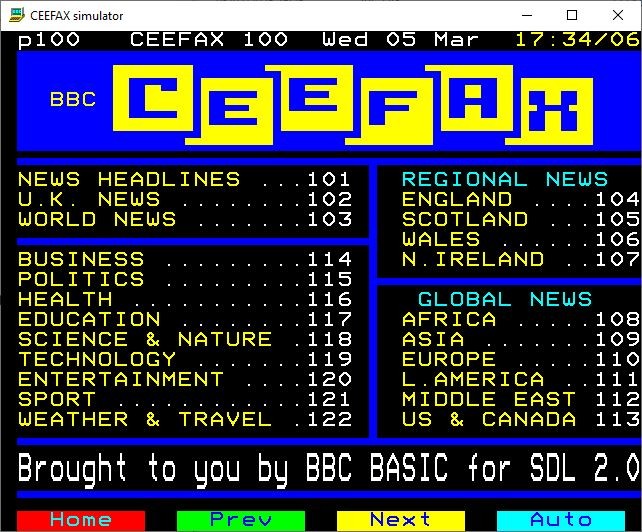
I'm sure you'll appreciate R.T. Russell's Ceefax Simulator.
For me it brings back many memories, having coded many 'Teletext-style' screens in my previous life at Thorn (in the days when folks rented televisions sets etc).
I remember seeing that busy line of dots above the screen. I think there were 8 lines used on the BBC but the spec. allowed for something like 16 lines of data. Bit rate was a wapping 5Mb/s (or thereabouts - might have been 7Mb/s). I designed and built the de-serialiser and frame store that plugged into the rear port of the Spectrum.
I think you're right.
I seem to remember that the Panasonic S-VHS recorders of 1980's vintage were decent enough to record most of the 'hidden' lines containing the Ceefax data!
At that time I was working as a Z80 Assembler Software Engineer on an 'Integrated Business Terminal' where a TV was enhanced to contain some application program functionality. We integrated the Mullard LUCY chip to do a lot of the heavy lifting, such as teletext decoding and modem support.
While the IBT got used internally in the various Thorn group companies (DER / Multibroadcast / Radio Rentals) it got marketted externally as the "Datatext 90" . It seems like a life time ago, but the device was pretty cool for the time.
Thanks to R.T. Russell the Ceefax pages live on.
#37Windy Miller
Icarus Zilog Z80 - superb 8 bit processor. Far better than Intel's 8080 which needed 2 support chips. Shame that Zilog didn't take it much further but Intel morphed theirs through to 8086 then through to the 80486 then the Pentiums ....
#38PianSom
Surely I am not the only one who cut their teeth on CESIL?
A proper language to start on, none of this lah-di-dah BBC Basic 🙂
W
#39wrighar
[unknown]
I remember CESIL, but I started in machine code set an address, set a value (op code, or data...) byte by byte in the late 1970's
Basic and Pascal in the 80's
Cobol and Assember (IBM mainframe ASM F) in the 90's, 00's for best part of 20 years.
My first introduction to a programming language was via PAL III on the DEC PDP-8 at collage circa 1975/6.
We saved and loaded our programs via paper tape and needed to be pretty handy using toggle switches to get our code in and out of the hardware!
I also remember using an acoustic coupler to telephone a time share system running MIT's Dartmouth Basic.
#41TheDragon (GivEnergy)
PianSom
I cut my teeth on raw assembly, MicroProf 6080. Now that was a while back. It was like a book you opened up, with the gubbins inside on the 2 sides
Final project was a speed controlled temperature triggered fan
#42Windy Miller
I can just remember writing some assembler code on an Apple II in 1978. We were on a day trip out from school at University College London. My first insight into how microprocessors work. I think the Apple II had the 6502 chip inside. This range of Micro's went through the 6800 to 68040 before the PowerPC range. Then Apple jumped to Intel processors. I used several of the PowerPC embedded processors in projects over my career. Last one was the ColdFire core.
PianSom I downloaded the source code out of habit but its BASIC and no amount of nostalgia is getting me to look at the code 😃
K
#45KevinB
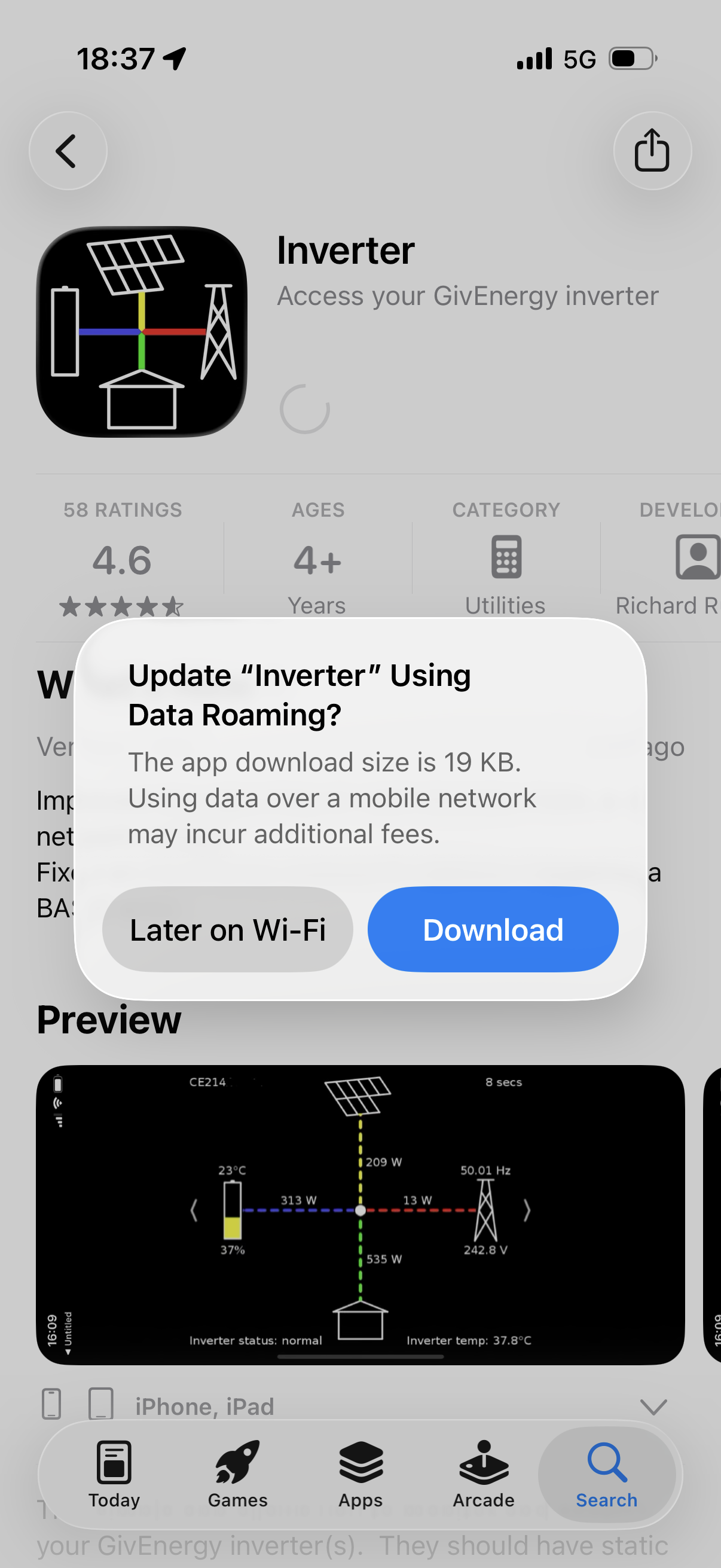
The iOS app literally just got updated earlier today, coincidentally. I'm travelling at the moment but thought "if the update is less than 50MB then I'll get it, otherwise I'll wait".
19KB 😆
#46Maxwell
PianSom Thanks for the links. And of course to Richard for his fab work.