
Chart colours

4 comments started 2023-12-21 last 2023-12-21
Beta PortalCloud Portal
S
#1 SimonB

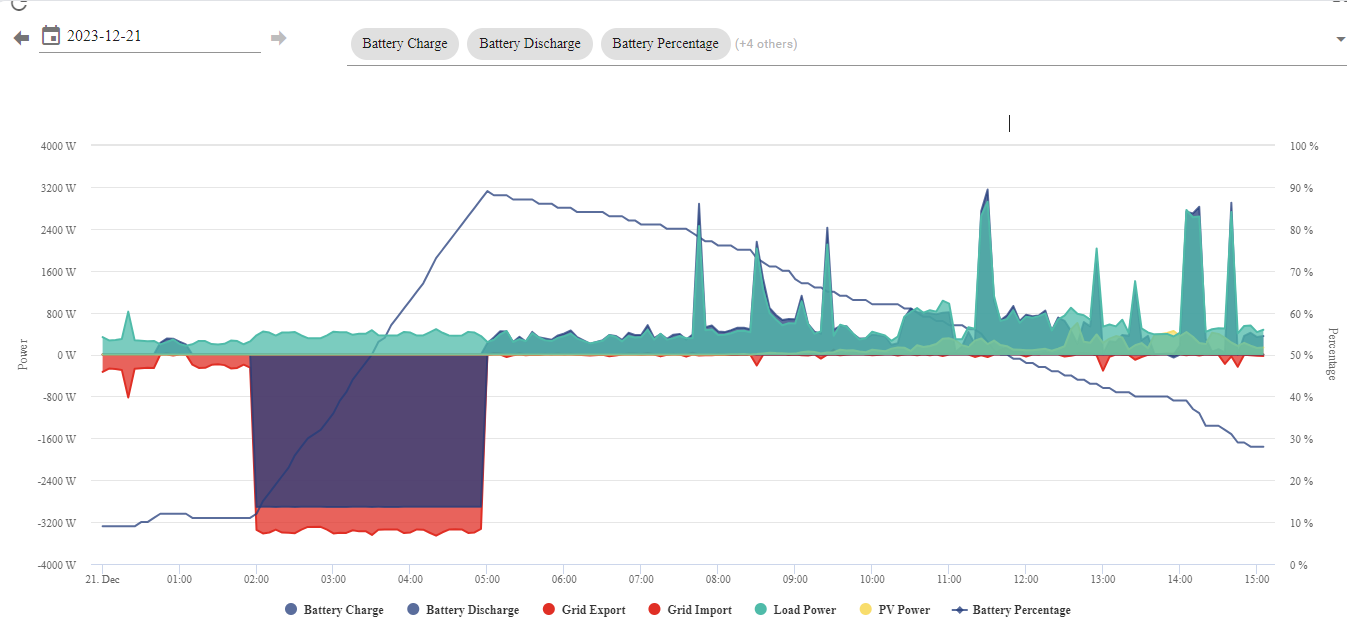
I have just had GivEnergy 9.5 battery installed plus 2 extra panels (added to my original 10). The monitoring charts on GE are great but not all the colours are.
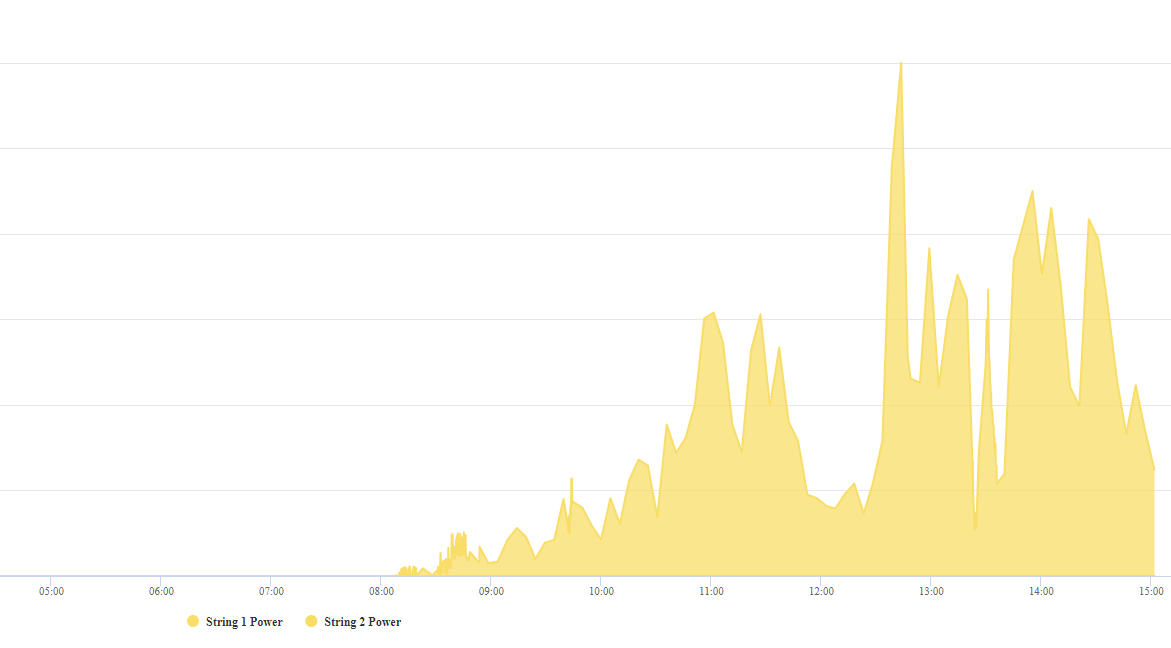

In particular both my arrays (new 2 and old 10) are shown in yellow so I can't distinguish them. How do I chanmge the colour of one of them to say green.
S
#2 SimonB

Or maybe pale blue as green is used on this chart


which also does not show String 1 and String. Actually I have 3 strings. String 1 is 5 of the original panels in series, String 2 is the other 5 in series, both feeding DV to the a Growatt inverter. The new array has 2 panels with enphase microinverters delivering 240v AC. The original array is on the main roof sloping south 45 degrees. The 2 new panels are on an area of flat roof at a higher level and sloping 23 degrees.

#3 26Left

SimonB I don't think you can change chart colours. But to see the output of each of the two strings more clearly - you can hover over each legend label at the bottom, or click on the legend label to turn them on / off.

S
#4 SimonB

Thanks 26Left. I tried that and it works but I think GE should pick up this point and make it possible to select other colours so hopefully one of their techs will pick this up.