T
Anybody know of a way to control the GivEnergy smart plugs through HA?

Anybody know of a way to control the GivEnergy smart plugs through HA?

michaelmcgoldrick
Just out of idle curiosity, are GE plugs amenable to tuya-convert?
michaelmcgoldrick
Many smart plugs, lightbulbs etc are based on the same chipset, and are capable of running third party firmware (rather than the default manufacturers one). People tend to like this, as it stops cheap devices from eg phoning back to China unnecessarily, and gives the user full control.
The two main (HA friendly) open source firmwares are "tasmota" and "esphome". tuya-convert is a program which allows for some devices to be converted to tasmota without requiring any hardware modifications. The alternative way of conversion involves opening up and flashing firmware with a piece of kit - perhaps not something for a casual user.
Just wondering if the GE plugs can be converted. Nothing more than idle curiosity on my part, so feel free to ignore me.
michaelmcgoldrick
I’m new to HA, only had it running about a week. I will have a look into Tuya Local, expect I will break HA or get frustrated and restore/ reload - done this several times this week but firmly a believer in learning by mistakes 🤣
In fact I’m currently setting up a 2nd HA server (different host name, URL, IP etc) with minimal config to try stuff out now my main system has progressed to something approaching useful.
So I have found Serial Number and Local Key from the GivEnergy app.
Installed tuya local in HA but struggling to find the IP addresses. Tried to add device with IP set to auto but it fails to pick anything up.
Everything that is showing in my router appears to be other stuff that I know about. I have 3 smartplugs and can’t see 3 devices with similar starting MAC addresses. I sat watching the router whilst I turned the plugs on and off from the app to see if I could see something.
Puzzled.
Figured it out.
I have a WiFi extender and it was taking one of the devices, once I looked at them both I saw 2 entries with same name and similar MACs.
For info the GivEnergy Smart Plugs appear as wlan0 in the router and MAC address starts with C8:47:8C:10
One more thing I have noticed. If I turn them on/off in the GE app then HA immediately shows the status.
If I turn them on with HA then the app doesn’t update and they turn off again. Wonder if this is the schedule in the app overriding the manual switching from HA (kind of makes sense?)
Going to have to setup another that has no schedule set I think and see how that behaves to satisfy my curiosity.
michaelmcgoldrick
Thanks you for the information are the setting as follows ?
18 - Scan Interval
19 - Manual DPS
20 - DIPIDs
Which Protocol version 3.1, 3.2, 3.3, 3.4 ?
I think I added one with 3.3 and one with auto on the protocol.
Didn’t see anything referencing 18,19,20.
Added them through Add Integration, Tuya Local then put in ID, IP and LocalKey then created a card on the desktop.
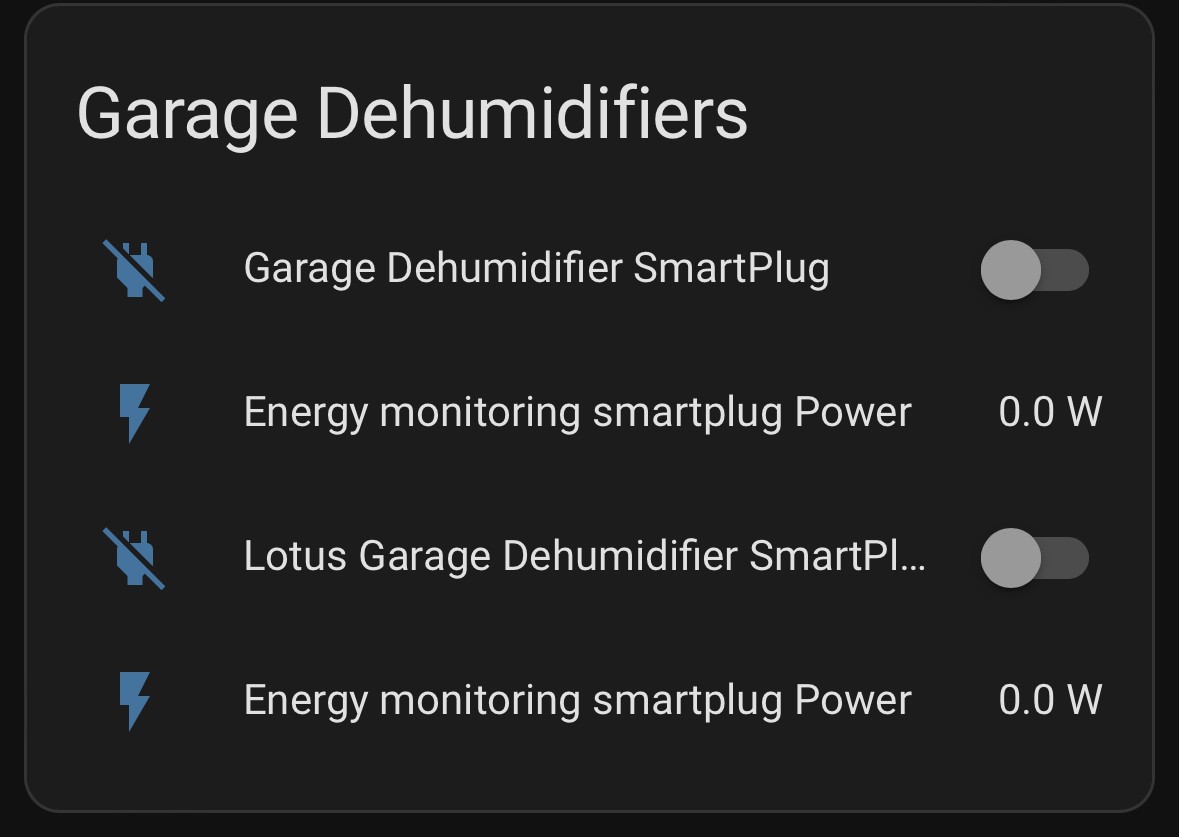
Still can only switch them on/off from GE App, HA just shows the status.
More head scratching and tinkering to be done.