
Has anyone had trouble connecting to the servers if using Starlink? Its the only broadband service that is reliable around here.
Issue had is that you can see the allocated IP address given to the gateway or AIO eg. 192.168.1.60 you can log on to the AIO using that IP address to change any settings required.
However in two installs:
1, It doesn't connect to the internet at all
2, It doesn't stay connected
3, Doesn't contribute any date to Energy Graph but does Power Graph
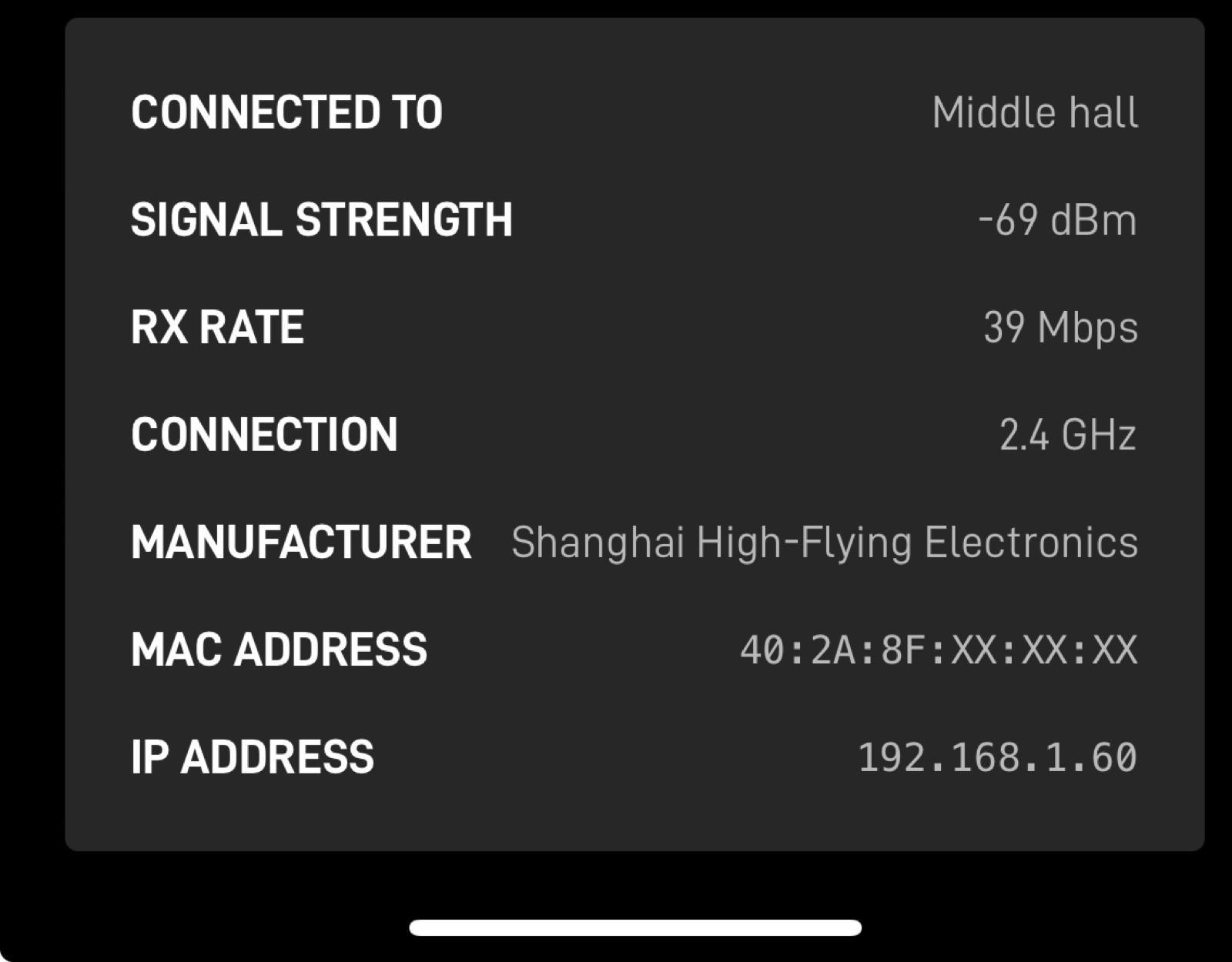
I have thought its a firewall but i can still serf the web logging onto the AIO own wifi, but sometimes I can't!!
Yet on another install it connects no problem at all.
Any idea's?
K
#2kram
The latency on a satellite link is high and whilst the downward bandwidth can but huge, up is often less.
If you’re IT savvy, grab wireshark and see what messages are there when you first connect the system.
H
#3hislordship_battery
Thanks Kram, according to the starlink app latency is between 20 and 50ms. Will look at wireshark and see if i can interpret what it says.
Interesting that I am also unable to ping their IP addresses, just times out, which are 18.171.77.103 and 35.176.218.206 and 18.133.81.33, from my basic knowledge the fact i am unable to ping the address would also mean why connection is not reliable. can ping other domains
S
#4SJB
hislordship_battery the fact i am unable to ping the address would also mean why connection is not reliable
Or the servers could be configured not to respond to ping
M
#5Morrisinc
hislordship_battery
Hi
I cant ping them either - as bbtty1 point out they look to be set not to respond to ping. You can test with telnet.
telnet 18.171.77.103 443
443 been the port for https - I assume it was a secure http api call vs port 80 (http)
Tested myself - you will get a blank screen - press a few keys and return - then you get a http test reply bad request - that ok - as you as not a computer sending the right data.
_
" HTTP/1.1 400 Bad Request
Server: awselb/2.0
Date: Fri, 09 Feb 2024 08:15:24 GMT
Content-Type: text/html
Content-Length: 122
Connection: close
<html>
<head><title>400 Bad Request</title></head>
<body>
<center><h1>400 Bad Request</h1></center>
</body>
</html>
Not on Starlink. These are not geostationary satellites.
N
#7NiallKilleen
Hi, Have starlink and have not had any issues with it. I don't however use their router for wifi - starlink connected into unify switch and wifi is over unify access points.
H
#8hislordship_battery
That's interesting as I have installed and connected an AIO where they use unify as an access point, however the AIO is connected directly to the starlink router. Unify must do something to the starlink router, not quite sure why it would work.
That would solve the problem will look into that.
H
#9hislordship_battery
NiallKilleen Out of interest did you put starlink in bypass mode?
H
#10hislordship_battery
For anyone who ends up looking at this chain of questions and answers. I have resolved the situation by using an old router and connecting it to the starlink network. I now syncs every 5 minutes as expected. By old I mean 10 year old router. Connecting the router to starlink network creating its own network and using this instead.