M
I used a wired LAN connection as my wi-fi is not great where the charger is.
How do I stop the blue led on the front flashing telling me there is no wi-fi?
Cheers.

I used a wired LAN connection as my wi-fi is not great where the charger is.
How do I stop the blue led on the front flashing telling me there is no wi-fi?
Cheers.

I think there's only one LED control option - on or off (or only one that I have found so far).
EV Charger card > Settings > Other > Set LED State
That won't help with monitoring the usage and you'd really think that it should be 'network connection' rather than 'wifi connection'.
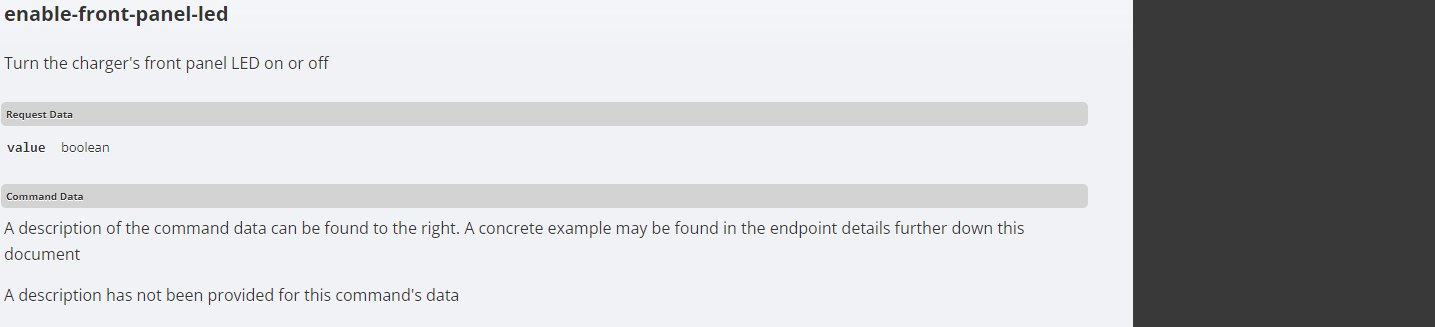
I've just been through the API documentation and boolean on/off setting, no fine control.
Given you've gone straight to wired LAN, have you seen this community question about device security?
https://community.givenergy.cloud/d/4076-it-security-on-inverter
Pf it's bothering you just put a bit of tape over the LED?
blameTECHIE it should be 'network connection' rather than 'wifi connection'.
yeah, that's what i was thinking, guess they assume most people will be running it on wi-fi. maybe iwe'll be lucky and t will come in a future update
blameTECHIE Given you've gone straight to wired LAN, have you seen this community question about device security?
Yes, I secured the wi-fi on the inverter when it was installed as mine was lefton default settings as well.
Karen Pf it's bothering you just put a bit of tape over the LED?
not so much bothering me than just didn't seem right it flashes an error code when there is no error, you also wouldn't see any of the other status codes