I installed a new IP router yesterday and lost connection to the WiFi dongle. The dongle is flashing a blue light. I have used the mobile app on my iphone next to the dongle to attempt to reconnect but I repeatedly receive the error "Unable to join the network "WOxxxxxxxx". I have unplugged and reconnected the dongle from the inverter to reboot it. I have also tried pressing the "reset" button on the dongle. The result is the same. Is the anything else I should try. Thanks.
Unable to connect to WiFi dongle.

Brass try to follow the instructions here, but the password for the dongle is needed, could be your inverter serial number, battery serial number
https://kb.givenergy.cloud/article.php?id=1
Alternatively, try renaming the SSID on your new router the same as the old one, keep the password the same and all devices should automatically reconnect.
Thanks for the pointer. I did give the new router the same SSID and password as the old router. In principle, the dongle should have just reconnected to the new network just as all my other devices did. I notice that the dongle can take 30 minutes to fully reboot. I'll try waiting longer.
No. Waiting longer for a reboot does not help. Also ensured that wireless access is 2.4GHz only. The dongle is broadcasting its own SSID (WO.....), but is not accepting a connection from the mobile app.
Is it possible to bypass the dongle completely and to simply hardwire the system to my network? I don't see any obvious RJ45 ports, only the USB port for the dongle.
Brass "Unable to join the network "WOxxxxxxxx"
Does you mobile have a stored (wrong) password ?
Cdent the password for the dongle is needed, could be your inverter serial number, battery serial number
Unfortunately, mine had been set up with the serial number as the name of the access point, so having it also as the password was unlikely (and didn't work). Turned out it had been set as "123456789". [Fortunately, I decided I'd better figure out the password before I needed it.]
Is there an option to turn your old router back on ? Don't need to connect it to the internet, but if the dongle connects to it, you can then connect to the simple web server running on the dongle, log in as (probably) admin/admin, and then view the dongle's password from there.
(You'd have to turn new one off if it has the same SSID.)
Brass I had a similar problem where the dongle went off-line.
In order to access the dongle you need to scan wifi for the WOxxx (WKxxx?) serial number (assuming you haven't changed the default settings to stop the SSID broadcasting).
If your installer didn't change the password, then the password to join that network will probably be one of the serial number of the inverter or 12345678 (possibly 123456789).
If you do connect, then you will want to go to a web browser on your phone and type in 10.10.100.254 which should take you to the admin page. Userid and password are defaulted to admin/admin (again assuming this hasn't been changed by you or your installer).
the following were the instructions I was given to reconnect....
Once this is done you should be able to open a web browser and head to the following site: ("10.10.100.254"), this will ask for a username and password, this is set to ("admin") respectively for both fields.
From here follow the steps within the guide to connect to the new network.
Effectively you will navigate to the STA Interface Settings page and specify your Router within the table by selecting the SEARCH button in the top field.
The password is set in the last field at the bottom of the table labelled ("passphrase")
After this you will be best suited to double check the security settings on the AP Interface Settings page,
Look for a setting labelled "Security Mode" and make sure this is set to (" WPA2-PSK")
A secondary option will appear under this labelled "WPA Algorithm", make sure this is set to "AES".
From here simply navigate to device management and select "restart module", give it a few minutes and the dongle should be reconnected
Please let us know if there are any difficulties.
https://kb.givenergy.cloud/article.php?id=72&oid=1
https://www.youtube.com/watch?si=_W7i8RhSFSVTVVdo&v=v9a7sDsiK0s&feature=youtu.be

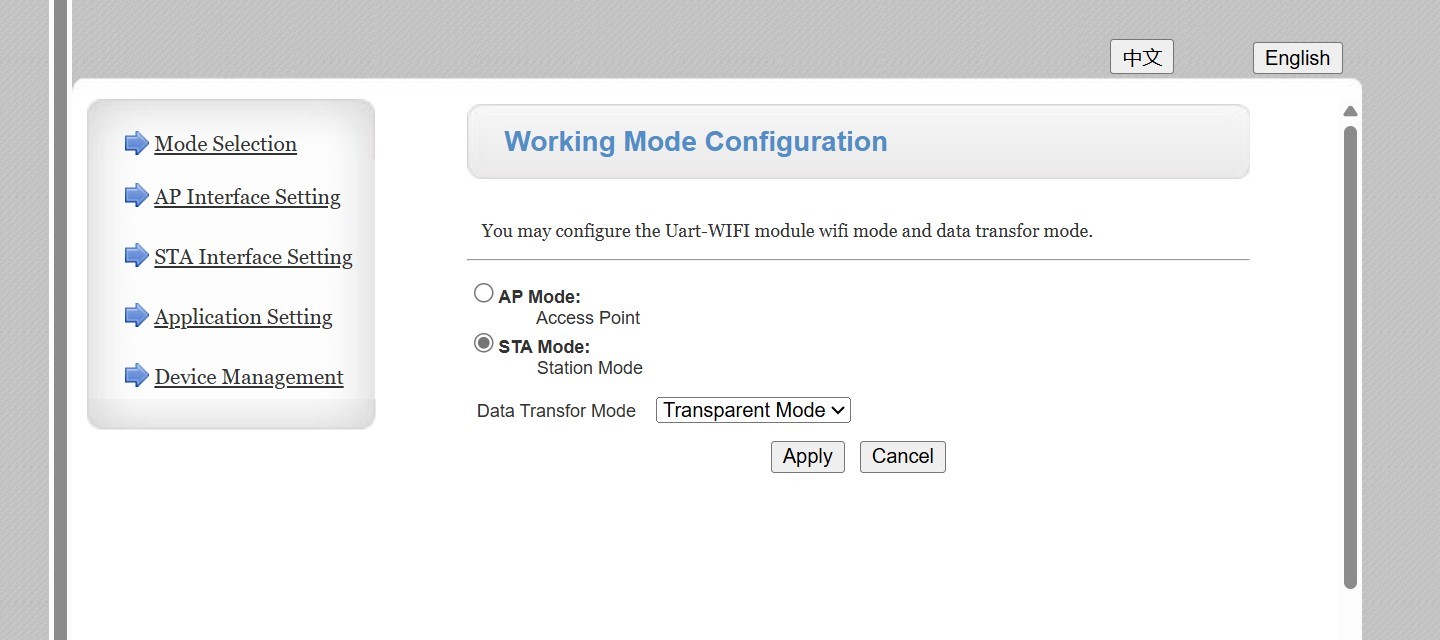
Thanks for all the great advice. I have fixed the problem. I was unable to connect to the dingle from the mobile app on an iphone and on an ipad, but I was able to connect from my laptop. Once I had the connection I could open the settings at IP address 10.10.100.254. I found that the Working Mode was set to AP rather than STA mode. I corrected this, checked the AP settings and then resarted the module. A couple of minutes later my inverter was connected successfully to my network. See also https://youtube.be/v9a7sDsiK0s?si=NJY5ptzvWPWQIKkE
The basic problem I had was not being able to connect to the dongle from the mobile app.
Brass basic problem I had was not being able to connect to the dongle from the mobile app.
This was my problem last week as the mobile kept disconnecting me from the dongle as it had no internet access. I tried all the mobile settings wasting over an hour trying to get connected and stay connected.
In the end an old laptop stayed connected and allowed me to do the change...
I had a similar issue associated with changing ISP where I couldn’t initially connect to the GivEnergy WiFi dongle to change the SSID and password used by GiveEnergy to connect via my WiFi to the GivEnergy systems.
I’m pretty sure my problem was related to the fact that I was trying to log onto the GivEnergy dongle from an Apple Mac (both iPad and iPhone). One year ago I successfully used the same iPad to do this exercise but this year when I attempted to log on I just got a message ( unable to join the network “W0xxxxxxxx”).
Having read the last comment from Brass I sourced a laptop running an up to date version of Windows and I was able to log onto the WiFi network that matched the dongle serial number (same network and password as I had used with the iPad and iPhone), and change the SSID and password in the dongle to match those of the new ISP WiFi without any issues.
Hence my conclusion that accessing the GivEnergy dongle is now not compatible with the latest versions of iPad or iPhone. Maybe someone from GivEnergy could comment ? As if I had not had a friend with a windows laptop I would have been scuppered !!
Back in 2017/2018 at least 10 flaws were discovered in the WPA2 encryption used in modern wifi networks. Some details here:
https://www.krackattacks.com/
Whilst in theory, apple, microsoft and google can release patches quickly, many broadband routers ( and GivEnergy dongles) cannot be updated so easily. Problem is when you fix one end of the link without the other, communication may no longer work.
Sadly we have suffered 6 years of major players not working together and releasing patch upon patch independently.
I'm a fairly new user, system installed in July 2023.
It's been communicating fine with the app (although on only away mode and never able to connect as home). Until approx April 2024 and now we keep losing any visibility of data for long periods of time. Typically it stops logging at midnight and comes back on at midnight 24 hrs later. Sometimes it stops at 8 or 9 am so no set pattern we can identify.
Installer came out and checked connections and he thinks all is as it should be. Doesn't feel like it's basic set up as it is capable of collecting or showing the data but not all the time.
Very frustrating as we've had a swim spa installed and want to see energy usage to heat but not getting constant visibility. Data doesn't come back when it reconnects.
Any ideas I can try. I've already uninstalled and reinstalled the app and fully logged out and back in
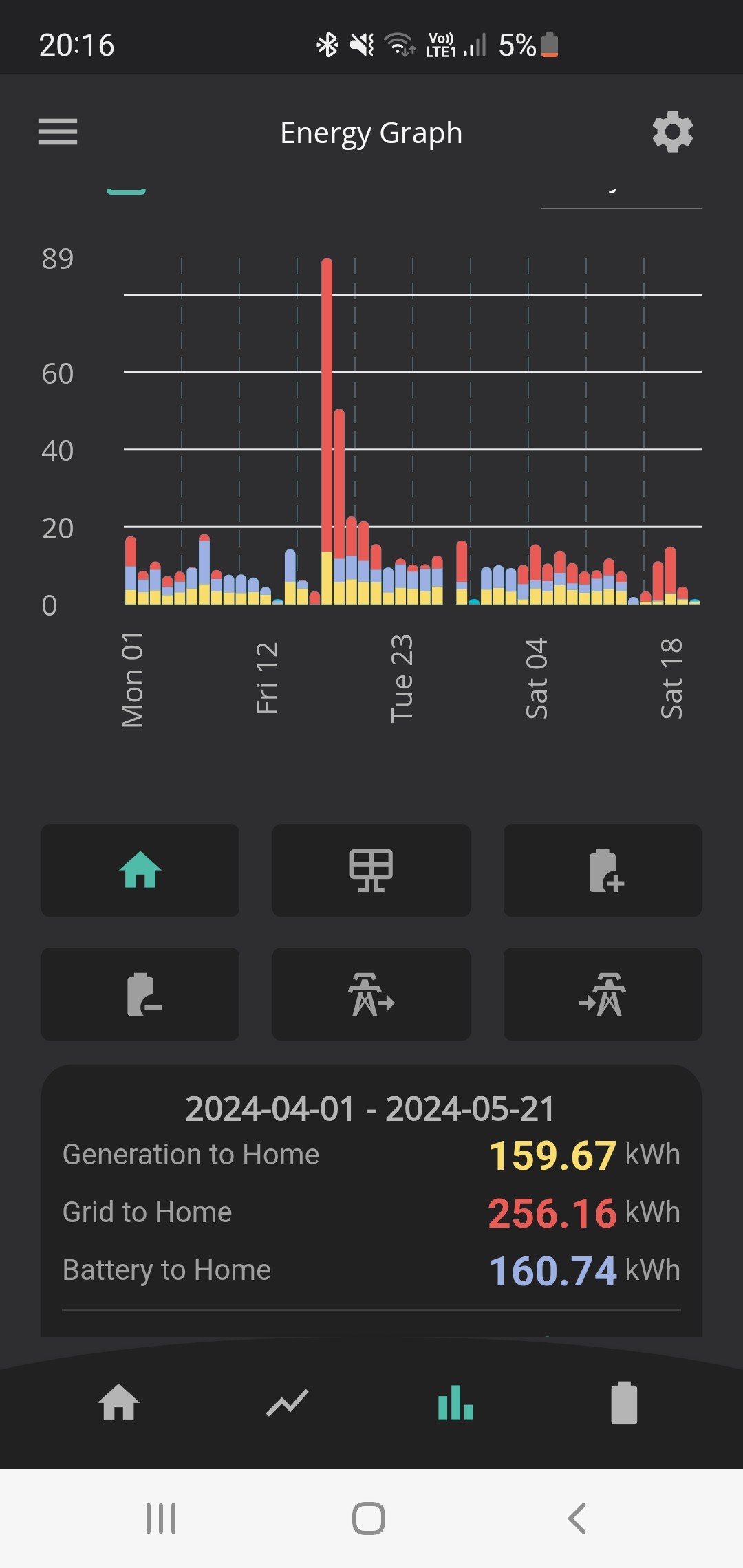
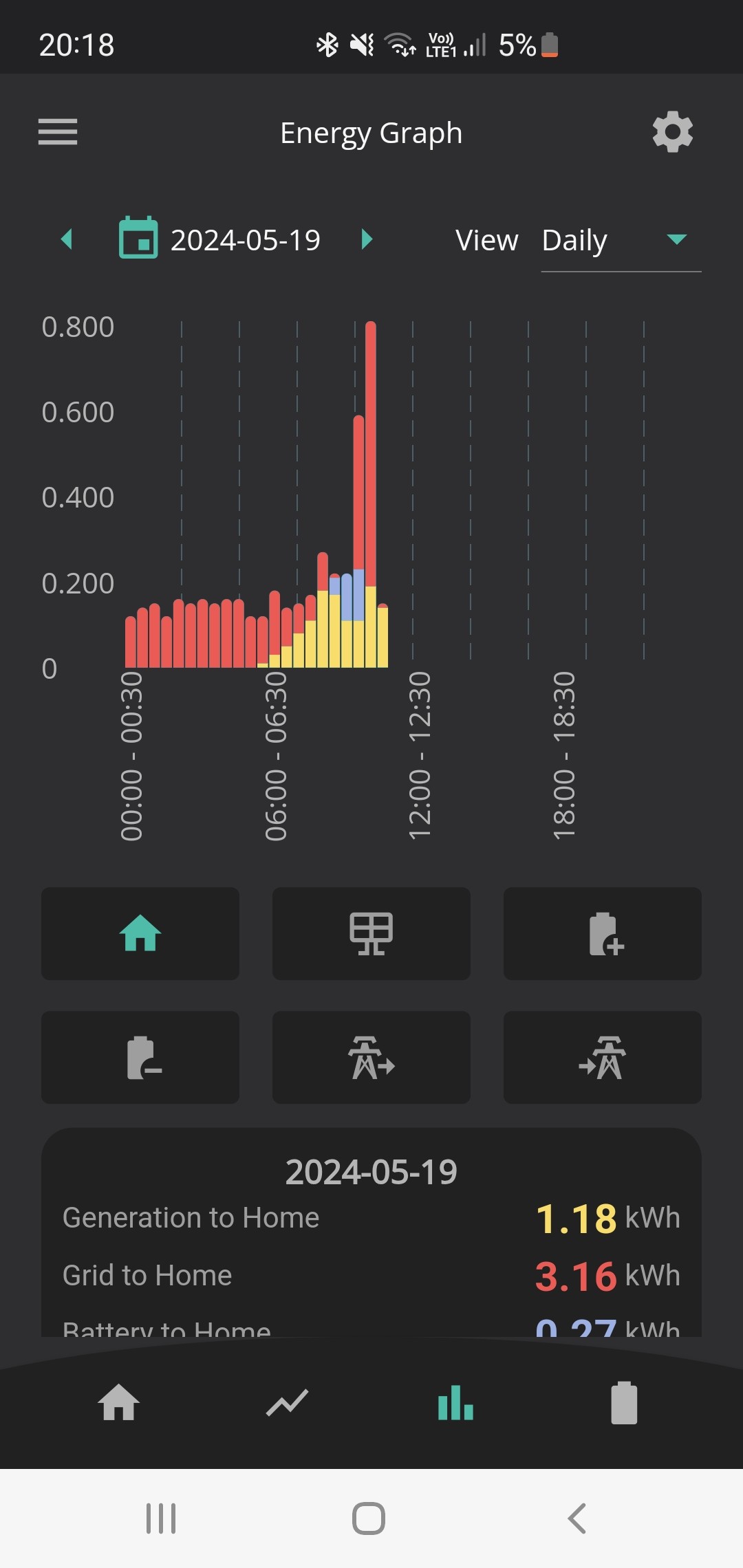
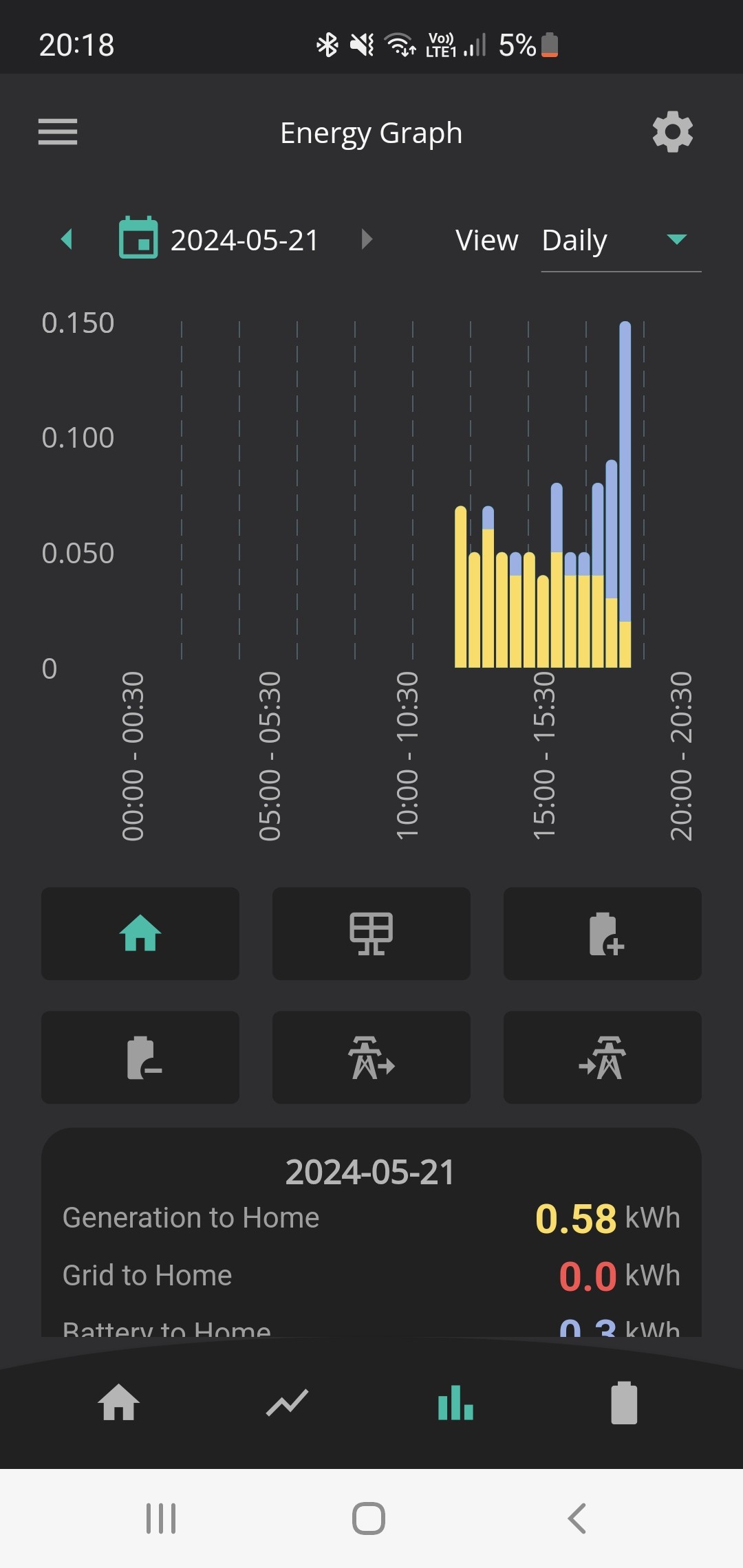
Screenshot showing the days where there is no data or very little recorded.


I am having a problem as I cannot access the 10.10.10.254 page as it keeps timing out, I have cleared the cache memory etc can you please advise on what I can do.. thanks
The third number should be 100 not 10.
Rubikcube sorry that was a typo will not load takes too long
Have you followed the KB guide.
I had to turn off 5GHz on my router, connect my mobile to 10.10.100.254 and put in my SSD password etc - see the guide.
I then rebooted the dongle and it connected to my wifi. At that point the 10.10.100.254 no longer connects and I can login to the dongle by looking in my router at the IP address given to the dongle. In my case 192.168.1.35 - which i then made static so it is always that.
I can then "tweak" any settings from my laptop.
Last night I updated the dongle firmware from my laptop