P
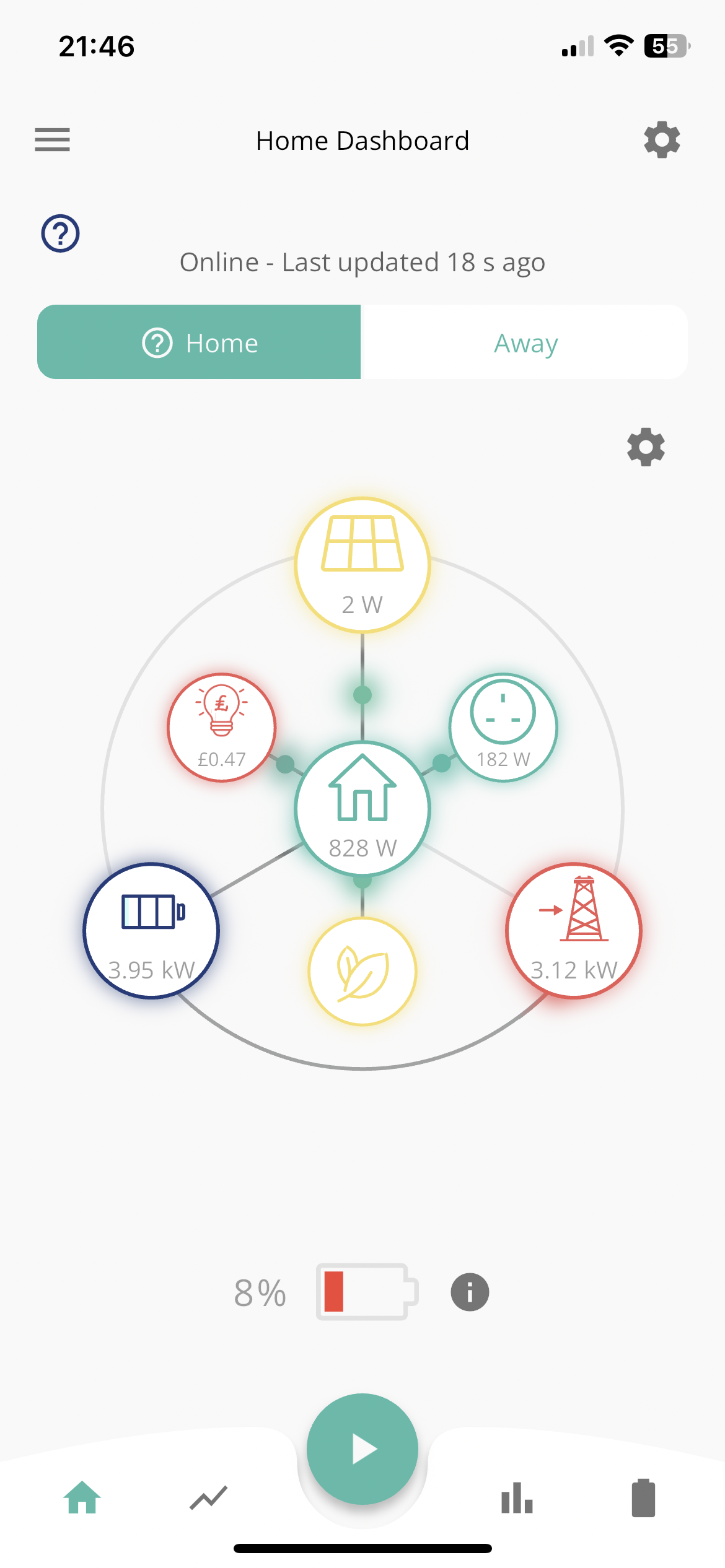
I am discharging my battery via the app. Normally I can just press the play icon and it stops discharging but that is not working.
Does anyone know what to do, I do not want to continue the discharge

I am discharging my battery via the app. Normally I can just press the play icon and it stops discharging but that is not working.
Does anyone know what to do, I do not want to continue the discharge
Just before this happened I got some kind of inverter offline error?
Error with quick k settings inverter offline?
It has the normal play icon but still discharging
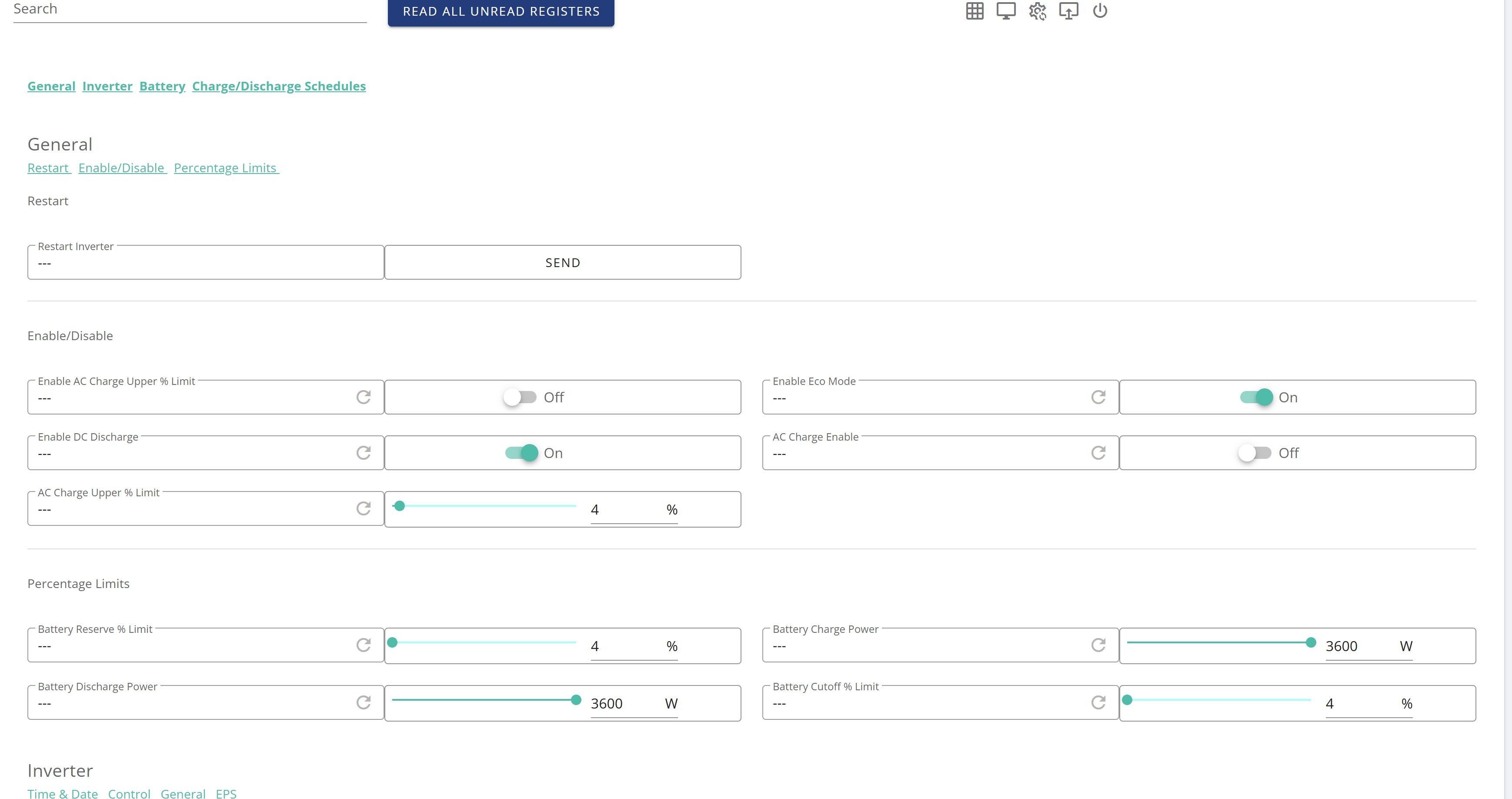
I would restart the inverter. Do it via the web portal and then use web portal to stop the discharge.
Press the gear icon in top right corner and see what mode you're in. I don't use the quick-settings button, but I think it might configure a timed all-day export. So you may be able to undo it by undoing that. You could at least reduce the discharge power a bit to give yourself a bit more time.
Pete Thomas Error with quick k settings inverter offline?
Probably - app makes changes via the portal, and the portal couldn't see the inverter when you tried to cancel the export.

Pete Thomas There are a lot of similar threads in here on this topic. But, you can try in the timed discharge setting in the app putting both the start and stop times to the same time. You might have to disable that then re-enable. Also in the portal you can go to my inverter and then click the cog wheel in the top right (remote control) remote and disable the discharge from there. Although as i say there are lots different expeieiences with this in the various threads. And then check that eco mode is enabled and if not then re-enable (assuming you normnally run in eco mode).