Is there any easy way (not download all half hourly data for month and markup spreadsheet) to get a monthly bill estimate from the GiVenergy portal that I can compare with my Octo bill.
I am on Flux and my tariff is reading correctly into the GivEnergy portal page.
I just want to see that Octo are in the right sort of "ball park " with off peak import and peak export and that they are not missing anything
TIA Steve
Bill check against Octo

SteveCook if you go to the reports page on the left menu, chose the custom option in report type you can choose to have the report for the same time period that Octopus do and compare that way. Should pull through import/export kWh and costs if you've added them. Don't think it includes standing charges though
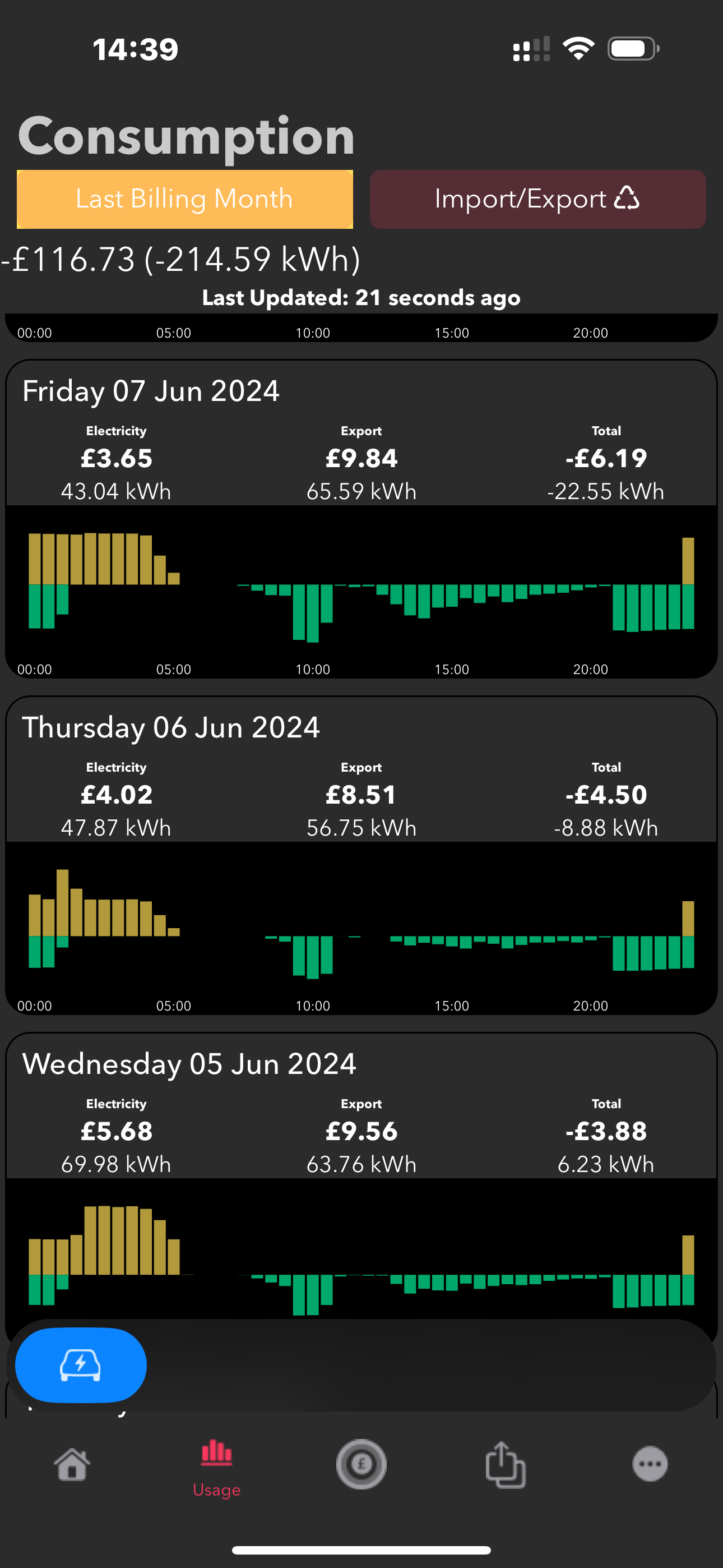
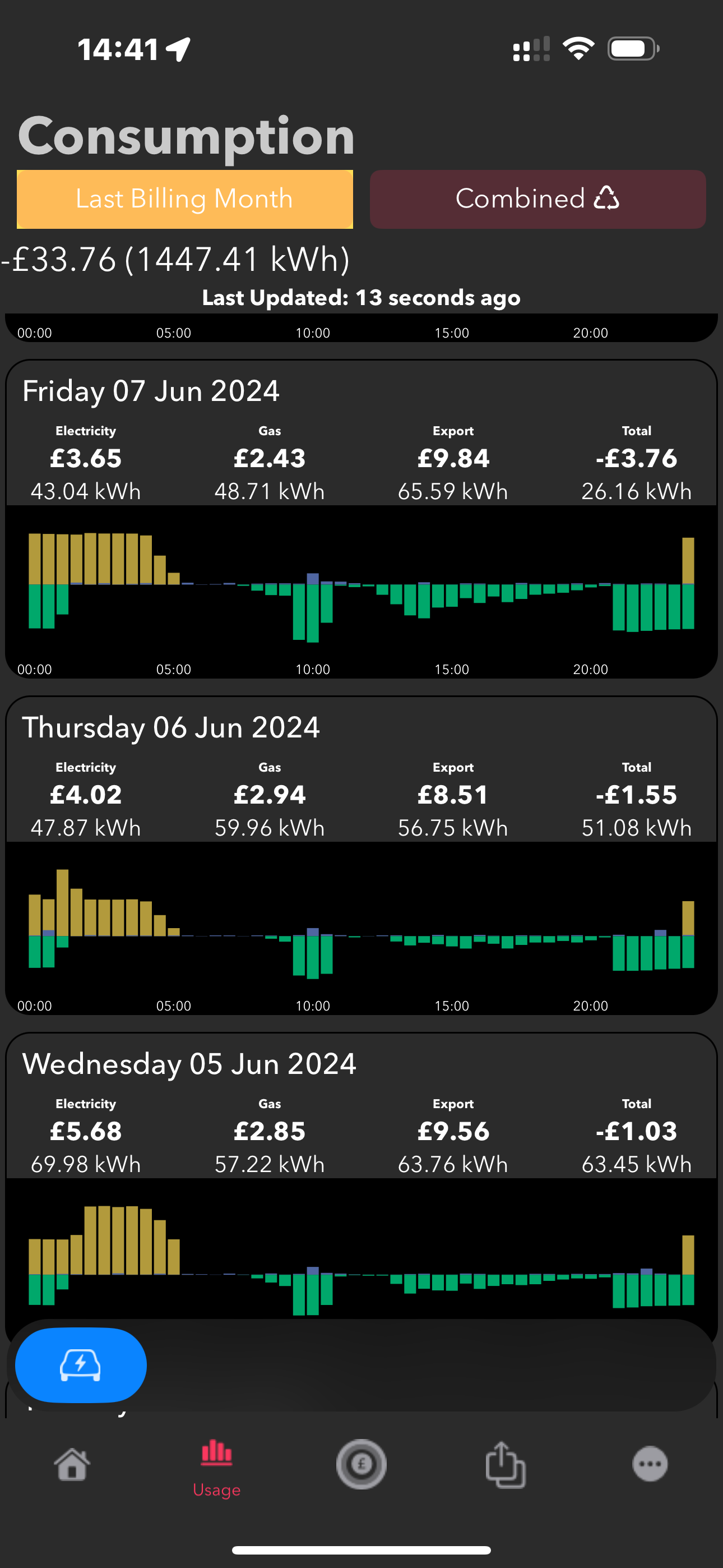
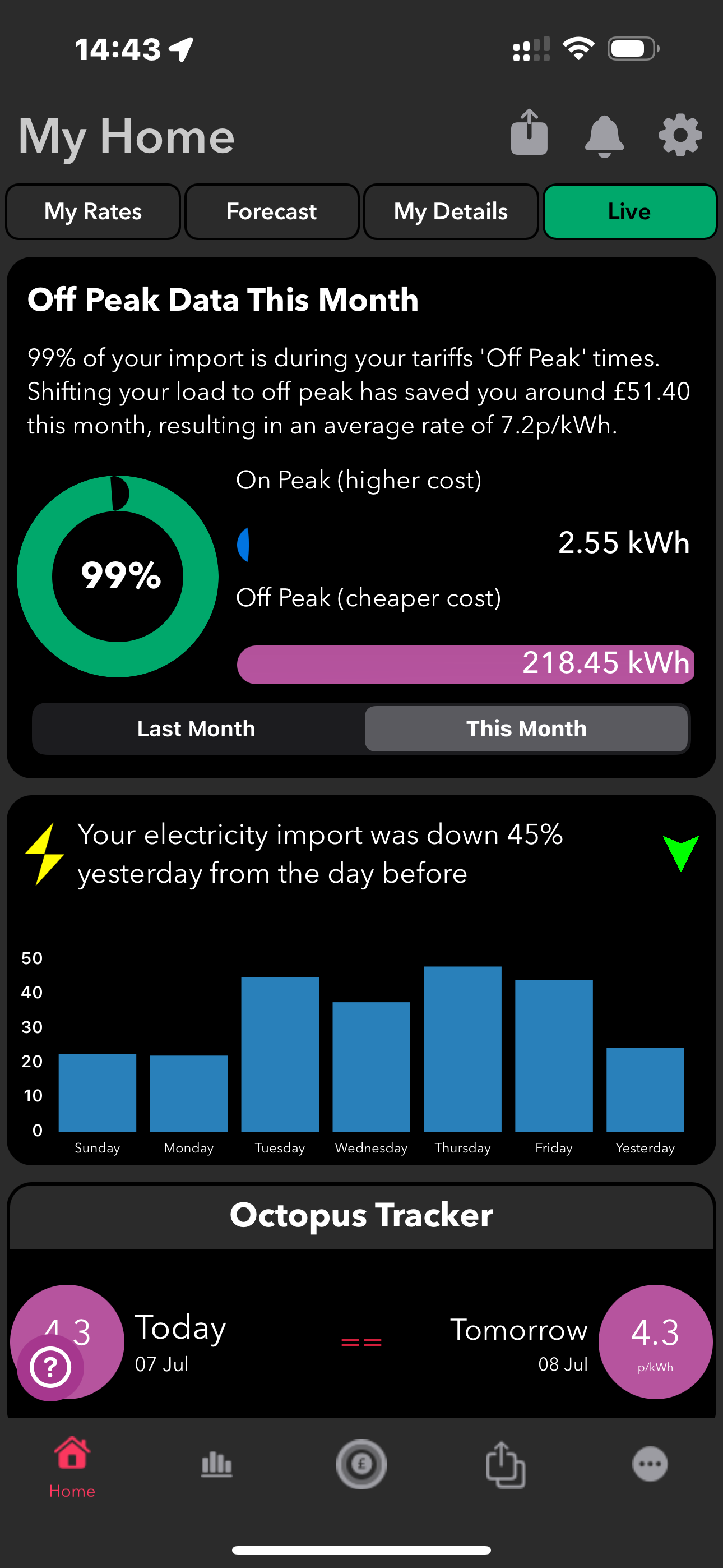
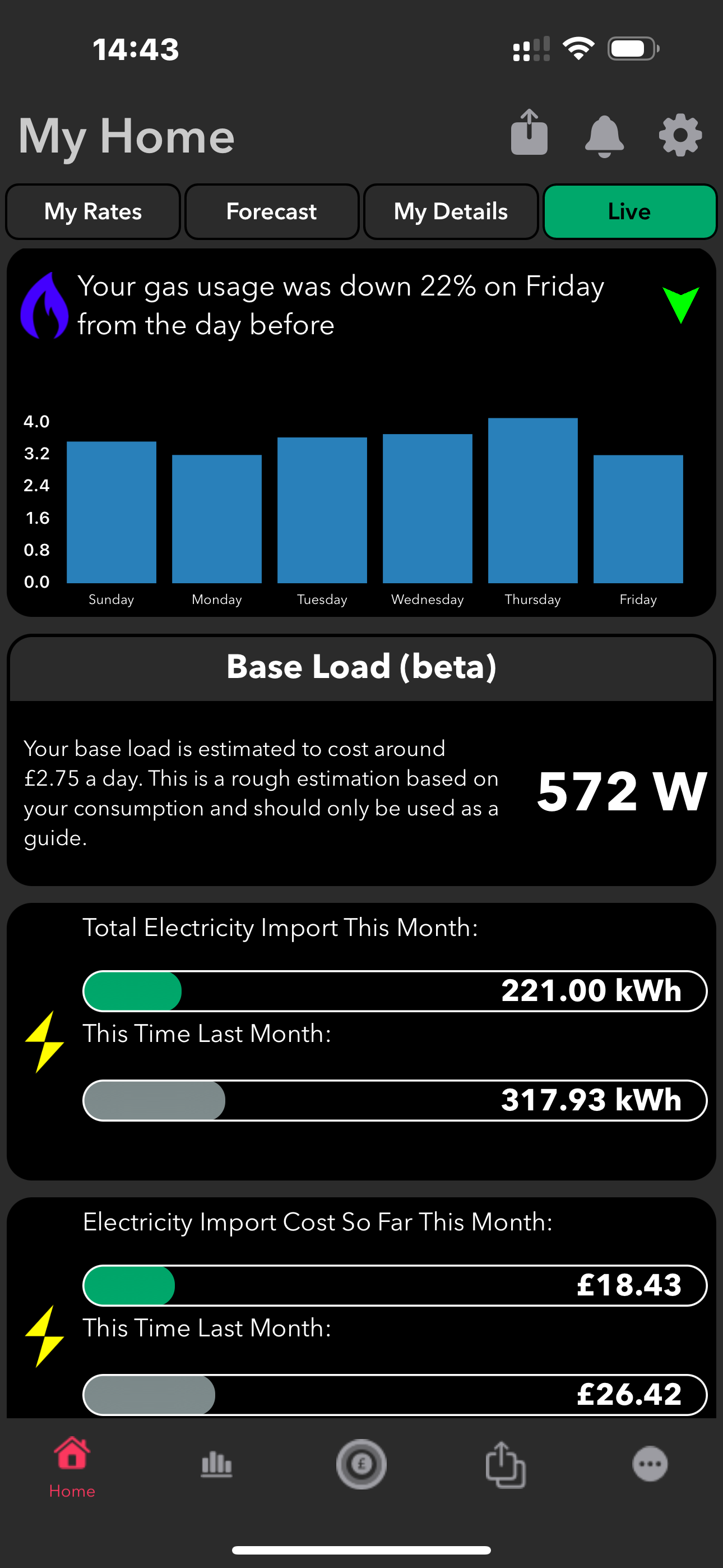
Have you tried the “Octo-Aid” app? It takes your meter readings and tariff info and then you can look at your past/ expected bills. eg; This billing month/ last billing month, this month, last month, last 30/ 90 days, last 6 months, last year, custom dates. For import/ export and gas - It’s pretty accurate.
It’s probably what you’re looking for.
If you use the Octoprice app it will show you if there are any missing meter readings as well as does pricing of your consumption.
SteveCook I just want to see that Octo are in the right sort of "ball park " with off peak import and peak export and that they are not missing anything
Just be aware that unless there are missing meter readings, what Octopus say is your consumption (from the smart meter) will be what you are billed on. The EM115 & CT clamps on our inverters are reasonably accurate but they are not calibrated for billing purposes. Personally for me the figures I get in Home Assistant (applying the appropriate tariff rate to the inverter import and export meter readings) are within a few pence of the Octopus bill, so mine are very accurate, but others have reported greater variances on this forum
Hi all. I have looked for the OctoPrice app and get offered numerous Octo apps, but without the exact name get ones that tell me where Octo car chargers are etc.
Regards
Steve
Try searching the App Store for “Octo Aid” - should pop up.
Pete UK
Thanks, but no joy there

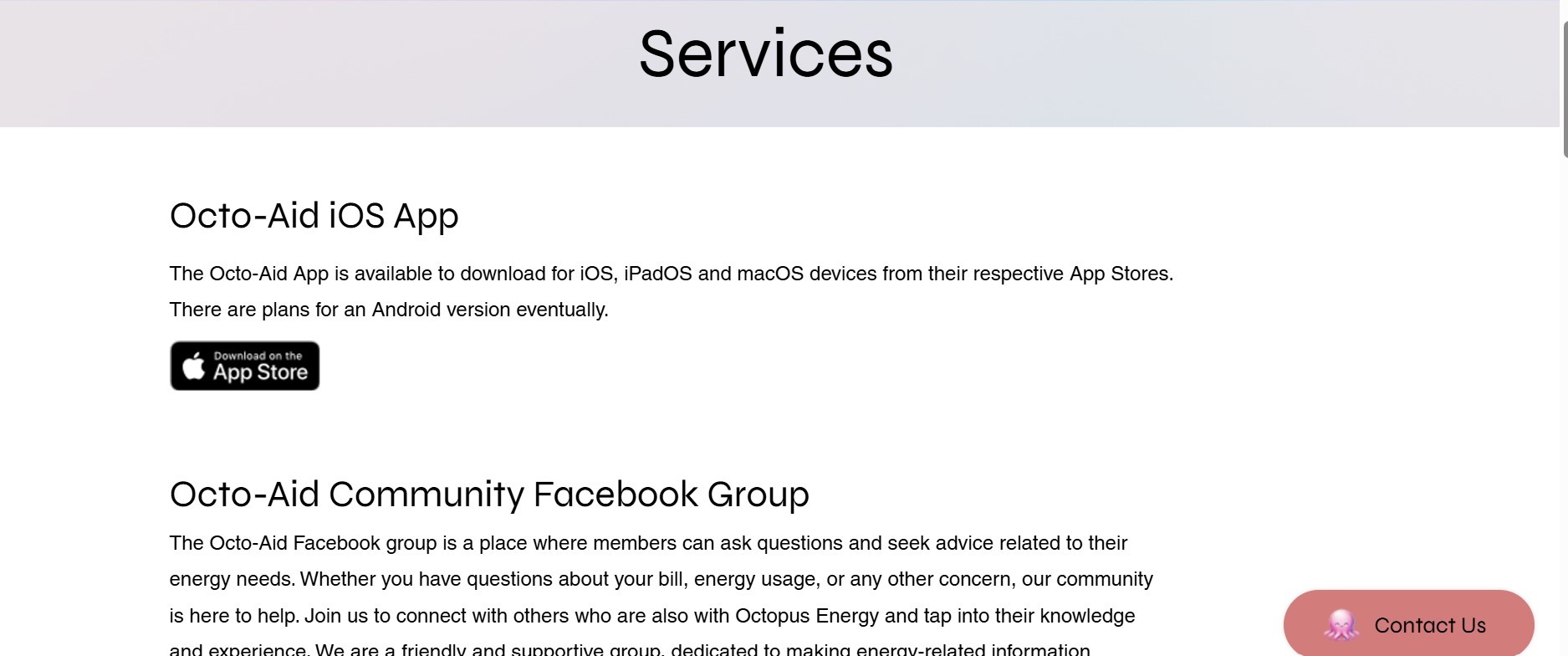
SteveCook think it's apple only.
SteveCook Octoprice app: https://www.octopriceuk.app/
Its actually a website but you can install it as a web app on your device
geoffreycoan
Geoffrey
Doh!!
Thanks. I was thinking app only as so many things will not run on PC these days
He has a "buy me a coffee" link at the bottom of the about page- I said you need one for all your hard work
Octoprice app working on PC, but excuse my stupidity, I still cannot find an easy way to download a specific month of total half hourly import/export data to compare to my Octo bill.
I can do the csv data download (from the tool on this forum), covert to excel and manually mark up each cell timeslot and tariff, but that is time consuming (i am sure I could teach myself conditional formatting, but the grass will not stop growing at the moment!)
Octoaid is ios only

SteveCook Yeah the OctoPrice thing is quite clever, I believe it was originally written to demonstrate the author’s coding skills (a sort of online CV). It started as a website and then became a modern web app so you can install it locally on a device by creating a bookmark to it - to all extent and purposes it appears to be a local app on my ipad.
Feeling very unsure about this as I’m not asking for coffee donations, but my paypal.me link is https://paypal.me/GeoffreyCoan
SteveCook Octoprice app working on PC, but excuse my stupidity, I still cannot find an easy way to download a specific month of total half hourly import/export data to compare to my Octo bill.
Just took another look at it, and doesn’t appear that there is a download option in octoprice. What it can do is check that all your meter readings are present and work out what it thinks the bill should be based on your tariff.
I think your only option is to use the ‘download your data’ from the Octopus account which provides the 30 minute readings. Tim & Kat’s Green Walk have some spreadsheets to summarise by month/time period to make it easier to compare pricing

Geoffrey Thanks
It would help if Octo could issue complete bills that started on the 1st of the month and ended on the 30th/31st of each month summarizing import/export applied to the relevant tariffs (for me Flux so only off peak/regular and peak).
Instead they send me bills from 3 months ago for just say import for 1 week and then 2 weeks later I will get something from an earlier date.
The only way to check is print all their bills, do a manual sum and then try to do 6 months of excel sheet download/manipulation to check

SteveCook
I had similar with my export credit arriving at some random interval. I emailed support and asked them to sync my bills to each calendar month and they were happy to oblige. Perhaps give that a try?
Thanks. I have done that numerous times. Guess I am getting a different person to you
SteveCook I had the same problem, my export bills were very random. I messaged Octopus direct on twitter and got them synchronised to the 1st of the month
Ah, yes Octo-Aid is Apple. Do you have an iPad you could run it on? Or “borrow” somones old one?
This is what it looks like anyway;


Hi Pete,
Which do you think is the better app, I have been looking at both, so as you have Octo Aid, I was wondering if you looked at OctoScope as well?
Octo Aid
OctoScope
Haven’t tried Octo scope. Is it similar?
I like Octo-Aid though. Pretty handy to keep a tally of the import/ export and gas bills and I like the fact it adds the extra off-peak rate slots or you can add them manually. Nice to see how much off peak usage as an overall percentage as well and how much I’ve spent/saved/ exported on any particular day.