Issue after upgrading Gateway firmware

9 comments started 2024-09-19 last 2024-09-20
GivEnergy ProductsBattery
W
#1 Weasel

I have an AIO plus gateway and have just upgraded the GW to firmware release A0.010 and am seeing some very strange figures in my import, export and usage etc, tha simply do not add up.
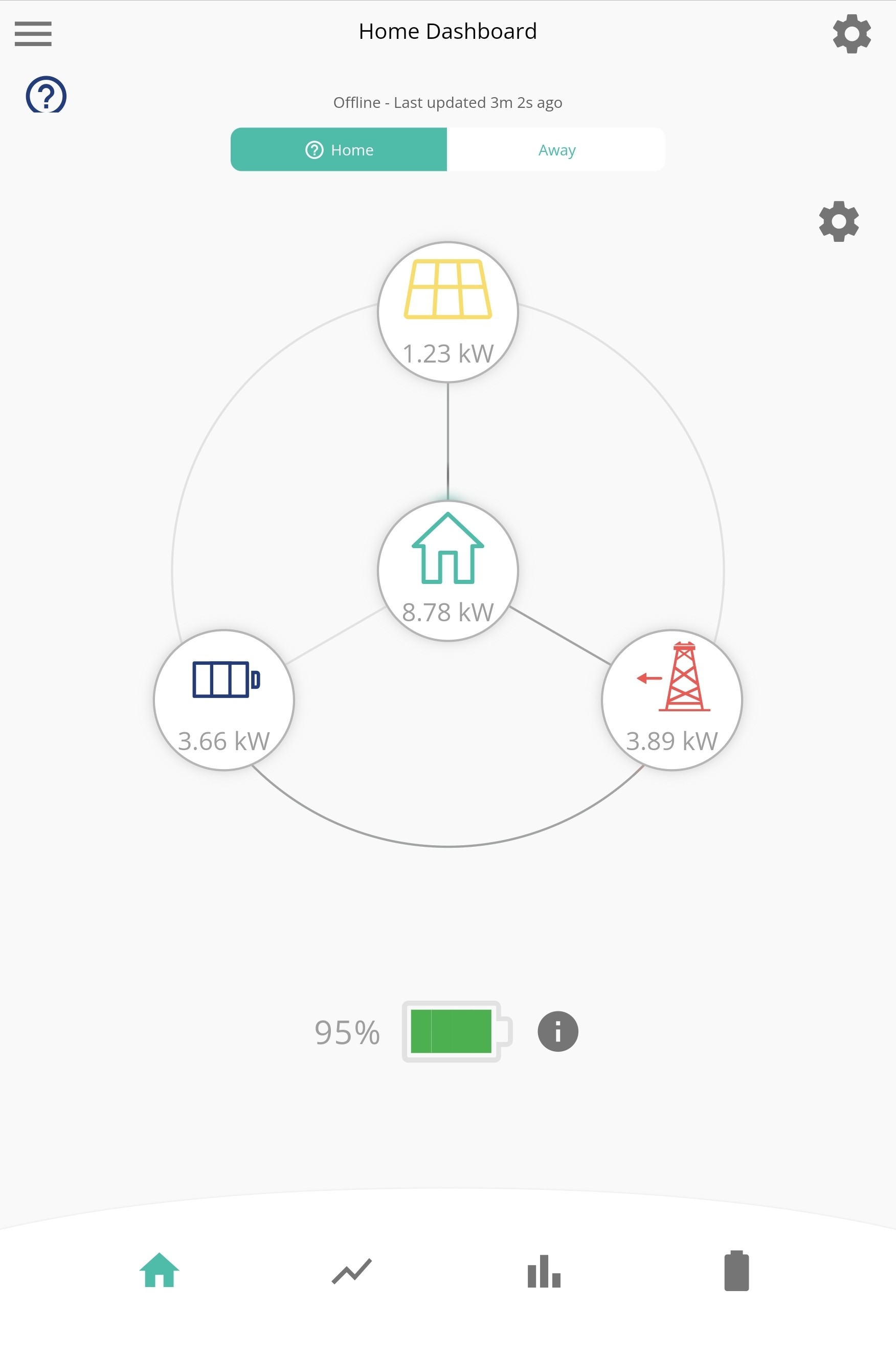
I am hoping this is just some post updat artefact such as a full charge/discharge cycle for calibration, but it is a little worrying to see a home usage of around 9kW when it is vary rarely more than 2kW

Can anybody reassure me?
W
#2 Weasel

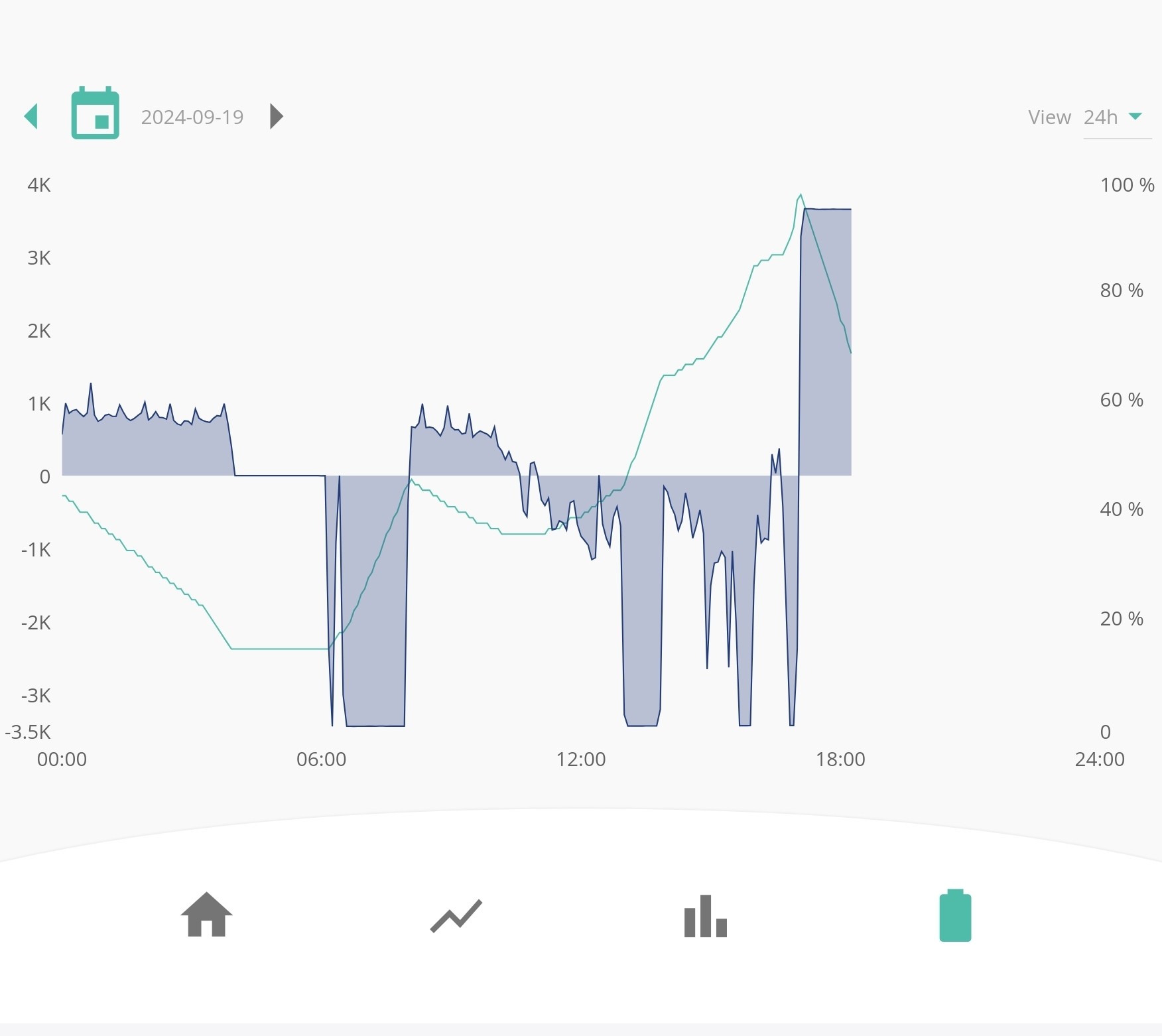
I think I might be right about the charge/discharge cycle - see screenshot below of my battery capacity etc. It will be interesting to see what happens when the battery is exhausted.

W
#3 Weasel

Now that the sun has gone down, I can confirm that the numbers I see for my home consumption are the sum of the grid import, plus the battery discharge. The problem I have is that I do not know which number to trust

W
#4 Weasel

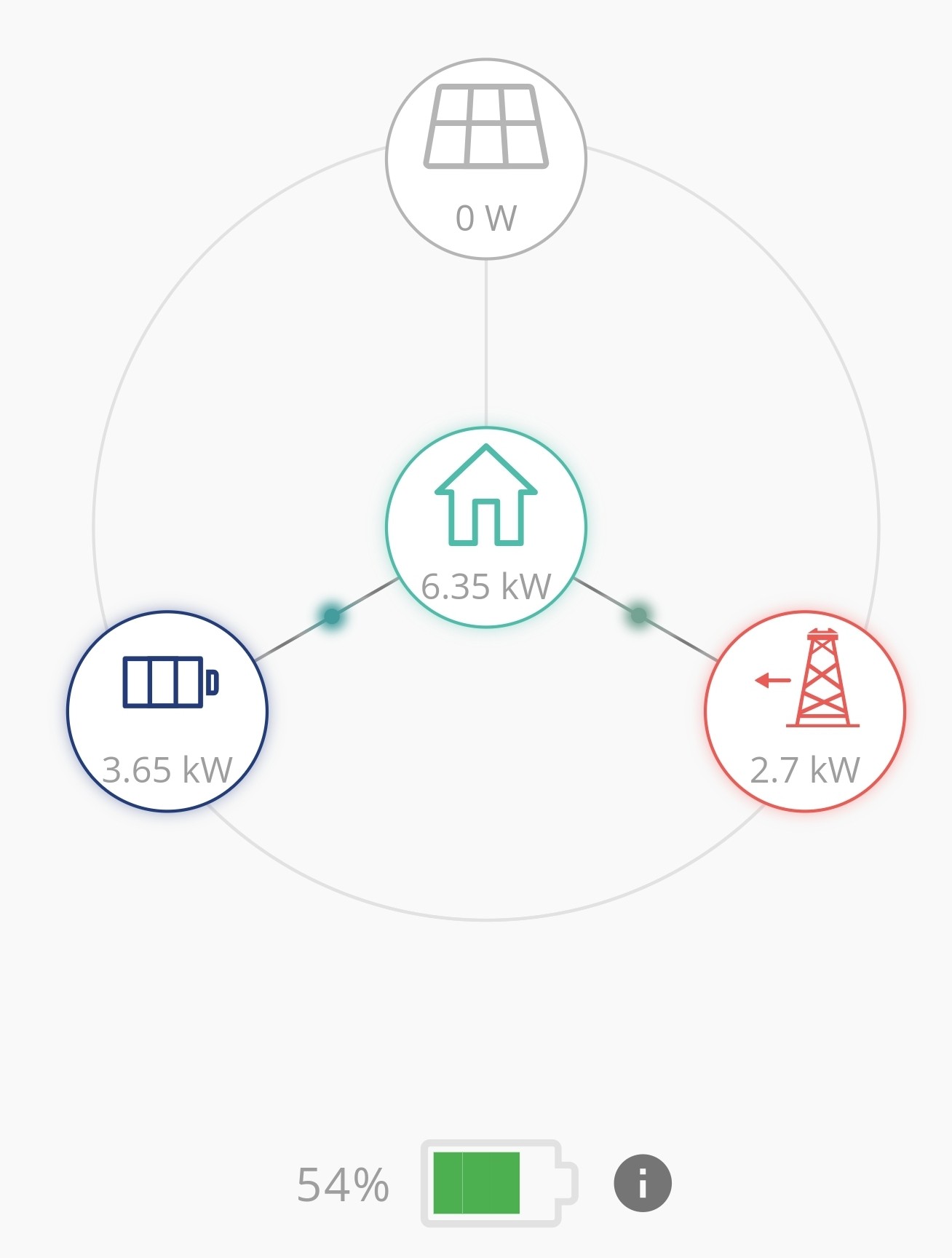
A further update... The battery has now discharged and switched to charging mode. It appears that on the app dashboard the icons for grid import and grid export have swapped, so my app shows 4.5kW exporting but the IHD of my smart meter shows 4.5kW importing. The latter is more logical.

Hopefully once the battery is back to 100% things will sort themselves out

C
#5 CW

Weasel So I am not an export, but if the IHD and and GE are showing opposite flows (import vs export) then I would think that the CT clamp for the GE kit is the wrong way round, or (I think) can be firmware configured to the "other" way

W
#6 Weasel

It's a thought, but it's been running fine for weeks and no hardware changes. I will check the gateway configuration in case something has been 'reset'

The battery dashboard and graphs in the app looks fine, it's only the icons on the home screen that seem wonky

C
#7 CW

Weasel So it may be possible that at some point a firmware setting has been changed. As I say I am not an export on any of this, but if there are no hardware changes but a software (firmware) change and then things have changed, it would point me to the firmware change.

Below you can see on my AIO there is a firmware setting for CT Direction....


W
#8 Weasel

You might be on to something here. I am unable to update any settings on the gateway, nor reboot if from the cloud dashboard. I just get a timeout message. The last successful entries in the Remote Control History are about reformatting the dongle. Thereafter, all commands result in neither a timeout or "Inverter Offline" message.

Interestingly, I can see the gateway on my network and access its web page etc, so it is not completely offline

The AIO battery is now at 100% and appears not to be being used at all 😞. I can send commands to it fine.

I guess a call to support is now in order

W
#9 Weasel

CW
You were spot on sir

I called GIvEnergy support and they quickly resolved my issue. Apparently there is a register/setting (only accessible to installers etc) called "auto_CT" which appeared to have been reset as part of the update. The support person set the "CT Direction" register to the appropriate value and everything is now working as expected. He also informed me that now the direction is hard-coded and the auto CT is turned off, future updates will not cause me any issues

The working hypothesis is that the original installer relied upon the "Auto CT" setting and the update borked that register.