I replaced my router yesterday. I set up the new one with the same SSIDs and passwords and all my other IoT devices reconnected just fine, but the inverter is giving me grief.
The first time, I was able to connect to the 10.10.100.x wifi, get to 10.10.100.254, log in, re-detect the SSID, re-enter the password and get it connected again. I even had the local detection working, which never has before.
Foolishly, later on that day, I tried to make the SSID hidden, and the inverter has stopped connecting again.
I changed it back to a visible SSID, but it hasn't reconnected. I've rebooted the router, but it hasn't reconnected.
Again, every single other device I have has had no problems with this whatsoever, it's just the inverter.
I've tried reconnecting to the WHxxxx wifi, but it's now unbelievably flaky. I can connect, and it'll just disconnect again in a few minutes. If I try and do something (like go to 10.10.100.254) then it disconnects me quicker. If I try a Test-NetConnection to 10.10.100.254 on port 80, it doesn't succeed, and I can't ping it either. I've tried from a Windows 10 laptop and my Mac. Same results.
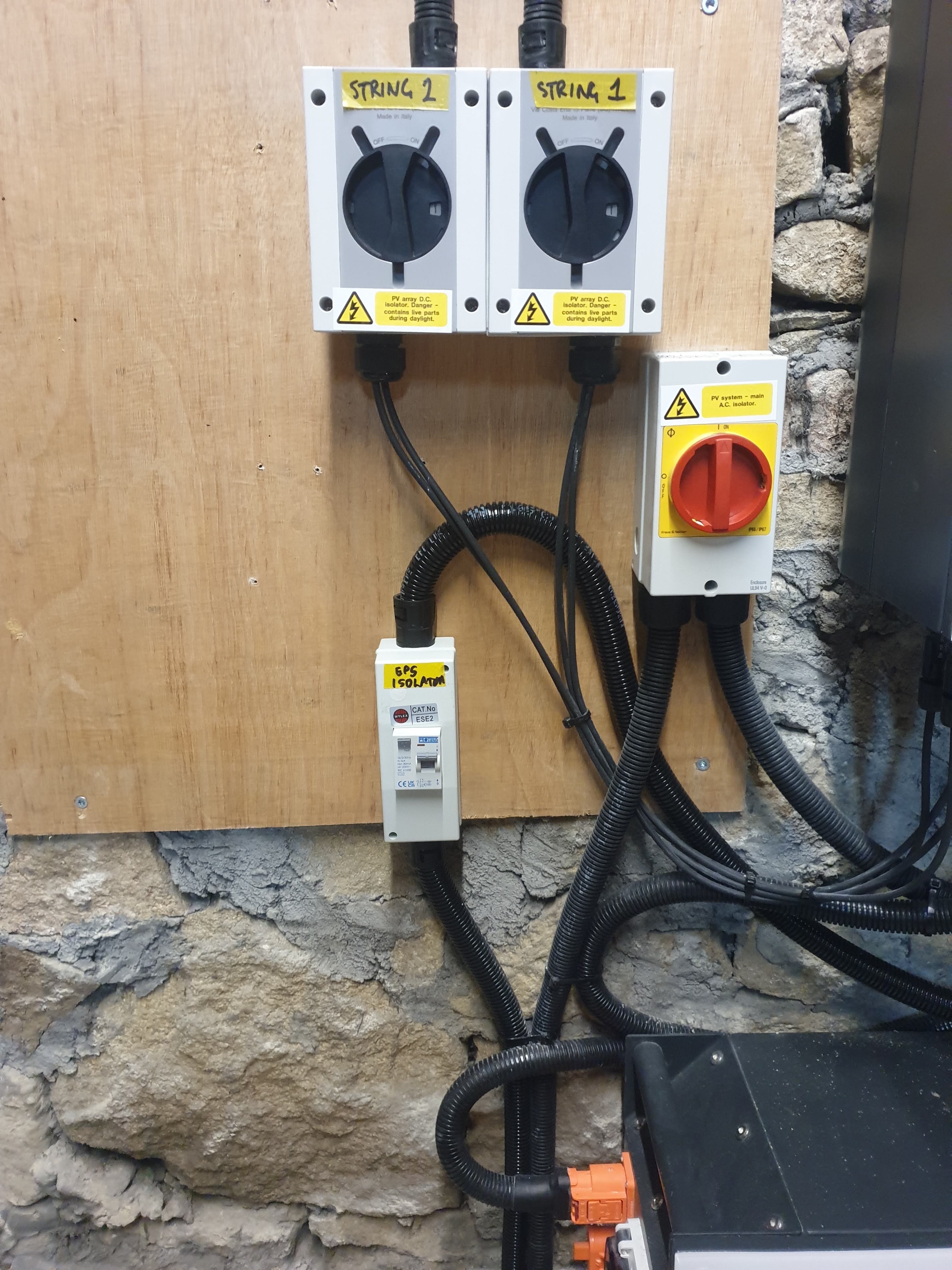
I've seen posts that say "reboot your inverter", but I have no idea how to do that. Do I just turn off the big chunky circular switch on the wall next to the inverter, leave it for a couple of minutes, then turn it back on again? How will this affect power to the house? Surely there's a better way of restarting just the wifi? (I don't know if it's integrated or if there's a separate dongle. It's been almost a year since it was installed and it's all screwed up, I can't just peek inside it or anything...)