R
Is there a way to replace the above on the home page with an estimated cost import and export. I’ve done it before but can’t find the setting to change it. Thanks

Is there a way to replace the above on the home page with an estimated cost import and export. I’ve done it before but can’t find the setting to change it. Thanks
If you wish that to be the maim page, then I think you need to goto Edit Your Dashboard and cycel through the cards on the right hand side until you get the card that you wish to defail to
What I’m trying to achieve is for the app homepage to replace the national grid info in the below diagram with an import/export value dependent on what the flow is at the relevant time.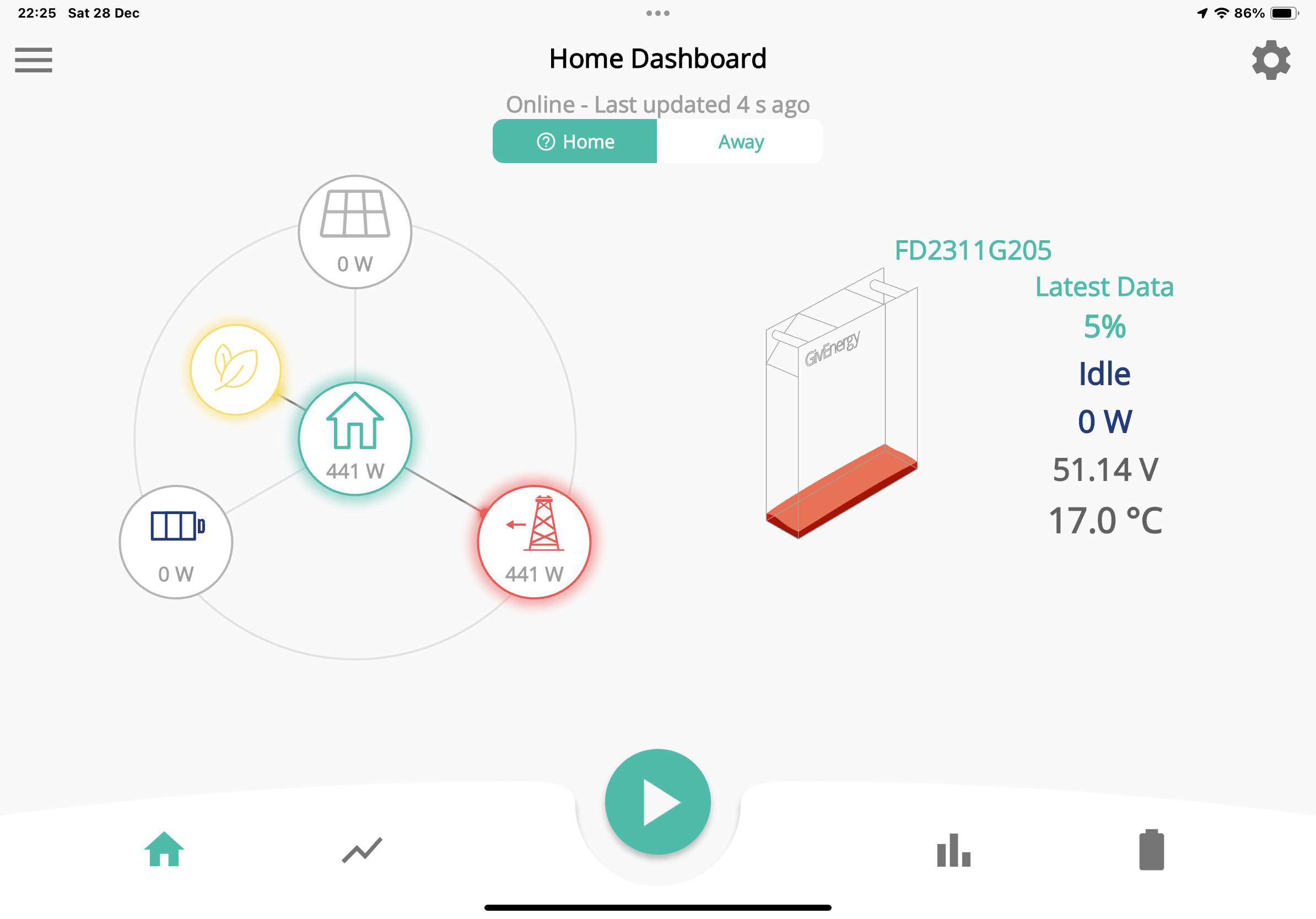
Richy999 The cogwheel that you need isn't shown in landscape mode. Turn your phone / tablet into portrait mode and the cog will appear below the Home / Away options. You can then configure additional information to appear on the screen e.g. Smart Tariff, EV Charger, Smart Plug, Carbon Intensity. You can select up to three options if you need them.
Great thanks. Found it now.