L
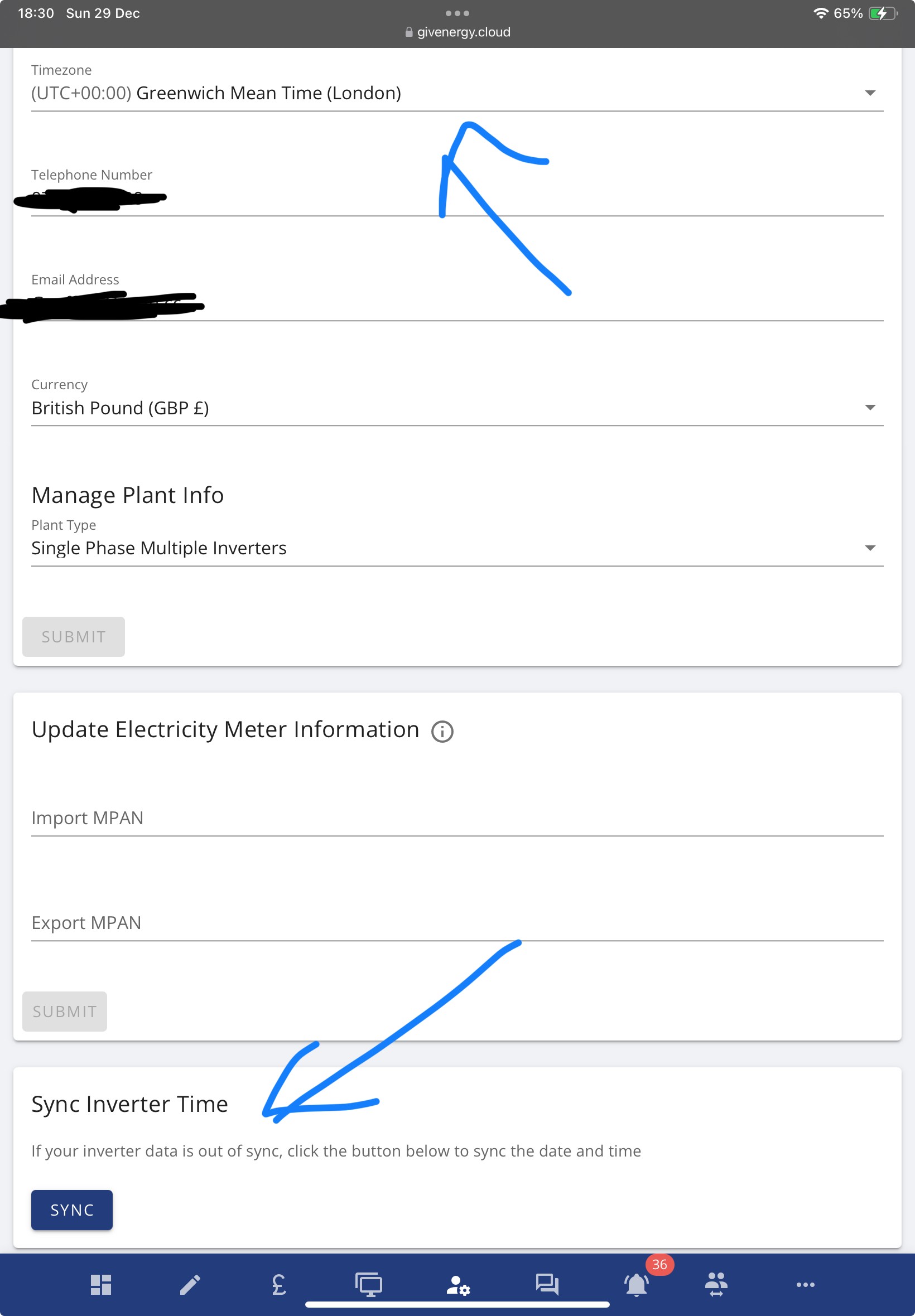
Does anyone know how to change the time on the GivEnergy app web.. mine is an hr out due to (BST) therefore all my charging settings are out..
There is a date and time section within the Inverter Settings tab however it not editable

Does anyone know how to change the time on the GivEnergy app web.. mine is an hr out due to (BST) therefore all my charging settings are out..
There is a date and time section within the Inverter Settings tab however it not editable
It's in the account settings part of the web portal.
I have found the date and time box and Send beside it, however it doesn’t let me edit the in the box
Found it… I had already changed it to BST.. but it looks like it defaulted back… fingers crossed it’s worked this time
Yes done thanks .. 👍👍