New GivEnergy EV Charger Queries

8 comments started 2025-03-04 last 2025-03-05
GivEnergy Products
P
#1 PaulTacchi

Hi all,

I have finally had a GivEnergy EV charger installed to complement the existing Inverter and Battery and have a few questions I hope someone can help with...

A bit of information first - my EV Charger has a LAN connection and the installer has also installed a secondary data cable, using a twisted pair to connect the COMMs between the EV Charger and the Inverter for the 'Inverter Control Local' when it is made available.

So, first question, how do I stop the LED on the charger constantly flashing blue? The installation manual states that this means it has no WIFI connection (well duh!) which seems odd because it is connected by LAN and is online/onboarded fine. I had researched this forum and others on the net and some suggest it could be something to do with DIP switches? In that the unit has to physically be told that it is not using WIFI? I can't find any concrete information on this. Furthermore, I have reported it to GivEnergy support who appear to be dumfounded by it and have escalated it 'higher'... whatever that means? I am an IT engineer by trade so I am very familiar with the use of DIP switches, if anyone has any insight in to this I am capable of adjusting accordingly.

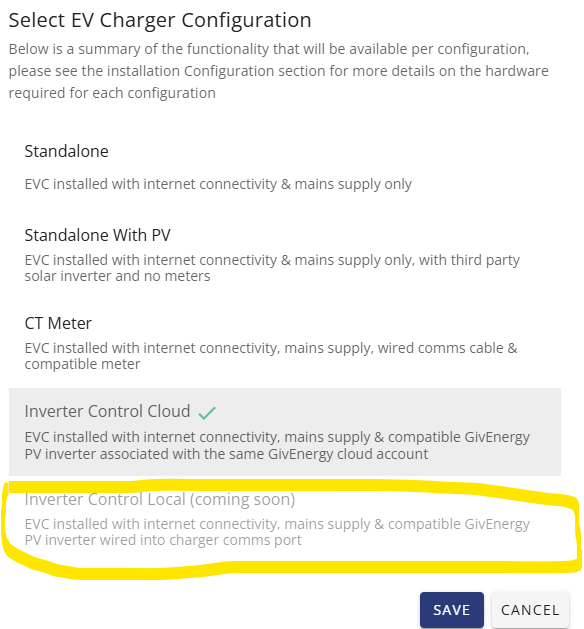
Secondly, and more of a wish than a question really, but regarding the 'Inverter Control Local - Coming Soon' - has anyone heard when, or have any updates on this feature? I am currently using the 'Inverter Control Cloud' option, but just like CT clamp and Meter set ups, it just isn't as accurate as a direct real-time connection.

Thanks in advance :-)
M
#2 murrad

been a while since i had mine installed, but from memory....

if you are not connected to wifi the only way to stop the led flashing is by changing the setting to turn all the leds off.

the inverter local control with a cable directly connected to the inverter depends on your version of inverter. it needs to be later than the version 2 inverter i have.

if you are referring to local modbus control, i.e using givtcp to query it directly. it stops working after a while, there is a known issue with it.

I just followed the guide "speak to the geek" made on youtube to set up the inverter in home assistant using the rest api.

D
#3 dragos.balaban

local control is available for Gen3 inverters only. Sorry, will "soon be available"
No idea what "soon" means, sorry

P
#4 PaulTacchi

Hi both. I have a Gen 3 Inverter, but the option for local control is greyed out as 'Coming Soon'

D
#5 dragos.balaban

i think the only advantage of the local vs cloud control would be the absence of lag when solar charging or when "protecting" the house battery from discharging into the car battery.

Have you tried these features with cloud control and found them laggy?

P
#6 PaulTacchi

There does appear to be some lag yes. Also, the EV Charger doesn't appear to know when it is being assisted with solar generation - the LED PV Array identifier on the front of the charger never flashes. Frequently the charger pulls from the battery too despite being configured not to, and the only way to stop it is to disable the battery and then re-enable it.

D
#7 dragos.balaban

@PaulTacchi m when you say it pulls from the battery are we talking seconds, minutes, half an hour?

D
#8 Daveb01

PaulTacchi

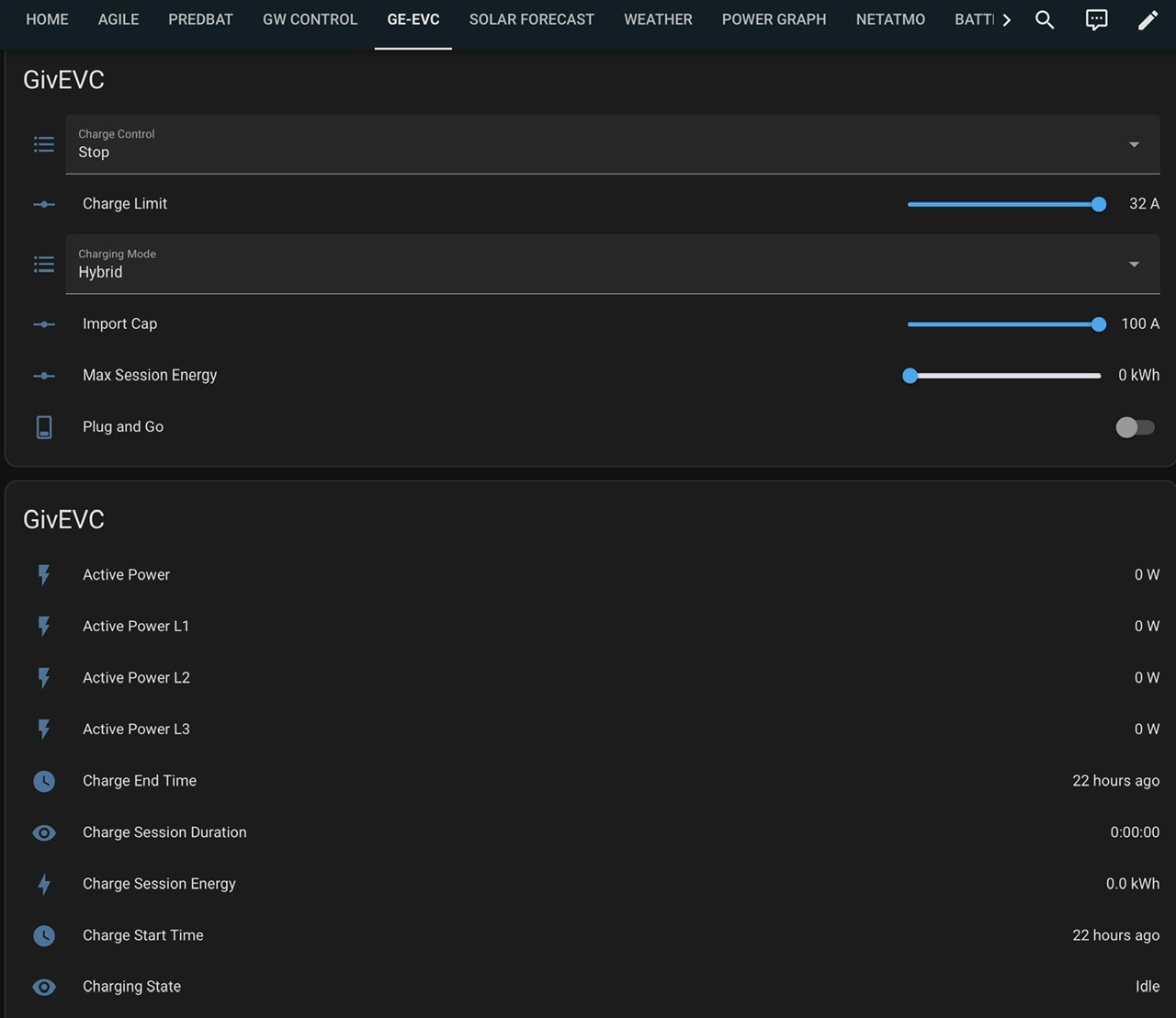
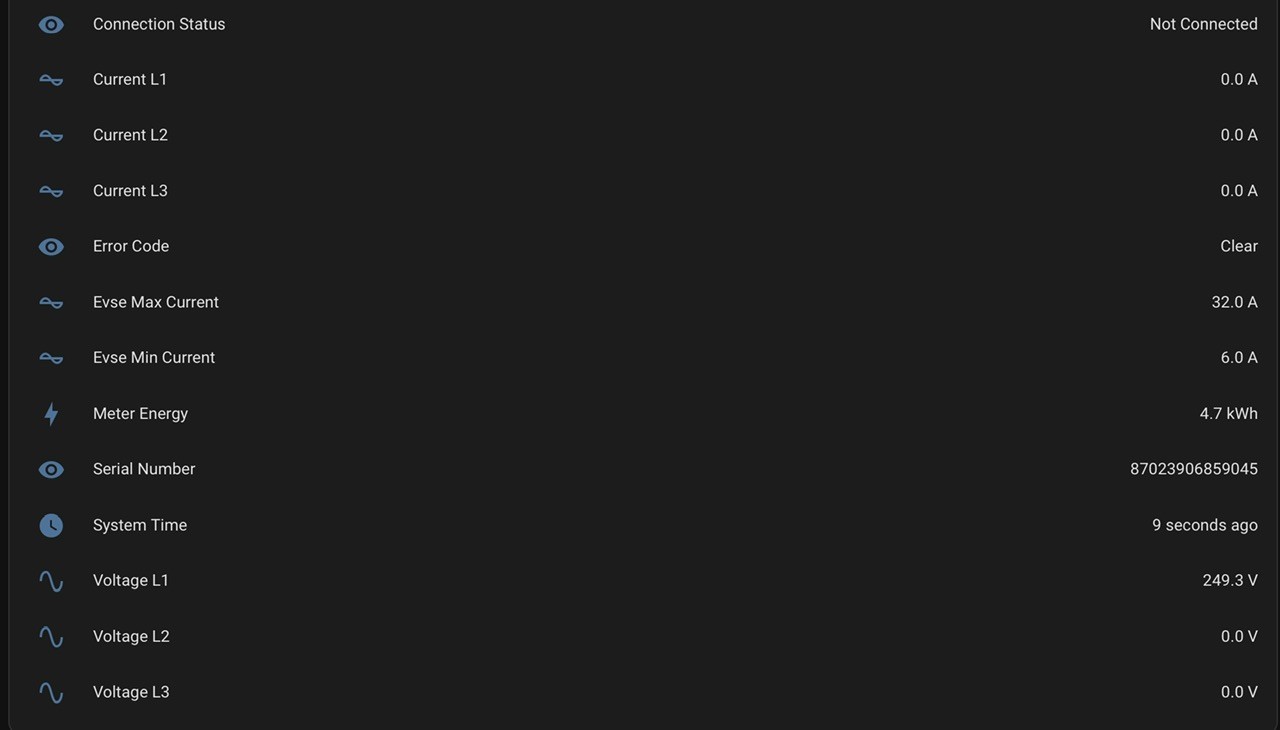
Hi yah, I have HA with GivTCP. I was having the same issue, local integration only works via WiFi, I have Ethernet, however I got it going by selecting this in the GE cloud. (It’s not available in the app)

Go to EVC/Settings/Other - turn on Enable Local Control.

I still have the Inverter Local control greyed out as well. But I do get settings and readings in HA (without doing all the things Speak to the Geek said to do)