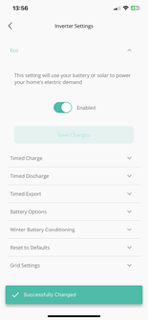
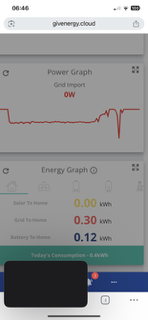
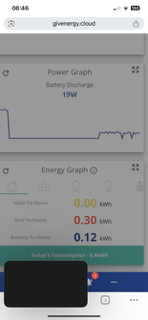
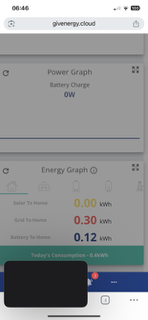
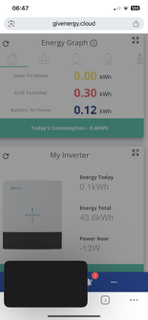
Hi, I’ve had my Giv system for a few months now. I don’t have any settings programmed other than Eco mode so it uses the battery before drawing from the grid. However, everyday this switches its self off and I have to continually turn it back on. This means I am still paying for electricity when I don’t need to be. Is this a known issue or am I doing something wrong and need to have other settings defined?

](https://)
Won’t stay on Eco mode
Gayle.Reeve you're not on intelligent flux tariff, where Octopus control your system?
Does the activity log in the cloud show it being turned on and off?
Hi, no I’m on Octopus Flux import tarriff. Yes, even when switched on in the cloud it turns itself back off.


Gayle.Reeve have you previously been on IOF? Octopus don't always give up control when you switch.
Has it always behaved this way, or spontaneously started happening?
On the portal, at the bottom of the remote control page, there's an activity log which should record changes, and how they were made. What does that say?
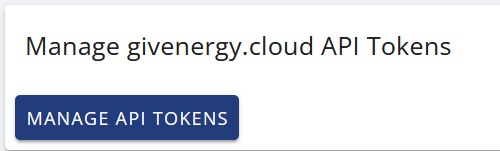
Also, if you go to account settings/manage account security/manage API tokens (via web portal) you can see if there are any generated for 3rd party access - which you can revoke:

Hi, no I haven’t been on the intelligent octopus flux. And no third party has had access to the battery. It’s always been like this since the installation in April. I’ll try and see the bit about how it is happening but can’t seem to find it 🤔. Is it on the app or cloud? (Thanks for the help by the way)
Looks like there was a discharge time schedule set in the cloud app (not showing on the app) which was knocking the eco off. I’ve changed that and let’s see if that works 
](https://)
Gayle.Reeve I don't reocognise that view of the activity - I see one line per entry:
2025-06-13 08:26:08 Server Pause Battery Read Successfully Pause Charge Not Paused External Change Detected
2025-06-13 08:25:34 You Enable DC Discharge Written Successfully true false false API - Inverter Settings - givenergy.py
2025-06-13 08:25:18 You AC Charge 3 Upper SOC % Limit Written Successfully 85 100 100 API - Inverter Settings - givenergy.py
2025-06-13 08:24:09 You AC Charge 3 Upper SOC % Limit Written Successfully 70 85 85 API - Inverter Settings - givenergy.py
2025-06-13 07:30:06 Server Enable DC Discharge Read Successfully false true External Change Detected
On the portal, view the inverter, then in the top right (perhaps in a drop-down) there's a cog icon that takes you to remote control. Then scroll down, or press the button in top left that says jump to activity log.
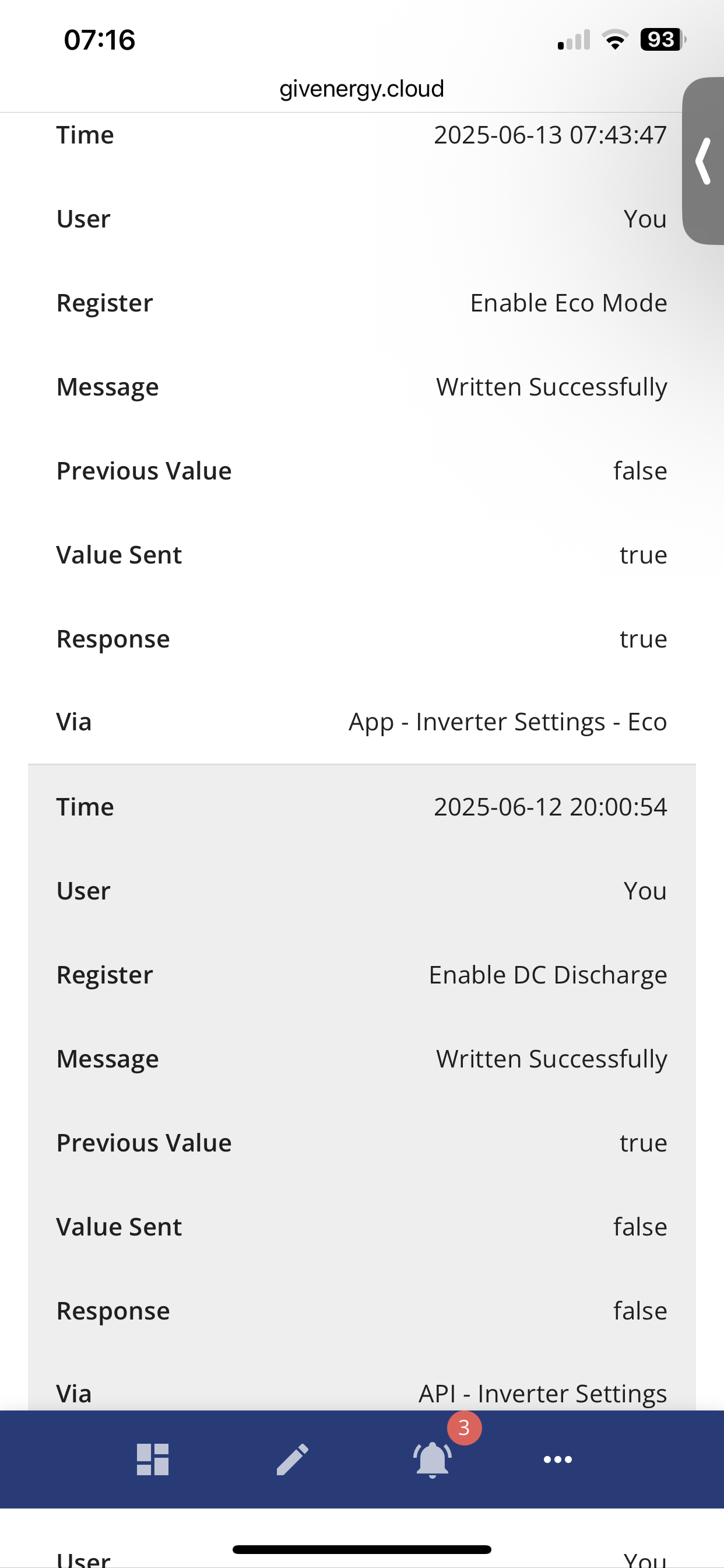
But that's not impotant. The last line (via) confirms it was somehow set through the API. And the timing (close to 20:00) would be consistent with an automation. Possibly by GE's own servers. Perhaps that's the mechanism they use when you configure a smart tariff or something. (Not something I've ever used.) And if it is GE's own system, you probably can't revoke access.
A timed export ("enable dc discharge") wouldn't normally turn off eco mode - it usually just overrides it for the duration of the timer(s).

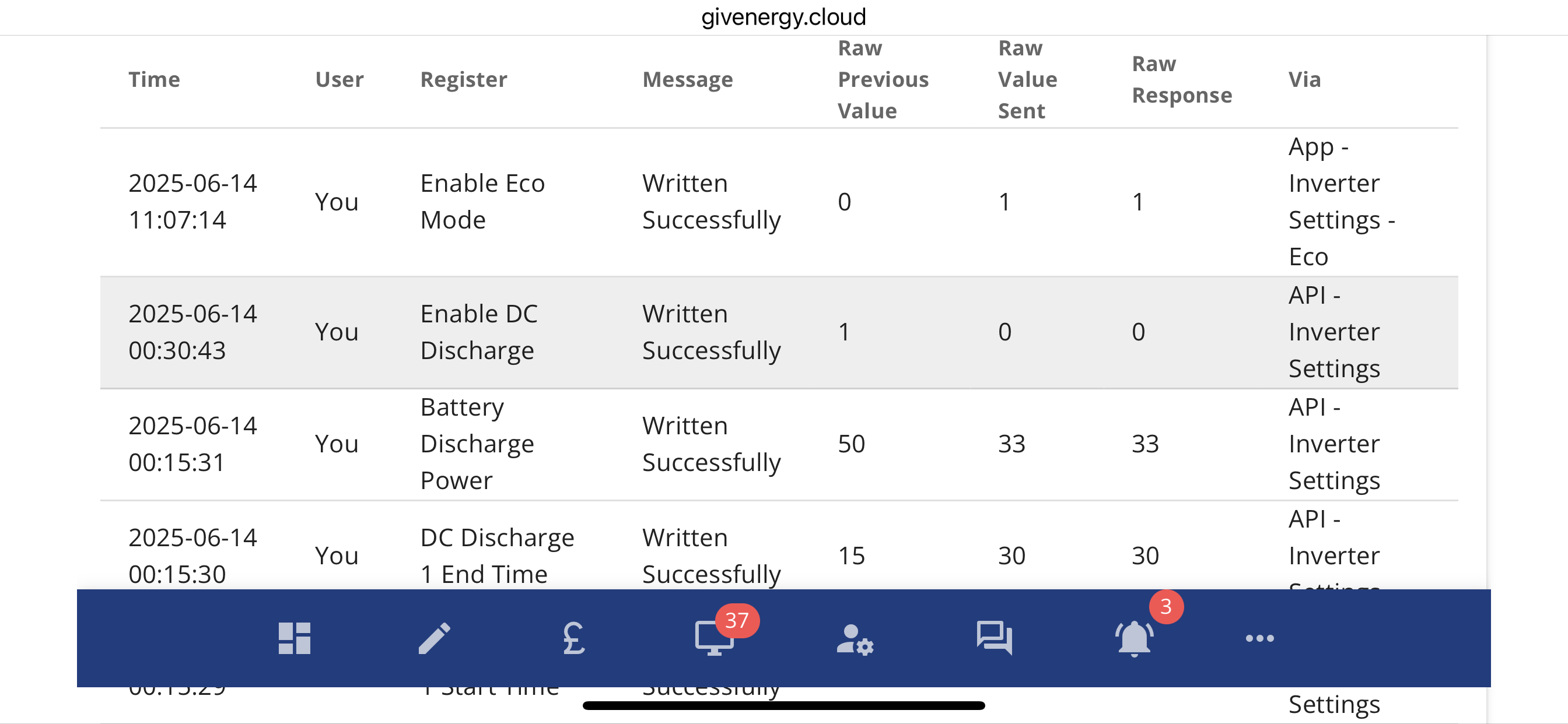
Yes, found it! It does look like an API setting. 
](https://)
So just a little update - upon investigation it appears that Octopus have had full control of my system since it was installed. I’ve removed the access and will update if this solves the issue
Big brother was watching you!!
Gayle.Reeve When using the API, there's a field to allow you to add a comment to the 'via' string. (Eg the "givenergy.py" in my example above.)
It's a pity that Octopus don't use this to make it clear that it's them doing it.