Answer 2:
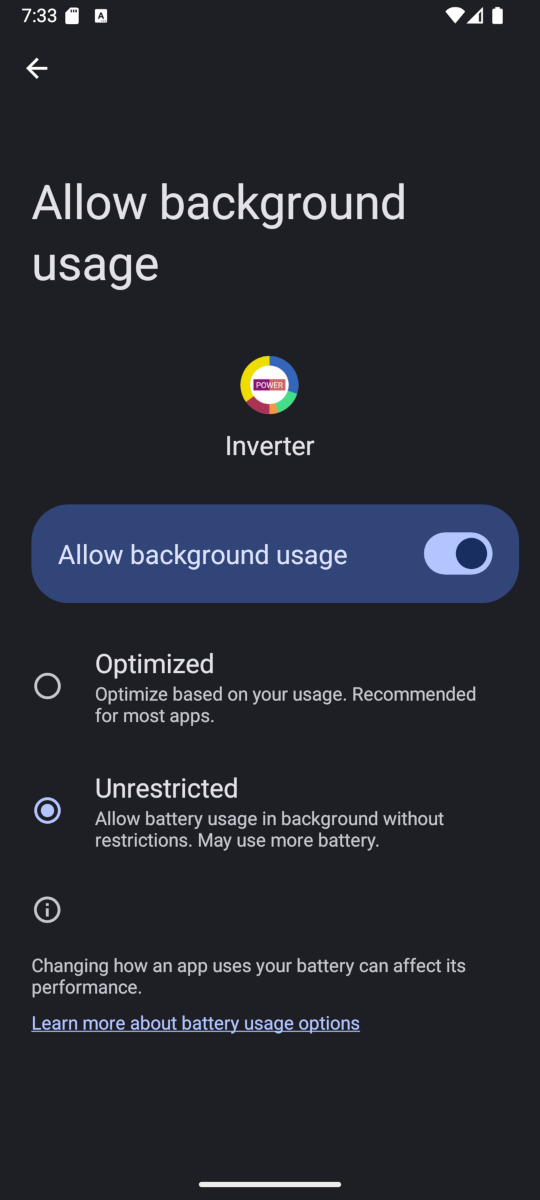
For the settings, the simplest answer is just to compare the settings screen on each phone, and set accordingly. There are cases where the setting may need to be different between the phones.
For the short term data (which is only 3 days), just wait for it to accumulate again.
For battery cell history, just allow it to rebuild over a few days by itself.
If you have the premium option, the controls are obtained from the inverter, so they will be automatic. DO NOT just transfer the schedule, otherwise both phones will be trying to make changes. If you want the schedule controlled by the new phone, disable the entries on the old phone as you set them up on the new one.
For the longer term data, select the calendar icon. Change the dropdown that says "Data Table" to "Export CSV" and press Export. Do this on BOTH phones so that the export file (called Inverter.csv) gets set up on both, even if the new one is empty. Note the location of the export file as the folder location may be different on a new device. Now transfer the csv file from the old device to the new one overwriting the file. [There are many ways to transfer a file; bluetooth, email attachment, usb cable to a computer, kde connect, etc.]. Change the dropdown to "Import CSV" and press import. The file is merged into any data on the new phone, so you won't lose any data.