Hi all,
Should be simple, but I can't find the answer in the forums. I'm trying to access my AIO2 and gateway locally. I've got to the webpages for their local IP addresses and I've tried "admin" for both name and password but neither worked. It says I've got 4 attempts left, so rather than just keep trying things I decided I'd better just ask. Can someone tell me where to find these vital bits of info please?
Thanks 🙂
Local name and password?
Anyone? Please help if you can, this has become more important with the recent news.
madbilly what do you expect to be able to do by accessing your AIO2 via a web browser?
Unless the AIO2 is significantly different from the other GivEnergy products the local control is not via a web browser as you are trying to do, its via modbus control.
You need to use either an app that talks to your inverter (BBC basic inverter app or Rubik Cube Android app) or install GivTCP/GivLocal on Home Assistant
they work with tuya local/local tuya on Home Assistant, I think you can flash them stock too.
madbilly The local IP Addresses you appear to be trying to log in to (10.10.100.254 I'm guessing) are likely the management web pages for the AIO/Gateway dongles, which are physically internal to the units. If you do manage to log in to them (your installer may have set the passwords, so he/she is your first port of call), you will not see anything particularly interesting, and will certainly not see any of the AIO/Gateway controls. As mentioned above, you need to use one of the available apps, the GE Web Portal, or a Home Assistant system with GivTCP to talk direct to the AIO/Getway modbus registers.
Do you have a specific problem operating/monitoring your system. If so, start a new topic and describe your kit, what your problem is and how to reproduce it and I'm sure someone will pop up to offer more appropriate help.
Hi all,
Thanks for the replies.
I might be assuming something exists, that doesn't actually exist.
The IP address is a 192.168.1.x address on my local network. I've confirmed that this is the IP address for the AIO2 inverter. When I go to that address in a web browser I get this login screen:
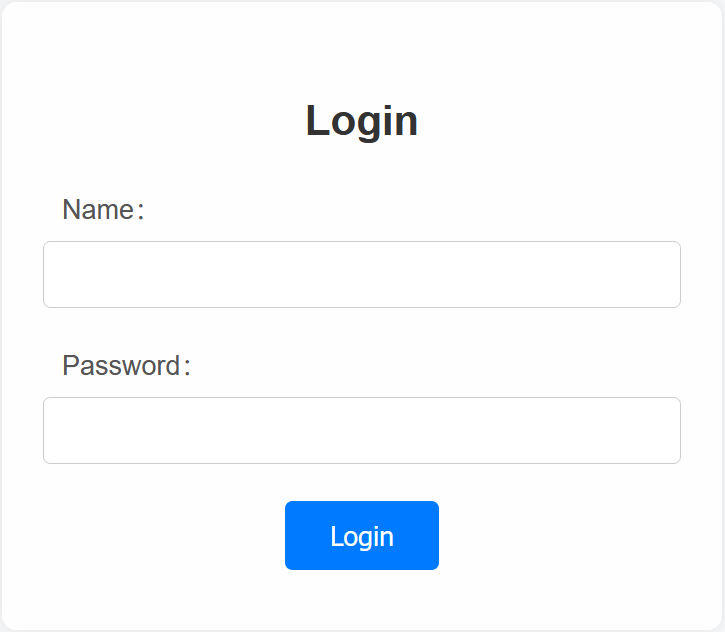
I get the same login screen when I go to the IP address for the Gateway v2 as well. I can't figure out how to log in to either.
I am assuming that behind these login screens are the local web pages for control of the inverter, either a copy or a simplified version of what's in the cloud, but perhaps that assumption is not correct. Maybe they are the config pages for the Wifi dongles as T-M suggested.
No specific problem, I just want local access that doesn't need the app, as there's no guarantee that GivEnergy Software will be around as long as I keep the inverter for, and there's every chance that before I get rid of the inverter I'll get a new smartphone and the app might not be compatible with my new phone, or even compatible any more. Web browsers and desktop OSes have great backward compatibility so I'd rather use those.
If there's no local web portal I'll set up a HA box for this purpose.
Cheers 🙂

On my hybrid system, it's just config for the wifi dongle.
Same. All comms based, no inverter controls at all.
The installation manual for your system will likely have the default creditials.
madbilly So for me the default was admin and admin to log onto this page - I would suggest it worthwhile changing the password to something else though!
I understood that it was usual for the installer to set the password as the inverter serial number, unless they couldn't be bothered to change it at all.
That is the built in Access Point WiFi password, not the credentials to log in to the dongle once connected to that network. If I recall the dongle was admin/admin for us as well until I changed it.
CW I already tried that and it didn't work, I'll ask my installer.