My Home Dashboard in the Android App is showing nothing but electricity flowing from the earth/leaf symbol to the house symbol. Everything else is missing. Inspecting the system directly everything seems to be working and my router hub shows the system is connected to WiFi on the 2.4 GHz frequency. Why am I not seeing anything?
FYI, this has been the case since November. I contacted GivEnergy Support twice (AI chatbot assured me someone would get back to me!) and my installer twice and I have heard nothing from anybody.
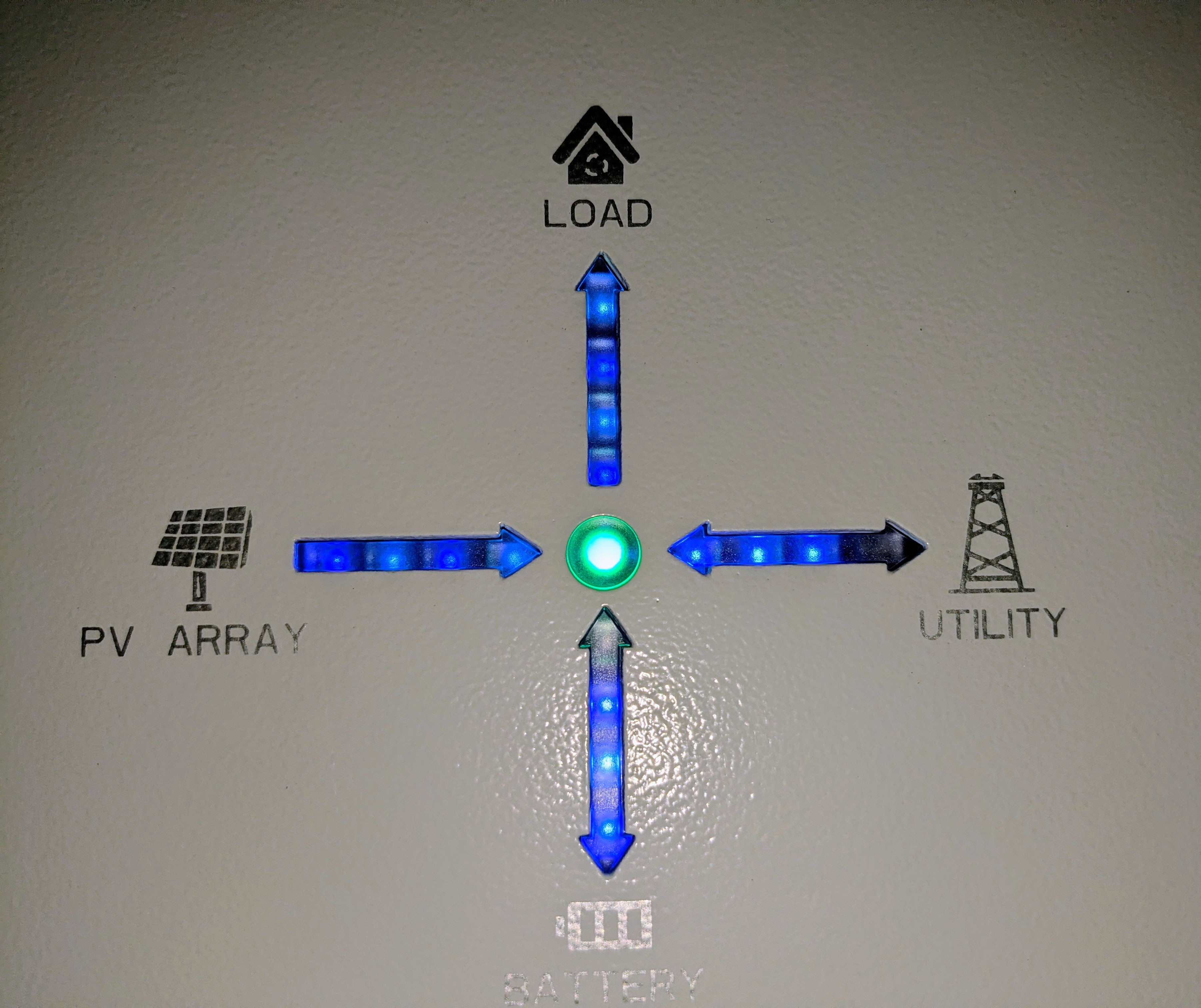
App does not show inverter data
It sounds like you cannot see the power being imported/exported from your house?
Does the solar EM115 meter have power, have a green backlight and show data on the screen?

I can't see the power being imported/exported on the app, but the inverter display shows it OK. [Is that the EM115 meter?]
The batteries are both showing on OK too.
The EM115 is the energy meter and is usually located in or near to your consumer unit (also incorrectly known as fuse box).
Hmmn. I've found 2 x EML M24 meter units, both uninstalled, left in an envelope near the inverter. I see from another post that EMLite meters are a condition of the MCS scheme - the installers are MCS registered. I have a residual 15% still left to pay them, so, first off, it seems a good idea to get them to put this in!
Ah, apologies, I didn't refresh the screen to see the latest updates before posting my last.
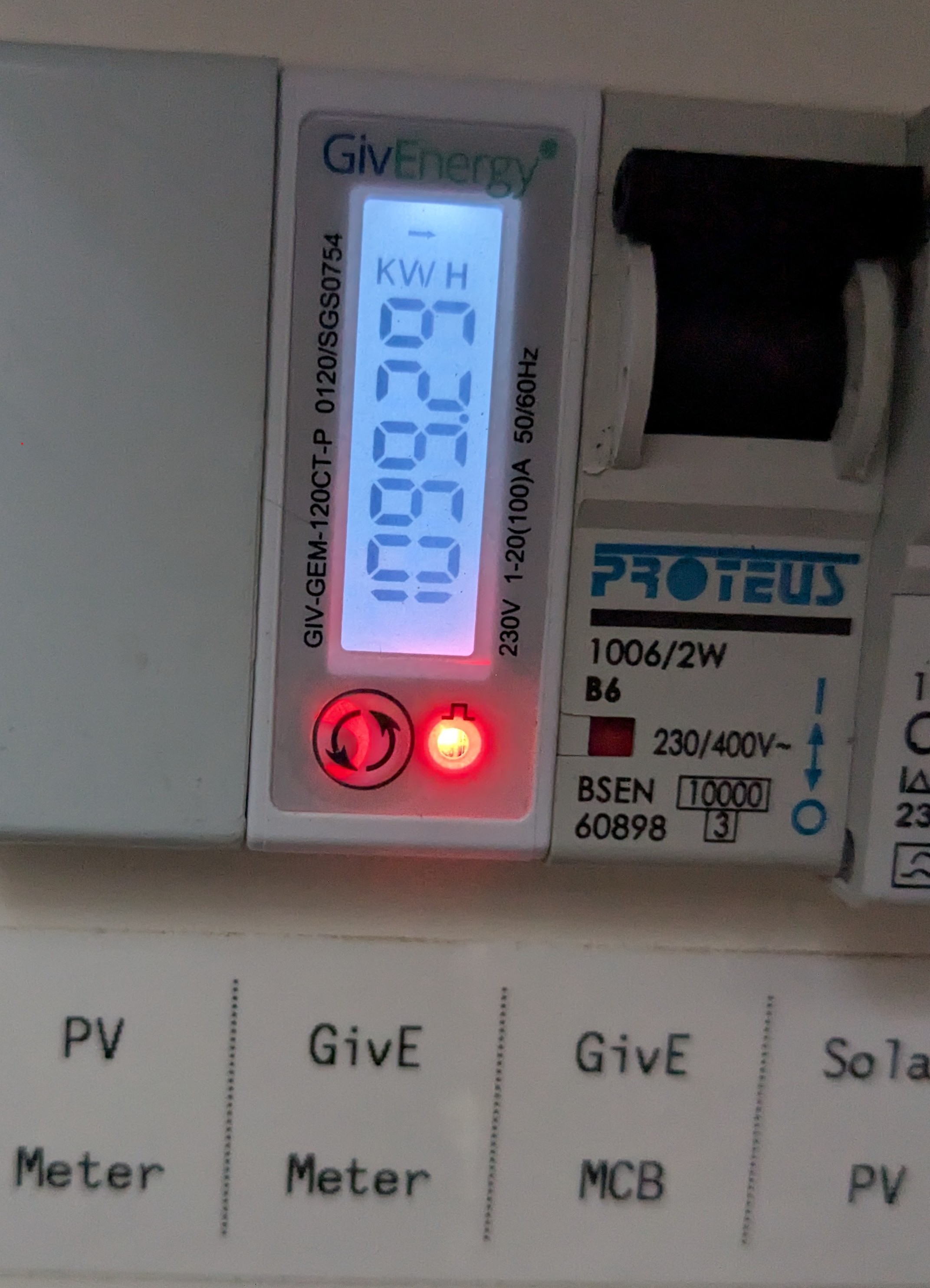
I have now found the GivE Meter on the consumer unit. The red light flashes intermittently.

RufusM Inspecting the system directly everything seems to be working.
Is the data correctly displayed on the cloud portal ? Is the app the same in both 'home' and 'away' mode ?
Do you have independent evidence that it's working correctly, other than the front panel of the inverter ? Such as half-hourly data from energy provider confirming solar is being used. Or since you're on android, there's https://givenergymonitor.wixsite.com/tutorials
Is that red light on the GEM120 steady or flashing?
It's flashing.
Thanks, pwdst, I will look into your other queries.
That Inverter Monitor app is a thing! 🙂
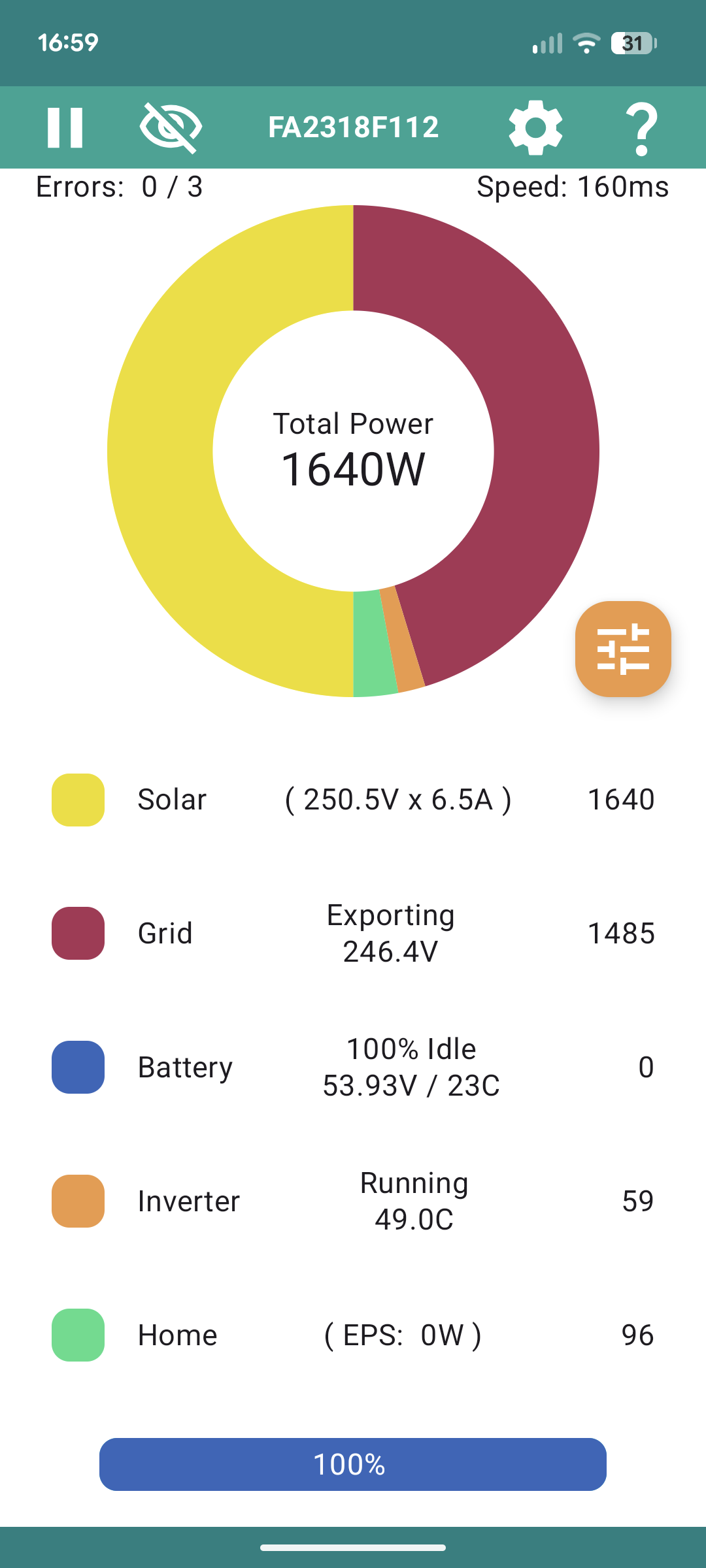
The information looks promising: (sorry these images are so large, can't seem to reduce their size on uploading)

RufusM So next question is whether the 'home' figure is correct - 96 seems low, but maybe you don't have much running. If you put the kettle on, say, does the home usage jump up ? (And battery start discharging, assuming it's a normal domestic kettle of 2kW or more.)
I've logged into the Portal (for the first time! never knew this existed - never mentioned by the installer).
The dashboard says:
Power Graph - No Registered Systems
My Inverter - You don't have any inverters registered to your account yet!
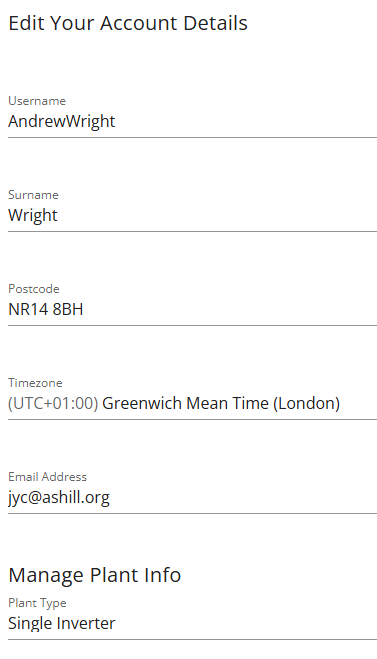
My account settings has the correct contact details and shows the Warranty document. There's nothing for the electricity meter information though. The Plant info says Single Phase Multiple Inverters.
I can't see anywhere where I would add the missing systems registration information though?
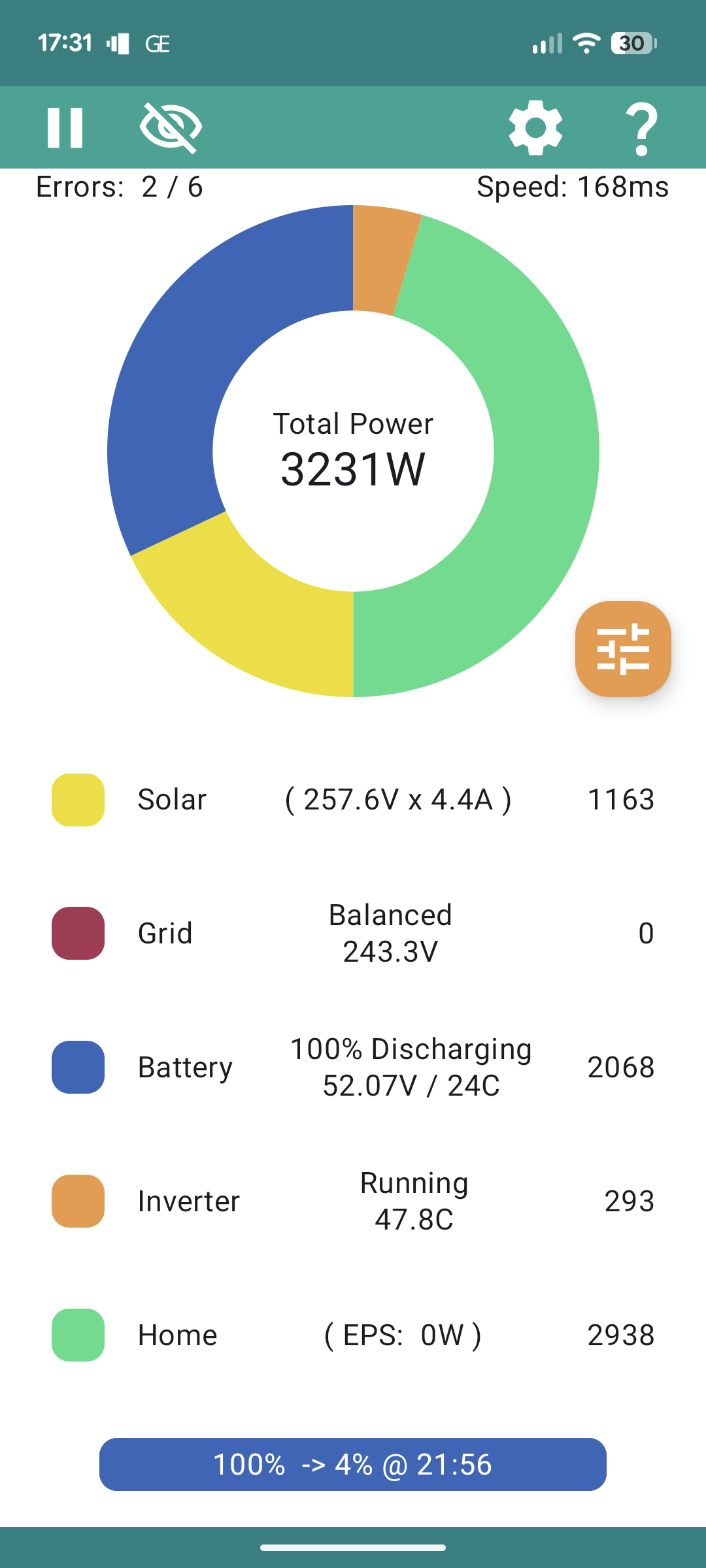
Yep, the kettle does it!

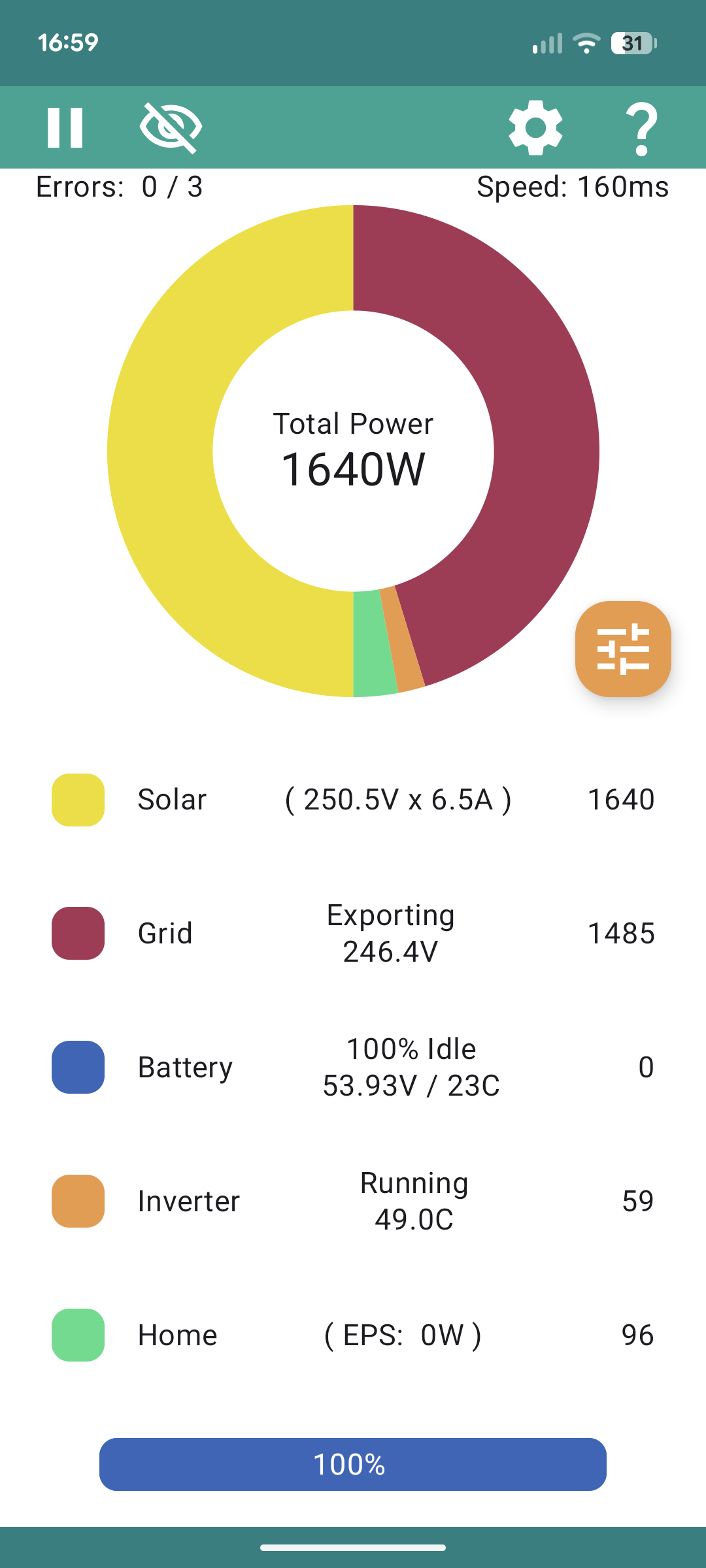
RufusM I think you accidentally posted the same screenshot again.
Ah, I tried to replace it. Will post again:

It sounds like your account was never fully commissioned or you have accidentally created a second account which isn't registered to a system.
Did you give your installer an email address when they were installing the system? I don't know if you have lots of different email addresses that you use, if so it might be worth searching for an email from GivEnergy in them.
When was your system installed? Has it ever worked?
It was commissioned in September and worked eventually after I setup the wifi router to split the 2.4 GHz signal out. Everything OK until early November then all the data disappeared. I got some help from the setup engineer in his free-time who rebooted everything which didn't work. I have contacted GivEnergy 3 times and my installer twice and have heard nothing.
I think I will send the installer a screenshot of the Portal showing the missing inverter info and see if they can add it again. Thanks for helping me get that far - much appreciated. Also, good to see the panels are working properly at least!
RufusM well the good news is (as you said), the inverter itself seems to be working. The official app needs the cloud portal to work, even in home mode, but the independent inverter app connects directly and is independent of the portal.
Had you installed the app on a new phone or uninstalled and reinstalled the app just before it stopped working? Or it worked one day and stopped the next without you changing anything? I basically want to rule out an accidental second account which has happened to a few people when they forgot their password to the first one.
If it just stopped working it could be one of the accidental duplicate serial numbers that have cropped up from time to time, or something else entirely.
This sounds like it is definitely one for GivEnergy support. If they will ever reply given the current circumstances is debatable. You may be an (unwilling) beta tester for life post GivEnergy.
Thanks. It just stopped working one day. Same phone, same app. I did wonder about deleting the app and reinstalling it now, but haven't dared to. I did clear the cache (today) as per the Known Issue advice, and was able to login again via SSO login, but no improvement.
Also, no changes to the phone or app would account for the state of the Portal? I can't understand how it has all the plant information missing.
Just to confirm that it was always the same email address: I have mail from both GE and the installer both before and after the problem to the same email address.
The Plant info says Single Phase Multiple Inverters.??
Not 'Single Inverter'?
Portal usually logs in with a userid, not an email
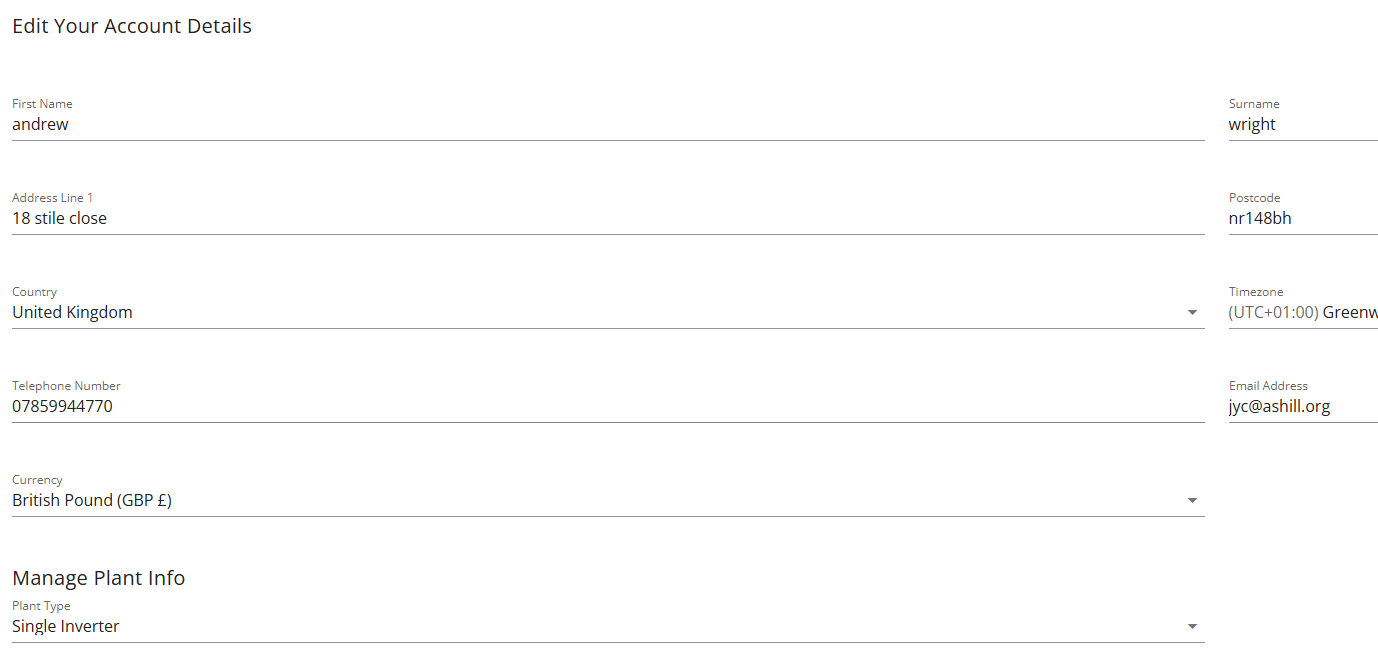
If I log in as AndrewWright it work properly: 
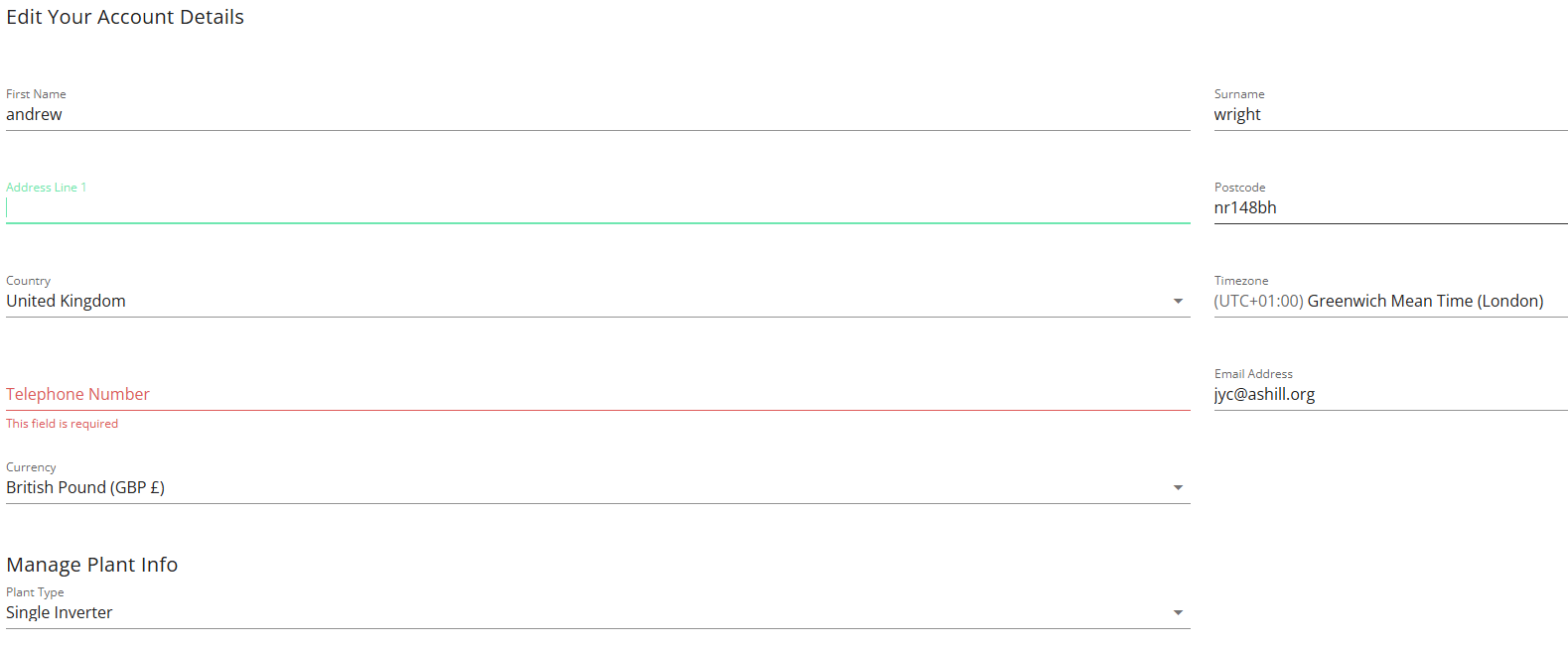
If I log in as jyc@ashill.org it is a blank un commissioned account.