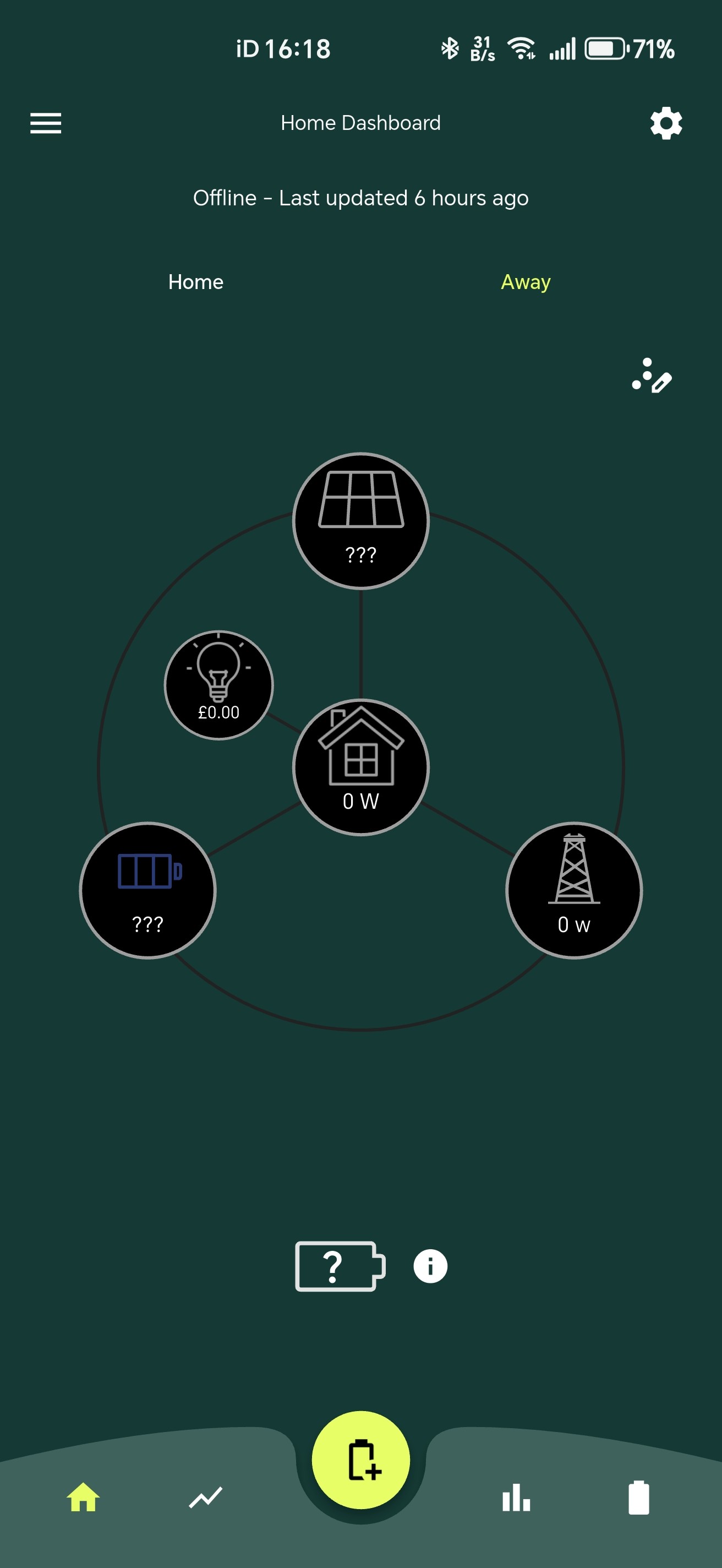
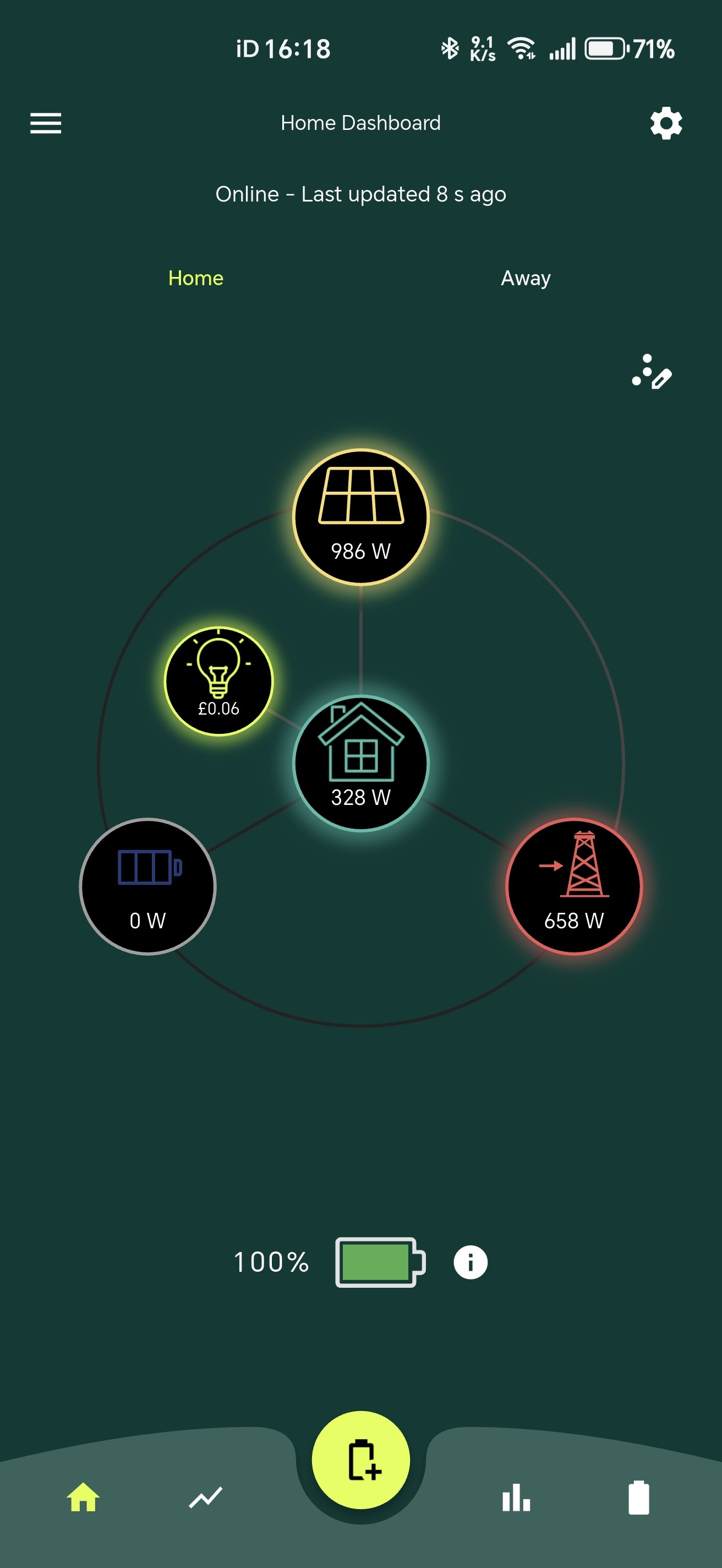
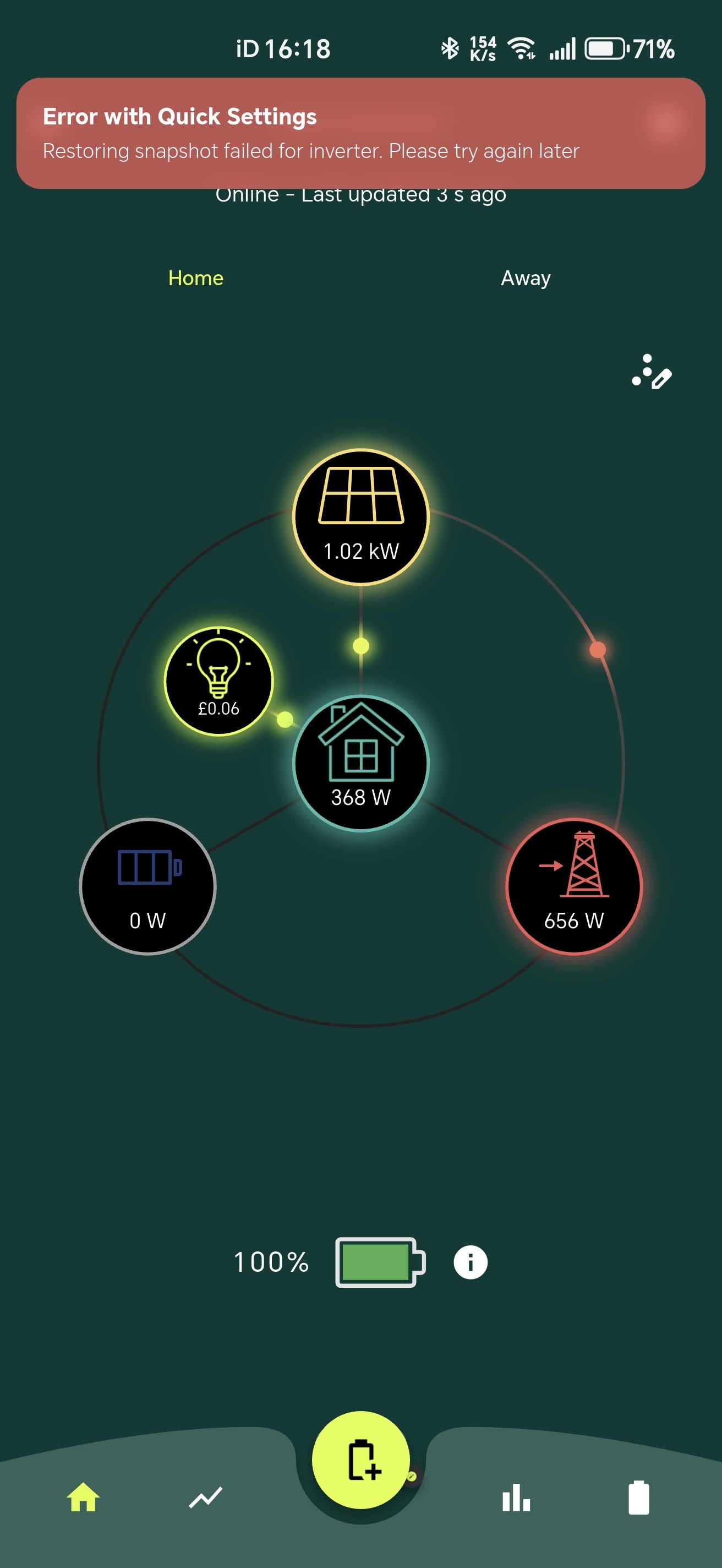
Dashboard failure.

61 comments started 2026-04-12 last 2026-04-13
GivEnergy Products
I
#1 IamFof

Guys
My system was installed in 2021 and apart from a couple of issues with the dongle, and failures to auto update, I've had no real complaints as far as the h/ware is concerned.
2-3 months ago, I went to open the dashboard, as I do most days, but was advised that the GE website URL didn't exist, or words to that effect. I tried calling but couldn't get past their AI receptionist.
I then did a web search to try and contact them on-line. The first link I tried, opened my dashboard (????) and all seemed to be back to normal. I bookmarked the 'new' link and all has been good, since.
Today, however, the dashboard came to a halt at 10:03.
I've rebooted the laptop, but no go.
I've been into the loft and all the LEDs are green.
The dongle, though, is flashing. I dont recall it doing that, before.
I see that GE is going into administration, so I wonder if they switched their servers off at 10:03 today.
I don't use their cloud system. as I control the EV charging locally.
Suggestions, guys?

Fof

M
#2 mbrennen

Mines the same

P
#3 Peter_Cotton

Ditto.

V
#4 Vestas

Works fine here.

I assume you're using givenergy.cloud/login ?

S
#5 SteveCook

My dashboard on my PC is fine and so is app on phone

V
#6 Vestas

IamFof The dongle, though, is flashing.

That usually means it can't connect to wifi.

I
#7 IamFof

Hi, Vestas
Yes. It would appear that I am accessing via their cloud login.
As far as I am aware, I have only ever accessed the system locally until the incident a couple of months ago when my local URL login failed.
Does anyone know how I can get back to local access?

D
#8 DD

IamFof I had some trouble logging into the app yesterday, but it eventually recovered and I got back in.

V
#9 Vestas

IamFof There's no such thing as local access if you're using a GE app - it still needs to talk to GE servers before it'll talk to your inverter.

If the dongle is flashing then either it can't connect to wifi or it can't connect to comms.givenergy.cloud

You need to resolve that first. Your router or wifi access point should tell you what's connected to it wirelessly. Look for HF-A21 in the list. If its not there then the dongle isn't connecting to your home wifi. See pinned post at top of forum if that's the case.

I
#10 IamFof

Vestas Bugger!! How do I get it to connect?
I wonder if the dongle failed when I couldn't access a couple of months ago.
I think I should call the installers tomorrow, as It appears I have 10 yr warrenties on both the inverter and batteries

S
#11 SteveCook

IamFof Good luck with that. GivEnergy do not (from what I have read) consider the dongle as part of the system - even though it wont work without it.
Suggest you buy a new dongle. Probably quicker and less painful. I think you need to plug it into a PC and edit a file containing the inverter serial number .
https://www.electricalsonline.co.uk/products/givenergy-giv-wifi-dongle?variant=45479025443042&currency=GBP&gad_source=1&gad_campaignid=20591890709&gbraid=0AAAAABYQt6JdVpcGtLn5kIGYsaUl00kBR&gclid=CjwKCAjwhe3OBhABEiwA6392zJtkIRbY9tYqCMKWTZQgJbJ3bWItKCDq32r2kwDoo4vMmmf803qNGBoCkLoQAvD_BwE

V
#12 Vestas

IamFof I doubt the dongle has failed. If it had then the GE app wouldn't have worked.

Basically by default the dongle acts as an access point - defaulting to the dongle serial number Wxxxxxxx usually as an SSID. Can you see that from a mobile phone? If you can then its unlikely to have died.

The dongle also connects to your home wifi and that's probably what's gone wrong. ISPs push f/w updates to their routers and maybe yours got updated to default to WPA3-Transitional (or similar wording). The original dongle firmware can't cope with that so you need to either set the wifi to WPA2 or update the dongle firmware. The newer f/w just forces the dongle to try again when the wifi WPA3 boots it off so then it'll connect at WPA2. That's what the "transitional" part means - older kit still works on WPA2 without weakening the entire WLAN. Original dongle f/w wouldn't do that.

Not much else I can advise you on - it'll be specific to your router/AP etc.

P
#14 pwdst

The laptop won't connect there - it is an API and not accessed via a web browser.
You connect to the inverter built in Access Point in exactly the same way you connect to any other Wireless Access point on your computer/tablet/mobile. The Access Point is usually either open (naughty installer) or has the inverter serial number as the password.
How you connect to your broadband router control panel varies widely between routers and ISPs. Instructions and default passwords are normally printed on the router itself. For obvious reasons we cannot help you with the password to your broadband router, but your ISP might be able to.

I
#16 IamFof

I have admit that I am 150% out of my depth.
Checking my mobile, I can see one, WF20xxxGxxx, which I suspect is the dongle, but I've no idea as to its password, and I don't believe I have ever been given it. Checked WiFi on the PC, and can see the same, set for connect automatically. I can't connect manually as it requires me to i/p password.
The router shows - Security type, WPA2
I guess I'm stuck until I can contact the installers, tomorrow.

P
#17 Peter_Cotton

In our case, I can 'see' the inverter on the 'Home' option online from the Home Dashboard and, it up-dates in real time 'Reading locally'. The 'Away' option ('Reading from the Cloud') is ghosted and this reports that it is 'Offline - Last updated 4 hours ago'. Correspondingly, the screens on my computer's internet browser show live data but, when I go to the 'My Inverter - General' screen, the Last Online Time is shown as 2026-04-12 09:56:40 and when I attempt to enable the Eco Mode, the inverter is shown as offline.
Yesterday morning, something similar happened for an hour or so, then things came back and all appeared normal.
I presume that the off-line element is the communication with the GE cloud. Might that make sense? Clearly, the dongle is communicating with our network and nothing has changed in our internet / router settings for a good while. I'm loth to mess around with settings I don't understand lest I make things worse.

V
#18 Vestas

Peter_Cotton Is the LED on the dongle solid or flashing when this happens?

Neighbour has a car which uses a random 40MHz channel in the 2.4GHz band at full power and it occasionally knocks our dongle offline due to adjacent channel interference. He can't do anything about it and its common enough on a certain era of German cars - they all seem to use the same module.

That sort of stuff can happen - as can interference from microwaves if the dongle is at the edge of coverage normally, it'll tip it over.

LED status is the best indicator as to what the dongle is doing. Fast flashing is connecting to wifi, slow is can't talk to anything suitable after connecting to wifi.

P
#19 Peter_Cotton

Vestas Thanks for your reply and, sorry to be a pain.
The dongle has a steady blue(? - my colour perception is poor) illumination.

D
#21 DavidHitchcock

I seem to have had a similar problem since 10 this morning. "Inverter offline". I'm unable to change any settings. 'Local control' via app worked intermittently this morning, but not now. I re-started the inverter with Inverter Monitor which also worked for a while this morning, but there was no change. Dongle light is on as normal, so all looks OK. Wifi shows connected. Does anyone have any suggestions on how to resolve this?

T
#22 ToothyChris

It looks like the GE servers have gone off-line (and may never return....). But 'Home' is still working on the App, once the dongles reconnect to your router.

V
#23 Vestas

Peter_Cotton The dongle has a steady blue

Then its not a problem at your end so nothing you can do about it really.

V
#24 Vestas

ToothyChris It looks like the GE servers have gone off-line

No it doesn't.

R
#25 Rubikcube

The backend servers stopped recording data at 10:04 BST this morning. It is not currently known if this is a temporary or a permanent situation.

#26 hoggy

I think it's half true - in an old dongle FW release someone had accidently left the changelof in it - one of the changes was moving from a fixed IP to a DNS (comms.givenergy.cloud)
The fixed IP wasn't the same as the DNS one - so I think perhaps it depends on what dongle you have and what firmware you have on it.

My Gen 1 stopped showing on the Givenergy app at 10am this morning.

#27 positor1

hoggy My Gen 1 stopped showing on the Givenergy app at 10am this morning

same here, local still working though.

T
#28 tim081

Me also - I would actually have chipped in a few quid a month to keep the online dashboard working, 9.59 was the last data I have on the potral/away. Home still works periodically - though the dongle drops out every 15 minutes or so as apparently needs to portal connection to stay stable, and I need to reconnect it manually.

K
#29 Karcsi

Mine list contact with the GE servers at 9.48am, so says the GE dashboard. The app is blank/off-line for Away, but showing data in Home. I cannot, however, control the inverter, where from the app or the Web dashboard, so cannot set the battery status back to ECO.

Is there a way to send an instruction to the inverter via its IP to reset? Or do I just switch it off and on again?


V
#30 Vestas

hoggy I must have the comms.givenergy.cloud one as its fine.

I did notice some "dongle upgrade" activity on remote control this morning (not the usual "spam") which didn't affect mine so maybe someone has tried to upgrade the older dongles en-masse?

Edit - not this morning, about 20:30-22:30, repeated attempts. I think someone has pushed an update to point at comms.givenergy.cloud, which is now a very valuable domain indeed 😃

J
#31 jfall

My home system, using the dashboard via Windows, / laptop stopped working at 10:01 this morning, but I can still see it via the phone app, if I wait until it connects via home. But, I also look after the local pub's system, that was installed a few years later, and has a much later serial number. I can still see the dashboard working fine, using Windows / laptop.
Maybe some GE servers are working and some are not.

V
#32 Vestas

jfall I think @hoggy has it nailed - its all you (very) early adopters...

V
#33 Vestas

hoggy Want to share where it was hosted?

R
#34 Rubikcube

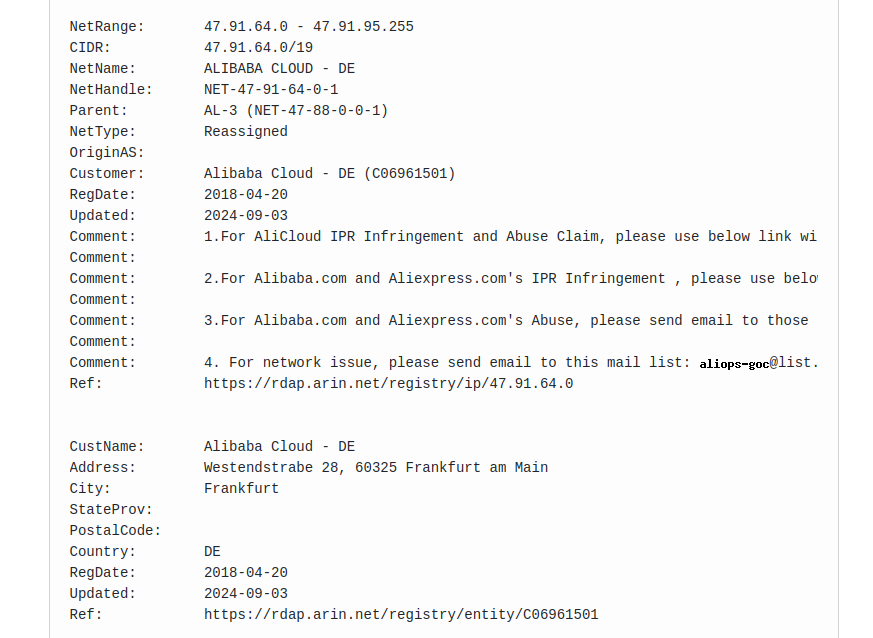
Rubikcube To clarify, the original backend server at IP address 47.91.91.187 is not currently operating.

#35 Maxwell

I believe a number of years ago their authoritative DNS name servers were hosted in China. Since changed.

T
#36 tim081

Thankyou @Rubikcube This actually gives me a little hope its not dead dead ... as sounds more like an update balls-up.

if the whole system was done, surely no ones would work, not just us lucky early pioneers

P
#37 pwdst

Would updating dongle firmware resolve this for those who want to keep using the Cloud? Who is feeling brave?

R
#38 Rubikcube

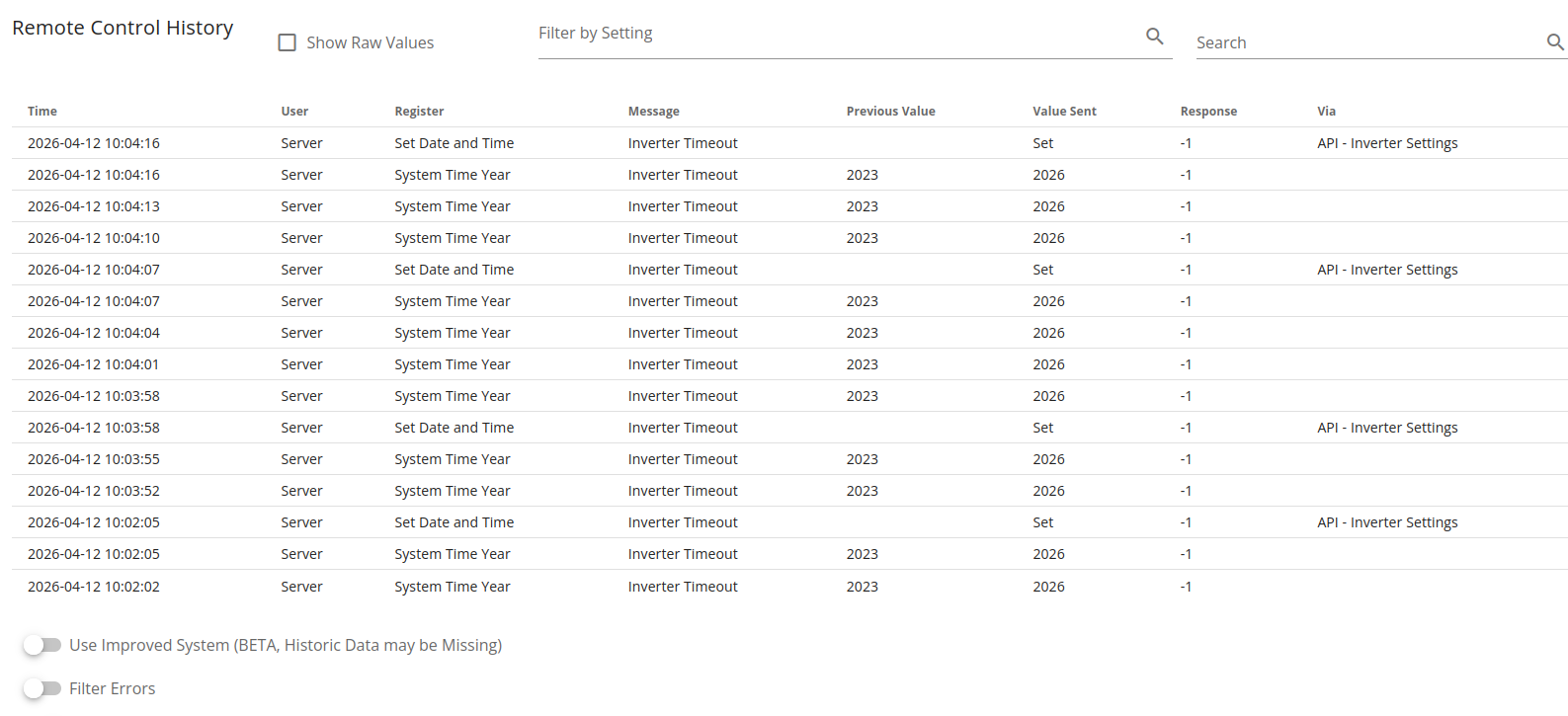
My remote control history log is useless, but at least it has stopped trying!

T
#39 tim081

Mine magically has just started working again - fully.

#40 hoggy

My dongle starting WF - not working
Dongle starting WO - working (ironically this is the one with non GE batteries)

P
#41 Peter_Cotton

Vestas Thanks for your attention earlier. I've kept trying to get the battery into ECO mode dozens of times today and... it's now working! Maybe someone has flipped a switch?
I hope everyone else is now able to do similar.

J
#42 JonB

Mine was the same, 10:00 this morning and nothing since then but JUST started working again. Oddness.

J
#43 JonB

all the end point meter data is there too, so not all lost for the day, just the last 6 hours or so.

V
#44 Vestas

hoggy Dongle starting WO - working

This is probably the "givenergy.cloud" embedded era. Prior to that it was some PI space I guess.

V
#45 Vestas

Peter_Cotton Thank you but I don't think I did anything 😃

R
#46 Rubikcube

It was temporary. Issue fixed at 16:56 BST.

I
#47 IamFof

I just nipped back to see new posts on the thread, and found that it "appears" to be working again, 16:49.
Fingers crossed.

R
#48 Rubikcube

For reference the server at 47.91.91.187 is operated by AliCloud Germany.

#49 Maxwell

Rubikcube Is that the ip hard coded into the older dongles ?

P
#50 pwdst

Another unpaid bill? Lots of GE specific supplier outages otherwise

#51 GrahamShaul

tim081 Me too. I didn't touch anything. Previously it stopped just before 10am this morning then just before 5pm there is data again System, PV, Battery and Grid. Just a gap from 9:56 to 16:53

V
#52 Vestas

pwdst Probably the precursor to givenergy.cloud and as a legacy service is now being binned, hence the forced upgrades.

R
#53 Rubikcube

Fact: the outage was from 10:04 until 16:52 BST today 12th April.
Fact: only some older (pre 2023) systems were affected, newer systems do not use this service.

Unknown:
Was it related to the current situation or just a coincidence?
What caused the outage?
Who fixed it and how?

P
#54 pwdst

Vestas It all seems very last second and rushed for a planned change, especially on a weekend. The most likely scenarios are either an urgent directive to shed cost or an attempt to move everyone off this infrastructure before a payment deadline/new billing cycle. We probably will never know though.

V
#55 Vestas

pwdst Sunday is a "business day" in other parts of the world. 😉

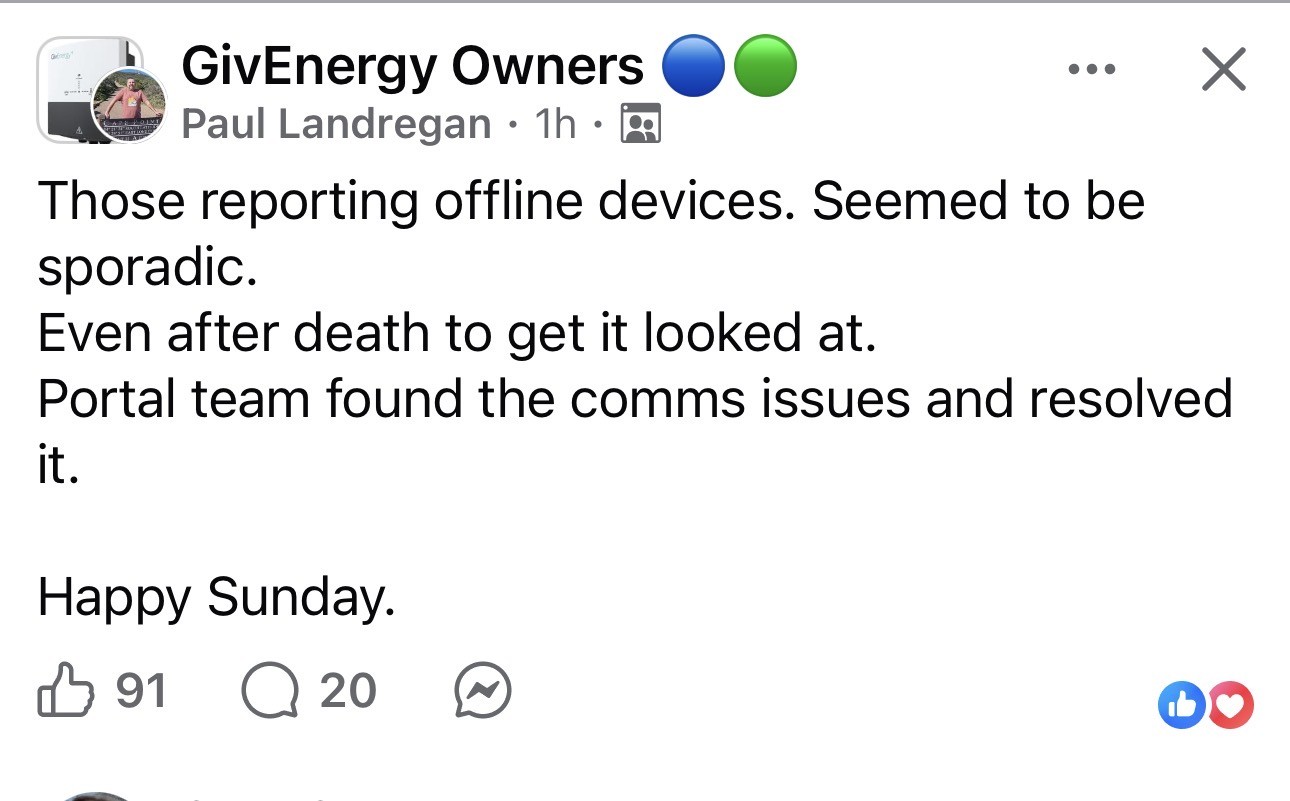
#56 Hook

Paul Landregan has posted on Facebook:

D
#57 Domo

Cloud lost as of 10:58 this morning...

T
#58 TX200

Mine has been reporting data all morning and afternoon, so I wonder if it's just a subset of customers.

P
#59 pwdst

Again? It isn't working on Monday 13th April? This isn't a delayed post related to the outage on Sunday 12th April?

L
#60 Leeshore

My dashboard is working fine

D
#61 Domo

Apologies, seems I have a power failure, I just put 2+2 together and came up with 5... as you were..