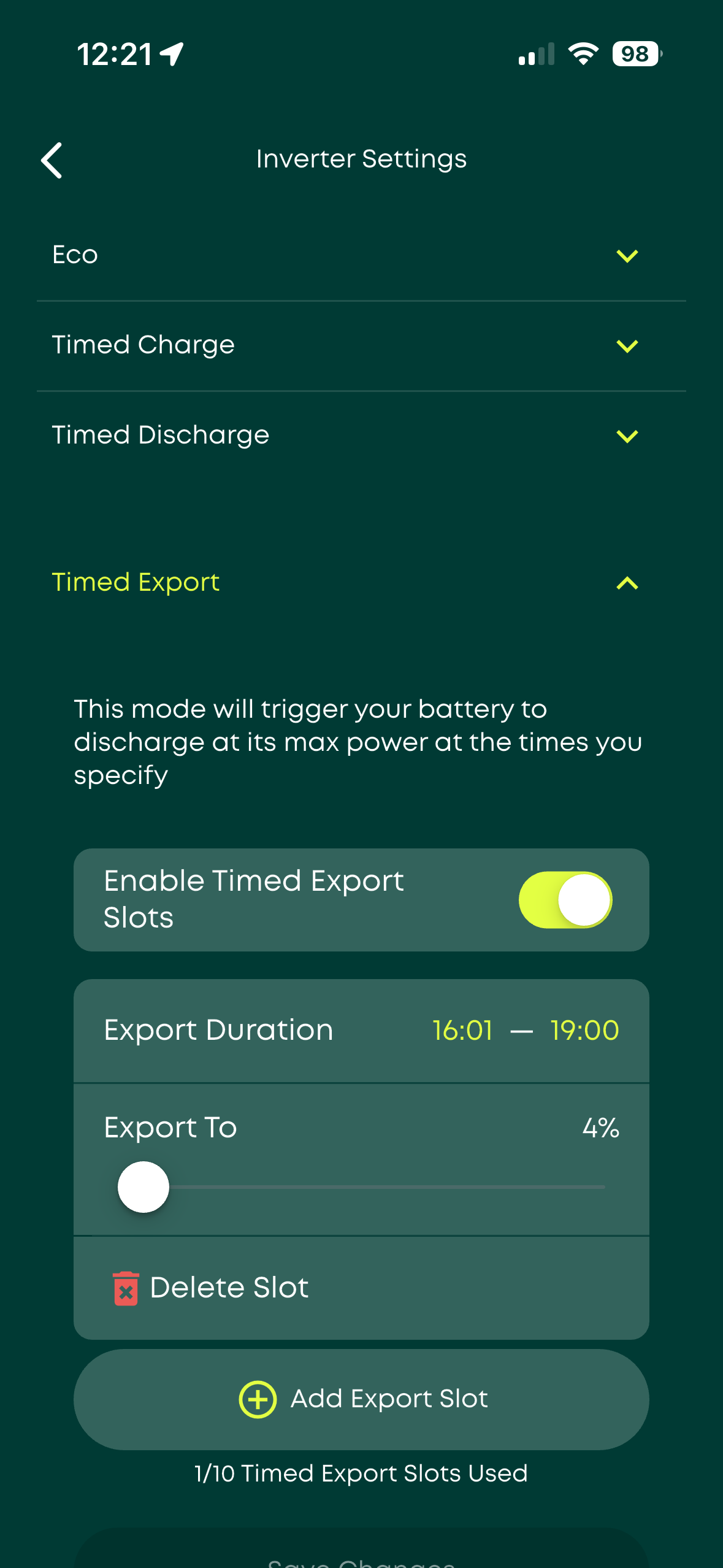
I don't seem to be able to use two different settings on my invertor. I would like to have the eco setting to supply battery/home power and also a timed export so that the battery does a maximum export overnight to use the battery power thats always left - at least 75%.
If I select one then the other is disabled and vice verta, I thought that this was a simple enough thing for the invertor or am I wrong?
Any help appreciated
Roger B

Invertor ECO settings

Roger I use Timed export to dump lecky during peak periods. And at the same time I have eco on. When using timed export the battery will still supply the house if that load needs it before dumping to the grid. But unless you set a low battery reserve then what will happen is if the battery reaches its % discharge before your timed export window closes then the battery won’t supply the house if it is is needed until the timed export window closes.

Roger I believe that on gen-1 inverters, you can only force export with eco turned off. The app understands this, and turns eco off if you attempt to schedule an export.
Newer inverters don't have this requirement.
If you go to the remote control page, you can control the settings independendely - AFAIK it's the app or web portal that's tying then together, rather than the inverter.
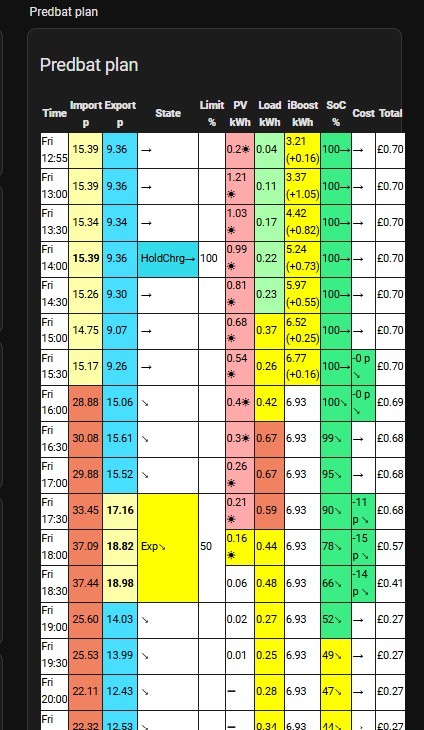
My Gen1 was a problem with import and export, so I tried Octopus R&D scheduler (don't know if you are with Octo), then switched to HA and that has as many schedules as I could be bothered to write. I had to add an 'Eco' reset after each import and export for it to work correctly. I then added Predbat to HA and it does all the maths for me and necessary switching.
Dont know if your portal control will work shortly unless you subscribe to GivEnergy. Similarly Octo R&D scheduler will not work without the paid GE service.
HA and Predbat are free on my server.
You could try the Android Inverter Control App on a phone with a one off £10 payment that I think could do what you want

Roger Look here and in the smart tariff examples.
https://givenergymonitor.co.uk/controls.html#schedule