C
I’ve just made a first tentative attempt at setting a timed discharge using the Inverter Monitor App, and nothing happened!
Would the fact that WonderWatt are controlling my system be the reason?
Image of setting below, hopefully!
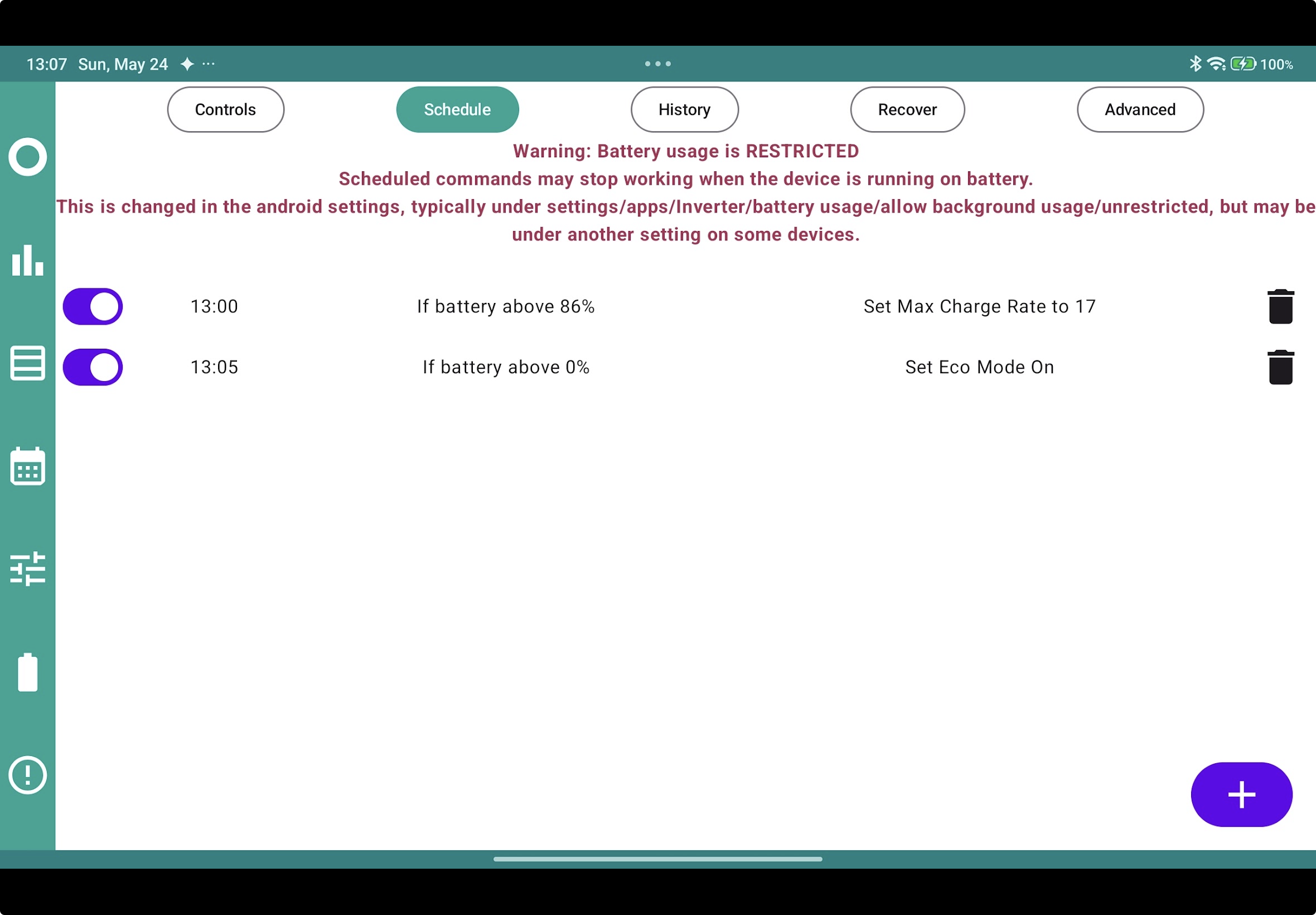

I’ve just made a first tentative attempt at setting a timed discharge using the Inverter Monitor App, and nothing happened!
Would the fact that WonderWatt are controlling my system be the reason?
Image of setting below, hopefully!
Are you trying to discharge to the grid or house, as far as I understand timed discharge only supplies the house. Where as timed export exports the battery to the grid.
It seems like the app is not allowed to run in the background per the warning in the screenshot. If your phone can arbitrarily kill the app whenever it isn't actively in use then schedules are at best going to be unreliable.
Actually, I’ve just noticed in my screenshot I’d set a charge, instead of a discharge!
Trial and error is good, as you rightly say @Rubikcube !
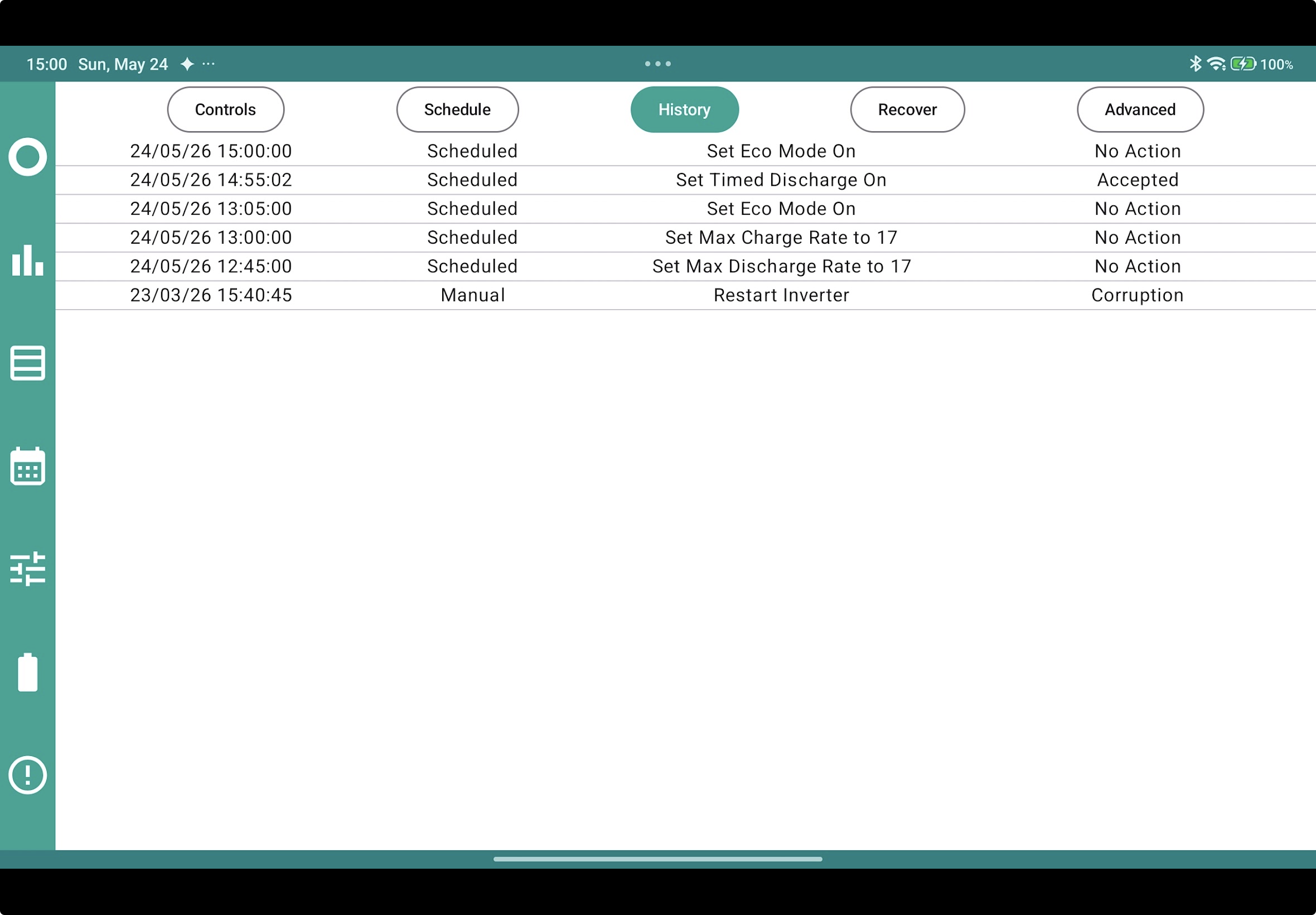
Ok, second attempt but still no success. The History shows that the instructions were accepted , but nothing happened. I’m attempting to export to the grid, where am I going wrong?
You probably don't need the scheduler (yet).
To discharge your battery at full rate, on the Controls tab, turn on timed discharge and set start and stop times. Given the age of your system, you probably need to turn eco mode off as well. All done on the Controls tab.
Rubikcube Just trying to get myself into a position where I have local control if GE Software plan fails, which looks increasingly likely! I’m too stoopid to atempt HA.
I have WonderWatt schedules set for the rest of today so experimentation will continue tomorrow.
Thanks for the advice.