Exporting using the new useless app.

15 comments started 2026-05-28 last 2026-05-30
GivEnergy Products
C
#1 Cloud9

Can somebody please advise me how to import/export to and from the battery on this ridiculous new app. We used to have that handy array of buttons readily available which seem to have disappeared? Completely at a loss about how to use this new system and incredibly frustrated probably the same as many people. I also think I have been conned into subscribing £5 per month when I might not need to🤔? Any help greatly appreciated

R
#2 Robgy

Cloud9 sign up to axle energy and get the givenegy subscription free plus a £10 bonus each month from axle https://www.axle.energy/

D
#3 DD

Cloud9 The natural way to charge from / export to grid is through timers. I think the quick buttons hid all that from you.
if you want to charge and discharge at fixed times, you can set up the timers either using the 'direct control' section on the app, or setting 'buy' and 'sell' on the battery line at the bottom.
if you want to be able to 'charge now' and 'export now', one way would be to configure timer slots to cover the whole day, then turn on and off the 'enable dc charge' and 'enable dc discharge' registers as required.

C
#4 Cloud9

DD thank you very much for the information. Was always Aware that I can do the fixed export timings but it was the Quick buttons I'm looking for to be able to spontaneously export just like we were able to before. I still don't see how I can spontaneously export for an unspecified amount of time? Not happy this isn't available anymore.

D
#5 DD

Cloud9 I still don't see how I can spontaneously export for an unspecified amount of time?

If you set up discharge timer slot #1 to be 1am to 11pm, then whenever you turn on the 'enable dc discharge' flag (between those times), it will immediately start exporting, until you turn it off again.

The app battery bar will show 'sell' across the board, but it's not doing that unless you enable the flag.

C
#6 Cloud9

Thanks very much DD I do see where you are coming from and I have set that up for the period I want but I still have to go back into the menus to piss around to do something which was incredibly straightforward and displayed right under your nose at all times. It just seems a very backward step. I've emailed them about it and give them the dues they did reply but doesn't seem to have solved my queries just yet. Thanks again

D
#7 duplada

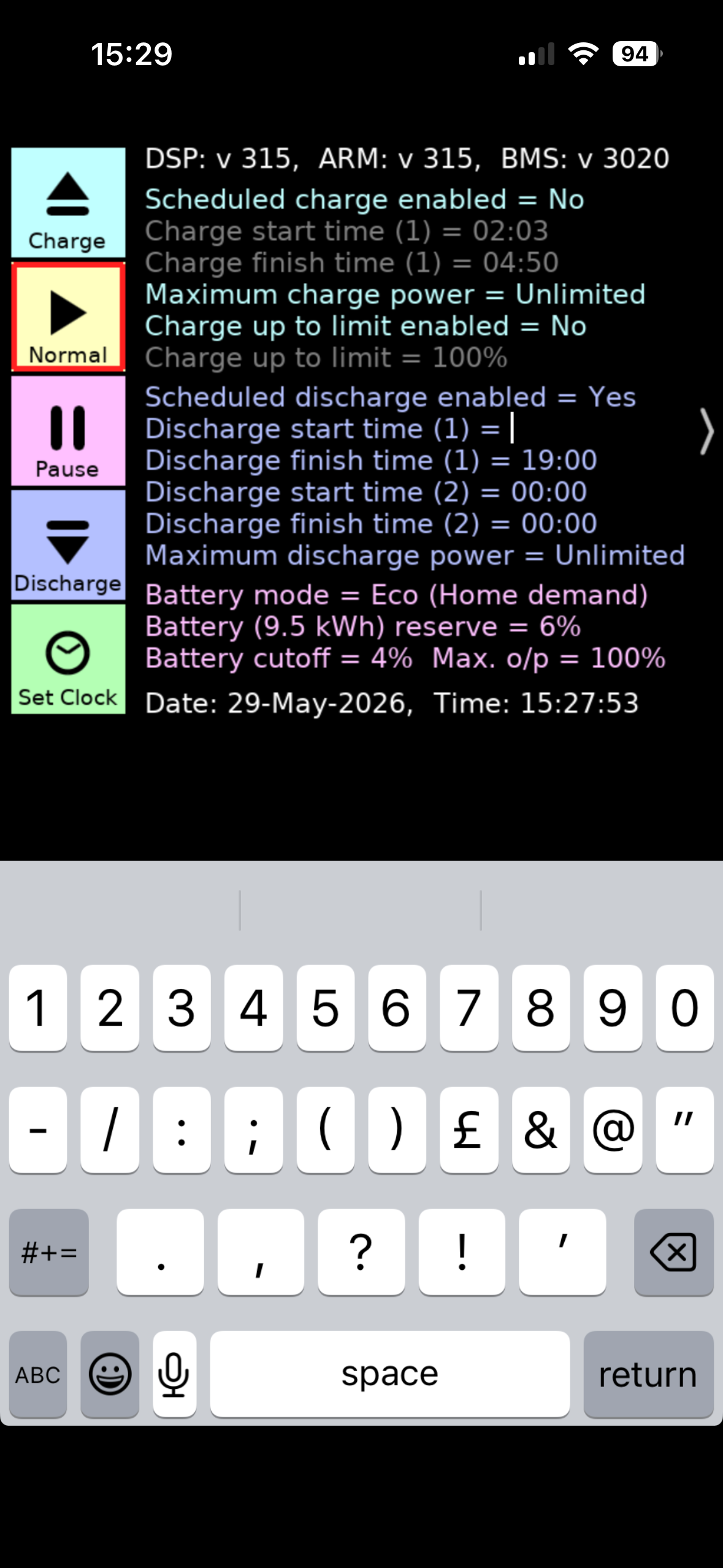
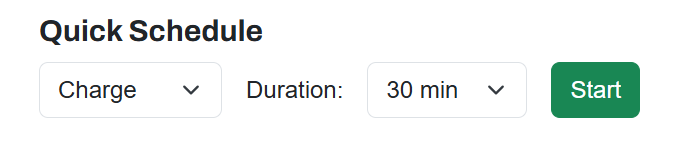
I use Wonder Watt they have Quick Charge & Discharge Settings 20 minutes to 2 Hours, but agree the Quick Settings were useful, but the thing was with them, on some inverter types, the app didn't always set things back correctly after the session ended.

D
#8 DD

Cloud9 I guess another approach would be to leave timed discharge enabled, but with no timeslots. Then you can start discharging by tapping the boxes on the bar at the bottom. Have to multiple boxes to export for a long period, but at least it's available from the front screen.

#9 Maxwell

If you are on iOS you can use the bbc inverter app. And it works with a con so that you can still control the inverter even when away from home. (Your vpn has to break you out onto the same ip subnet as your inverter)

R
#10 Rtidey

This is actually another good reason to bite the bullet and switch to Home Assistant / GivTCP.

The buttons for forced charge or forced export allow one to ad hoc choose a time period from 2 minutes to 3 hours without setting up time periods. I think this is a native behaviour of the inverter that was never exposed by the old GE app.

D
#11 DD

Rtidey I think this is a native behaviour of the inverter that was never exposed by the old GE app.

Don't think so... the only way that I know of to charge from or export to grid is through the timed slots. I thought the app had to emulate the quick settings by fiddling with these, backing up the old settings. (I was never quite sure where they were backed up to...)

V
#12 Vestas

Rtidey I think this is a native behaviour of the inverter

Its not. Its a sequence of register writes as can be seen in GivTCP Write Count.

Beware of assigning any logic or sense to GE registers/many other things. There may once have been but that was a while back 🙂

R
#13 Rtidey

OK. Good to know.

I'd made the mistake of thinking that GivTCP was just about reading and writing the registers, but now I look at the code I see there is also some logic in there (e.g. in the write.py) which seems to be mainly around making charge, export, pause etc easier to control.

#14 Tenkaykev

duplada
I have a shortcut to that page on my home screen. It's handy as it shows current battery SOC. only got caught out once with the default activity being " Charge "

D
#15 duplada

Tenkaykev Yes I have done that, in a rush after I received a WW WhatsApp that my export schedule had failed. Calm down and take it slowly Note to Myself.