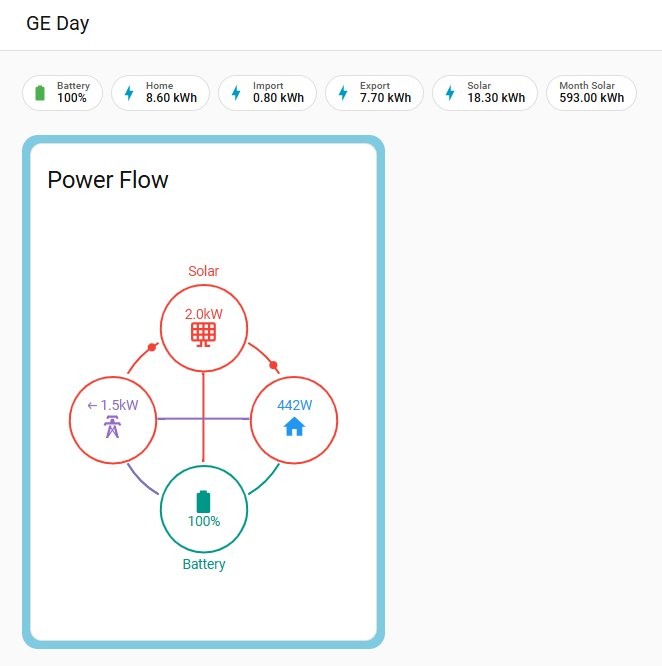
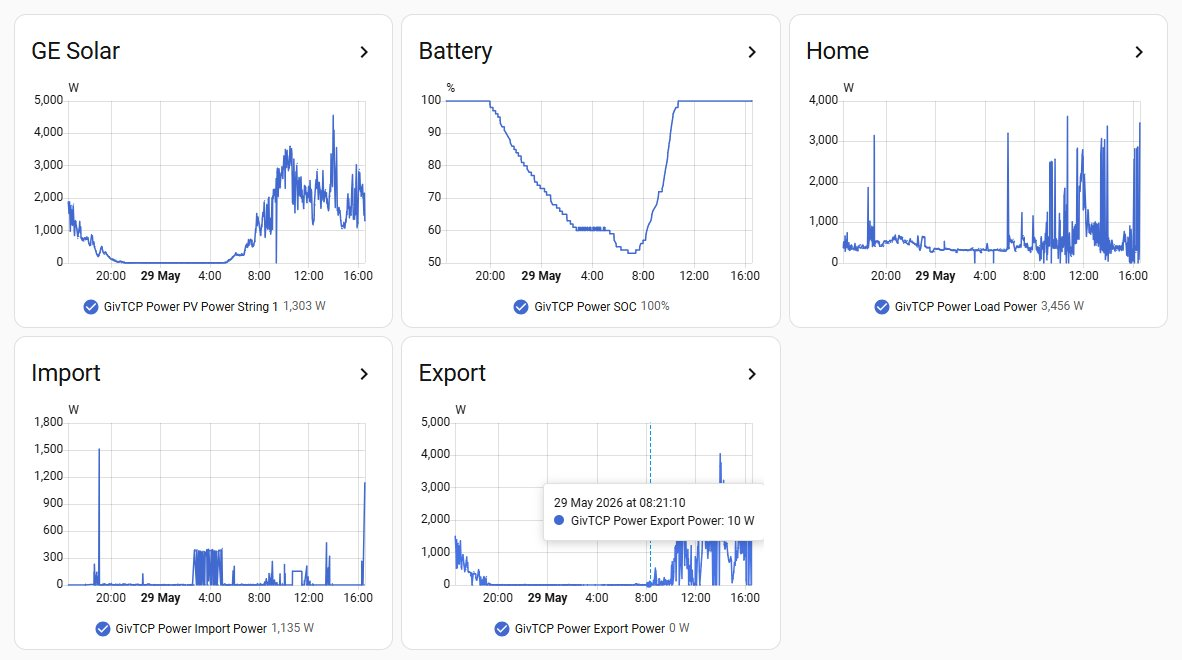
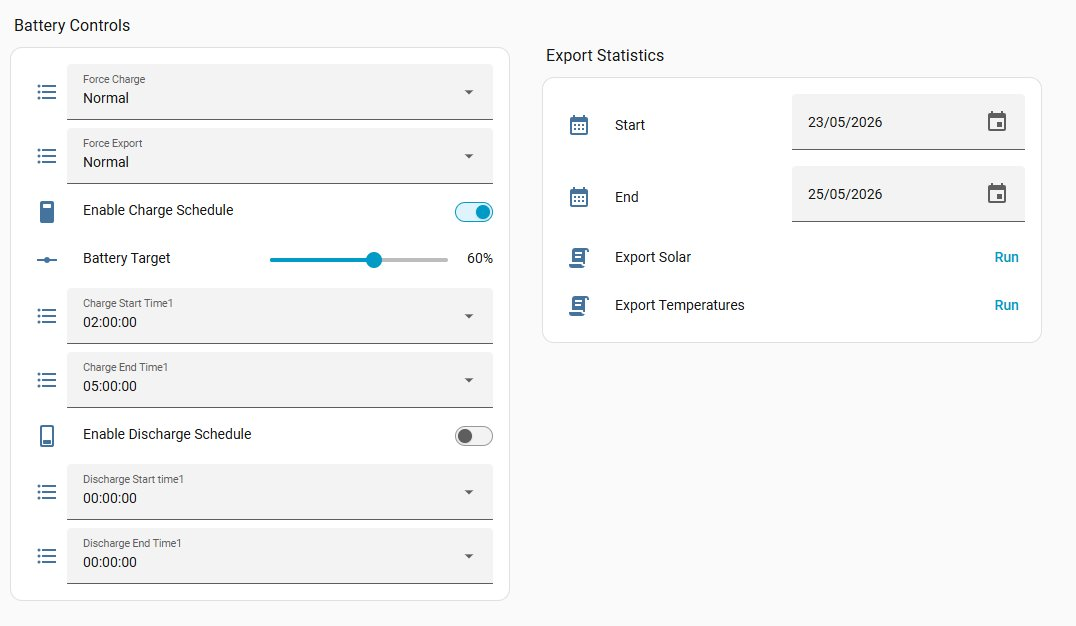
There is a huge amount of data, guides, tutorials and help around Home Assistant as it is the premier software platform for free home automation of just about anything you can think of.
Although there are different hardware platforms it can run on, the Raspberry Pi is probably amongst the best choice. I would recommend at least a Pi v4 (v5 even better) with 4GB memory. Although, it can run entirely from the SD card memory, it is better to use a modest external SSD disk to hold the database as there can be quite a lot of database activity which is better handled on a proper disk.
https://www.home-assistant.io/installation/ shows how to install it. Again I would use the native HA OS method which is very simple and most flexible.
Once you have a Home assistant installation then adding the GIVTCP support easily makes all data and control of your GivEnergy system available. This video contains a tutorial on that. It is very easy.
https://www.youtube.com/watch?v=d06Mqeplvns&t=2s
From there you can start to choose what displays and controls you want. You can end up with something much better than the original GivEnergy app.
Out of the box the Home Assistant server is available on the local network where it is installed (i.e. your home). There are, however, several ways to achieve remote control so that you can access and control it from anywhere with internet access. Two popular methods are Tailscale and DuckDNS with nginx reverse proxy. Guides on how to set these up are available.
As a final comment, I set mine up because of the impending susbscription, but now I would do it anway even if there was no subscription as it works much better for me.