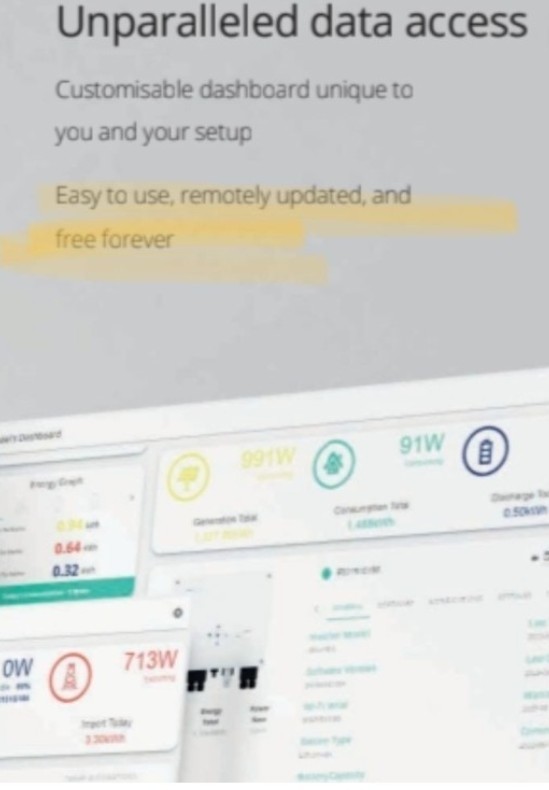
The app today showed just a home icon and the three bars menu. I updated the app from goigle play store and now it seems to have forgotten all its setting and just says it cant find the invertet on the network. Ive tried rescanning but nothing appears. It gives an option to enter an inverter serial number but I have no idea what that is because the menu option with account details has disappeared.
Also all of the other menu options now say they are "premium" and require payment.
All I want is to be able to check the battery state and to adjust the timed charge settings as the seasons change and there is more or less solar available. Where is the battery settings in the new app. Can I downgrade to the previous version which has worked fine for 5 years. What should I do? Help please as the sytem is useless if I cant see its state or control it.
Help - everything has stopped working
rogerco a lot of people have reported that it can't find the inverter, esp. those with more complicated network setups. I would guess there will be a new release soon to address this.
The previous version may not work since it required cloud access which is no longer available by default.
If you use android, I suggest the third party inverter app to check on the state. For iOS there's the BBC basic app. See other threads for references.
DD oh. What is the third party inverter app for android to which you refer? Where can I find it? My network is pretty basic, one inverter one battery one wifi on phone app. Previously it had no problem and I could see the battery and solar status and adjust the battery timed charge. Pretty fundamental features - how on earth have they managed to break them?
Many thanks for replying anyway.
It's this one from the android playstore.
rogerco
They broke them when they want into administration and wanted money, so you now have to pay for the premium version, presumably re-coded to make sure it could not be used with all features for free. See all the other posts
SteveCook presumably re-coded to make sure it could not be used with all features for free.
I think that's a little unfair. All features used to go via the cloud, and they've recoded them so that you can use them locally, for free.
The battery bar seems an interesting innovation for simplifying the scheduling, if you want to do it that way. (But an annoying waste of screen space for those that don't.)
I don't use the quick settings, so I hadn't noticed they'd gone. They might reappear - they might just have run out of time ? (Not 100% sure how they work, but if they require backing up the old settings somewhere, it's not completely trivial to implement robustly.)
rogerco The battery settings are under the three bars menu. Select 'Direct Control'. Under the 'Control' tab you can set charge and discharge settings. If you check the 'Read Only' tab you will see information about your system.
Your Inverter Serial Number should be on a label on the side of your inverter. The one starting with 'W' is the dongle serial number.
I did say all features
you can try the cloud for current readings too https://givenergy.cloud but besides the excellent app linked to above (which is called Givenergy Inverter on the app store) there is a BBC app and I think one other.
the cloud is almost entirely behind a subscription paywall now... this includes the Solar forecast provided by Solcast for free... the one I had to sign up for myself and provide the API key for so no work on their part...