P
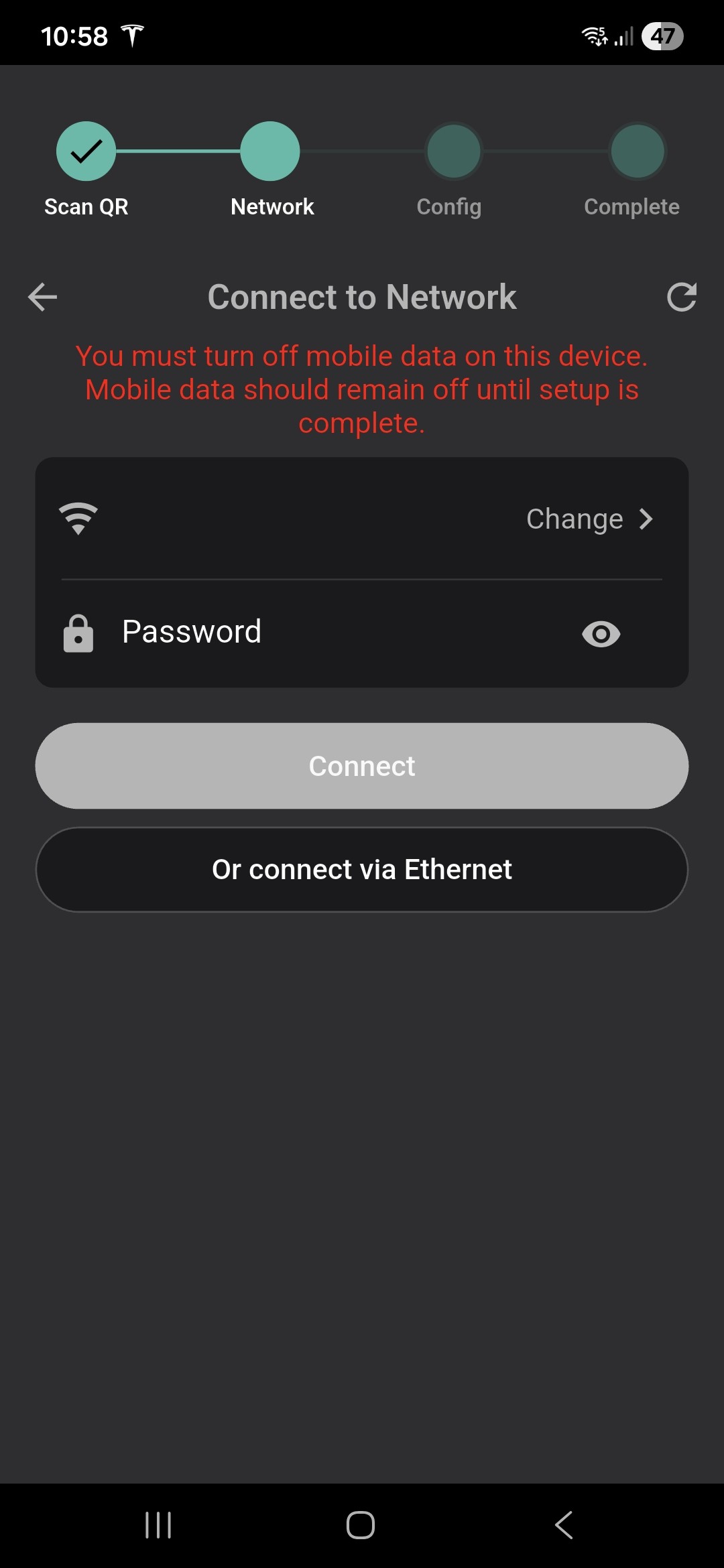
Not sure what to do obviously mobile data is off
Please help

Not sure what to do obviously mobile data is off
Please help
You enter the SSID of a 2.4ghz network on your WiFi system and then Password to gain access to that SSID turm mobile data off on the device then click connect.
I have done that is just don't let me go through for some reason have few hours on it yesterday trying different ways and nothing change
One can only assume then that the EV charger is not connecting to the device via WiFi that you are entering. It is best I found to be right next to the EV charger to select the strongest WiFi signal and remain next to the EV charger until the installation completes. Also make sure that SSID you are connecting to uses WPA2 authentication NOT WPA3.
I can't enter also any WiFi
Patrick93 What happens when you click change on the APP? if no WiFi SSID's are shown there is not a strong signal at the EV charger.
You do realise that the EV charger has its own WiFi hotspot that it uses for installation, and after 15 minutes after powering the EV charger on, it shuts down again. The only way to get it active again is the power cycle the EV charger.
It's not letting me chose WiFi
Also im aware that is only visible for 15min
That way im here righ now because just run out of ideas
It's opening a list with WiFi but not letting me choose any of them
Patrick93 Have you tried connecting an Ethernet cable to a laptop and the EV charger? Tamper cover must be closed. Then recycle power to the EV charger. Open a browser the in the address bar enter 192.168.4.1 and press return. Then login to the hotspot using the EVSE SSID printed next to your QR Code (on the charger side) and use the password below it. You should then be able to sort things out.
Will try now
Looking at the top right of the image. Wifi is on and connected at 5Ghz, mobile data is on with a 2-bar signal, and the battery is at 47% and not plugged in.
Turn off mobile data, or turn off the sim card, or remove the sim card, or use a device without a sim card.
Ok all working now thanks help