Is Your Inverter Serial Number CE2230G125 ?

17 comments started 2026-06-09 last 2026-06-13
Home AutomationGivEnergy Products
#1 Maxwell

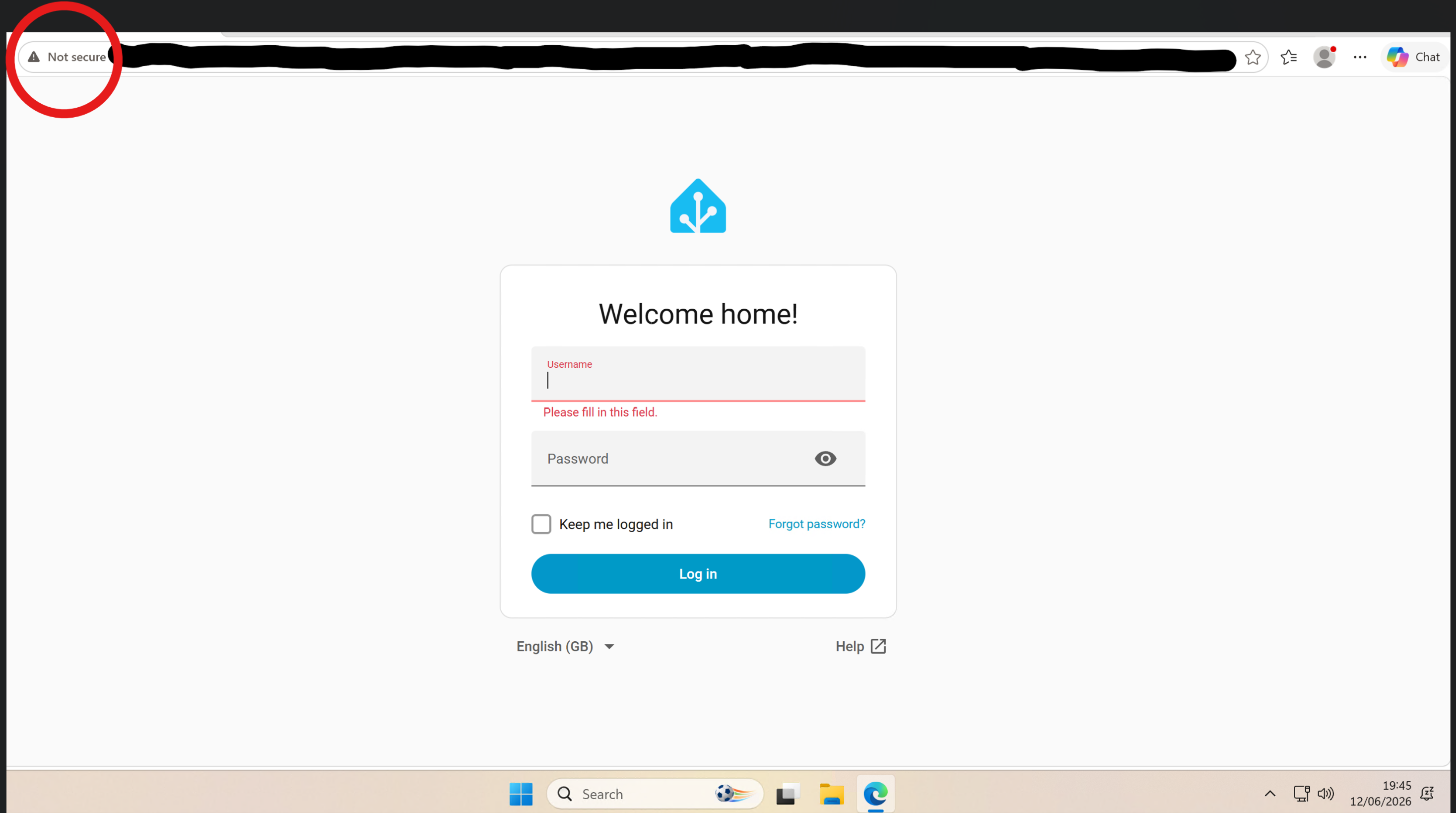
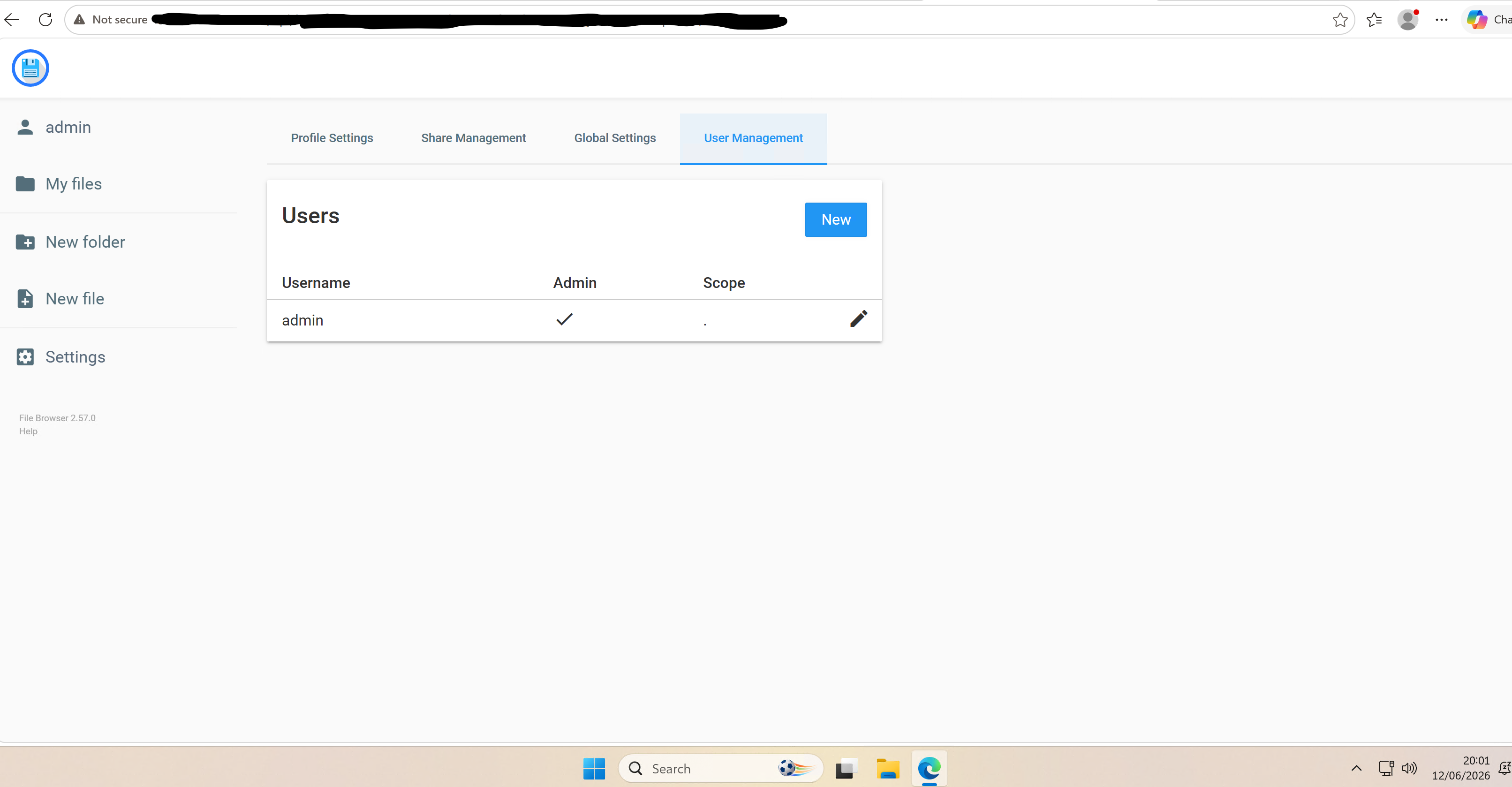
If this is you then please be aware you are exposing your inverter to the internet and this means someone can not only remotely monitor your inverter they could control it as well. Now you could be setting up a honeypot and seeing who comes to play. But, if not then it could be that you have port forwarding up as this would be the most likely explanation for seeing the givtcp pages and other services you have exposed.

S
#2 SteveCook

Maxwell.
Thanks. it is not me, but is there a guide to. "Things we should NOT be doing"
Ta

#3 Maxwell

SteveCook Simple advice is NOT to set up port forwarding to the internet. Alas there is no simple step by step guidance as the precise instructions on how to do it varies between vendor and model. And as shown in the link below it varies even between models from the same provider. I don't have a BT hub. But, it was just what i found when i went googling for some examples. What is clear is that even in these instructions it is a bit thin on deleting. Best to google your models user guide and port forwarding and see what their instructions say. When checking router port forwarding in relation to givtcp the following ports should be looked for and if they are in the port forwarding list they should be deleted. This list assumes folks haven't changed any of the default values during set up etc.

Port 3000
Port 6345
Port 8099
Port 8899

https://www.bt.com/help/broadband/learn-about-broadband/how-do-i-set-up-port-forwarding-on-my-bt-hub-

M
#4 Mouton

SteveCook Things we should NOT be doing

For anything, not just GE kit. Never open firewall ports or set up port forwarding in a router just because there is a guide to do so, or a YouTube video showing you how to. End of.

The only exception is if you fully understand the consequences, there is no alternative, you are fully able to secure what is exposed, there is no risk to data, property or sensitive equipment by doing so, and you have a patching/update/review process which includes monitoring new CVE discoveries and an ability to revoke access to mitigate risk until patched.

I’ve been an IT pro for 36 years and now run my own little business looking after SMBs. I can count the number of open ports across all of them on the fingers of half a hand.

Without getting too into it at this time of night, there are nearly always alternatives, and don’t get too hung up that it costs a little money, consider it an investment in your safety and outsourcing to pros.

I can fully remote control my kit from anywhere by using HA and paying Nabucasa for the remote access part which invests in everything else I get from HA. No open ports. There are other ways too.


#5 Maxwell

SteveCook Also with the rise of people using 3rd party capabilities like HA I would again recommend that users DON’T expose their HA web logins to the internet. Get a vpn set up to allow reach back to your own local area network. And for those users who insist that they need to expose their HA login to the web then make sure you don’t expose port 80’or 8080 (ie http) but use port 443 (https) that way at least their login credentials will be secured when they are using a 3rd party metwork. (Eg a coffeee shop WiFi). And in the same vein DON’T expose your router’s web based logon to the internet.

M
#6 Mouton

Maxwell just to be clear for all, the Nabu Casa route does not require exposing the login of the local HA box via open ports.

W
#7 wrighar

Worked in IT at an eCommerce company,
We spent more on stopping people getting in that those we wanted in...

Akami, F5, Bluecoat, firewalls, ACLs, NACLs, forwading, DMZ's, IP hopping, NLBs, ALBs and at least 5 layers before you even got the the presentation layer.

We have to win everytime,
They/bad actors only have to win once....

V
#8 Vestas

wrighar Now everyone and their dog outsources it to Cloudflare.....

#9 Maxwell

Vestas 😂

#10 Maxwell

@Mouton To avoid any confusion this is what I am talking about. Direct HA web based logins exposed to the internet. This insecure HA logon is for the same customer who is exposing their inverter in this thread.

D
#11 Daveb01

Maxwell

Go on then we are all waiting to see if you can get in 🤪😀🤷🏼‍♂️
You know you want to try Admin/Password or Admin/123456 or 12345678.

M
#12 Mouton

Maxwell Hi @Maxwell I know and I am not saying you’re incorrect, or that I don’t understand what you mean. Opening the ports, even to expose port 443 is not a good route, just a teeny bit less bad. Whoever has done what you have found in this case has clearly put themselves at risk and should have done something different to give themselves remote access.

I’ve mainly been thinking about @SteveCook ‘s question re what is a good advice and observing that there are options even not involving opening ports for VPN protocols in a router that one might need to keep patched. A example of not needing to open any ports being Nabu Casa for HA. Which means there is no reason to take risks like this.

As a parallel example i find so many electricians have told people to open ports to allow (mostly older type) CCTV systems to be viewed remotely and left the customer with weak passwords and no thought to patching against known vulnerabilities a similar act of madness.

#13 Maxwell

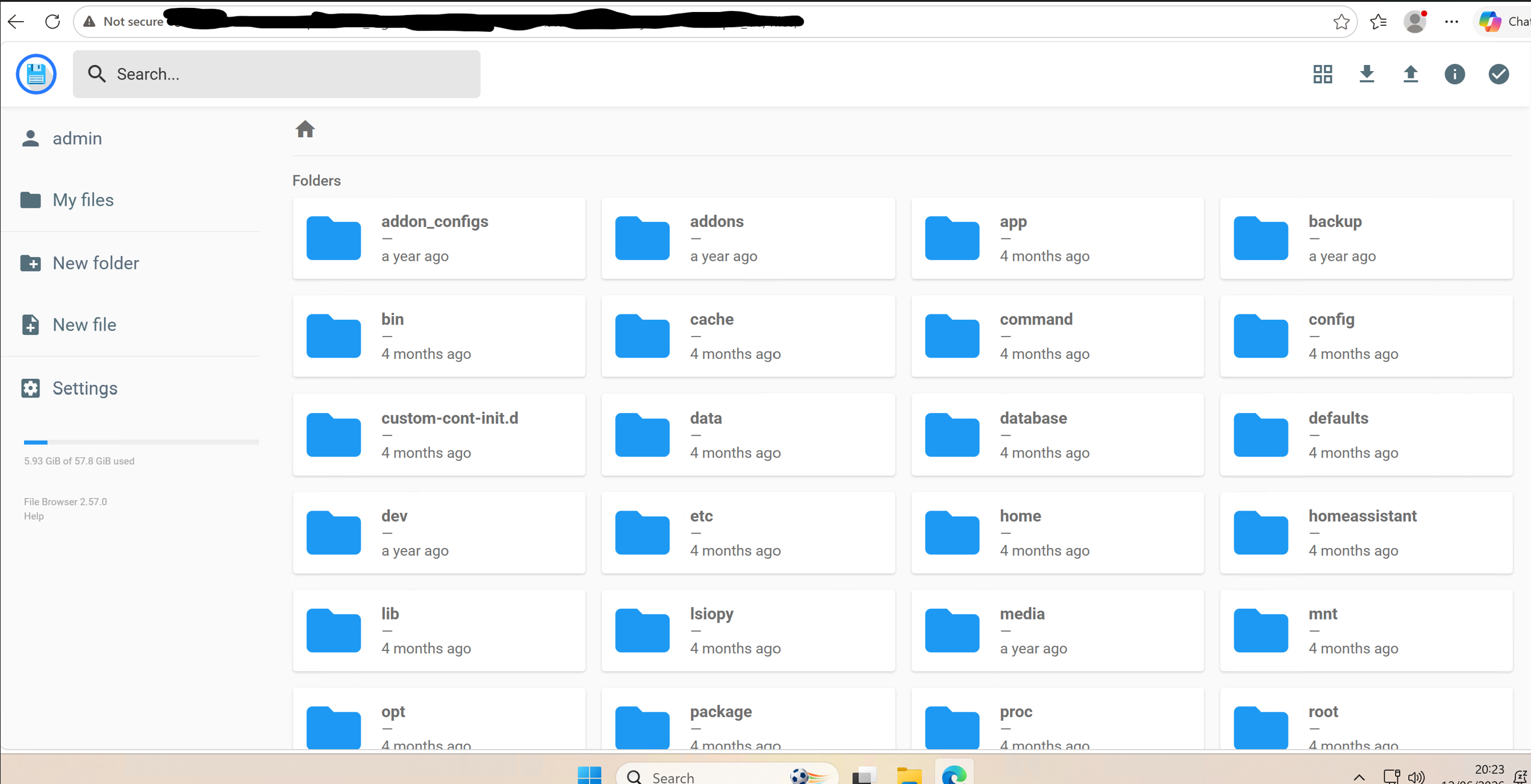
@Daveb01 I don't need to try brute forcing their HA web login when you could control their inverter, no creds needed. Although just doing a look at other insecure HA out there. And this was in the list (no evidence of them being a GE customer).

Perhaps you would have me create a new admin account or delete the current one. Or maybe just trash their files...And to be clear i haven't changed, deleted, added or copied any files to/from this individual. It's quite scary what people are exposing.


#14 Maxwell

@Mouton Whilst port forwarding a web login on port 443 offers you protection in terms of the security of any data you pass/receive between your device and the service it still risks attackers identifying a vulnerability in the exposed service that allows them to bypass the need for credential authentication.

Here is a Home Assistant example from 2023

https://www.sentinelone.com/vulnerability-database/cve-2023-27482/

And a more recent one that could impact HA users where they have port forwarding set up

https://zerodaysignal.com/vulnerability/CVE-2026-34205

Best practise is not to do port forwarding to the internet and not expose web logins to the web either. Use some of vpn to access local services when away from home. Ultimately it's a personal risk decision and yes there will be folks out there that feel there is benefit in them not using a vpn. That is their decision.

M
#15 Mouton

Maxwell 🤷that’s exactly what I said originally 🤷

W
#16 wrighar

Vestas erm.... yes we used Cloudflare as a CDN for static pages...

D
#17 Daveb01

Hi yah, I was only messing I would not want you to do anything wrong, it’s just how many times I have seen Password or 12345678. Or there date of birth, car reg etc.

Wow you can see all that, not good, and it’s nice you are saying look at this on this community. Hopefully the person will see it