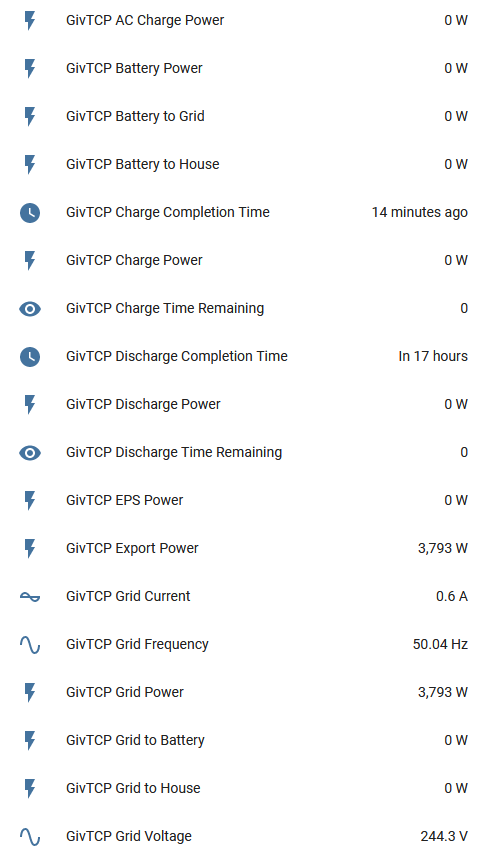
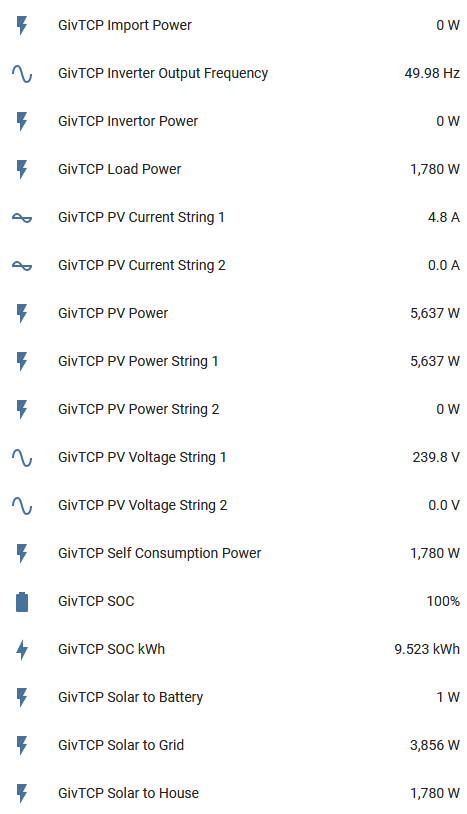
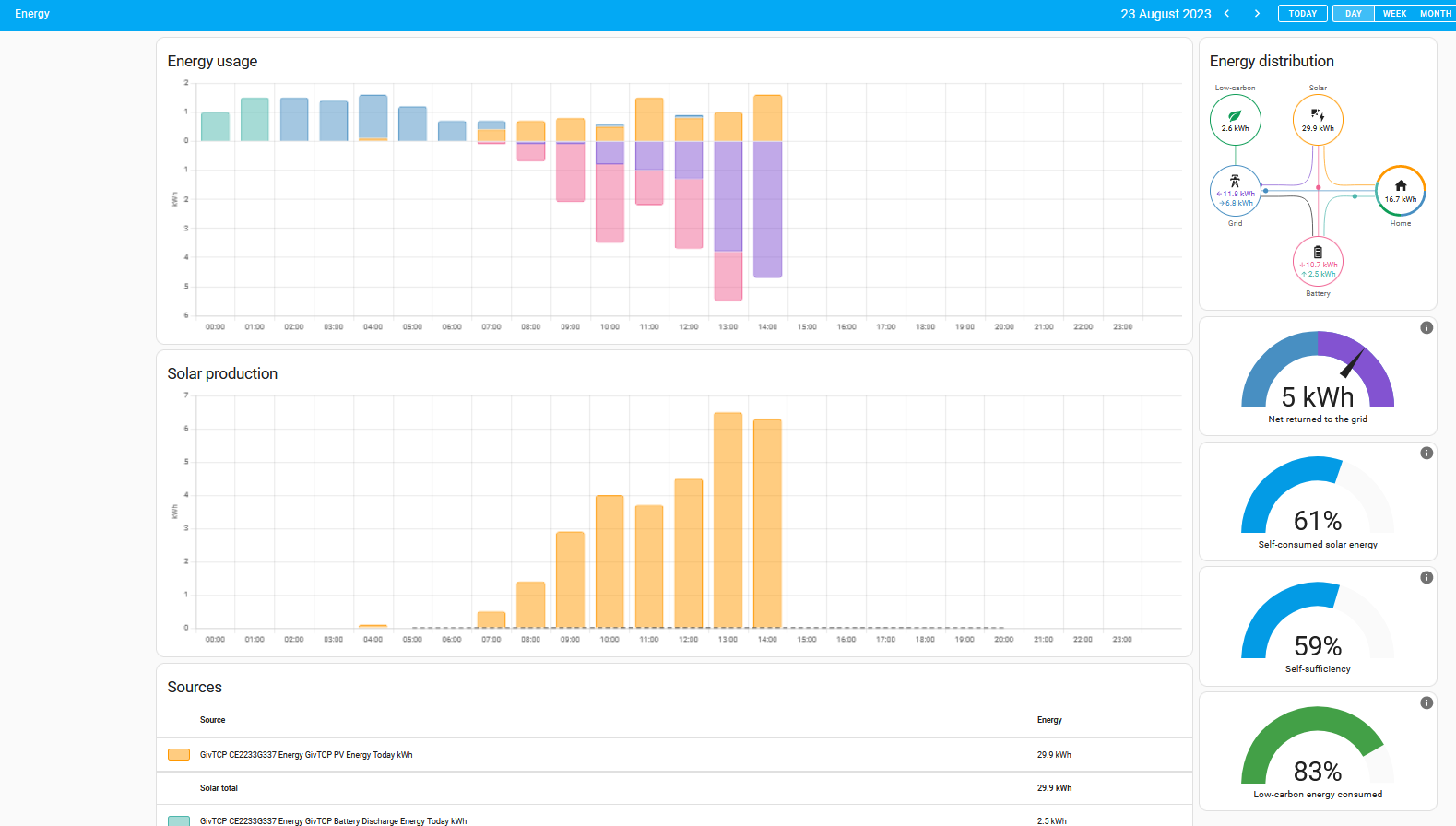
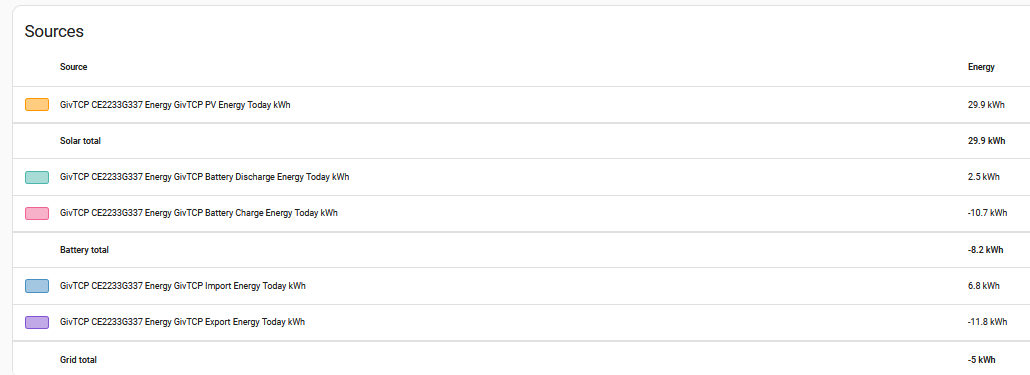
For the energy dashboard, you need to add totals
So the ones ending
Battery Charge Energy Today kWh
… Discharge …
… Export …
… Import …
… PV …
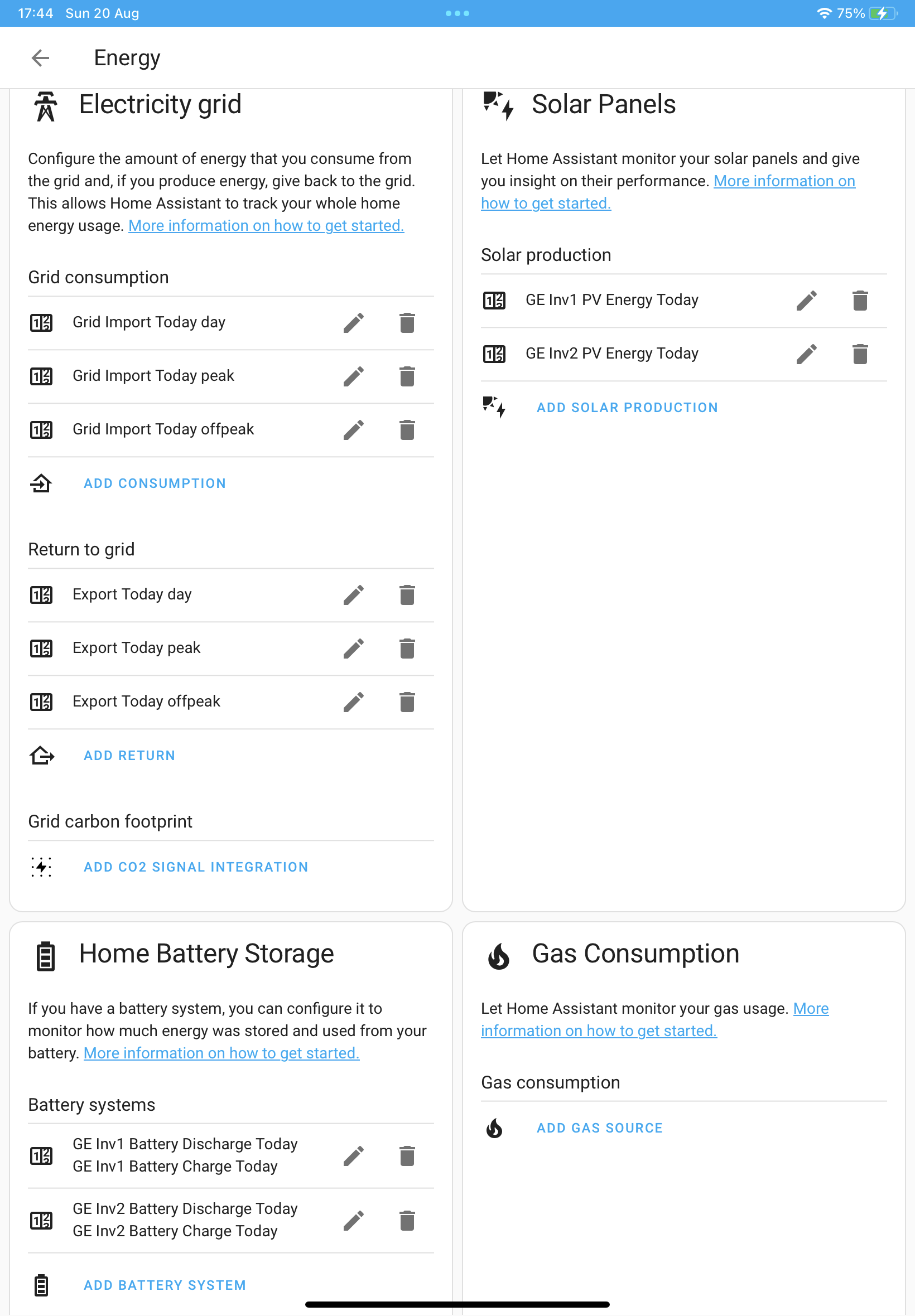
However if you have a different price for import depending on the time of day, you’ll need to d something clever with “helpers”
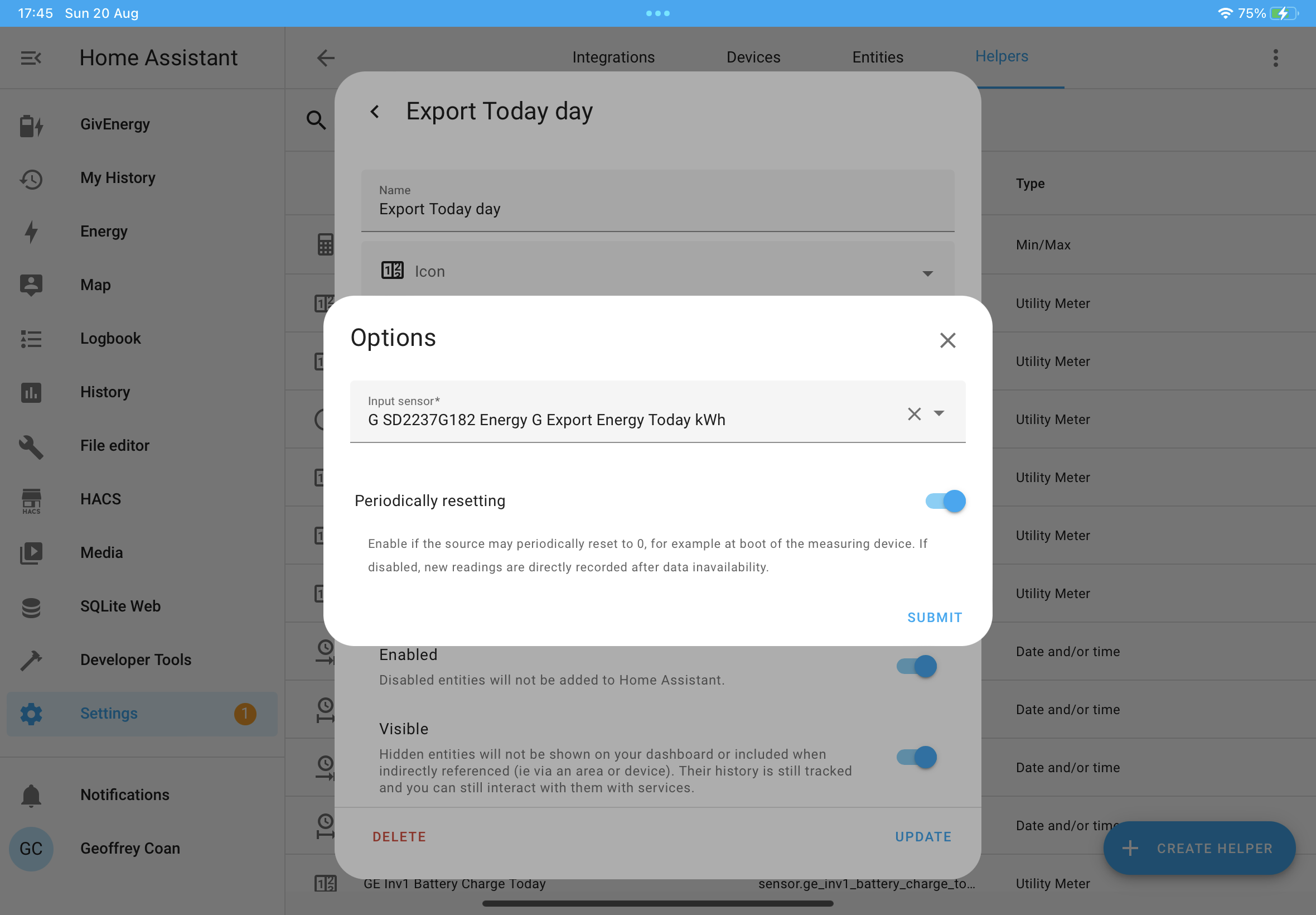
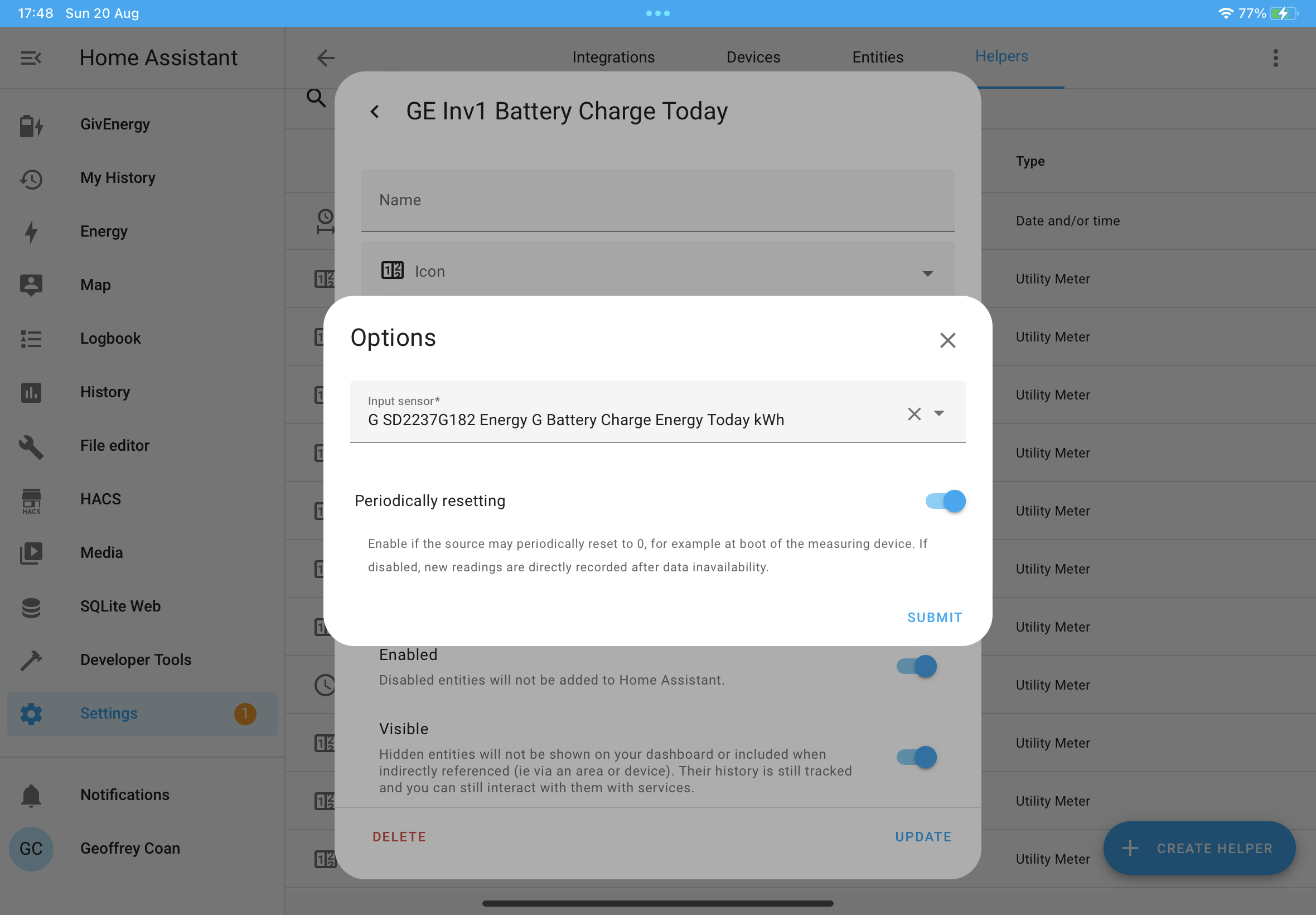
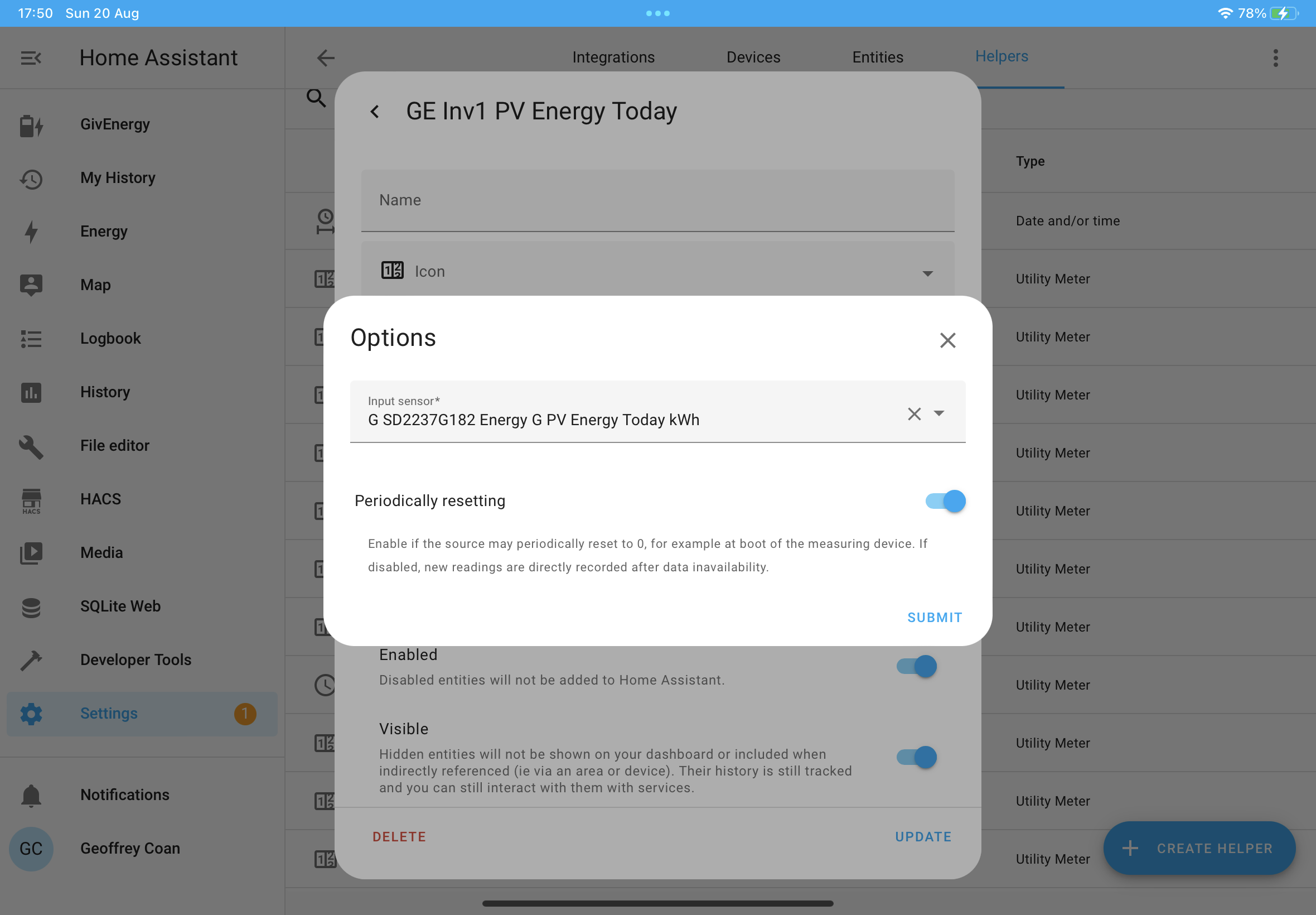
Basically you need your own custom energy meter as an entity, which takes data from the GivEnergy Import Energy today kWh and has two or more tariff options setup against it
You then need an automation to switch the tariff at certain points.
Speak to the Geek has a video about this on YouTube.
Also, if your inverter ever gets replaced, you’ll loose all the historic data in the energy dashboard when you change the entities you display on it.
You might want to create helpers for every item you add to the energy dashboard, so you add the custom entity you’ve created to the dashboard rather than the real entity.
Apparently when the time comes, you can delete your custom entity and create it again with the exact same name, linking it to the new raw data, and it should keep all the history as well as show new data.
A bit of a faff to setup though, took me a few days to get it all working!
I think it’s best to create the custom entities towards the end of the day, e.g. when they all have a value above zero (e.g. 5kWh imported) as otherwise the custom entity doesn’t know what the units are and can’t be used on the dashboard.