D
is there anything wrong with the cloud?
My inverter is showing as offline but i can check local on the app and it works.
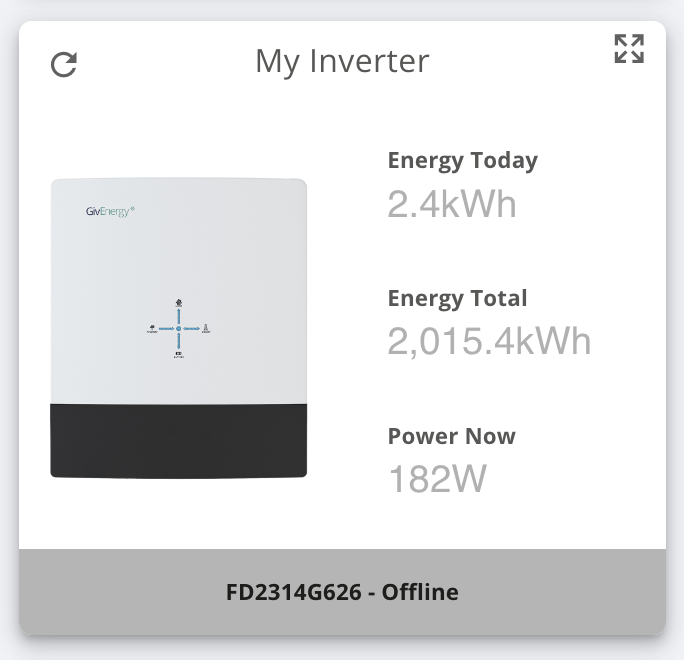

is there anything wrong with the cloud?
My inverter is showing as offline but i can check local on the app and it works.
My AIO is showing online in both app ie on network and portal ie via cloud
Do you run Home Assistant, only time I see this is when Home Assistant is running.
deepanshus Cloud usually says grey when ive fired HA up to test stuff in a VM but any changes go through fine here,
anglefire I only have a day or twos experience with home assistant and just the Givenergy AIO but its only really gone grey when home assistant has been on or there was an actual comms issue but unlike a comms issue commands work being sent as does the app as you experienced.
Could just be a lil hiccup.
anglefire For some reason I cant get it to change, I did set it at 5s but it always gets to 10-15 before it refreshes info and if I change it to something else it stays teh same 10-15 time gap like hte app has.
I don't have home assistant running 24/7, just turn it on to fiddle a little every now and then, I don't have a permanent lower power home for it yet and I don't want to leave a gaming PC on overnight just to keep home assistant going 🙁
Jellybaby I get that. Mine is running on a mini pc - or Nuc - I can’t remember off hand as they are running as a proxmox cluster and I’m only on my phone at the moment.
It runs as a VM with another 5 containers running other stuff.
Total power is about 10w.
Well worth doing it that way - if you want local historic data or are just a bit of a geek 🤣
anglefire I was thinking about picking up a wyse 5070 thin client, can I ask you since you run it 24/7 the first time I ever done it to get a full 24hrs look at a typical days consumption (obviously not THAT typical since I had to leave gaming PC on but that is easily adjusted for) the graph seemed to be REALLY transparent.
Do you get it looking like this where everything except the battery is very transparent
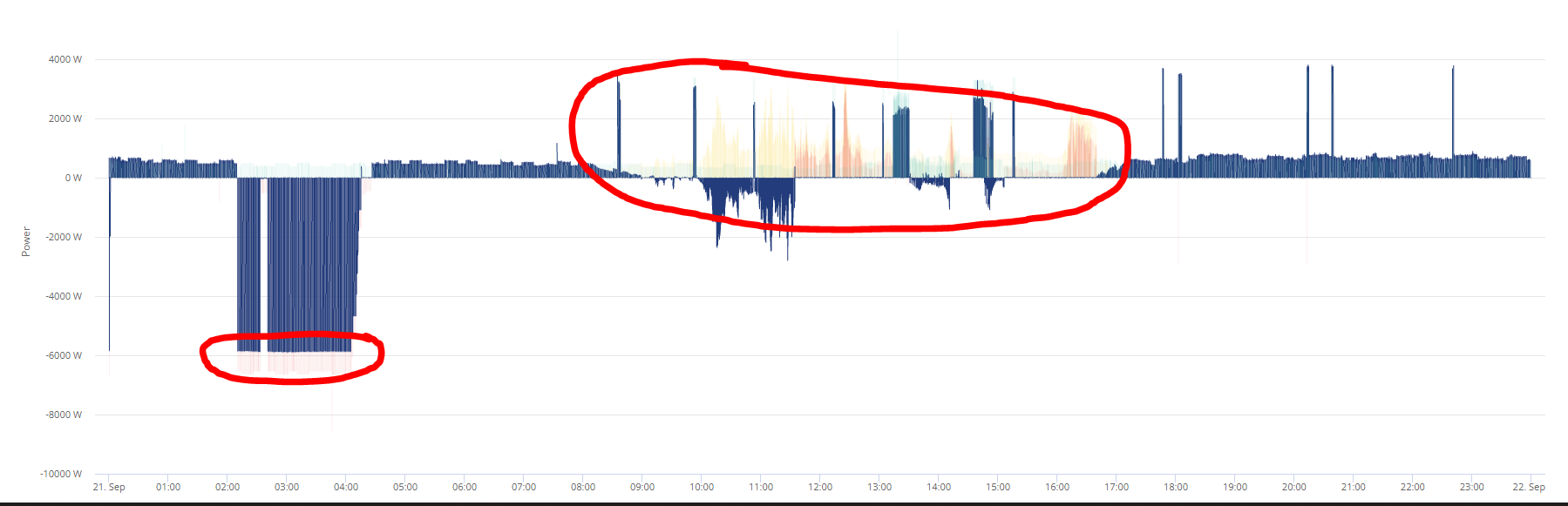
Or does it look like it should, like this where all sources are completely visible and solid
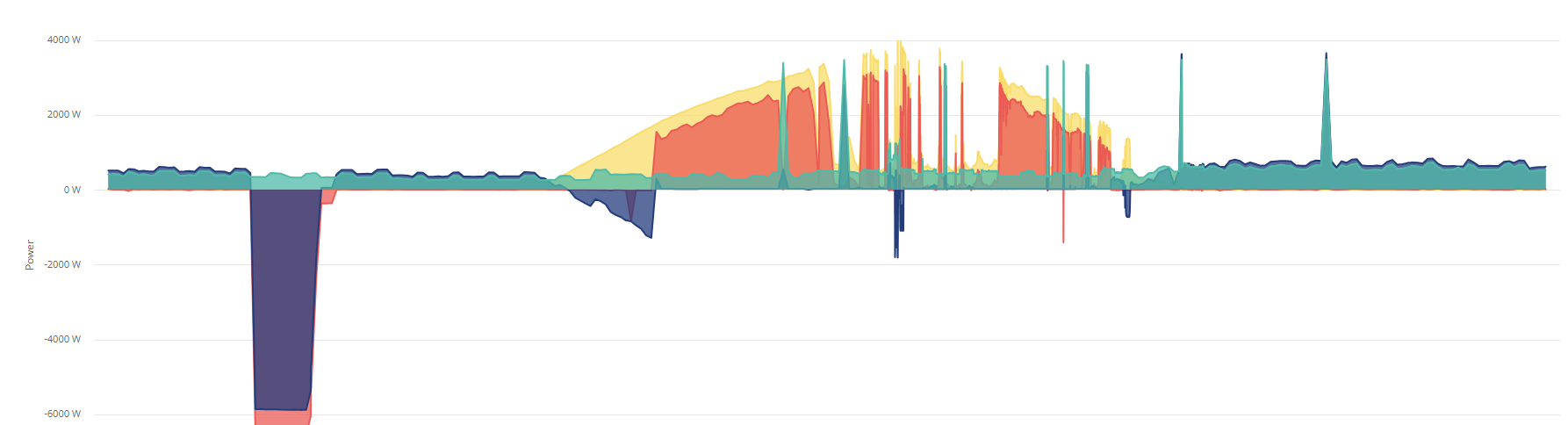
If every 24h period is going to be unreadable on the portal its a bit of a turn off.
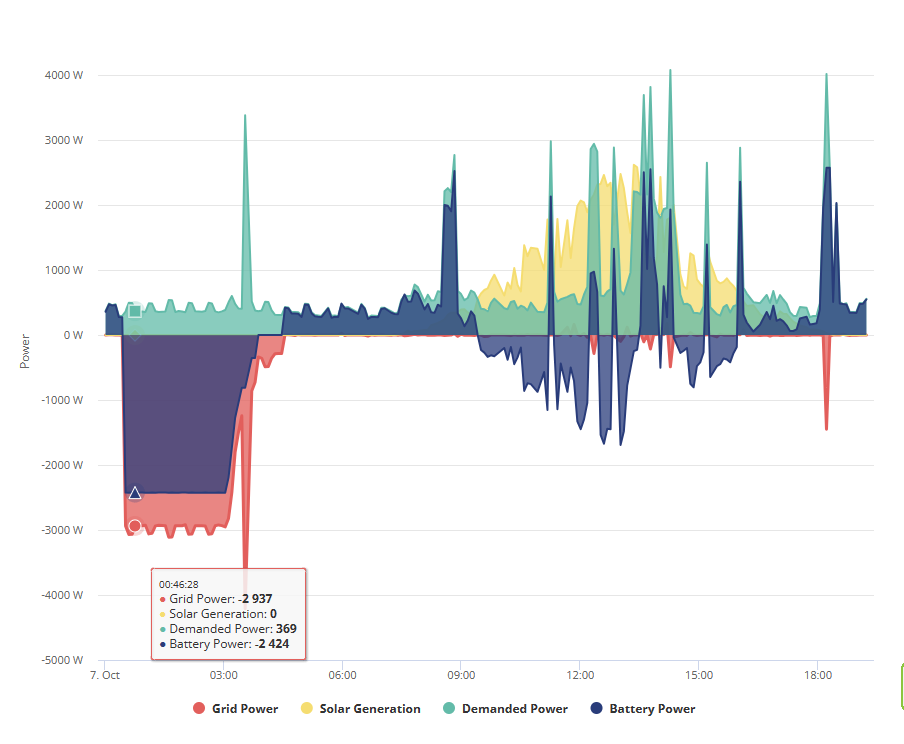
This is mine from today - no issues with transparancy - however, if you hover the mouse over one or other of the elements, the rest fade out so you can see more clearly the one being hovered.
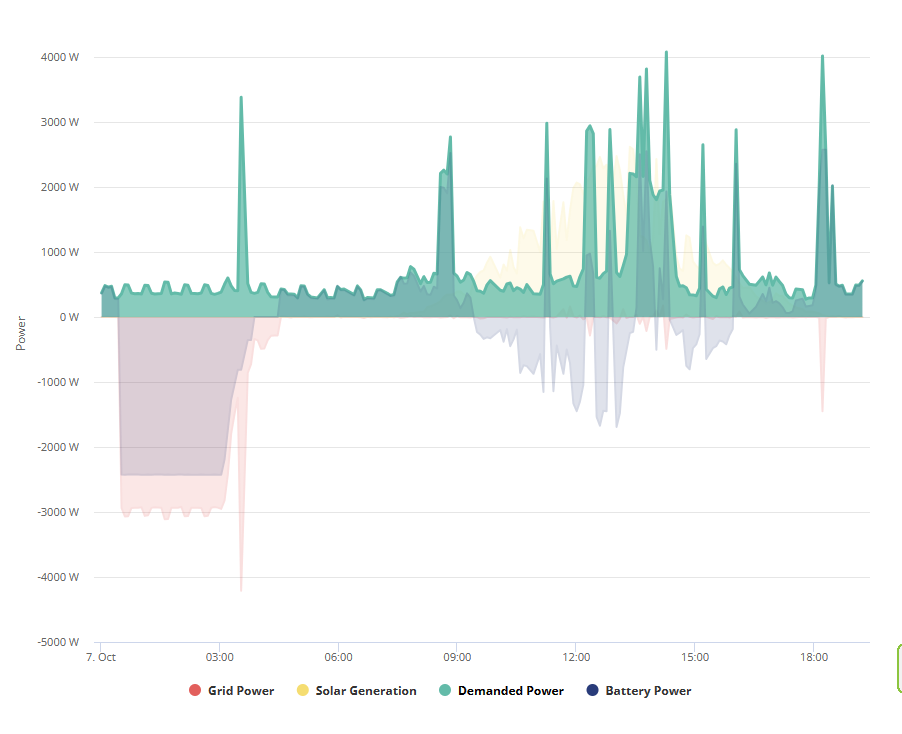
But in Home Assistant I have several ways of seeing the data!
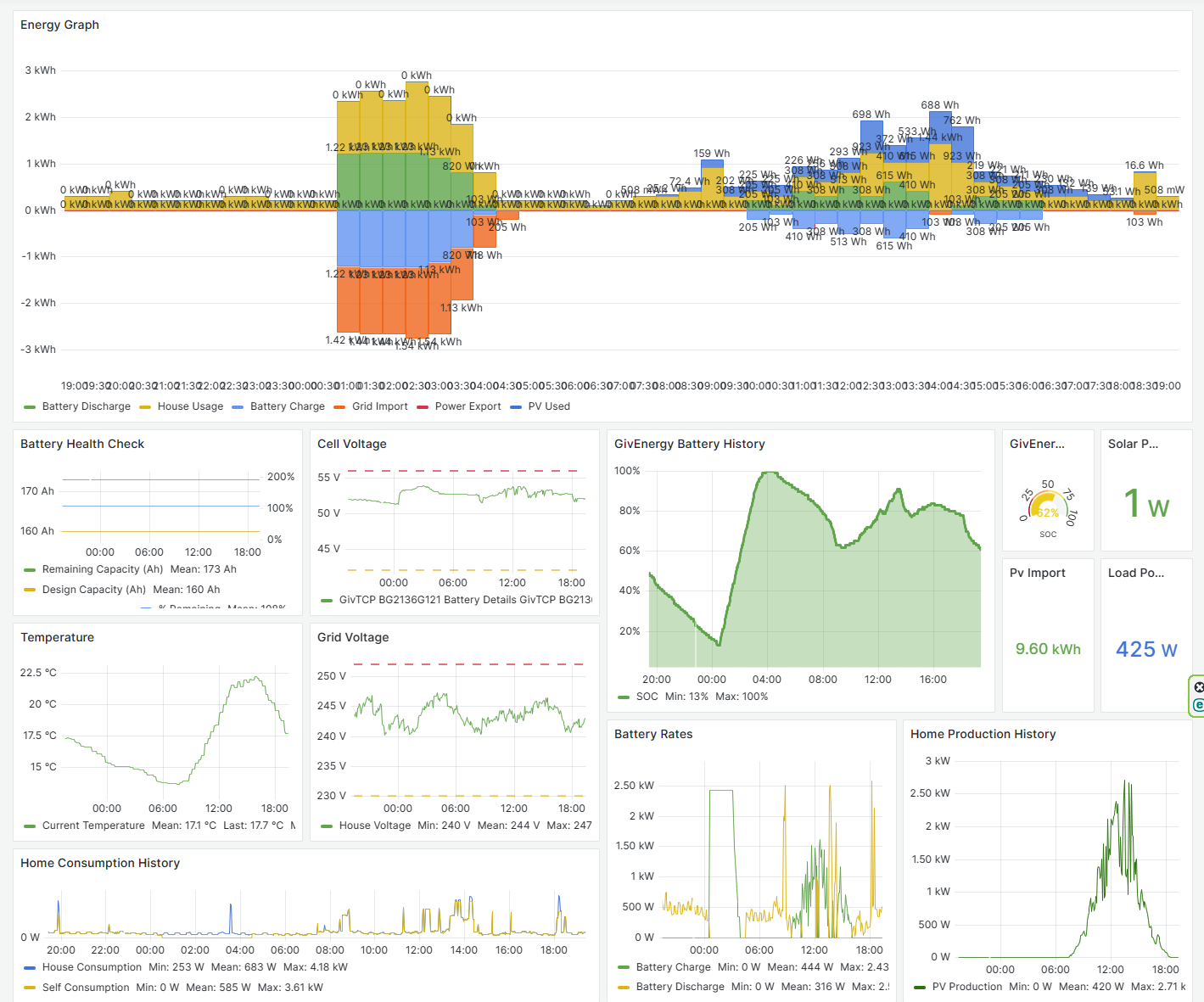
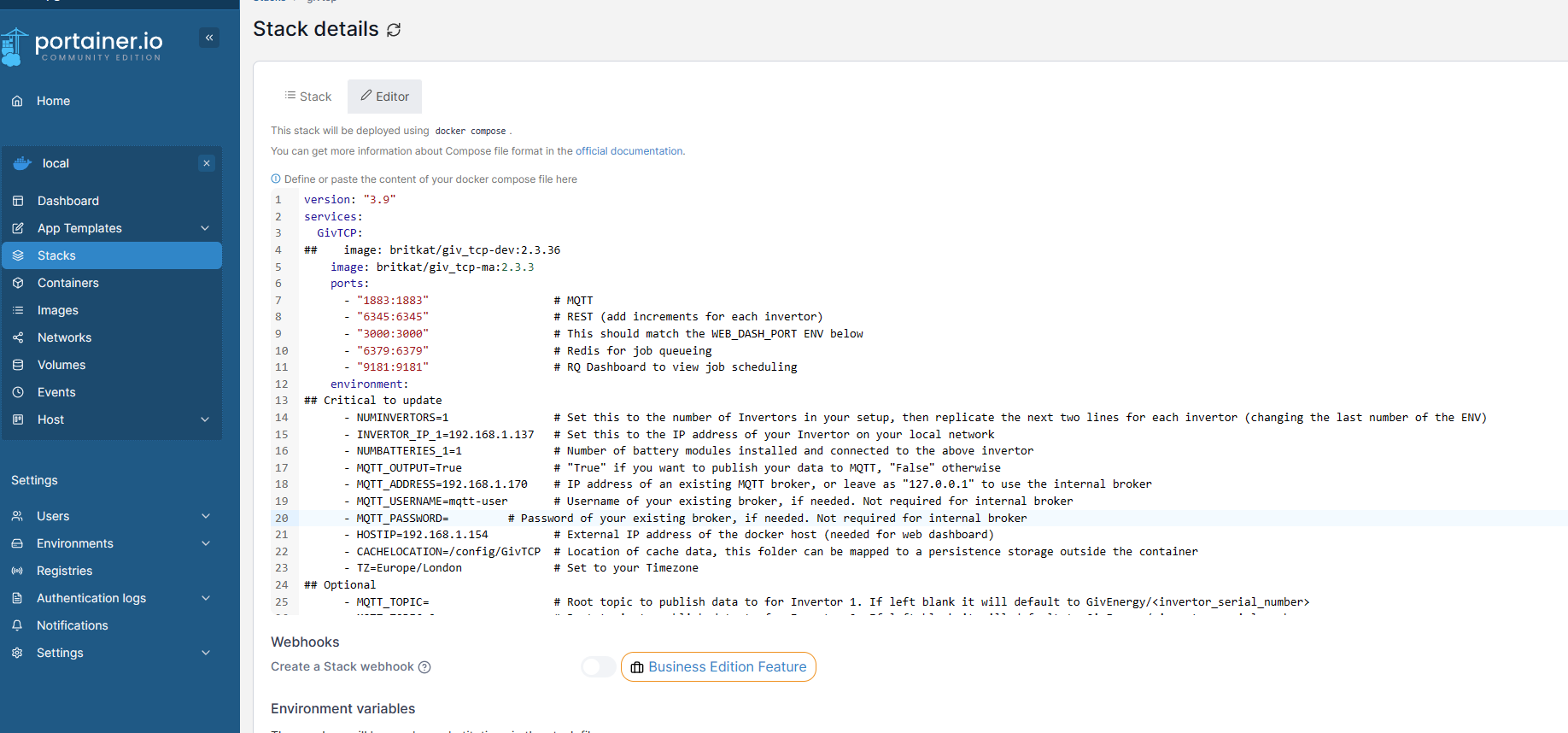
Jellybaby I've just looked at my stack settings for GivTCP (I run it in a separate docker container to HA) and it self runs every 10 seconds.
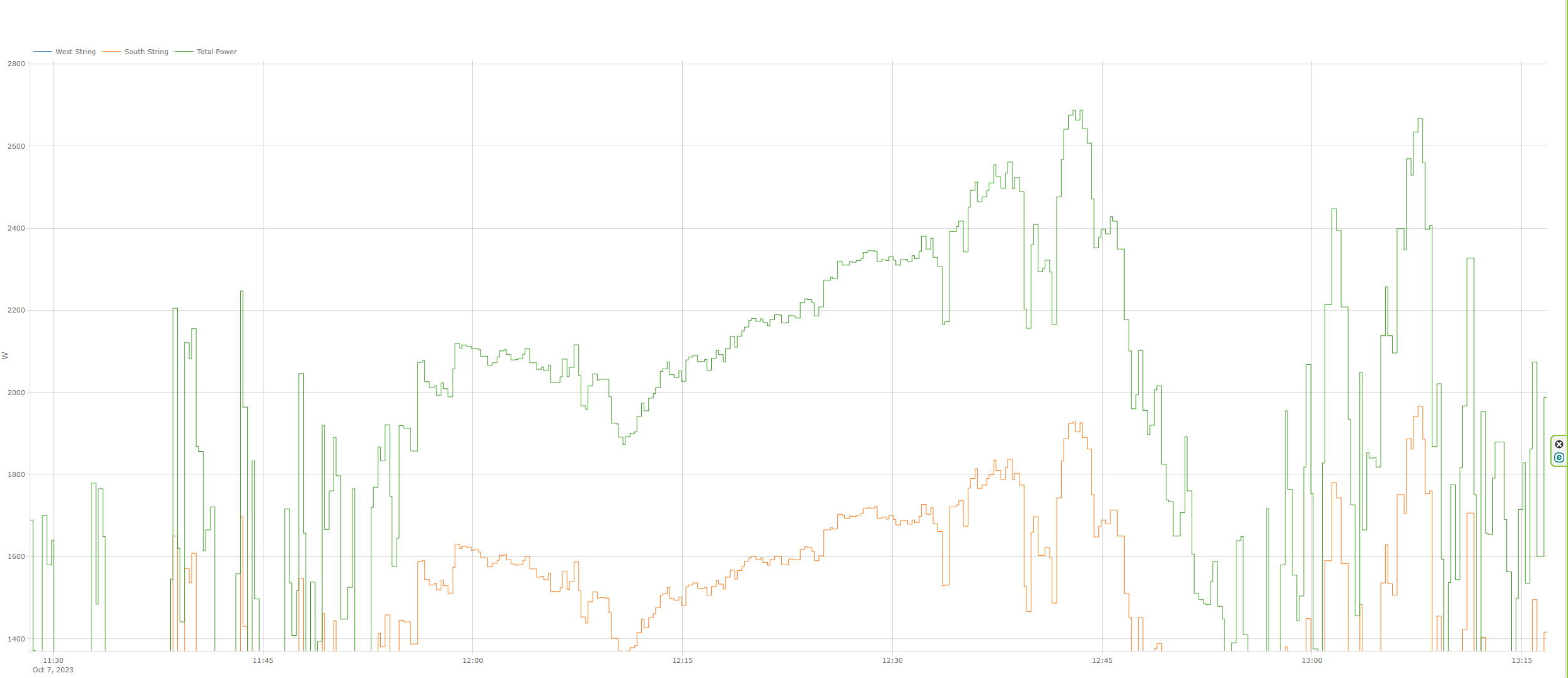
Some of the graphs amalgamate the data so don't show every point.
This is the power curve - zoomed into a couple of hours. Lots of points!
I think 5 seconds is unnecessarily quick. So I would personally put it to 10 or 20 seconds.