Inverter won't charge battery from Grid.

29 comments started 2024-03-01 last 2024-06-26
Home Automation
F
#1 FarmView

Hi. Got new system this week Panels plus Batteries. We have storage heaters and an Economy 10 rate. Panels won't keep up with the total usage so I want to charge the batteries from the Grid during cheap times. But it doesn't seem to work.
I tried using Wonderwatt to set multiple charge periods (our Economy 10 has 3 cheap periods), but that would not work. Wonderwatt is getting an eror when trying to talk to the inverter, BUT THE INVERTER IS RECEIVING THE MESSAGES..... Maybe it is related.
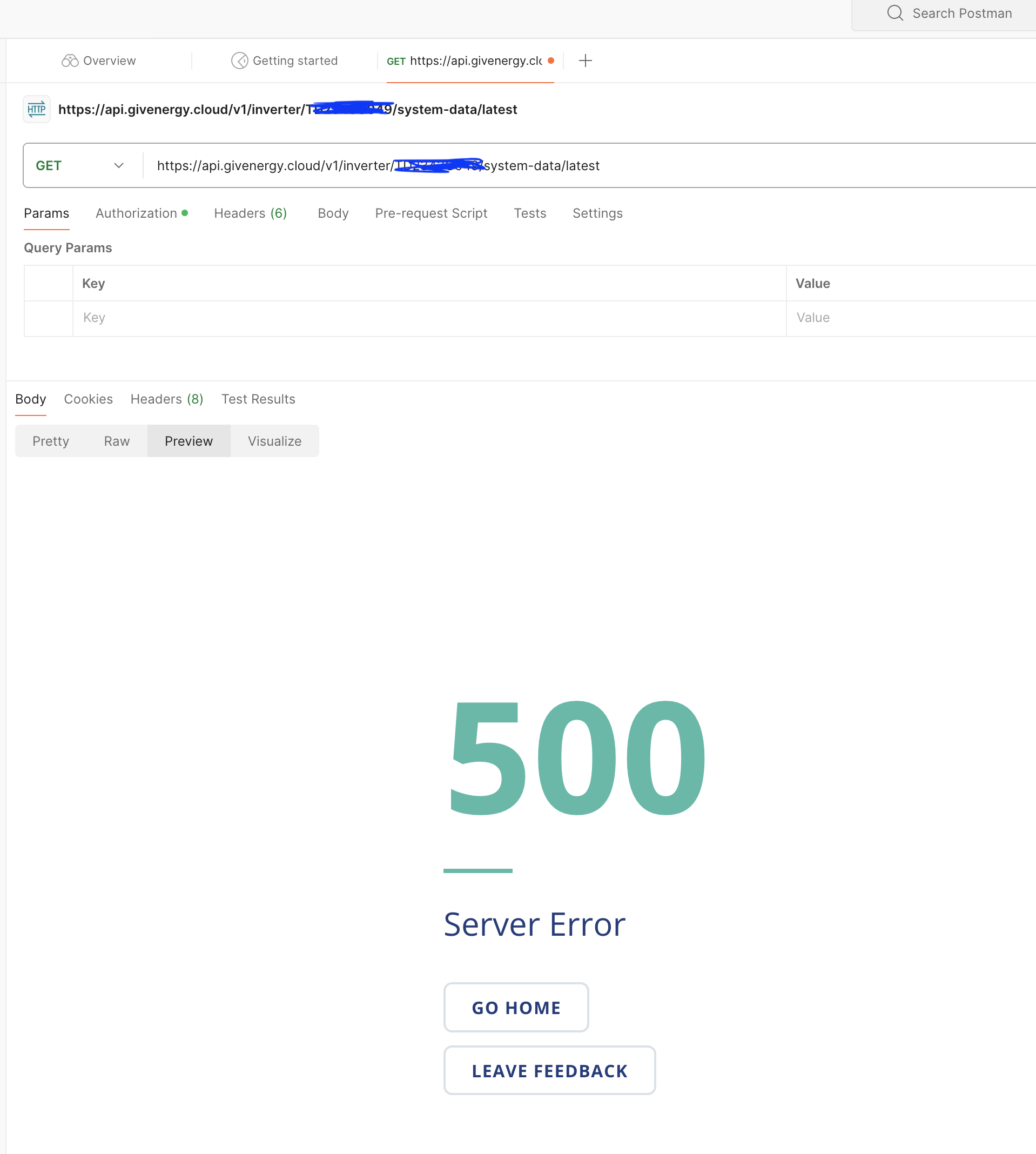
The inverter returns 'Server Error' to this API command -
https://api.givenergy.cloud/v1/inverter/:serial/system-data/latest
So now I have paused the schedules in Wonderwatt and just trying to force the Inverter to charge the batteries.

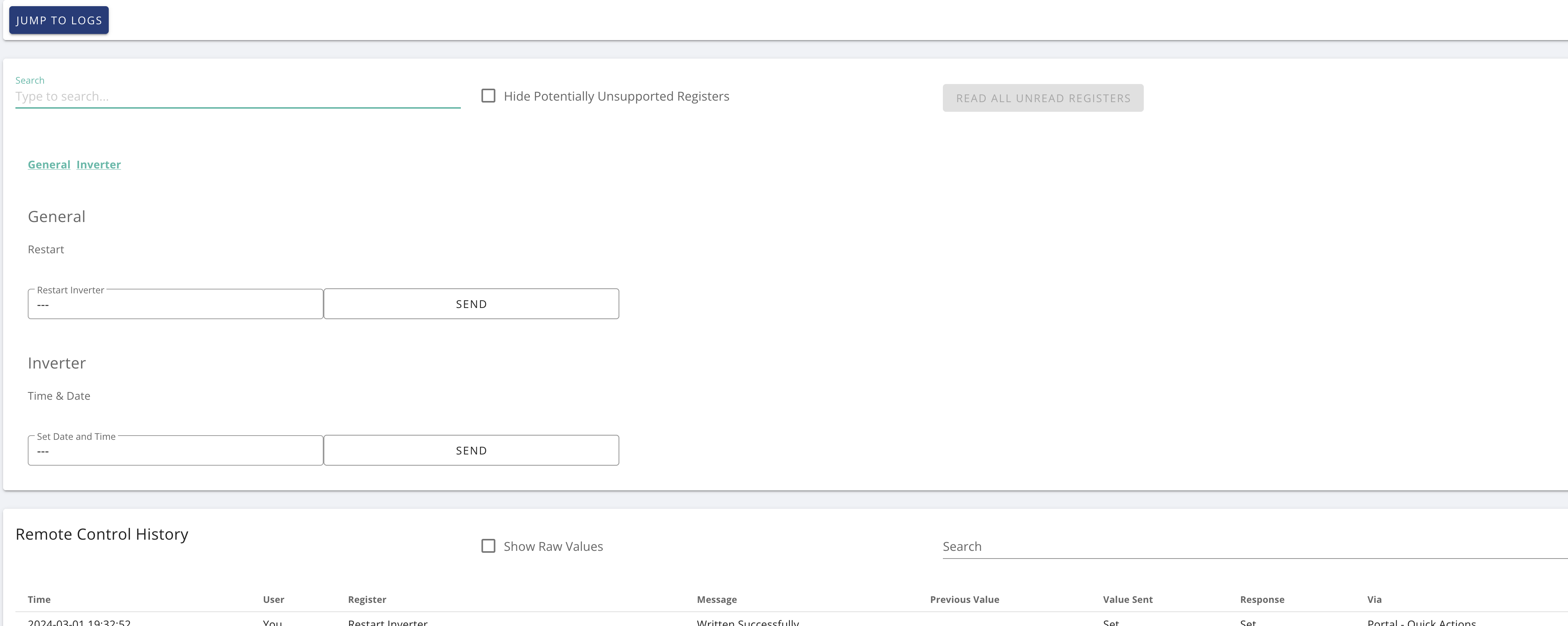
In Inverter, Settings, Timed Charge is set like this -
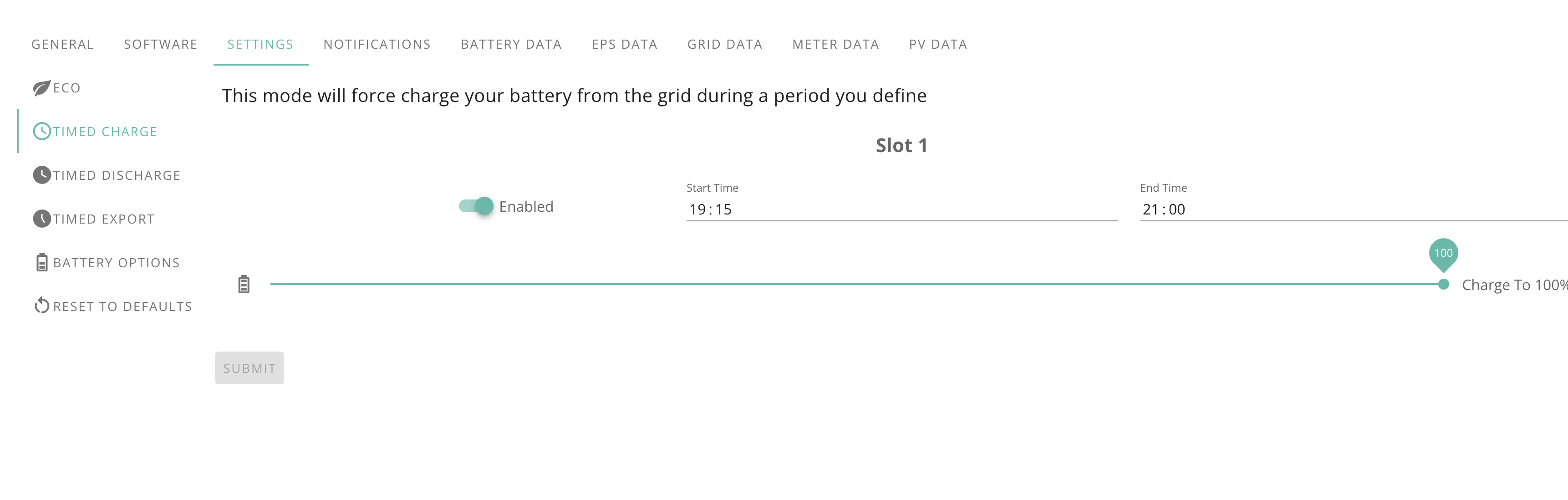
I did set this at 19:05 but nothing happened at 19:15. A did restart on Inverter but still nothing.
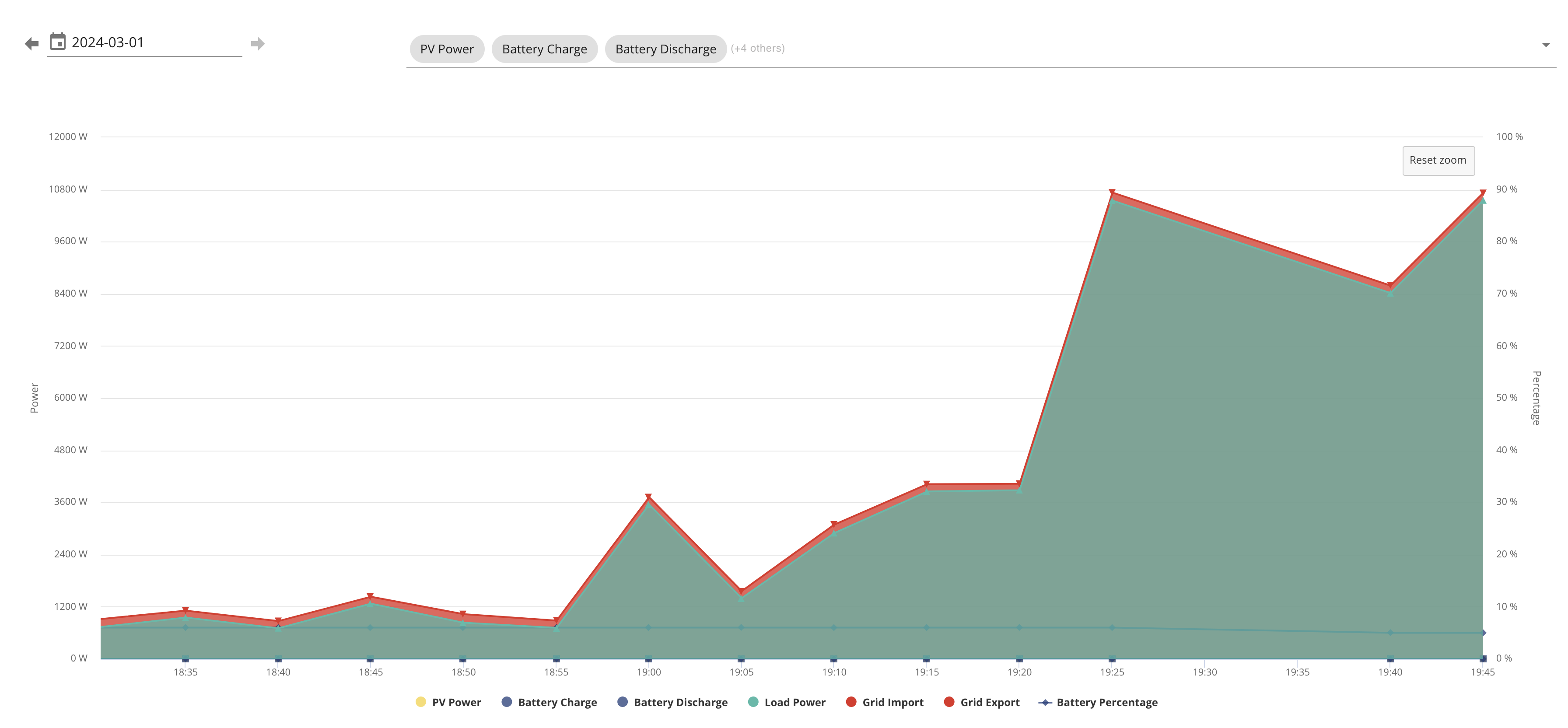
WonderWatt admin suggested I should also say that the SOC battery state cannot be read via the API for my inverter.

Anyone any ideas please?

F
#2 FarmView

D
#3 DD

FarmView welcome to the forum. (Seems to be lots of new users recently.)

What type of inverter do you have? Some models support multiple charging slots (my hybrid-gen3 has 10). (You'll notice the web page and event log talked about "slot 1")

With this, there should be no need to use an external agent. You can't access them through the app or the "friendly" part of the the portal, but you've already found the remote-control panel. Does that list multiple charge and discharge slots ?

What you've done ought to work. But one thing I've just realised myself... if you do have multiple charging timer slots, each slot has it's own SoC target, and that seems to be the one it uses. So if that's stuck at a low value, it won't charge.

The inverter returns 'Server Error' to this API command -
https://api.givenergy.cloud/v1/inverter/:serial/system-data/latest

Just to check: you realise that :serial is supposed to be replaced by your inverter's serial number. ?
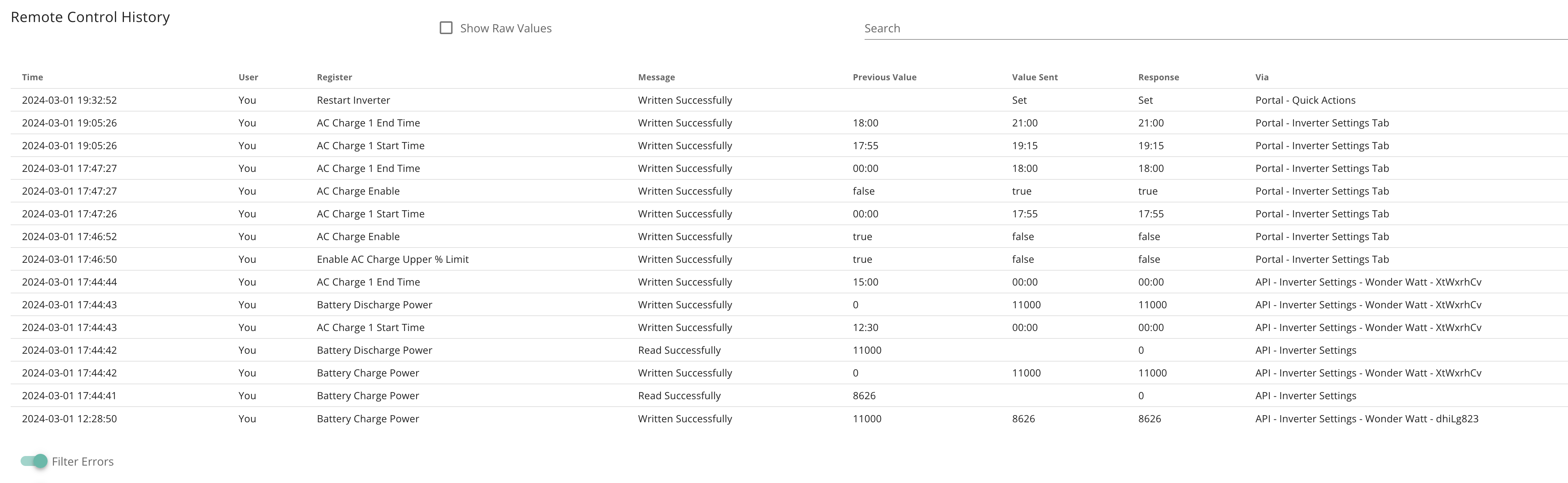
You say the inverter is inverter is receiving the requests, but I'd have hoped that if the changes were coming from wonderwatt, the last column would say so.

Pinging @Wonder Watt ...

(out of interest, who's your energy provider - 3 distinct economy-10 periods ..?)

F
#4 FarmView

Hi.
Thanks.
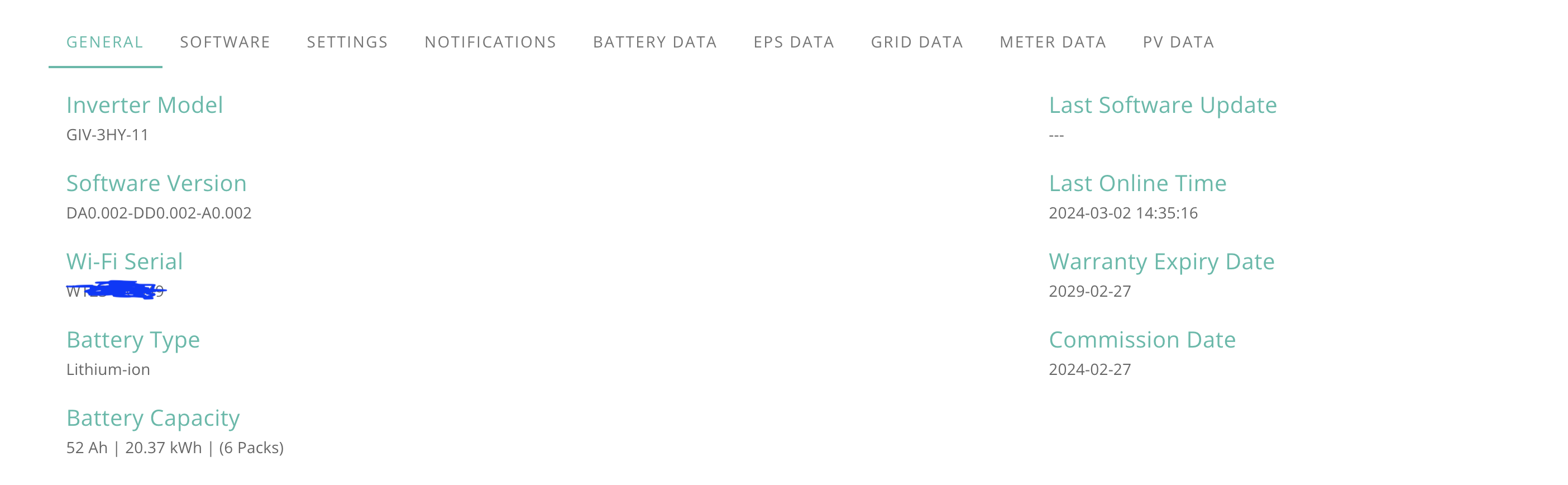
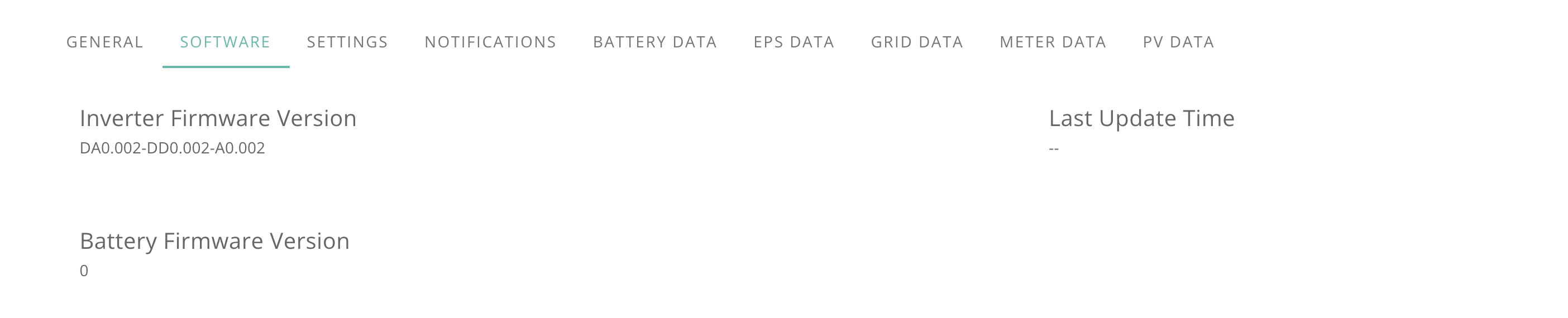
Inverter is 3 phase 11kw Gen 3.

Remote Control doesn't show any slots...

Inverter is found, but gives Server Error using Postman -

I turned off Wonderwatt and tried to just use the one slot I have. Here shows more history. Neither the Wonderwatt, nor the manual settings appear to work.

3 day and 3 night periods with Octopus, but the current dumb 3 phase meter was installed by EON about 10 years ago. I have started the ball rolling on getting a 3 phase smart meter fitted. Yes I know. Booked the fitting, phoned them up and told them it is 3 phase, so now they cancelled it and will call me sometime......

L
#5 lifco

Your inverter is set to ECO mode i take it ? as it should be

D
#6 DD

FarmView Oh... that's a very bare remote-control page. It ought to at the very least show the registers corresponding to the normal settings - eco mode, timed charge, etc.

See https://community.givenergy.cloud/d/3650-understanding-the-settings-on-your-app-and-portal for example.

Is that AC-coupled or hybrid ?

if it's any use, I have a python script which speaks to the API - at it's simplest, it can retrieve the list of settings from
https://givenergy.cloud/docs/api/v1#inverter-control-GETinverter--inverter_serial_number--settings

on my system, it lists about 100 registers available, which all (or at least most) appear on the remote-control page. You can see some of them in
https://community.givenergy.cloud/d/4083-hy-g3-oddities-in-chargedischarge-limits

(I wasn't aware Octopus had a tariff like that... live and learn, as they say.)

#7 hoggy

@FarmView I doubt the new 3 phase inverter has full API support yet. I think your the first I've actually seen with one!

D
#8 DD

hoggy hmm... Is modbus access likely to work? @Rubikcube - worth trying your app?

F
#9 FarmView

lifco Yes the Inverter is set with Eco Enabled.

DD I don't yet know what the difference is but it is Hybrid.
How to use the python script? Just use Terminal (on Mac)?

hoggy I think I'm now more interested in why I can't even get the thing to charge using the standard Slot 1. I'm beginning to think the Inverter is busted. The installer is back on Monday anyway to add ATS, so will collar him on why it doesn't work. I hope it's not a send it back job.

#10 Wonder Watt

DD

Just to check: you realise that :serial is supposed to be replaced by your inverter's serial number. ?
You say the inverter is inverter is receiving the requests, but I'd have hoped that if the changes were coming from wonderwatt, the last column would say so.

Yeah this is a param substitution syntax and is configured in the Params section on Postman.

It just looks like the settings cannot be read from this inverter, despite API scopes being sufficiently configured.

I think FarmView was showing that even his own sent charge instructions didn't seem to do anything.

As you can see from subsequent screenshots, we do send our WW context, so people can identify it's us sending them.

#12 Wonder Watt

hoggy You may be onto something here...

R
#13 Rubikcube

FarmView The installer is back on Monday

My opinion, and I could be wrong, is that the system has not been commissioned correctly. I would casually ask the installer if they install many of these systems.

I wrote an android app that works well with my old single-phase system, but I doubt it will work with 3-phase. You are welcome to give it a try, if you can acquire an android device.
https://play.google.com/store/apps/details?id=uk.rubikcube.invertermonitor
The free version is read only and it won't harm your inverter.

#14 hoggy

DD the serial number will start with something new so I think seeing as most libraries do some sort of cross check it will just error as it won't know what it is.
Given the rest of the range I'd hazard a guess that these are 3x 3.6 Hybrids taped together internally but how joined up / similar the registers are will need documentation input from GE.

If the system is fully commissioned then its pretty poor that its been released without such a basic feature unavailable from even the portal. Should have been picked up day 1 of testing really (but so should the AIO neutral / earth bond thing.)

D
#15 DD

hoggy the serial number will start with something new so I think seeing as most libraries do some sort of cross check it will just error as it won't know what it is.

Yes, from the image looks like the serial number begins with a 'T'.
What you say about cross-checks makes sense: it might just be a problem with the portal, which means they can fix it relatively quickly on the cloud, rather than requiring firmware fixes, which are a whole lot harder to build, test and deploy. (They should also have a staging server they can use to deploy changes for testing.)

There is presumably some sort of mapping on the portal so that it presents the correct set of parameters for the actual inverter, and maps them to the correct registers. Similarly for the API. If it is just that, it should be possible to put the required mapping in place relatively quickly.

D
#16 DD

FarmView How to use the python script? Just use Terminal (on Mac)?

Yes, but probably not worth bothering - I hadn't come across 'postman' before, but having looked it up, there's no reason to suppose my scripts would work any different from that.

F
#17 FarmView

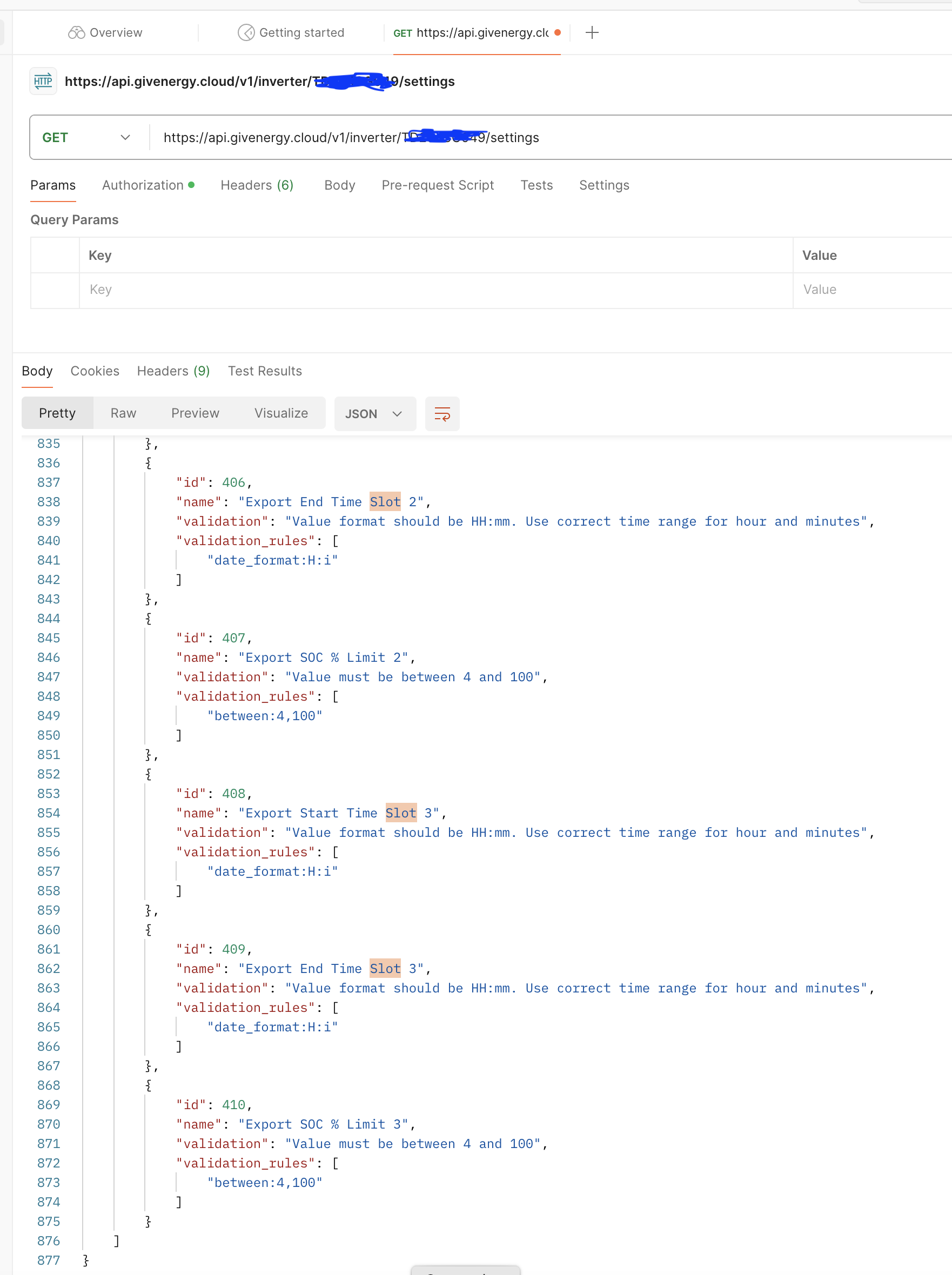
DD Actually I just tried the call for Get settings (I used postman). It worked and retrieved about 110 individual settings. No Server Error message.

Serial Number begins with TD.

Does that sound about right?
I can see mutliple Slots (Discharge Start and End Times (3), Charge Start and End Times (3), Export Start and End Times (3)). Many settings relating to AC Charge and DC Discharge.

Should all these setting show in the top of the Inverter, Remote Control window?

F
#18 FarmView

Ref the Serial Number. On the side of the box there are 2 serial numbers. One begins with TD and one begins with WT. The other 8 digits are the same.

#19 hoggy

FarmView TD will be the inverter WT will be the WiFi / Ethernet data logger.

#20 Wonder Watt

FarmView Yep, we also use that API call, and it works fine. The only issue seems to be the /v1/inverter/:serial/system-data/latest API call.

Also worth noting is that we seemingly did set the relevant registers/settings for AC charge enabled, charge power, AC charge time/start, and time end properly - at least based on what Giv returns (successful), but the charge window simply wasn't actioned at the inverter.

D
#21 DD

FarmView That's progress... it's entirely possible that the server people saw the "500-server error" messages in their log files, and have already tweaked something.

Yes, I'd have thought that most those settings ought to be available in the remote control section. Though of course I can only base that on my own system, plus the demo cloud system on givenergy's site. I see one called "Enable Plant EMS Control" in the API that I've not noticed on the remote control, but I certainly recognise most of them from the remote control page.

While my API also seems to list those groups of 3 slots around #400, it also has 10 charge and discharge slots starting at #100. I have to assume these are duplicates - not something I've tested yet. (In truth, I'd forgotten that there are these duplicates.)

Anyway... to get back to the reason I had first brought this up... my settings list offers:

 77 AC Charge Upper % Limit                  : Value must be between 0 and 100
101 AC Charge 1 Upper SOC % Limit            : Value must be between 0 and 100
395 Charge SOC % Limit 1                     : Value must be between 4 and 100

and while the app and web portal makes changes to #77, it actually seems to be #101 that's used by the inverter. So if your system is the same, the failure to charge might be because your equivalent of #101 is set low. You could try using the API to retrieve these, to see if anything interesting reveals itself. (I've not looked to see what #395 does, if anything.)

On the app, the quick-settings button at the bottom (the big play button), assuming you have it enabled, offers the option to force an immediate charge from grid. Did you try that, just to confirm that it is actually capable of charging in this way. (I don't know exactly how this is implmented - possibly just adjusts the timed charge slot, which means it doesn't actually move us forward. It should show up in the activity log, anyway.)

Oh, just noticed that at the bottom of the screenshot of the activity log, there's a slider to "filter errors" Does that do anything interesting?

#22 Wonder Watt

DD the 500 error still occurs. It wasn’t happening on the retrieval of those settings values, but specifically the /v1/inverter/:serial/system-data/latest endpoint to read system data including SOC out.

F
#23 FarmView

Maybe the issue is an outstanding Firmware or Software update. I guess I cannot do that?

Installer is back on Monday so hopefully will get it sorted then.

D
#24 DD

Wonder Watt that's okay - don't need the soc to be able to read, and ideally write, the config settings. 🤞

#25 Wonder Watt

DD True, but being able to read current SOC is necessary for our service.

D
#26 DD

FarmView Installer is back on Monday so hopefully will get it sorted then.

Hi, any updates on this ?

F
#27 FarmView

Hi. Sorry for long time no response. The controls via the Portal now work, so i am able to Force Charge and also to Force Discharge via the portal.

/v1/inverter/:serial/system-data/latest
now seems to work -

{
"data": {
"time": "2024-06-26T13:57:38Z",
"status": "Normal",
"solar": {
"power": 11253,
"arrays": [
{
"array": 1,
"voltage": 639.7,
"current": 8.6,
"power": 5560
},
{
"array": 2,
"voltage": 636.4,
"current": 8.9,
"power": 5693
}
]
},
"grid": {
"voltage": 426.93,
"current": null,
"power": 9992,
"frequency": 50.11
},
"battery": {
"percent": 94,
"power": 657.8,
"temperature": 69.2
},
"inverter": {
"temperature": 77.1,
"power": 9999.9,
"output_voltage": 759.5,
"output_frequency": 50.11,
"eps_power": 0
},
"consumption": 1054
}
}

F
#28 FarmView

Unfortunately controlling the Inverter from Home Assistant not properly working yet. I have Predbat installed and seems to doing correct calculations, but GivTCP is unable to send commands to the Inverter. I have been in touch with britkat1980 but we have not been able to set up allowing him to contact my Inverter. I have also tried GE_Cloud with Predbat but that seems to have problems with reading some data. None of the 'Numbers' section shows up. Therfore when I set predbat to go not read only, it crashes. gcoan has been trying to help on that one, but think it needs springfall2008 to help make it work.

G
#29 geoffreycoan

FarmView Unfortunately there does seem to be some issues with the API's for your 3 phase inverter.
It does rather look like GivEnergy have not had everything lined up when the product launched. Same story with the AIO unfortunately.

Progress that GivEnergy have fixed the API's such that you can control the inverter now from the portal. Would have thought this was a day 1 product feature ...

FarmView I have also tried GE_Cloud with Predbat but that seems to have problems with reading some data. None of the 'Numbers' section shows up.

I know you have a predbat ticket open on this, but might be worth creating one specifically on the ge_cloud integration repository in github so Trefor sees it. He does have rather a lot of predbat issues which is partly why I try to help out